AI Crying Video
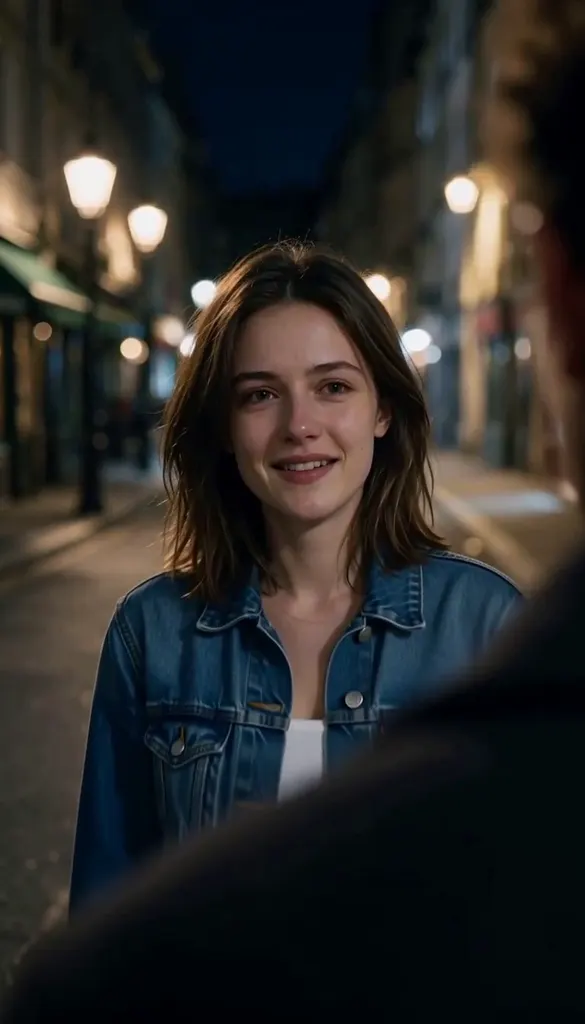
Upload one selfie and get the AI crying trend in one tap: a night street scene where your smile slowly breaks into tears before you turn and walk away. No prompt to write.
- 200credits per video
- ♪sound included
- 100%refund if it fails
≈ $2.00 · uses purchased credits✓ Refunded automatically if it fails · usually ready in 1–3 minutes
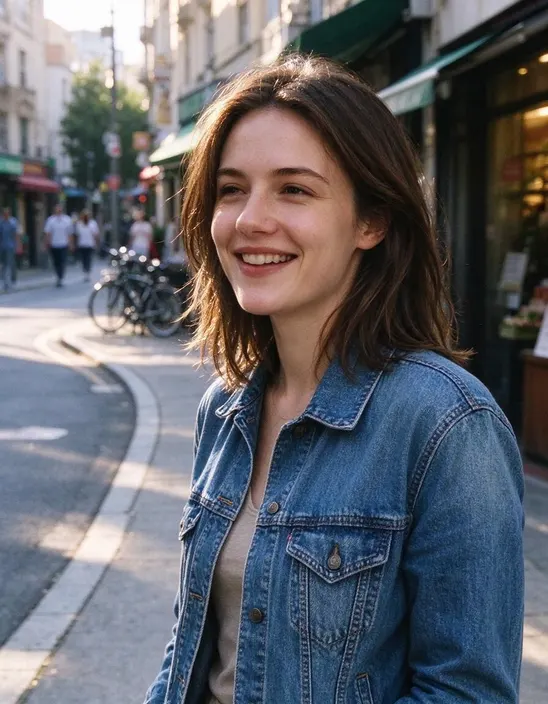 PhotoExample · Selfie
What people turn into video
Every clip starts from the photo in the corner. Tap “Try this” to watch it in the player above.
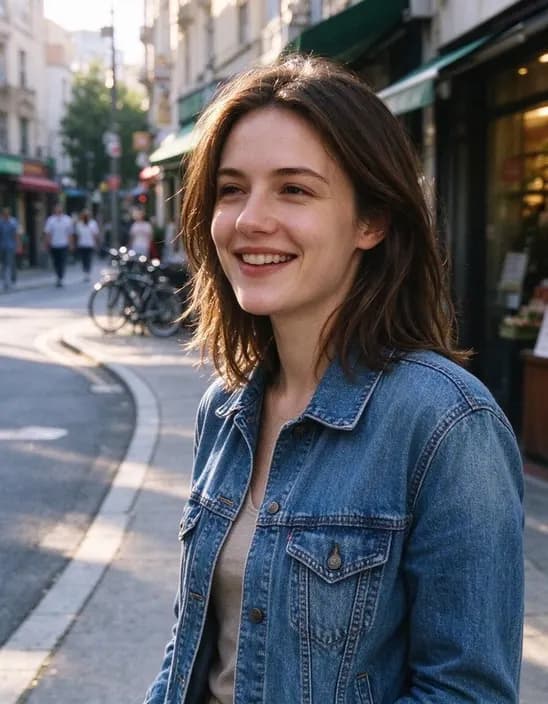 Selfie
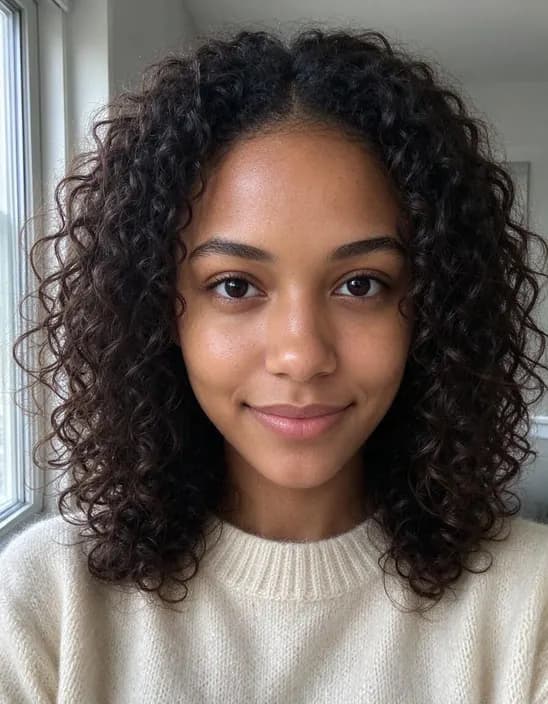 Close-up
 Portrait
Popular uses
Pages built around one look, each with its own examples and tips.
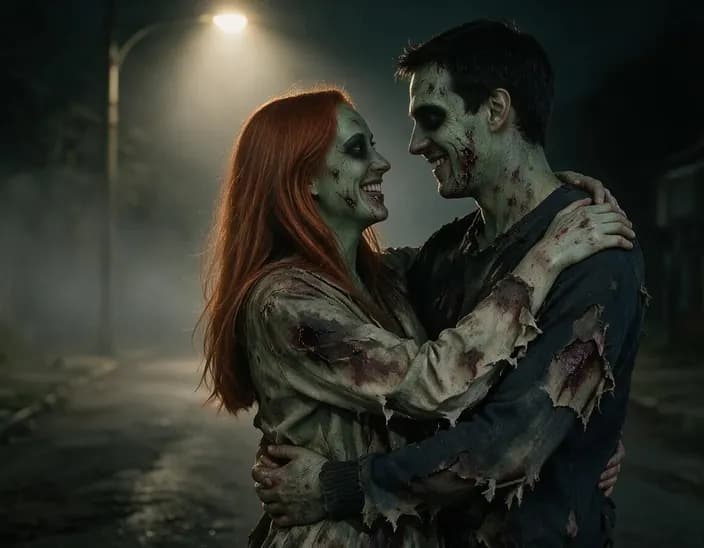 AI Halloween CostumeUpload a photo and get a Halloween version of it in one tap: a Y2K flash vampire, a movie zombie, a witch in a candlelit forest and more. No prompt to write.
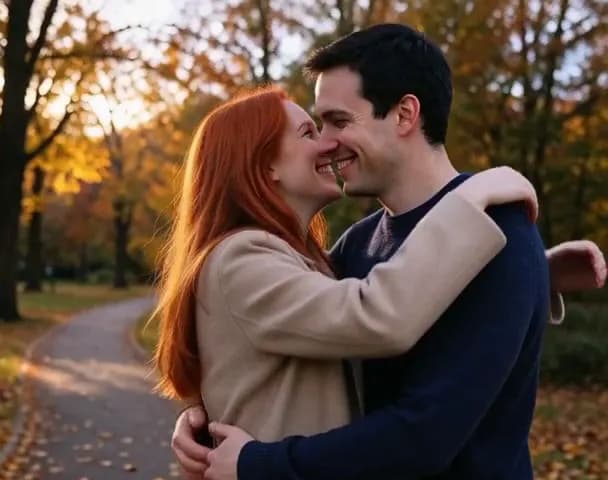 AI Hug VideoUpload one photo with both people in it and get a 5-second video of them turning to each other for a warm hug.
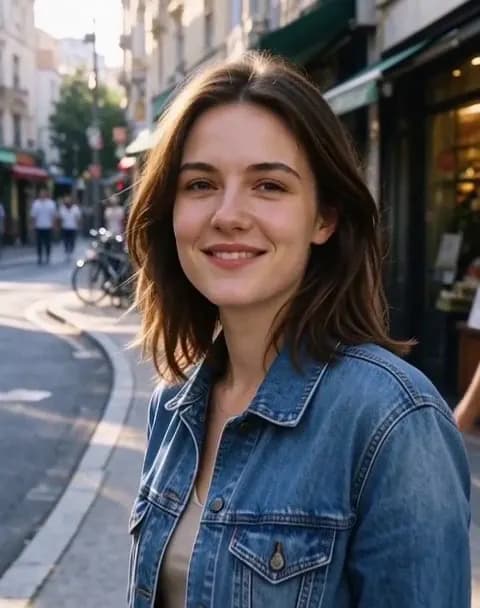 Image to VideoTurn a photo into a short video with sound. Say what should move, tap a suggestion, or leave it empty and let the AI choose.
How it works
Why people use it
The real trend, not a filter
A movie-style night street, a blurred figure in the foreground and a slow push-in, the same scene everyone is posting.
Real tears, still you
Your face, hair and clothes stay the same while your expression changes, from a hopeful smile to tears.
10 seconds, vertical, with sound
Made for Reels, TikTok and Shorts: 9:16, 768p, with a soft piano soundtrack.
No prompt, no editing
Two AI models do the work: one builds the scene from your photo, the other brings it to life.
One price, refunded if it fails
Each video costs 200 credits with purchased credits. If it fails, the credits come straight back.
A breakup scene from a selfie
The AI crying video is this season's most shared photo-to-video trend. One still photo becomes a short drama: a warm-lit street at night, someone blurred in the foreground, the camera slowly moving in as your smile fades, your eyes fill and tears roll down before you turn and walk away. It's dramatic on purpose, and that's the joke, the trend lives on captions like "when he says he's going to the gym" or "me after the last episode".
How we make it
Most apps animate your photo as it is, so the background stays your bedroom or office and the scene never looks like the trend. We do it in two steps. First, Seedream 5.0 Pro turns your photo into a vertical film still on a night street, keeping your face, hair and clothes. Then MiniMax H3 animates that still into a 10-second, 768p video with sound. You get the full scene, not a crying filter on top of a selfie.
Tips
- One person, close to the camera. Faces that fill more of the frame cry more convincingly.
- Both eyes visible. Sunglasses, hair over the eyes or strong shadows weaken the effect.
- Post it vertical. The video is 9:16, ready for Reels, TikTok and Shorts.
For a happier ending, try the AI Hug Video, or make any scene you like with Image to Video.
Frequently asked questions
Try next
AI Halloween Costume40 creditsUpload a photo and get a Halloween version of it in one tap: a Y2K flash vampire, a movie zombie, a witch in a candlelit forest and more. No prompt to write.Image to Videofrom 45 creditsTurn a photo into a short video with sound. Say what should move, tap a suggestion, or leave it empty and let the AI choose.