AI Photo Editor: Just Say What to Change
Upload a photo, describe the edit in plain English and get the new version. No layers, no brushes, no editing skills needed.
- 8 credits
- Free account, 20 credits to start
- No watermark with purchased credits
Needs a free account. New accounts get free credits to start.
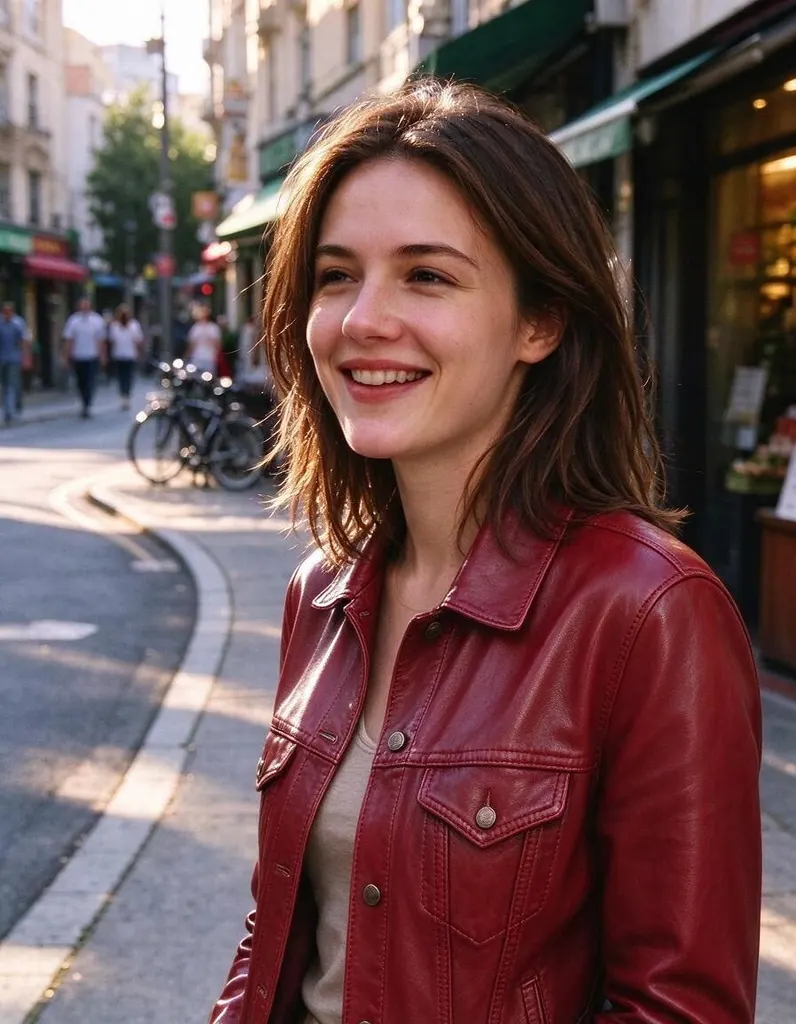
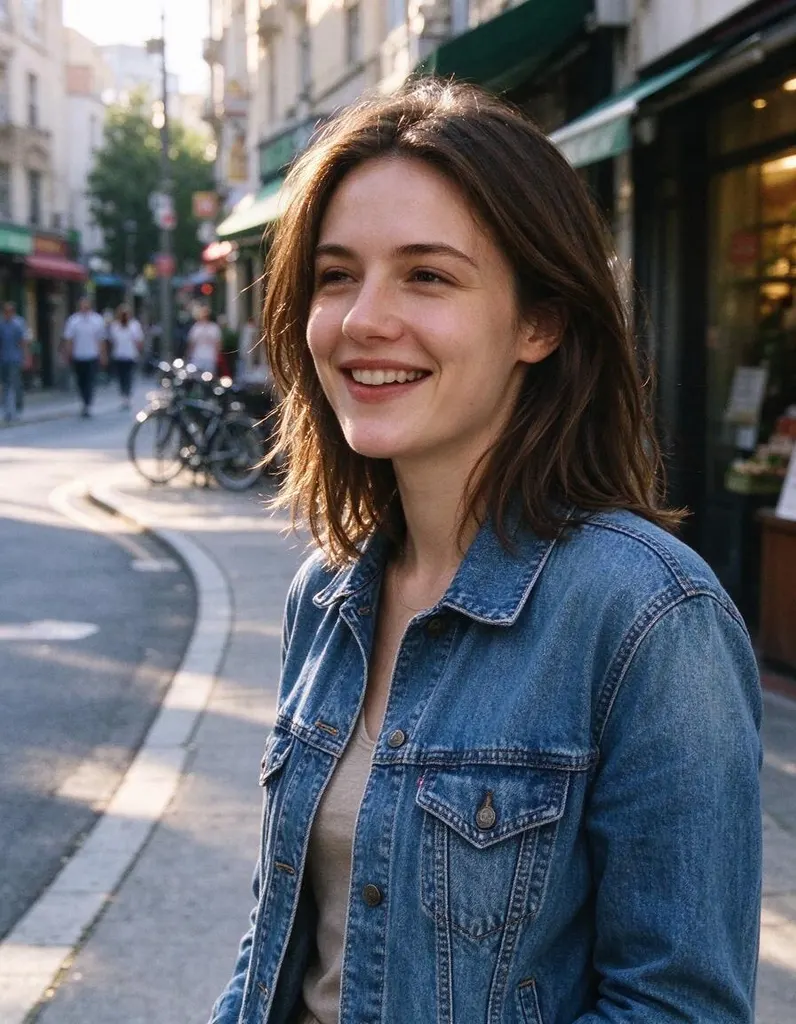
See what it does


How it works
Why people use it
Edit with plain words
Describe the change the way you'd explain it to a friend. The AI works out which part of the photo to edit.
Many kinds of edits
Change clothes, add or swap objects, adjust the lighting or the time of day, or give the whole photo a new style.
Edit on top of edits
Not quite right? Run another edit on the result until it looks the way you want.
One price per edit
Each edit costs 8 credits, whatever you ask for. New accounts start with free credits.
Private uploads
Location and other private metadata are stripped from your photo, and uploads are deleted after 7 days.
What people use it for
An AI photo editor lets you change a picture by describing the edit instead of doing it by hand. Try on a different outfit before buying it, add a coffee cup to an empty table, turn a gray afternoon into a sunset, put a product into a lifestyle scene, or remove the dated feel from an old snapshot. It is also handy for quick fixes that would take a long time with layers and masks, like changing the color of a wall or a car.
How to write a good edit prompt
- Say what to change and where. "Change the sofa on the left to a green velvet sofa" works better than "make the room nicer".
- Say what to keep. If the face, pose or background should stay the same, mention it: "keep her face and pose unchanged".
- One change at a time. Big edits work best in steps. Change the outfit first, then the lighting, then the background.
AI Photo Editor vs. AI Photo Filter
Use the editor when you want a specific change written in your own words. If you just want your whole photo turned into a style – anime, watercolor, pencil sketch and more – the AI Photo Filter does it in one click with no prompt to write. For a new background behind a person or product, Change Background is built for exactly that.
Limitations
Like any AI editor, it can sometimes change more or less than you asked for, or get small details such as text, hands or logos slightly wrong. Running the edit again or making the prompt more specific usually fixes it. Edits made with free credits carry a small watermark; edits made with purchased credits don't.
Frequently asked questions
Try next
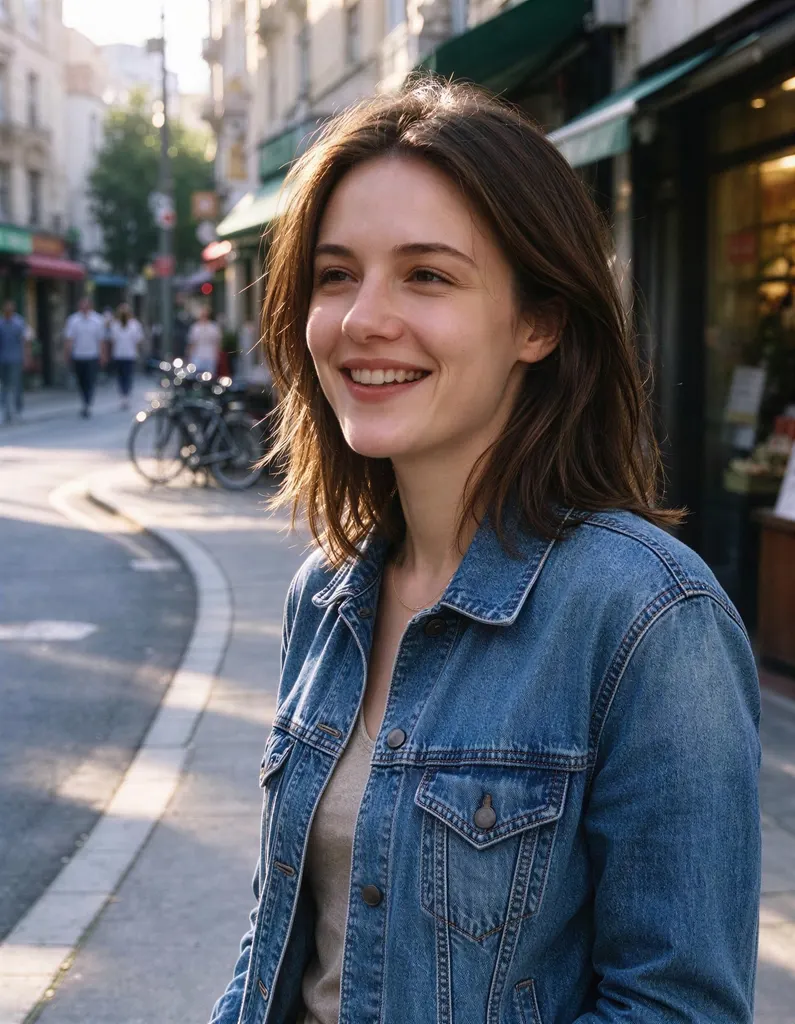 Image Upscalerfrom 2 creditsMake small images bigger and sharper in one click. Choose 2x or 4x, with no watermark on the result.
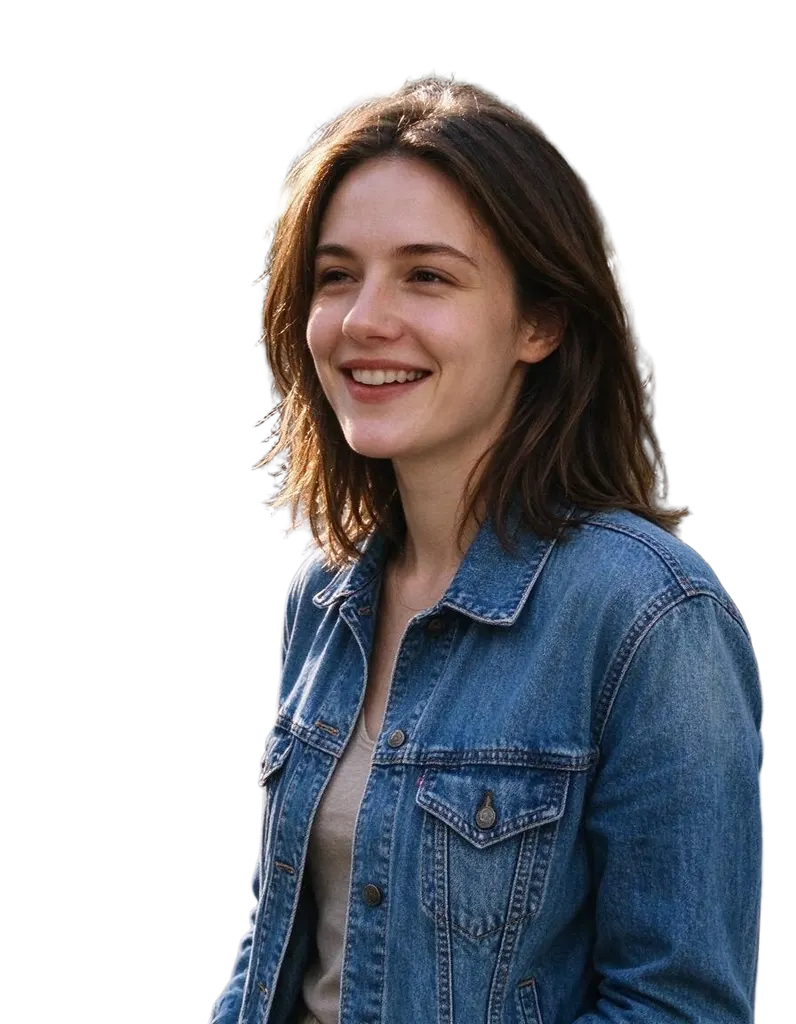 HD Background Remover1 creditClean cutouts for hair, fur and fine edges. Transparent PNG, no watermark, and you can try it without an account.
 AI Photo Filter2 creditsPick a style, upload a photo and get it redrawn as art. No prompt to write and no sign-up needed to try it.
 AI Headshot Generator8 creditsUpload one selfie, pick a look and get a polished portrait headshot. No photographer, no studio booking.