Passport Photo Maker
Turn a phone picture into a passport or visa photo. We size and center your head to the official rules, clean the background and check the photo for you. Preview free; the HD download costs 200 credits.
- 200 credits
- Free preview, no sign-up
- Pay only to download
- Size
- 2 × 2 in · 600 × 600 px
- Head
- 50–69% of the height, chin to top of hair
- Background
- White
- File
- JPEG, at least 54 KB
Face detection and the preview run in your browser. Your photo is only uploaded when you export.
Preview and photo check are free. The HD download costs 200 credits.
Made to the official rules we checked on 2026-10-08. Final acceptance is up to the issuing authority. Official requirements
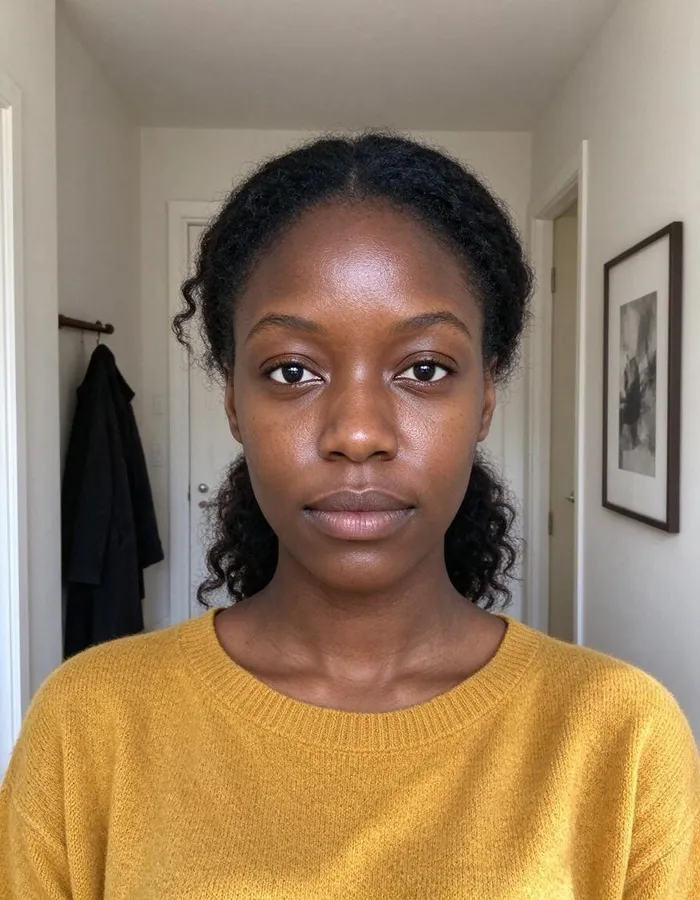 Phone photo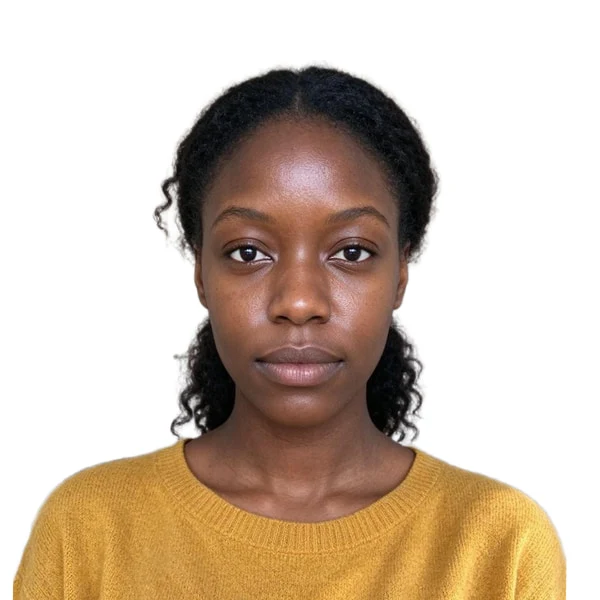
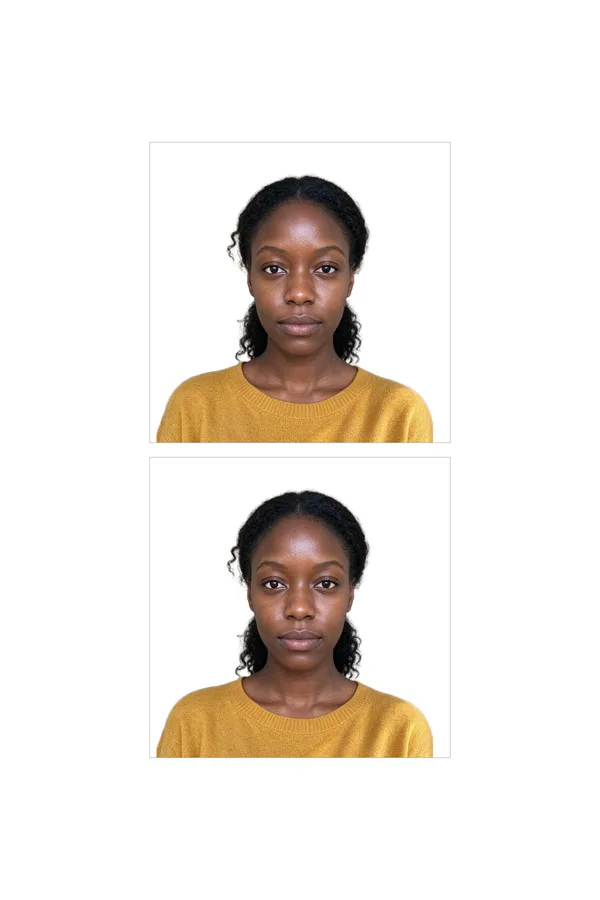
Real example: an everyday phone photo, framed and exported by this tool. Add yours to see your free preview.
US passport photo requirements
The tool frames and exports your photo to these rules. They come from the official page linked below.
- Size
- 2 × 2 in
- Digital file
- 600 × 600 px (300 dpi of the print size) · JPEG, at least 54 KB
- Head
- 50–69% of the height, chin to top of hair
- Eye height
- 56–69% of the height, measured up from the bottom
- Background
- White
- Glasses
- Not allowed
- Taken within
- The last 6 months
Checked against the official rules on 2026-10-08.Official requirements
Pixwhim is not affiliated with any government agency. Final acceptance is up to the passport office or embassy.
Real results from everyday phone photos
Each one started as an ordinary picture and was framed, cleaned up and exported by this tool. Pick one to see it in the workbench.
How it works
Why people use it
Sized to the official rules
Head size, eye height, background and file limits come from government pages, each linked and dated.
Free check before you pay
See the framed photo and the checklist first. You only pay when you download the HD files.
Private by design
Face detection and the preview run in your browser. The photo is uploaded only when you export, and deleted a day later.
Print sheets included
Every export comes with 4×6 in and A4 sheets with cut lines, ready for a drugstore print or a home printer.
No beauty filters
We only crop, straighten and replace the background. Passport offices reject retouched or AI-altered faces.
How the passport photo maker works
Passport and visa photos have strict rules: the exact print size, how big your head is in the frame, where your eyes sit, the background color and, for online applications, the pixel size and file size. This tool reads your photo in the browser, finds your face and works out the frame for the document you choose. It levels your eyes if your head is slightly tilted, sizes your head to the middle of the allowed range and replaces the background with the required color.
The photo check then measures the result: head size, eye height, resolution, whether you're facing the camera, closed eyes and uneven lighting. Anything that would get the photo rejected is marked in red and has to be fixed before you can export. You can drag the photo and zoom to adjust the frame yourself; the checks update as you move it.
Tips for a photo that passes
- Face the camera straight on, with a neutral expression and both eyes open.
- Stand a step away from a plain wall in daylight or soft, even light, so there are no shadows on your face.
- Have someone else take it at head height, about 1–1.5 m away. Selfies taken at arm's length distort faces.
- Take off glasses and hats unless your document allows them and you need them for medical or religious reasons.
What you get
Each export gives you a digital photo at the document's exact pixel size and file limit, ready to upload to an online application, plus print sheets: a 4×6 in sheet for drugstore photo counters and an A4 sheet for home printers, both at 300 dpi with light cut lines. The files carry no metadata, and we never mark your photo as AI-generated, because it isn't.
Frequently asked questions
Try next
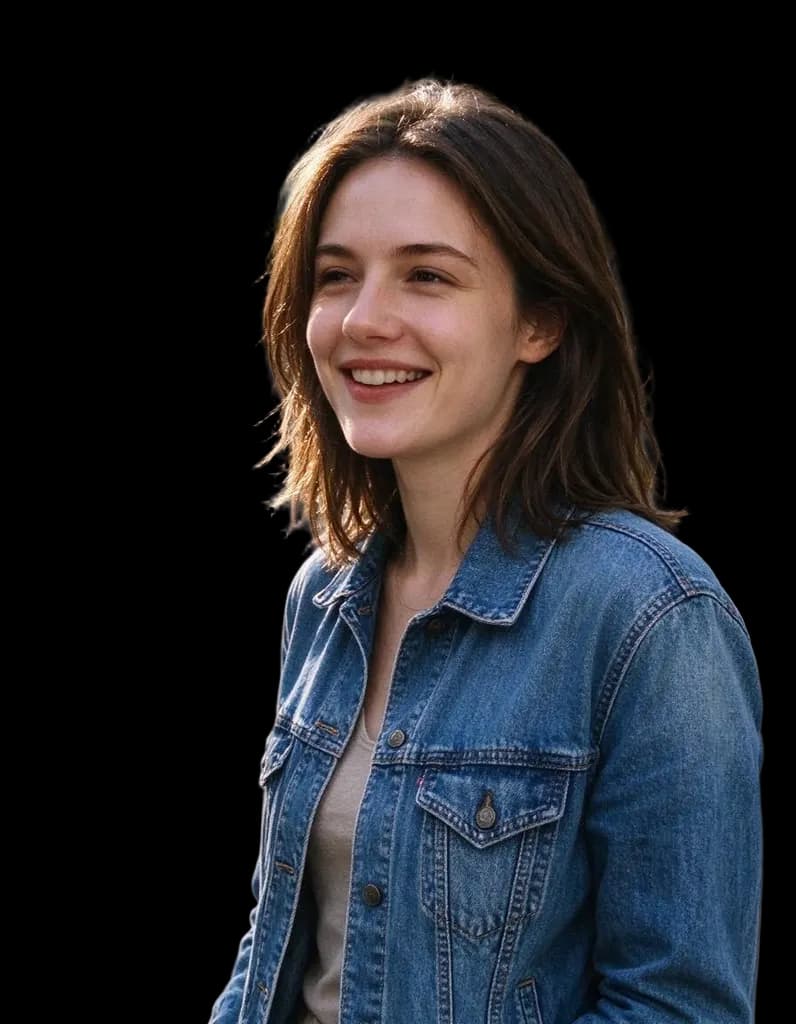 HD Background Remover1 creditClean cutouts for hair, fur and fine edges. Transparent PNG, no watermark, and you can try it without an account.
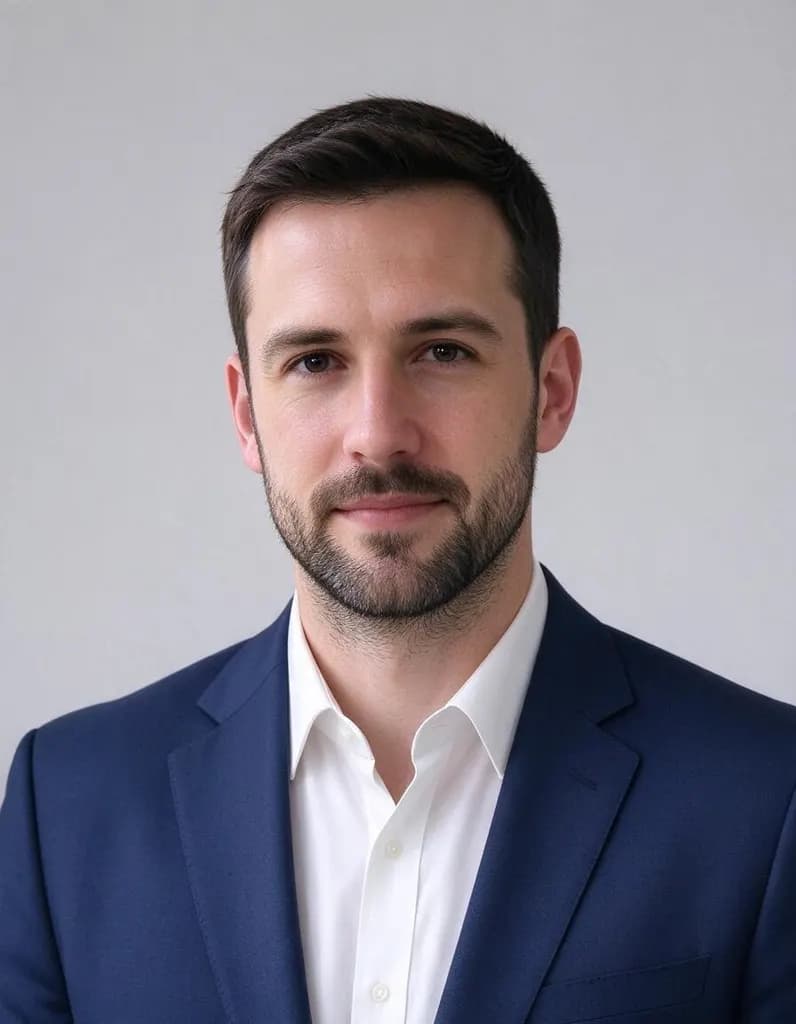 AI Headshot Generator8 creditsUpload one selfie, pick a look and get a polished portrait headshot. No photographer, no studio booking.
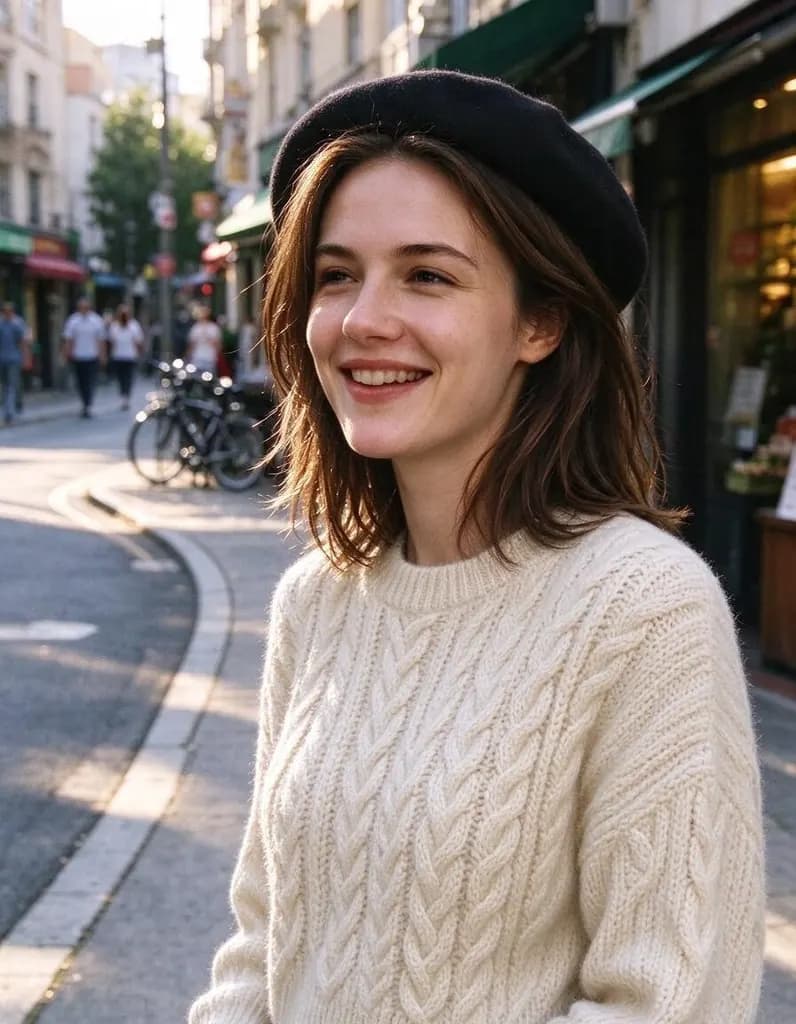 AI Photo Editor8 creditsUpload a photo and say what to change. Swap an outfit, move it to a new place, add or remove things, change the season. The rest of the photo stays the same.
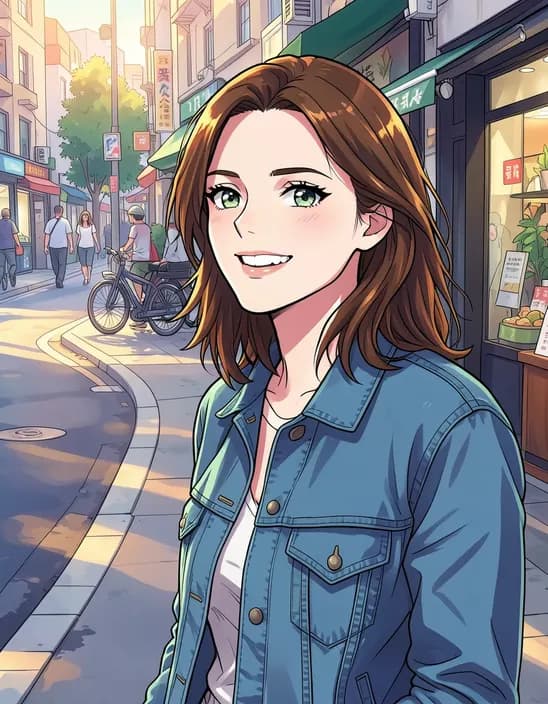 AI Photo Filter2 creditsTurn a photo into anime, a 3D cartoon, a sketch, a painting or a collectible toy. Pick a style and tap once. Works on selfies, couples, group shots and pets.