AI Hug Video
Upload one photo with both people in it and get a 5-second video of them turning to each other for a warm hug.
- 45credits per video
- ♪sound included
- 100%refund if it fails
≈ $0.45 · uses purchased credits✓ Refunded automatically if it fails · usually ready in under a minute
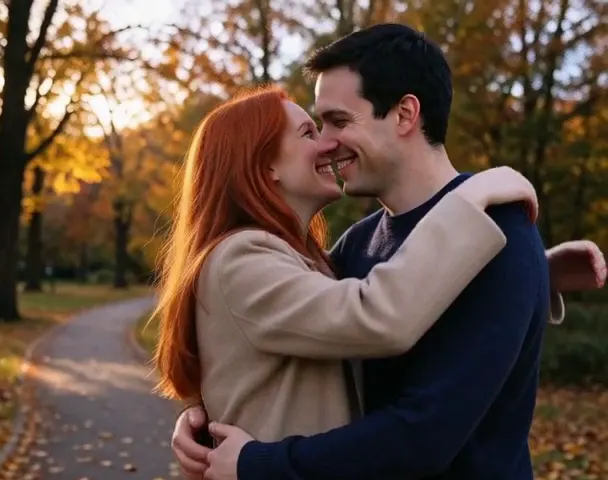
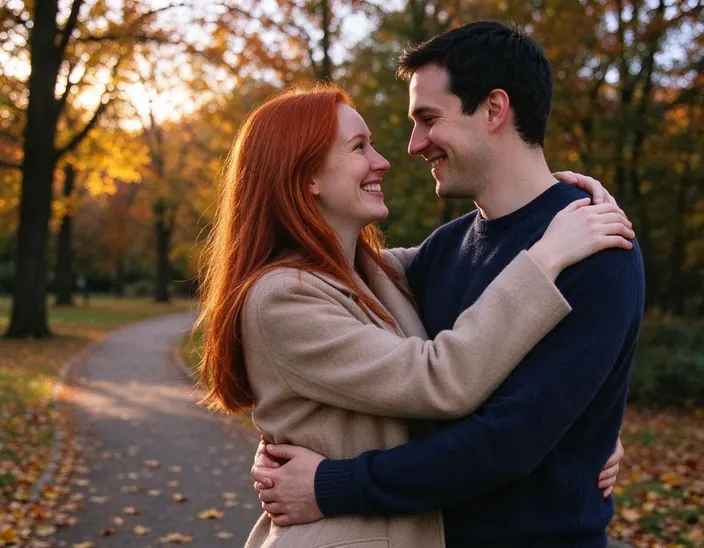 PhotoExample · Couple
What people turn into video
Every clip starts from the photo in the corner. Tap “Try this” to start from the same prompt.
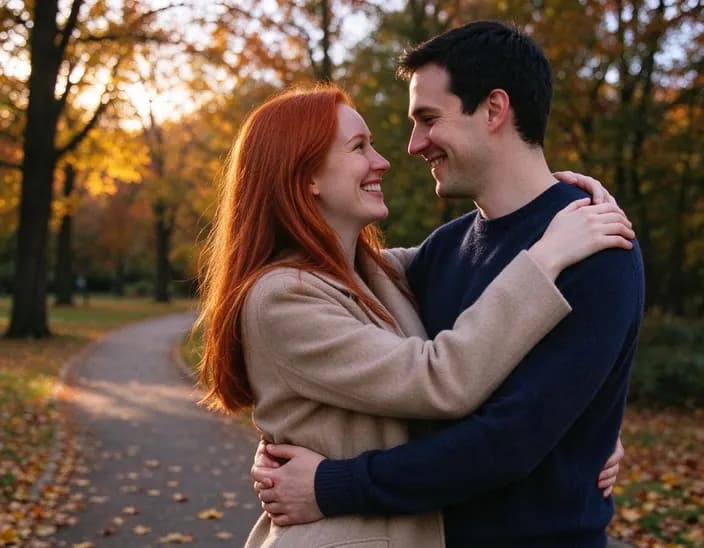 Couple
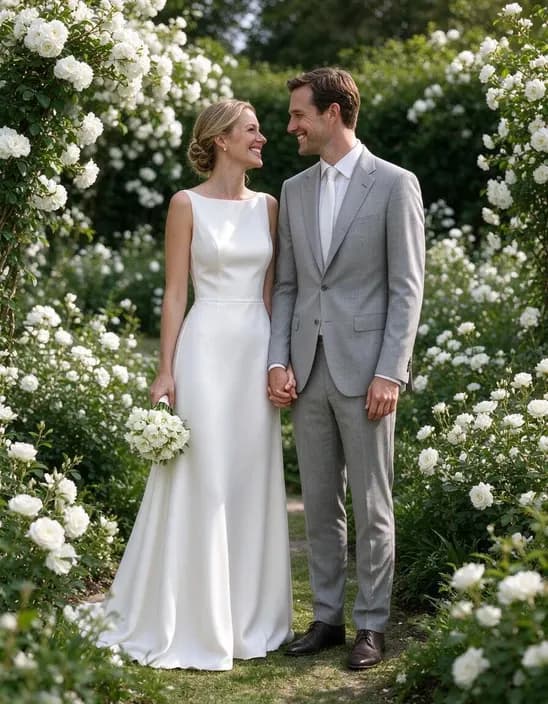 Wedding
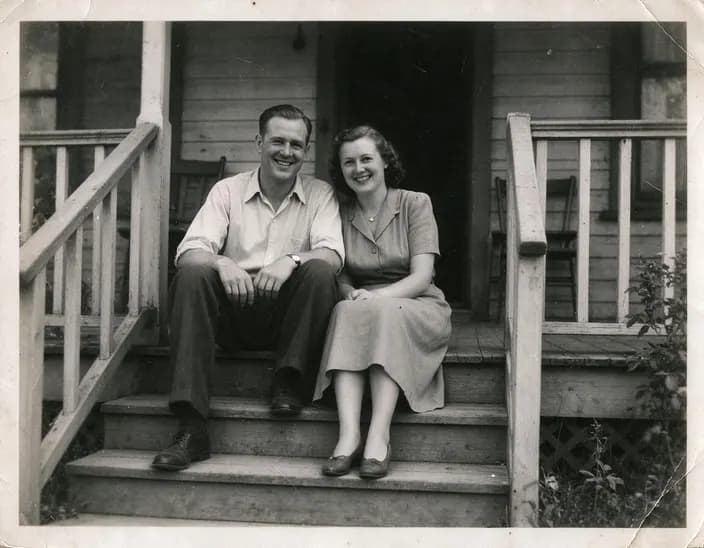 Grandparents
Popular uses
Pages built around one look, each with its own examples and tips.
 AI Video EffectsPick an effect, upload a photo and get a 5-second video with sound. No prompt to write.
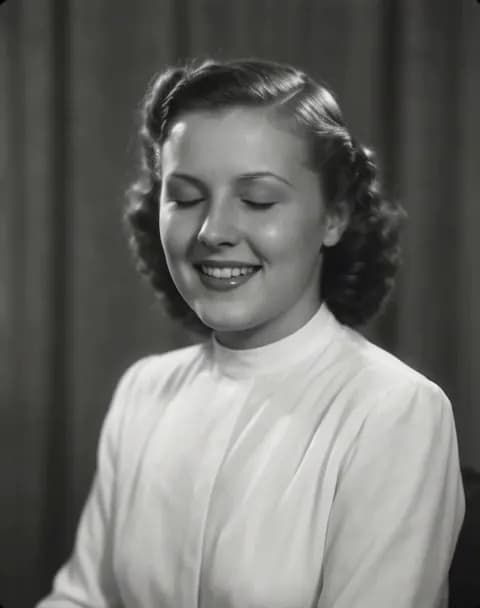 Animate Old PhotosTurn an old family photo into a short video with gentle, natural motion: a blink, a smile, a turn of the head. Works on recent portraits too.
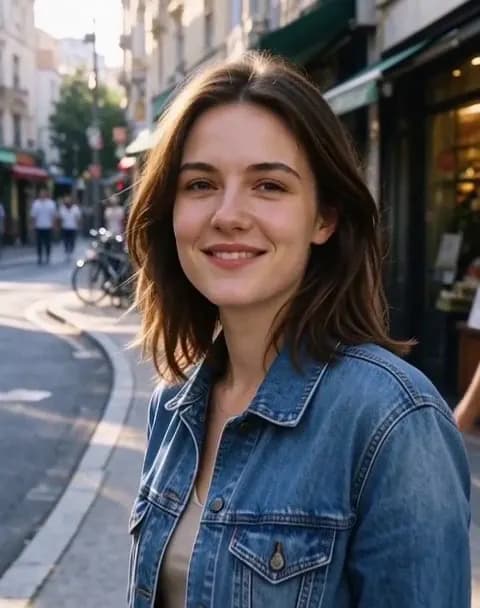 Image to VideoTurn a photo into a short video with sound. Say what should move, tap a suggestion, or leave it empty and let the AI choose.
How it works
Why people use it
One photo, one tap
No prompt to write. The AI turns the two people towards each other and makes them hug.
Couples, family, old photos
Works with anniversary photos, wedding pictures and black and white family photos.
Video with sound
Every clip comes with a soft soundtrack that fits the scene.
Only photos with consent
One photo with both people already in it, and a confirmation that they agreed. We don't stitch two separate photos together.
One price, refunded if it fails
Each hug video costs 45 credits with purchased credits. If it fails, the credits come straight back.
A hug from a photo
An AI hug video takes a still photo of two people and turns it into a short clip of them embracing. It's a sweet way to celebrate an anniversary, send something to a partner far away, or see grandparents share a hug from a photo taken decades ago.
Tips for a natural hug
- Both people facing the camera or each other. Side-by-side photos where both faces are visible work best.
- Close together. People standing next to each other hug more naturally than people far apart in the frame.
- Clear and sharp. Restore and upscale old photos first with Old Photo Restoration.
Please use it kindly
Only use photos of adults who agreed to it. For more ways to bring a family photo to life, try Animate Old Photos, or write your own motion with Image to Video.
Frequently asked questions
Try next
Image to Videofrom 45 creditsTurn a photo into a short video with sound. Say what should move, tap a suggestion, or leave it empty and let the AI choose.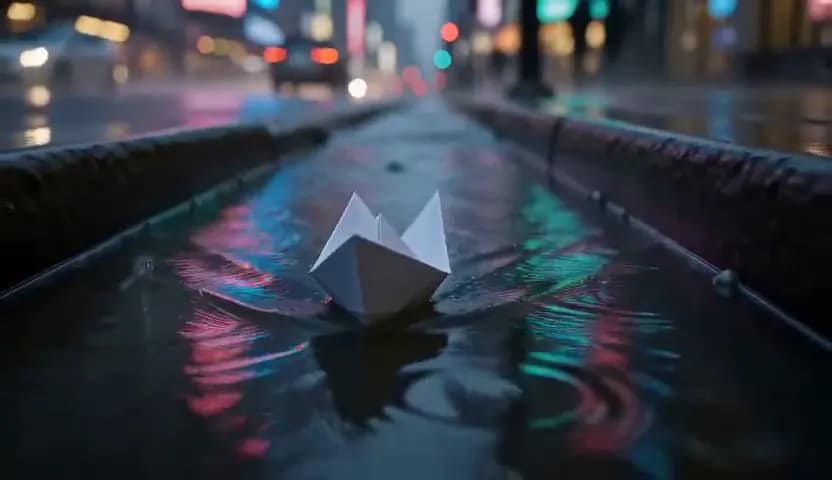 Text to Videofrom 45 creditsType a scene and get a short AI video. No camera, no footage, no editing software.Animate Old Photos45 creditsTurn an old family photo into a short video with gentle, natural motion: a blink, a smile, a turn of the head. Works on recent portraits too.AI Video Effects45 creditsPick an effect, upload a photo and get a 5-second video with sound. No prompt to write.