DS-160 Photo Maker for US Visas
Make the digital photo for your DS-160 and other US visa forms: a square 600 × 600 px JPEG under 240 KB, white background, head and eyes where the State Department wants them. Preview free; the HD download costs 200 credits.
- 200 credits
- Free preview, no sign-up
- Pay only to download
- Size
- 2 × 2 in · 600 × 600 px
- Head
- 50–69% of the height, chin to top of hair
- Background
- White
- File
- JPEG, up to 240 KB
Face detection and the preview run in your browser. Your photo is only uploaded when you export.
Preview and photo check are free. The HD download costs 200 credits.
Made to the official rules we checked on 2026-10-08. Final acceptance is up to the issuing authority. Official requirements
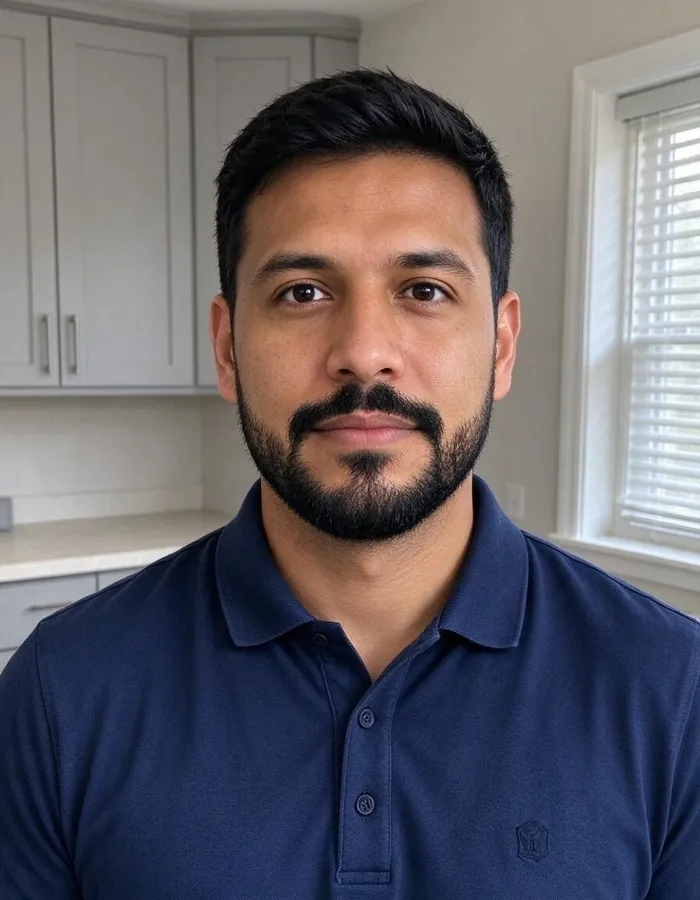 Phone photo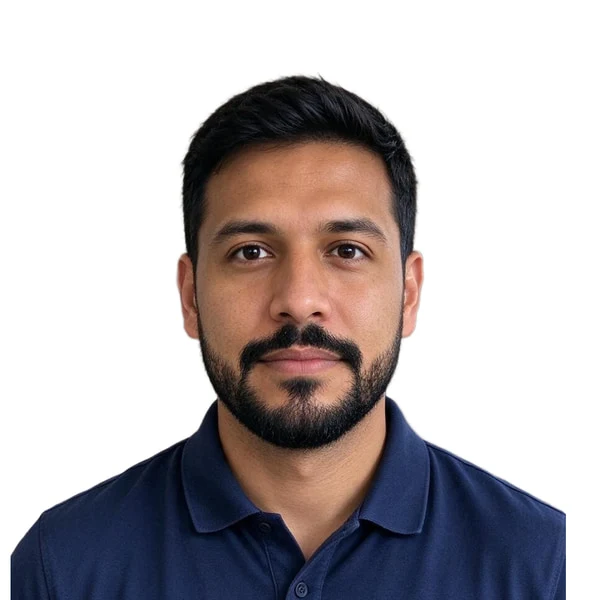
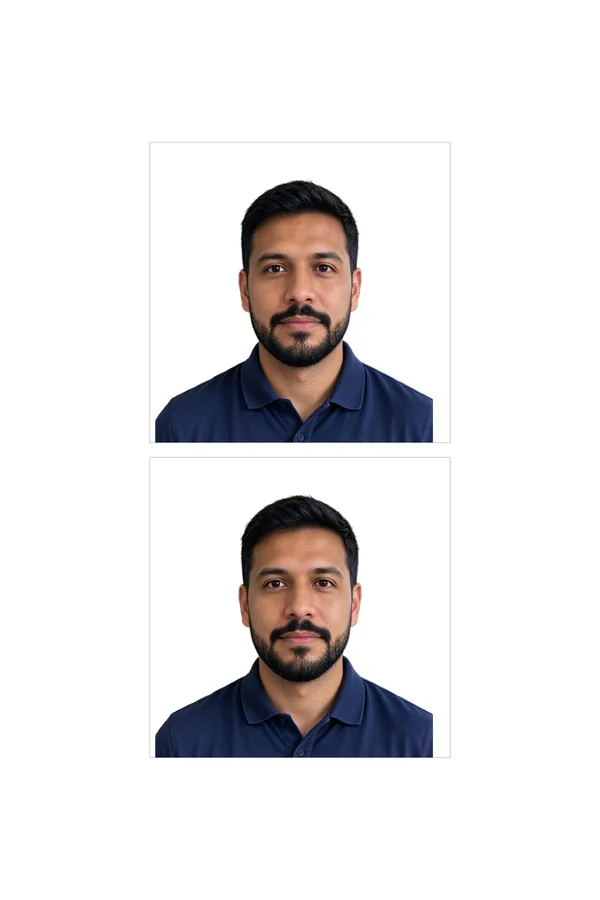
Real example: an everyday phone photo, framed and exported by this tool. Add yours to see your free preview.
US visa (DS-160) photo requirements
The tool frames and exports your photo to these rules. They come from the official page linked below.
- Size
- 2 × 2 in
- Digital file
- 600 × 600 px (square, 600–1200 px allowed) · JPEG, up to 240 KB
- Head
- 50–69% of the height, chin to top of hair
- Eye height
- 56–69% of the height, measured up from the bottom
- Background
- White
- Glasses
- Not allowed
- Taken within
- The last 6 months
Checked against the official rules on 2026-10-08.Official requirements
Pixwhim is not affiliated with any government agency. Final acceptance is up to the passport office or embassy.
Real results from everyday phone photos
Each one started as an ordinary picture and was framed, cleaned up and exported by this tool. Pick one to see it in the workbench.
How it works
Why people use it
Made to pass the photo upload
Square, 600 × 600 px, 24-bit sRGB JPEG under 240 KB: the limits the DS-160 photo check enforces.
Head and eye position checked
The checklist measures head size and eye height against the State Department template before you pay.
No glasses, no filters
The checklist reminds you that glasses aren't allowed. We never retouch your face; the rules forbid it.
Prints for the interview
If your consulate asks for printed photos, the 4×6 in sheet holds two 2 × 2 in photos.
The US visa photo rules in one place
The State Department uses one photo standard for the DS-160 nonimmigrant visa form and other visa applications. The digital file must be a square JPEG from 600 × 600 to 1200 × 1200 pixels, in color (24-bit sRGB), no larger than 240 KB. The photo must be recent (within 6 months), in focus, and taken against a plain white or off-white background with no shadows.
Framing has two measurements. Your head, from the chin to the top of the hair, must be 50–69% of the image height (1 to 1⅜ inches on a printed 2 × 2 in photo). Your eyes must sit 56–69% up from the bottom (1⅛ to 1⅜ inches). The tool frames to the middle of the head range and keeps the eyes inside theirs, then shows both numbers in the checklist.
Common reasons the upload fails
- File too large: phone photos are several MB. The export is compressed to the limit without dropping below 600 px.
- Not square or too small: cropping by hand often leaves a rectangle or fewer than 600 pixels.
- Glasses: not allowed in new visa photos, even clear ones.
- Shadows and uneven light: light from one side darkens half the face. The checklist warns about it.
- Edited photos: filters, beauty modes or AI edits are not accepted. We only crop and replace the background.
DS-160 and the DV lottery
The Diversity Visa lottery uses the same standard but wants exactly 600 × 600 pixels. If you're entering the lottery, use the DV lottery photo page, which exports that exact size.
Frequently asked questions
Try next
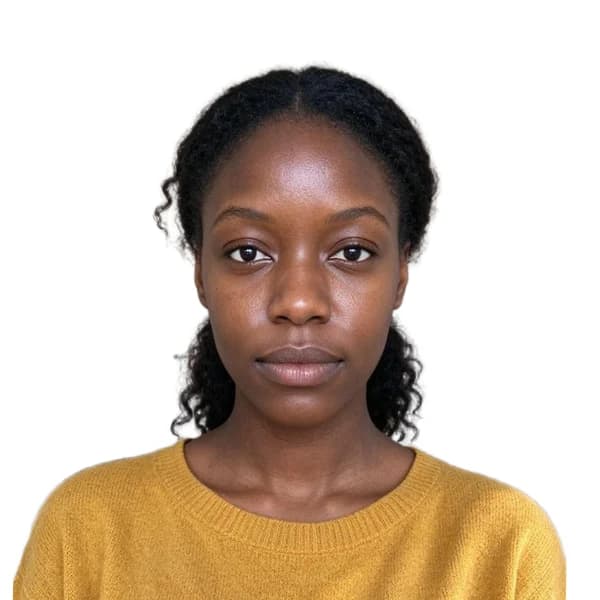 Passport Photo Maker200 creditsTurn a phone picture into a passport or visa photo. We size and center your head to the official rules, clean the background and check the photo for you. Preview free; the HD download costs {credits}.
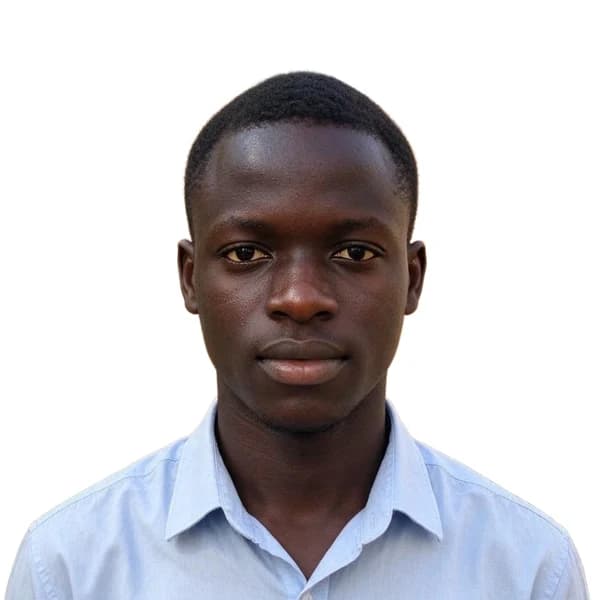 Passport Photo Maker200 creditsMake the photo for your Diversity Visa (Green Card lottery) entry: exactly 600 × 600 pixels, JPEG under 240 KB, white background, framed to the State Department rules. Preview free; the HD download costs {credits}.
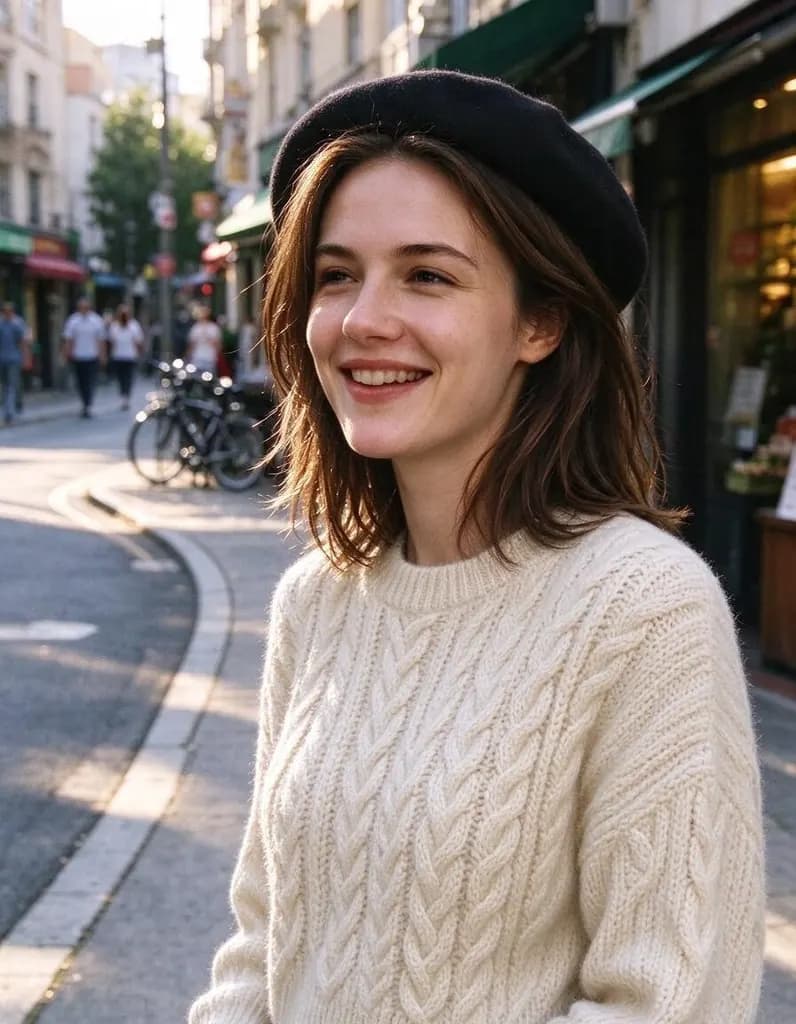 AI Photo Editor8 creditsUpload a photo and say what to change. Swap an outfit, move it to a new place, add or remove things, change the season. The rest of the photo stays the same.
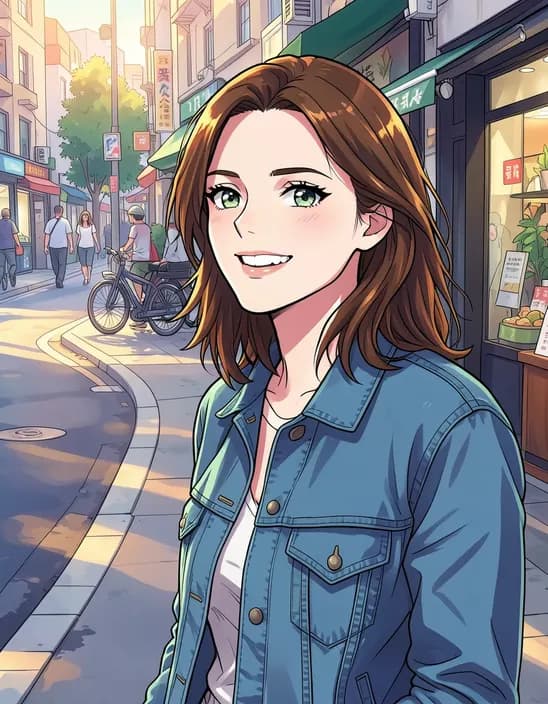 AI Photo Filter2 creditsTurn a photo into anime, a 3D cartoon, a sketch, a painting or a collectible toy. Pick a style and tap once. Works on selfies, couples, group shots and pets.