Passport and ID Photo Tools
Pick your document and make a photo that follows its official rules. The check and preview are free and run in your browser; you only pay to download the HD files.
Tools in this category
Popular uses
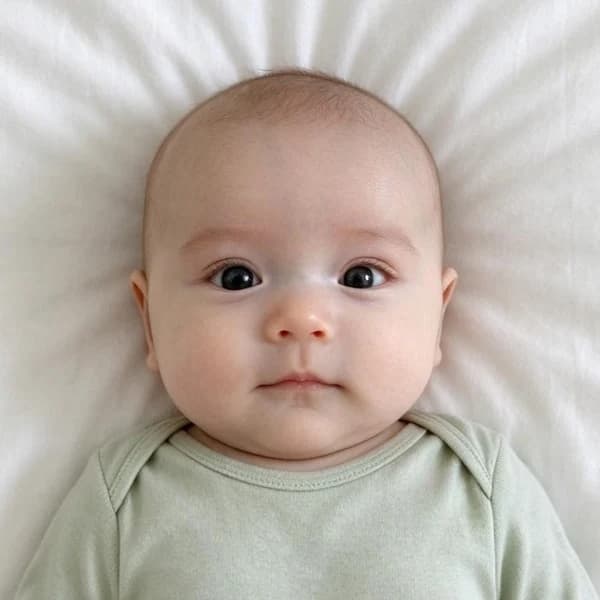 Baby Passport Photo MakerMake a US passport photo for a baby or toddler from a photo you take at home. We size and center the head to the 2 × 2 inch rule and keep your plain white background. Preview free; the HD download costs {credits}.
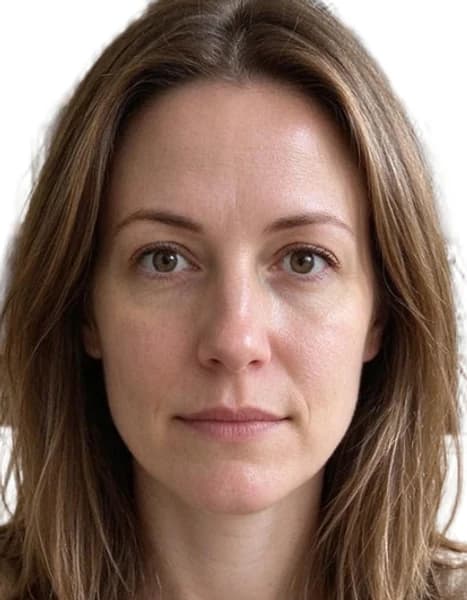 Schengen Visa Photo MakerTurn a phone picture into a 35 × 45 mm Schengen visa photo. We size your head to the EU rule (70–80% of the photo, chin to crown), clean the background and check the photo. Preview free; the HD download costs {credits}.
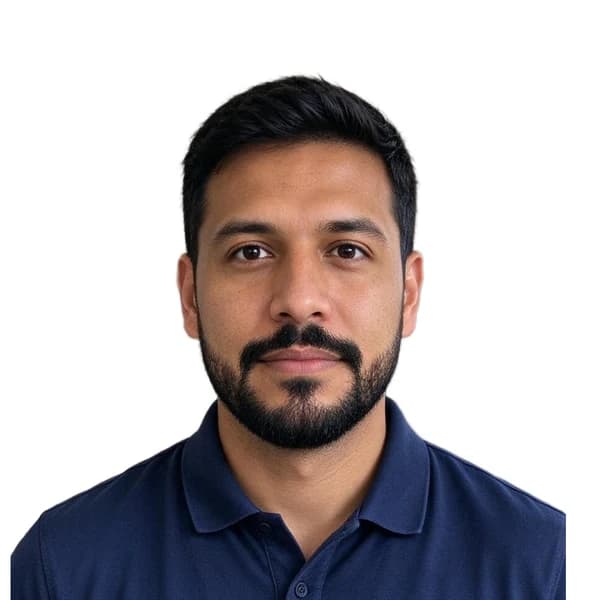 DS-160 Photo Maker for US VisasMake the digital photo for your DS-160 and other US visa forms: a square 600 × 600 px JPEG under 240 KB, white background, head and eyes where the State Department wants them. Preview free; the HD download costs {credits}.
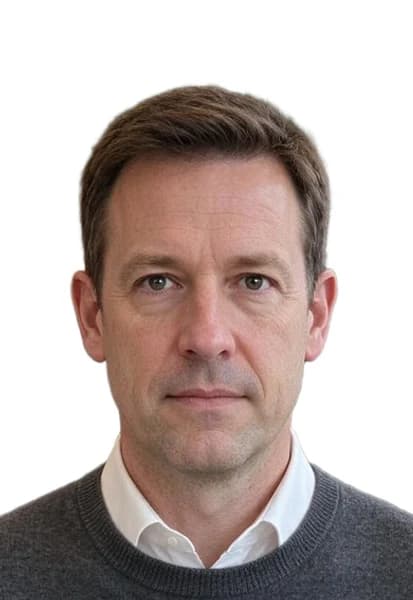 China Visa Photo MakerMake the printed photo for a Chinese visa application: 33 × 48 mm, head 28–33 mm tall, plain white background and both ears showing. Preview free; the HD download costs {credits}.
 China Visa Online Photo (354 × 472 px)Make the digital photo for the Chinese online visa application: 354 × 472 pixels, JPEG between 40 and 120 KB, white background, framed to the embassies' rules. Preview free; the HD download costs {credits}.
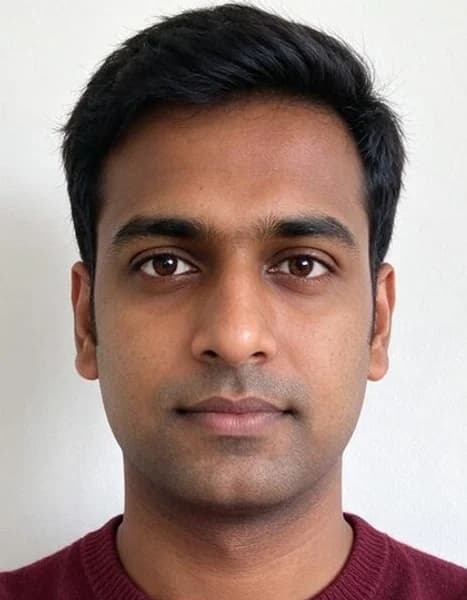 Canada Visa Photo MakerMake a photo for a Canadian visitor visa or similar IRCC application: 35 × 45 mm, head 31–36 mm from chin to crown, and a 420 × 540 px digital file. We keep your own plain background, unaltered. Preview free; the download costs {credits}.
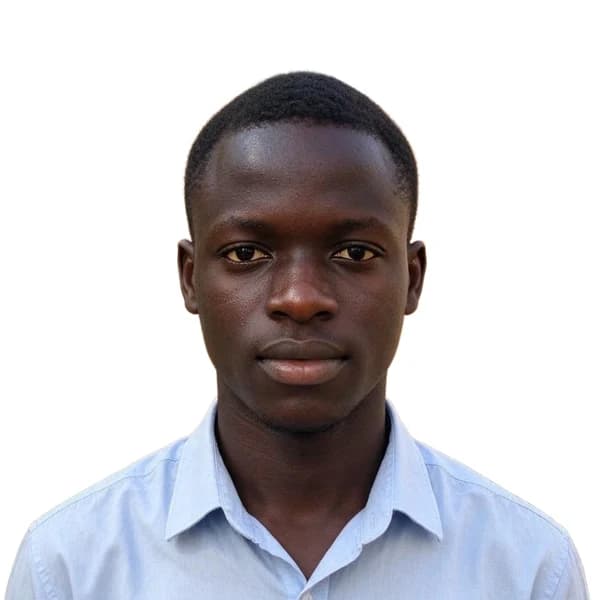 DV Lottery Photo MakerMake the photo for your Diversity Visa (Green Card lottery) entry: exactly 600 × 600 pixels, JPEG under 240 KB, white background, framed to the State Department rules. Preview free; the HD download costs {credits}.
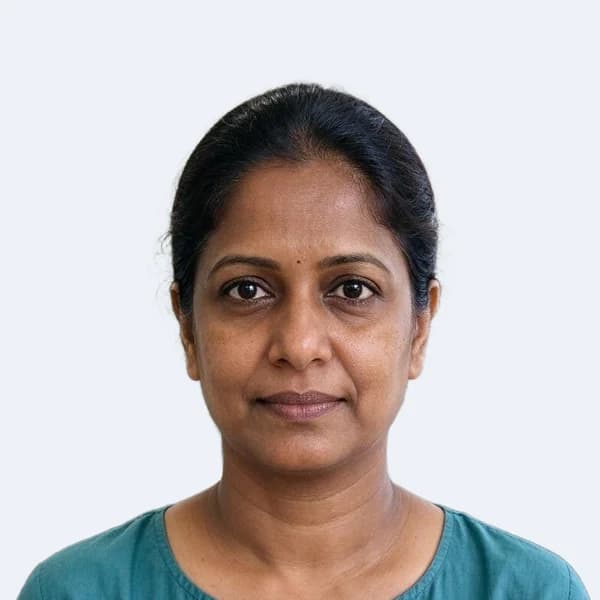 OCI Photo MakerMake the applicant photo for your OCI card: a square JPEG between 200 and 900 pixels, under 200 KB, on a plain light background (not white), as the OCI portal asks. Preview free; the HD download costs {credits}.
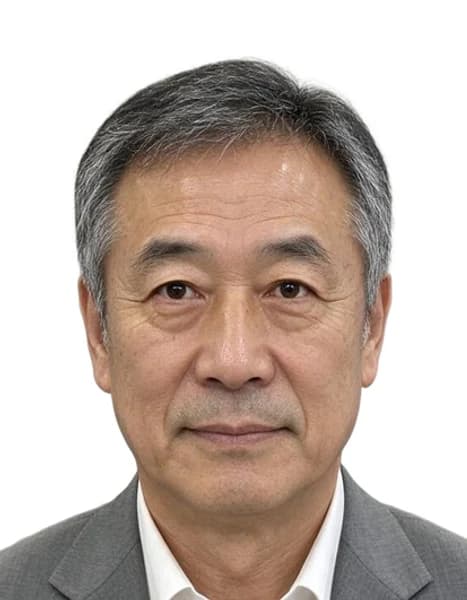 Japan Visa Photo MakerMake a photo for your Japanese visa application: 45 mm high by 35 mm wide, as printed on the Ministry of Foreign Affairs form, with your head 32–36 mm tall on a plain white background. Preview free; the HD download costs {credits}.
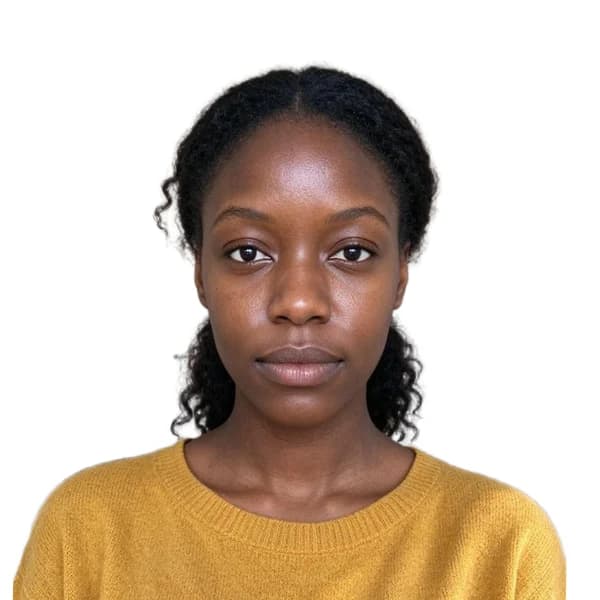 Passport and Visa Photo RequirementsSizes, head measurements, backgrounds and file limits for the documents we support, each checked against the official government page. Make your photo to these rules with a free preview; the HD download costs {credits}.
Why people use it
Official rules, linked and dated
Every document page shows the size, head measurement, background and file limit, with the government source and the date we checked it.
Free check before you pay
See the framed photo and the photo check first. Downloads cost 200 credits from a credit pack or subscription.
Your photo stays on your device
Face detection and the preview run in your browser. The photo is uploaded only when you export and deleted a day later.
Digital files and print sheets
Each export gives you the digital photo for online forms plus 4×6 in and A4 sheets with cut lines.
Passport and ID photos
Choose your document
Each document has its own page with an example made from an everyday phone photo, the official requirements and the photo tool set to the right size. The table below compares them; select a document to open its page.
| Document | Size | Head | Background | Digital file | Checked |
|---|---|---|---|---|---|
| US passport | 2 × 2 in | 50–69%chin to top of hair | Your own plain white wall (not replaced) | 600 × 600 px (300 dpi of the print size) · JPEG, at least 54 KB | 2026-10-08 |
| US visa (DS-160) | 2 × 2 in | 50–69%chin to top of hair | Your own plain white wall (not replaced) | 600 × 600 px (square, 600–1200 px allowed) · JPEG, up to 240 KB | 2026-10-08 |
| DV lottery (Green Card) | 600 × 600 px | 50–69%chin to top of hair | Your own plain white wall (not replaced) | 600 × 600 px (exact size required) · JPEG, up to 240 KB | 2026-10-08 |
| Schengen visa | 35 × 45 mm | 70–80%chin to top of head, hair not counted | White | 413 × 531 px (300 dpi of the print size) · JPEG | 2026-10-08 |
| India OCI | 2 × 2 in | 60–69%chin to top of hair | Light, not white | 600 × 600 px (square, 200–900 px allowed) · JPEG, up to 200 KB | 2026-10-08 |
| Japan visa | 35 × 45 mm | 71–80%chin to top of hair | White | 413 × 531 px (300 dpi of the print size) · JPEG | 2026-10-08 |
| US passport (baby) | 2 × 2 in | 50–69%chin to top of head, hair not counted | Your own plain white wall (not replaced) | 600 × 600 px (300 dpi of the print size) · JPEG, at least 54 KB | 2026-10-08 |
| China visa | 33 × 48 mm | 58–69%chin to top of hair | White | 390 × 567 px (300 dpi of the print size) · JPEG | 2026-10-08 |
| China visa (online form) | 354 × 472 px | 58–69%chin to top of hair | White | 354 × 472 px (exact size required) · JPEG, up to 120 KB | 2026-10-08 |
| Canada visa | 35 × 45 mm | 69–80%chin to top of head, hair not counted | Your own plain white wall (not replaced) | 420 × 540 px (exact size required) · JPEG, up to 240 KB | 2026-10-08 |
How it works
Add a photo, pick the document, and the tool finds your face, straightens it, sizes your head to the official rule and, where the rules allow it, replaces the background. The photo check measures head size, eye position and resolution and warns about shadows, closed eyes or a turned head. When everything passes, download the digital file for online forms or the print sheets for a photo counter or home printer.