Image to Video AI
Upload a photo, describe how it should move, and get a short AI video with sound. Choose MiniMax H3 or Veo 3.1 Lite.
- from 45 credits
- Free account, 20 credits to start
- Uses purchased credits
Video uses purchased credits. Free credits work for image tools.
See what it does
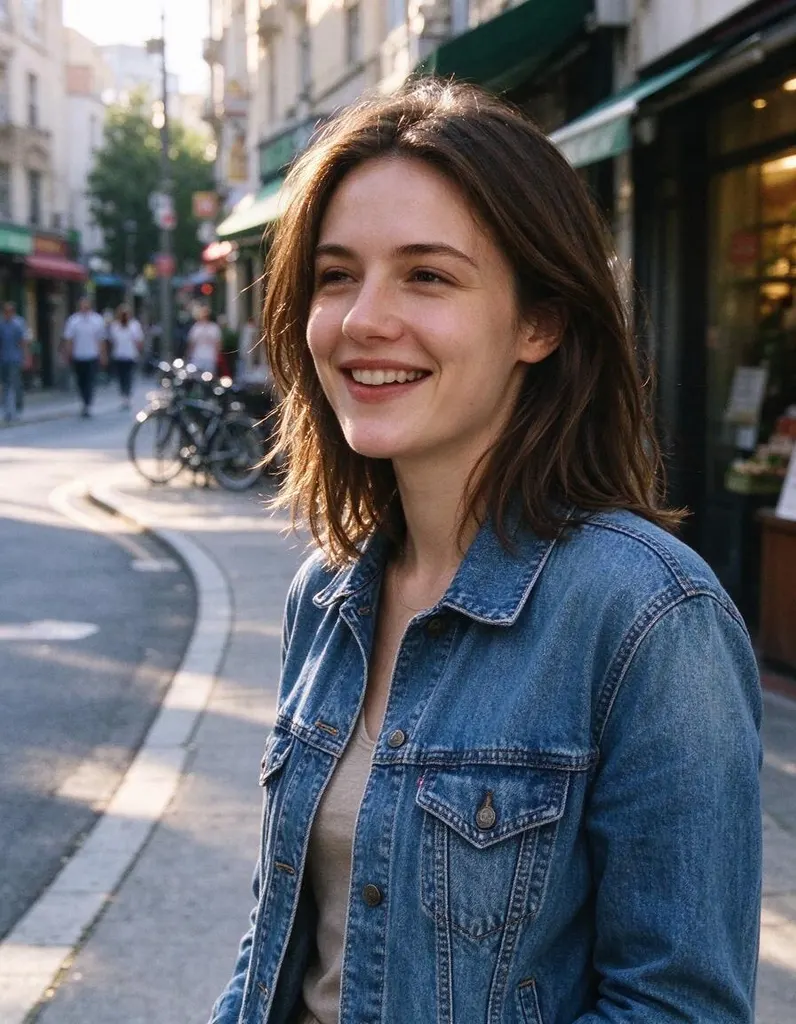 Before
How it works
Why people use it
Two video models
MiniMax H3 Max Turbo is the default. Veo 3.1 Lite from Google makes 720p clips. Both generate sound.
Choose length and quality
With MiniMax H3: 480p or 768p, 5 or 10 seconds. With Veo 3.1 Lite: 720p, 4, 6 or 8 seconds.
Your photo, in motion
The video starts from your image, so the people, products and places look like your photo.
Prompt the movement
Describe actions, expressions and camera moves in plain English.
Clear pricing
Videos cost from 45 credits, depending on the model, length and quality. Paid with purchased credits.
What you can make with image to video AI
Image to video AI takes a single still picture and turns it into a short clip. Your photo is the starting point, and the model animates it based on your description. Use it to bring a portrait to life, make a product spin or catch the light, add movement to a travel photo, or turn an AI-generated image into a scene for social media.
You can choose between two models. MiniMax H3 Max Turbo is the default, with 480p or 768p output and 5- or 10-second clips. Google's Veo 3.1 Lite makes 720p clips of 4, 6 or 8 seconds with generated sound.
Writing a prompt that moves
- Focus on motion. The model can already see the photo, so describe what changes: "turns her head and laughs", "steam rises from the cup".
- Add a camera move. Phrases like "slow zoom in", "pan left" or "orbit around the product" make clips feel more cinematic.
- Keep it to one or two actions. Short clips work best with a simple, clear idea.
- Start from a good image. A sharp, well-lit photo gives a cleaner video. Use the Image Upscaler or Unblur Image first if your photo is small or soft.
Credits and pricing
Video generation uses purchased credits only. Free credits from signing up and daily bonuses can't be used for video. The price, from 45 credits, depends on the model, resolution and length, so a short 480p test is a cheap way to check your idea before making a longer or higher-quality version.
Limitations
AI video is still imperfect. Hands, fast motion, text and crowds can warp or flicker, and faces may drift slightly over longer clips. If a take doesn't work, simplify the prompt or try a shorter length. If you'd rather not write a prompt at all, try AI Video Effects or Animate Photo for one-click results.
Frequently asked questions
Try next
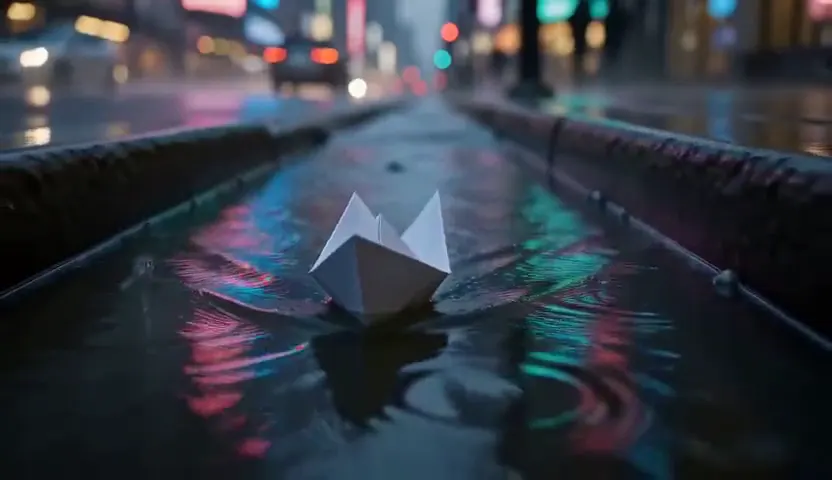 Text to Videofrom 45 creditsType a scene and get a short AI video. No camera, no footage, no editing software.
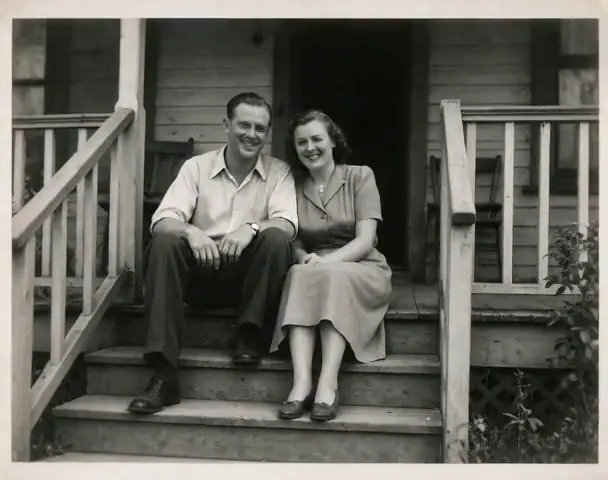 Animate Photo45 creditsTurn a still picture into a short, lifelike video with gentle, natural motion. Perfect for old family photos.
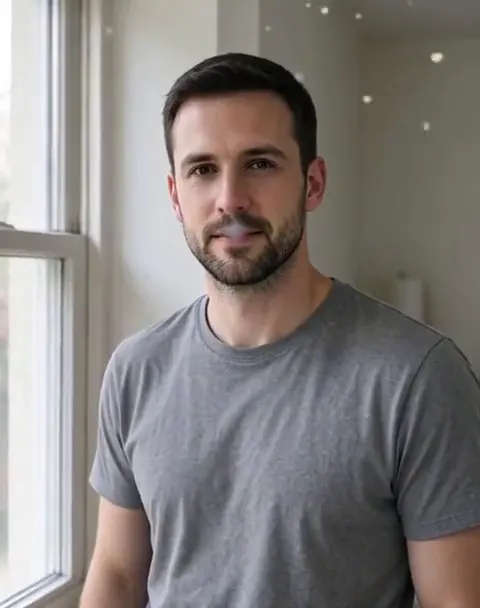 AI Video Effects45 creditsPick an effect, upload a photo, and get a 5-second video. No prompt to write.