AI Image Generator: Describe It, See It
Type a prompt, pick a model and get up to 4 images per run. Sign up free and start with free credits.
- from 2 credits
- Free account, 20 credits to start
- No watermark with purchased credits
Needs a free account. New accounts get free credits to start.
 Example
See what it does
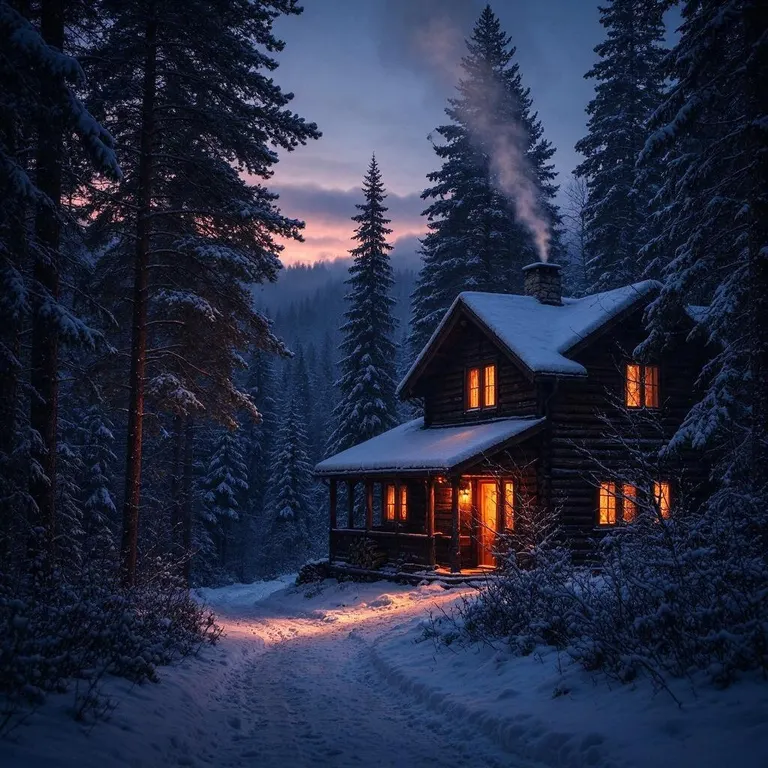
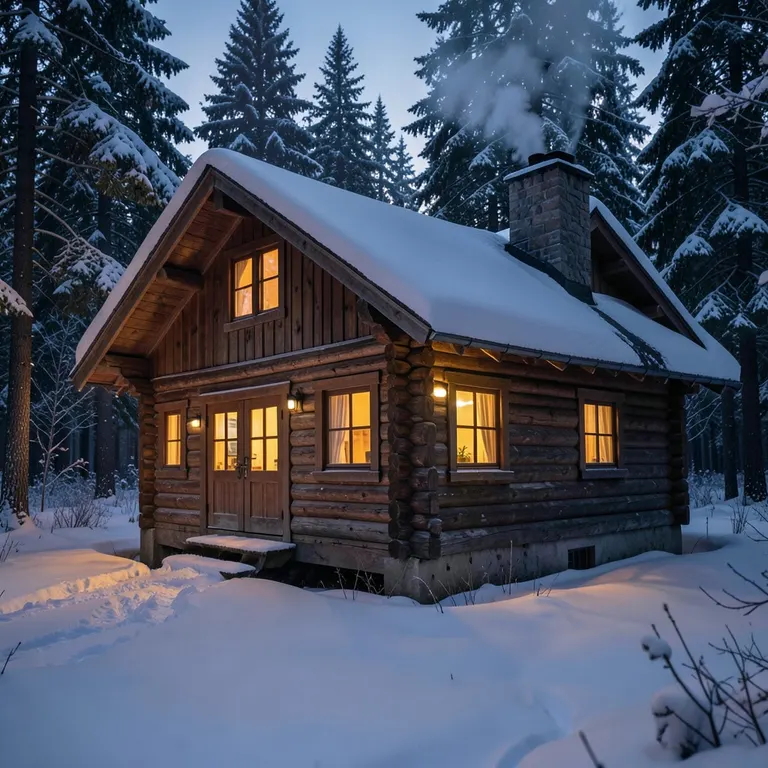
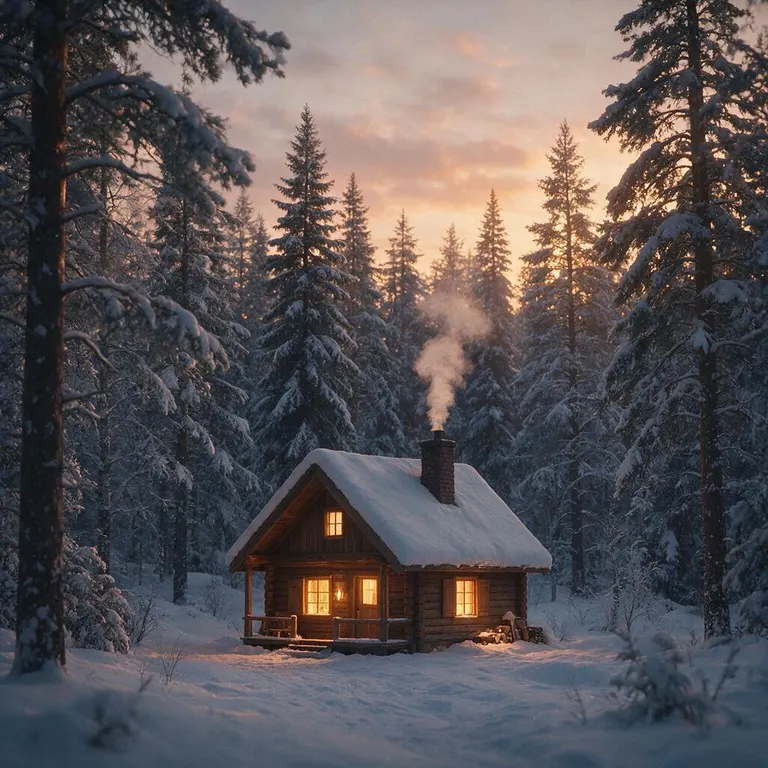
Same prompt on each model: “A cozy wooden cabin in a snowy forest at dusk, warm light glowing from the windows, smoke rising from the chimney, cinematic photo”
How it works
Why people use it
Three models in one place
Fast runs FLUX.2 [klein] 4B, Standard runs Seedream 5.0 Flash, and Premium runs Seedream 5.0 Pro from ByteDance. Switch with one click.
Five aspect ratios
1:1 for social posts, 4:3 and 3:4 for prints and portraits, 16:9 for banners and thumbnails, 9:16 for stories and phone wallpapers.
Up to 4 images per run
Get several takes on the same prompt with Fast or Standard and keep the one that fits best. Premium makes one image per run.
Pay only for what you make
Each image costs from 2 credits, depending on the model. New accounts get free credits, and signed-in users get free daily credits too.
Keep going in one click
Send any result to the Image Upscaler, the AI Photo Editor or Image to Video to sharpen it, tweak it or bring it to life.
What you can make
An AI image generator turns a short text description into a picture. Use it for social media posts, blog and article headers, YouTube thumbnails, phone wallpapers, concept art, mood boards, product mockups or just for fun. Because you choose the aspect ratio before generating, the image comes out in the right shape for where it is going, whether that is a square post, a widescreen banner or a vertical story.
How to write a good prompt
- Start with the subject. "A red fox sitting in fresh snow" is a better start than "a beautiful nature picture".
- Add the setting and the light. Time of day, weather and location change the whole feel of an image: "at sunrise, soft golden light, pine forest behind".
- Name a style. Photo, watercolor, 3D render, flat illustration, oil painting – say which one you want, or the model will pick for you.
- Change one thing at a time. If a result is close, keep the prompt and adjust a single detail instead of rewriting it.
- Generate a few at once. Running 2–4 images per prompt is the quickest way to see the range of what the model will give you.
Choosing a model
The three models are priced differently, so match the model to the job. Fast (FLUX.2 [klein] 4B) is the cheapest and is good for trying out ideas and wording. Standard (Seedream 5.0 Flash) is the default and a sensible choice for most images. Premium (Seedream 5.0 Pro from ByteDance) costs the most, makes one image per run and takes a little longer, with sharper detail and closer prompt following; use it for a final image you plan to publish. You can run the same prompt on more than one model and compare.
Limitations
AI models can still get small details wrong: hands, text inside the image, exact numbers of objects or very specific layouts. If something is off, rephrase that part of the prompt, generate another variation, or fix the detail afterwards with the AI Photo Editor. Images made with free credits carry a small watermark; images made with purchased credits don't.