AI Halloween Costume
Upload a photo and get a Halloween version of it in one tap: a Y2K flash vampire, a movie zombie, a witch in a candlelit forest and more. No prompt to write.
- 40credits per photo
- 8styles
- 100%refund if it fails
≈ $0.40 · uses purchased credits✓ Refunded automatically if it fails · usually ready in 1–3 minutes
✓ Pets and group photos✓ Uploads deleted after 7 days
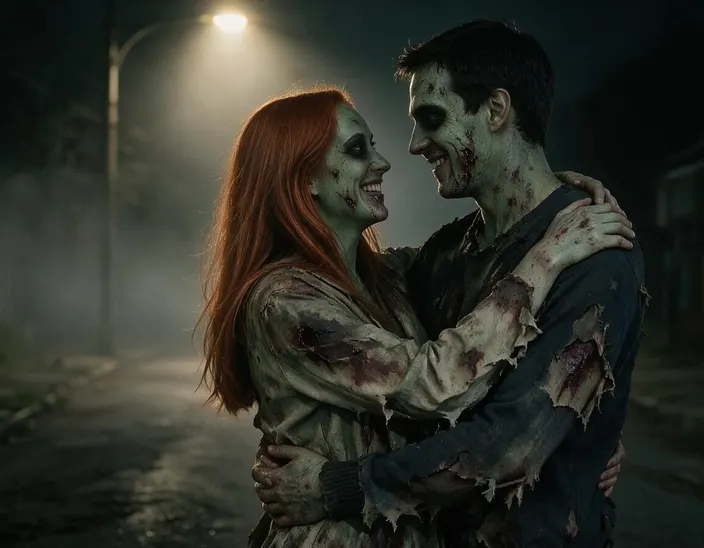
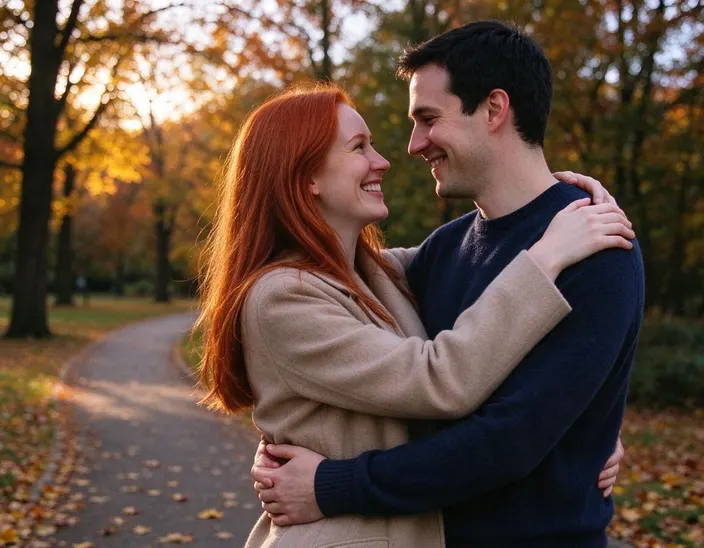
One photo, 8 styles
The same photo in every style, so you can compare at a glance. Tap one to preview it above.
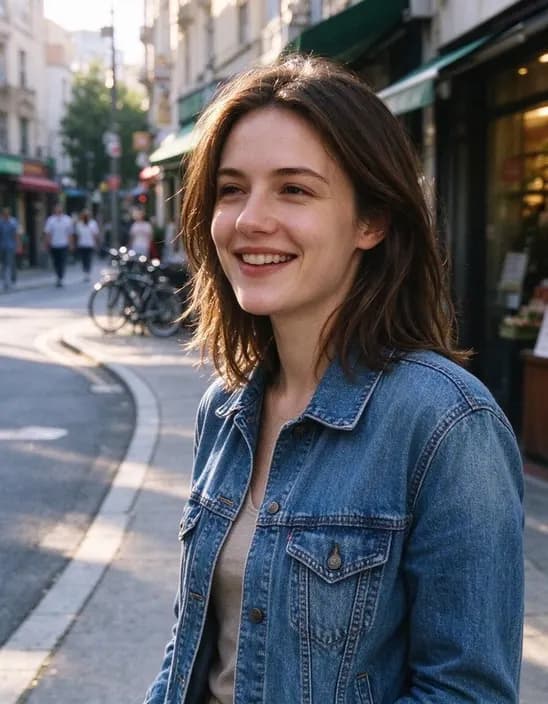
Works on people, couples and pets
Hover to see the original. Couples and friends stay together, and pets keep their markings.
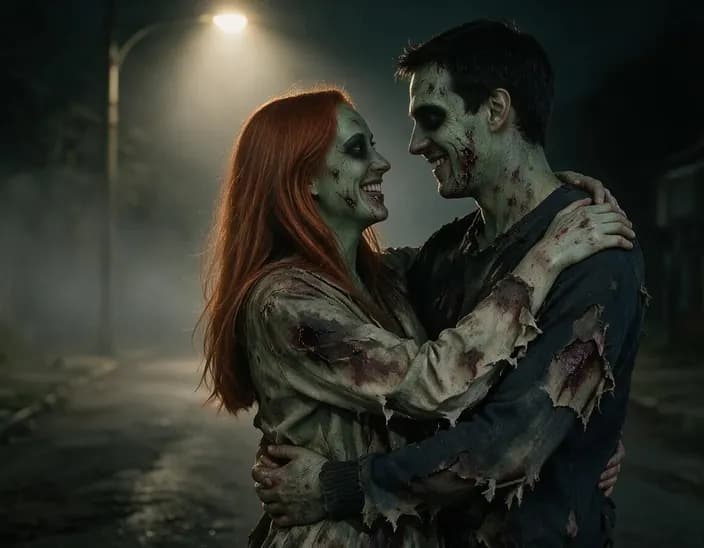
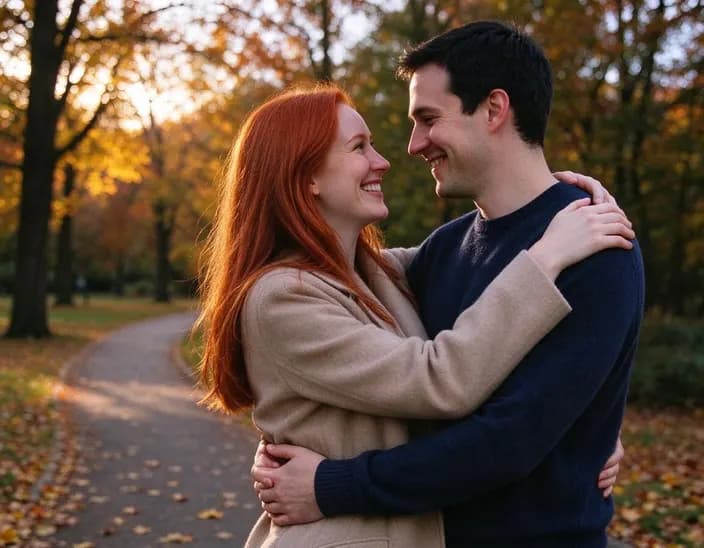 ZombieOriginal
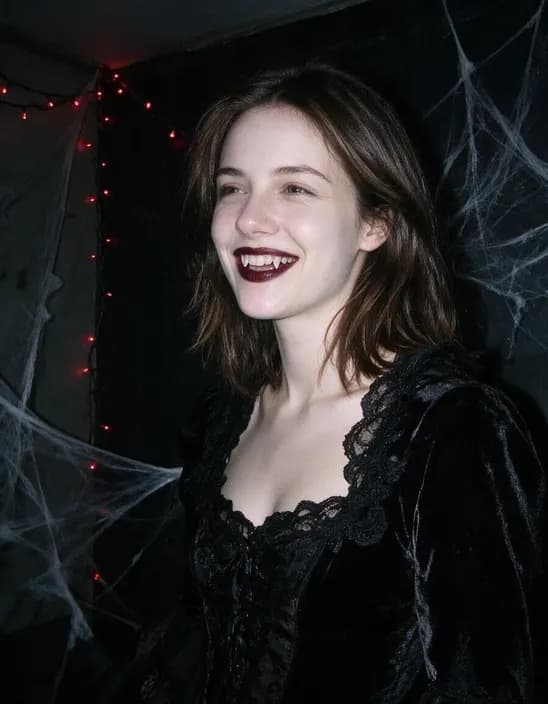 Y2K vampireOriginal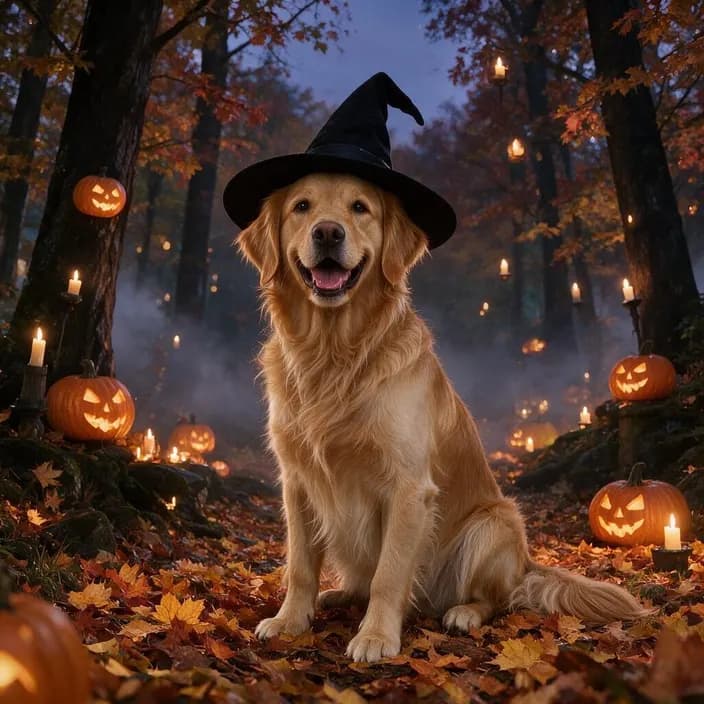
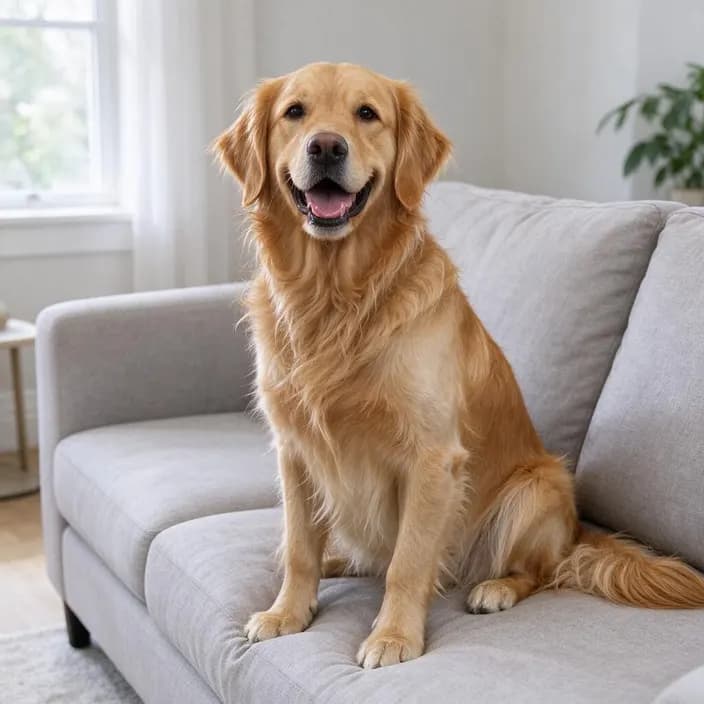 WitchOriginal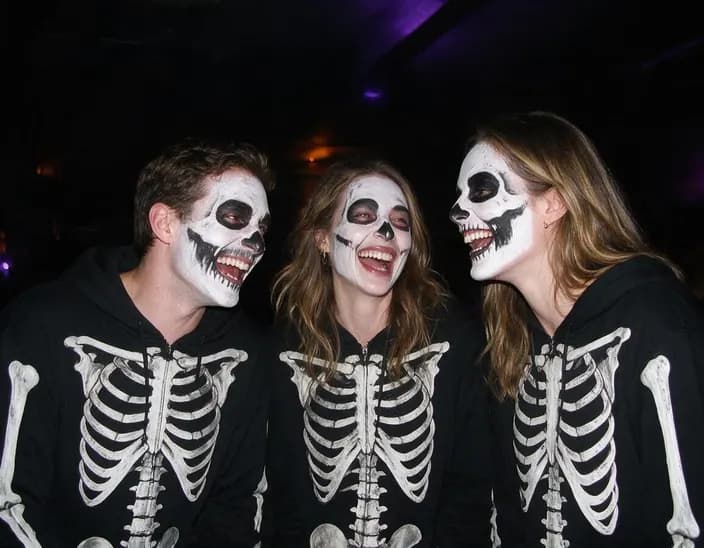
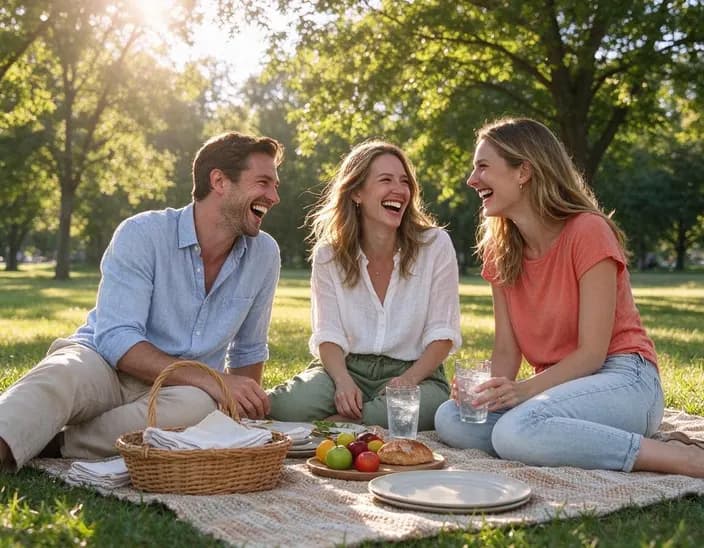 SkeletonOriginal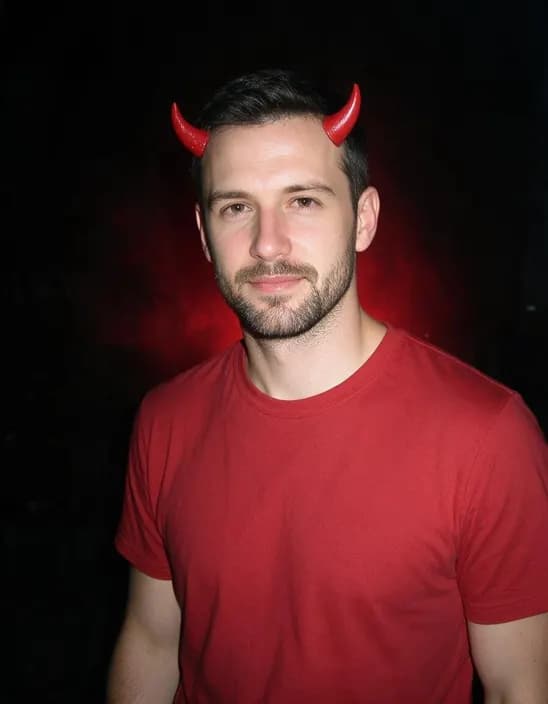
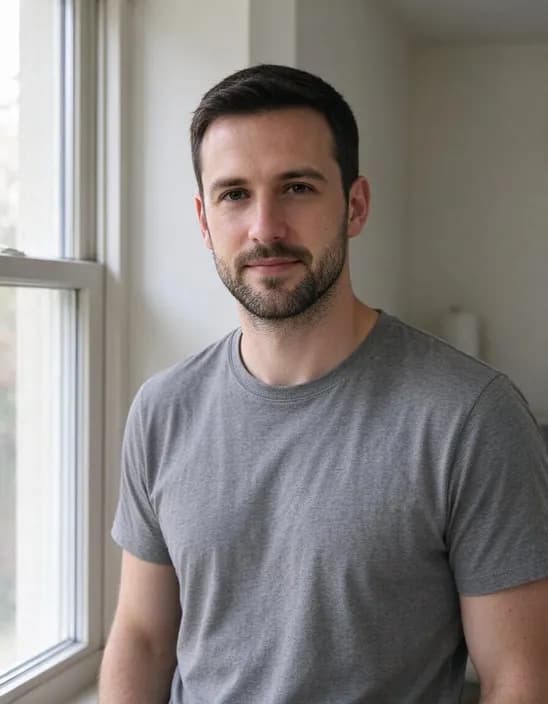 DevilOriginal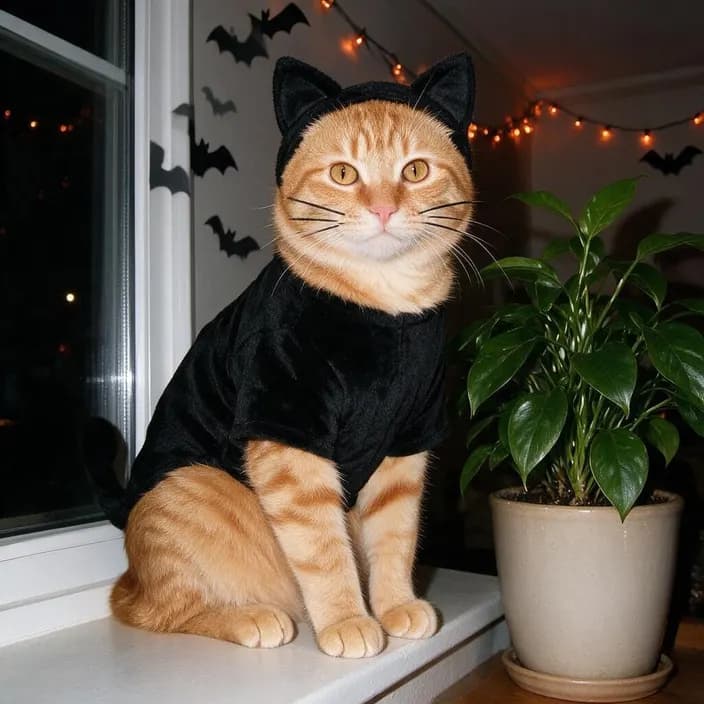
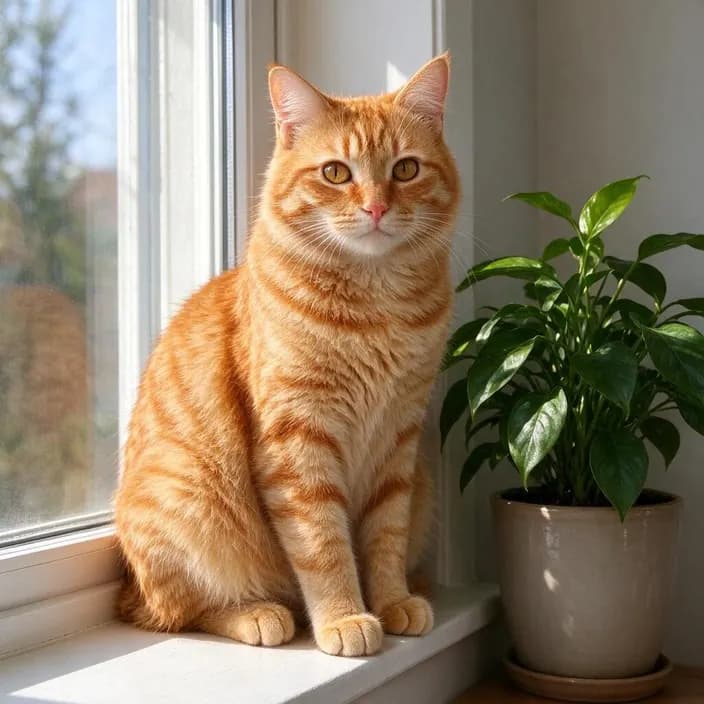 Black catOriginal
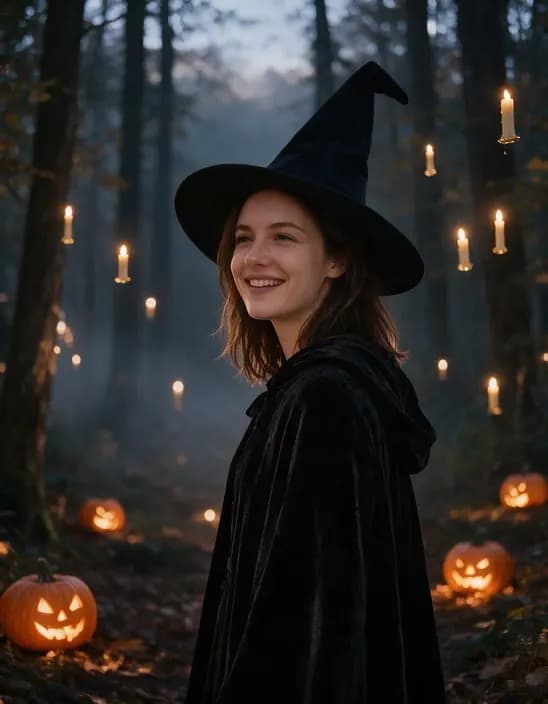 WitchOriginal
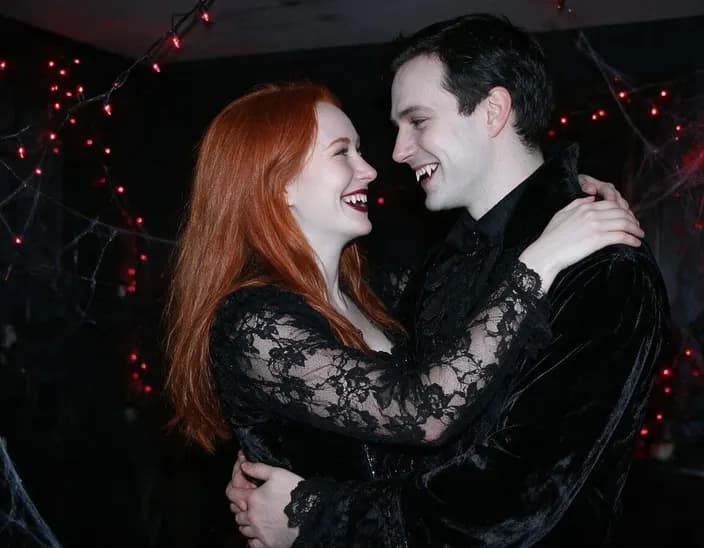 Y2K vampireOriginal
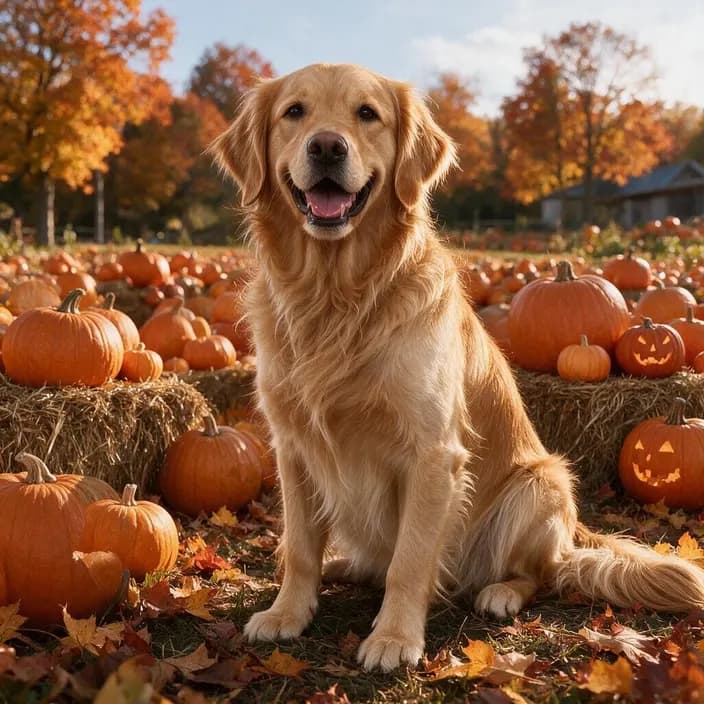 Pumpkin patchOriginal
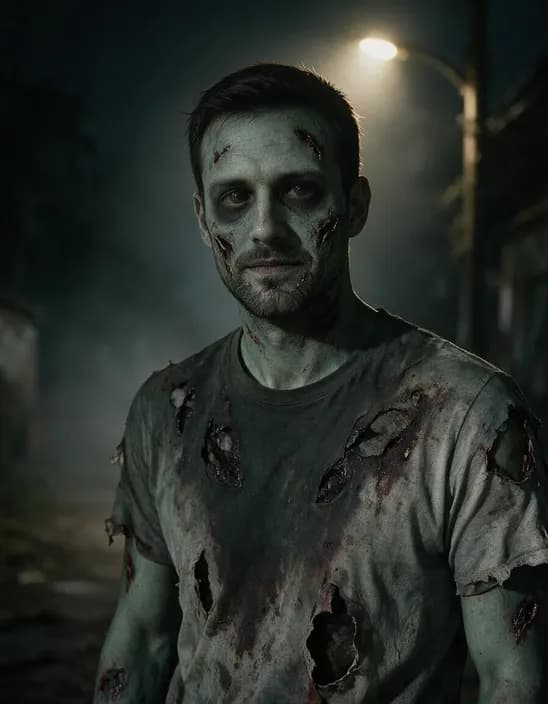 ZombieOriginal
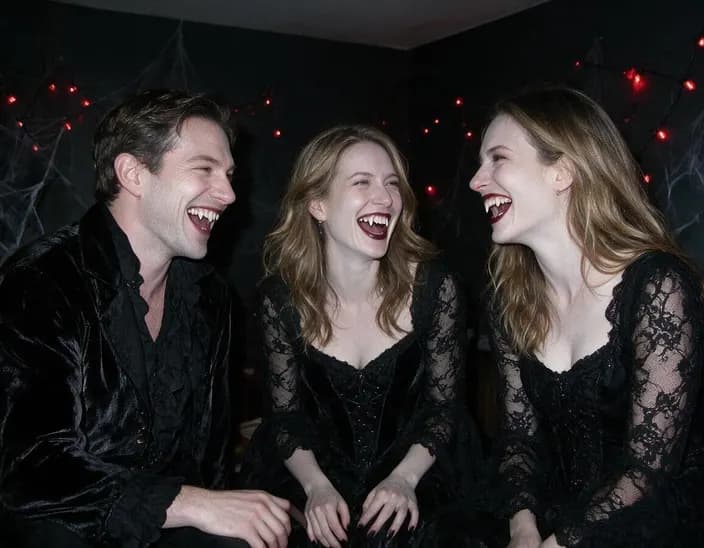 Y2K vampireOriginal
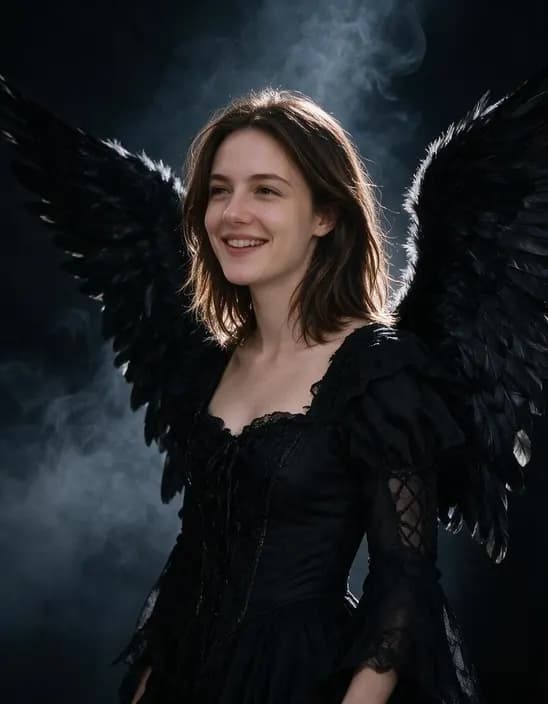 Dark angelOriginal
Popular uses
Pages built around one look, each with its own examples and tips.
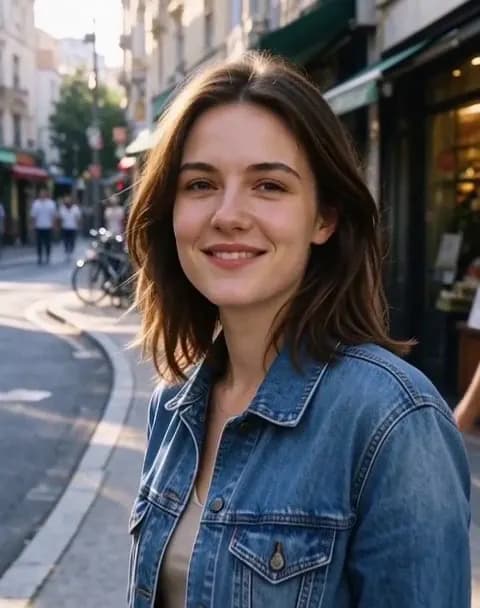 Image to VideoTurn a photo into a short video with sound. Say what should move, tap a suggestion, or leave it empty and let the AI choose.
 AI Video EffectsPick an effect, upload a photo and get a 5-second video with sound. No prompt to write.
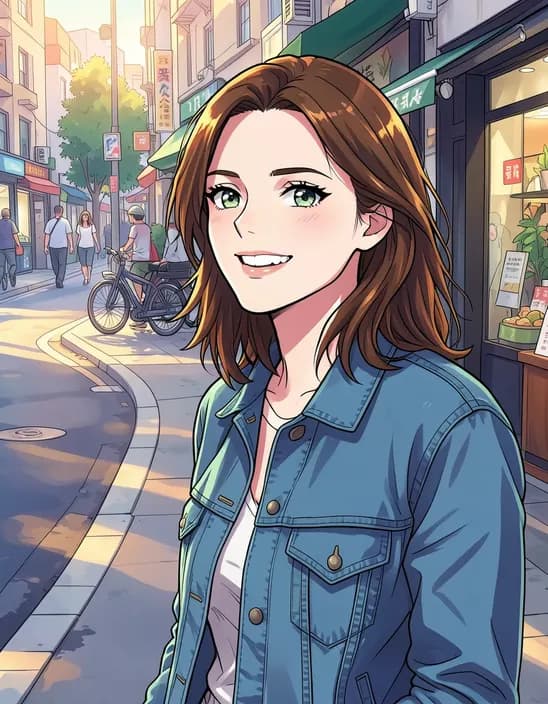 AI Photo FilterTurn a photo into anime, a 3D cartoon, a sketch, a painting or a collectible toy. Pick a style and tap once. Works on selfies, couples, group shots and pets.
How it works
Why people use it
No prompt, one tap
Every look is written and tested for you. Upload, pick, done.
Still looks like you
Your face, hair and expression stay the same. Only the costume, makeup and scene change.
Couples, friends and pets
Everyone in the photo gets the costume, and pets keep their markings. Nobody extra is added.
See it before you upload
Tap a sample photo and every look shows up instantly. It's free and takes no credits.
One price, refunded if it fails
Each photo costs 40 credits with purchased credits, with no watermark. If it fails, the credits come straight back.
Halloween, without the costume shop
An AI Halloween costume puts you in a full Halloween look from an everyday photo: makeup, outfit, lighting and scene. It's a quick way to get a spooky profile picture, a couples post, or a group shot of your friends as vampires, and you can try all eight looks before you choose one for the party.
Which look to pick
- Y2K vampire. The look everyone is posting this year: pale skin, dark red lips and a harsh flash snapshot at a party.
- Zombie and skeleton. Movie-style special-effects makeup, or bold skull face paint under purple party lights.
- Witch and dark angel. Moody and cinematic: candles and pumpkins in a misty forest, or black feathered wings in the smoke.
- Devil and black cat. Easy party costumes shot like a flash photo.
- Pumpkin patch. A cozy autumn portrait for families and pets, no makeup at all.
Tips for the best result
Use a sharp photo where faces are reasonably large. For group photos, crop away people you don't want in the picture first. Each run is drawn fresh, so running the same look twice gives you two versions to choose from. Want to see it move? Send your result to Image to Video, or try the Halloween night effect in AI Video Effects.
Limitations
The AI redraws the whole picture, so small details like jewelry or text on clothes can change. Looks are made with Seedream 5.0 Pro, an image model from ByteDance that is good at keeping faces the same while changing everything around them. We are an independent site and are not affiliated with ByteDance.
Frequently asked questions
Try next
Image to Videofrom 45 creditsTurn a photo into a short video with sound. Say what should move, tap a suggestion, or leave it empty and let the AI choose.AI Photo Filter2 creditsTurn a photo into anime, a 3D cartoon, a sketch, a painting or a collectible toy. Pick a style and tap once. Works on selfies, couples, group shots and pets.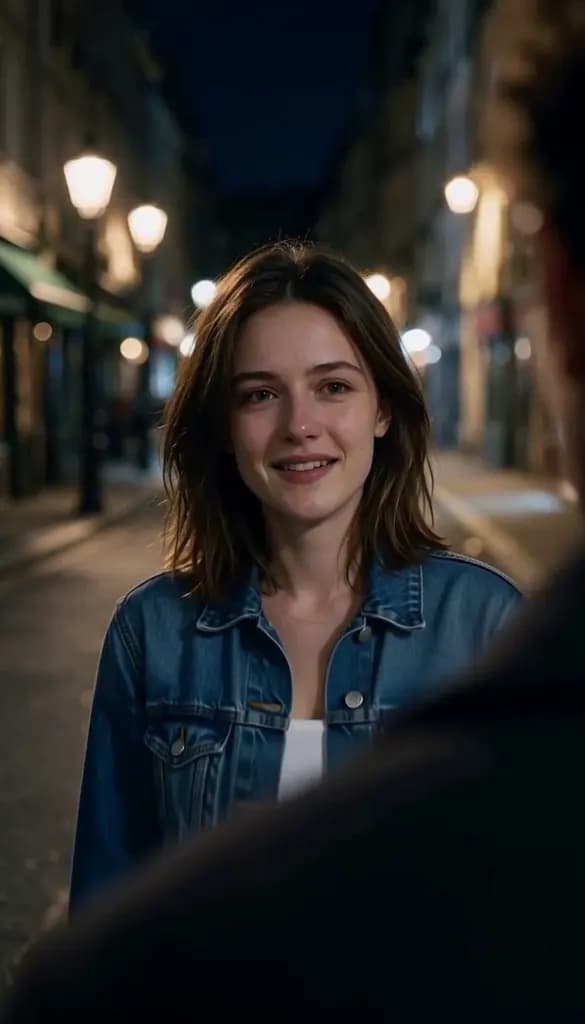 AI Crying Video200 creditsUpload one selfie and get the AI crying trend in one tap: a night street scene where your smile slowly breaks into tears before you turn and walk away. No prompt to write.