AI Video Effects for Photos
Pick an effect, upload a photo, and get a 5-second video. No prompt to write.
- 45 credits
- Free account, 20 credits to start
- Uses purchased credits
Video uses purchased credits. Free credits work for image tools.
See what it does
 Before
How it works
Why people use it
Six ready-made effects
Cinematic zoom, wave hello, wind in hair, retro 80s, night lights and snowfall.
No prompt needed
Each effect is already set up. Just choose one and upload your photo.
Made for sharing
Short 5-second clips are a good fit for stories, reels and messages.
Powered by MiniMax H3
Effects are generated with MiniMax H3 at 480p.
One simple price
Every effect costs 45 credits per video, paid with purchased credits.
One photo, six AI video effects
AI video effects are the fastest way to turn a still photo into something that moves. Instead of writing a prompt, you pick a ready-made effect, upload a picture, and get a 5-second clip. It's made for quick, fun results you can post or send right away. Every effect is generated with MiniMax H3 at 480p and costs the same.
Here's what each effect does:
- Cinematic zoom: a smooth camera move into the scene, like an opening shot in a film.
- Wave hello: the person in your photo raises a hand and waves.
- Wind in hair: a breeze moves through hair and clothing.
- Retro 80s: gives the clip a nostalgic 1980s look.
- Night lights: turns the scene into a glowing night setting.
- Snowfall: adds falling snow to your photo.
Tips for better clips
- Match the effect to the photo. Wave hello needs a person with room for their arm to move. Wind in hair works best when hair is clearly visible.
- Use a sharp image. Blurry or tiny photos give blurry videos. Run small or soft photos through the Image Upscaler or Unblur Image first.
- Keep the subject clear. One main person or object in the frame animates more reliably than a crowd.
- Try another effect. The same photo can look very different with snowfall or night lights than with a cinematic zoom, so experiment to find the one that fits.
Credits
Video effects use purchased credits only. Each clip costs 45 credits and is generated at 480p with MiniMax H3. Free credits from signing up can't be used for video.
When to use something else
If you want a specific movement that isn't in the list, use Image to Video and describe it yourself, with options for longer clips, higher resolution and a second model. For subtle, natural movement in a portrait or an old family photo, try Animate Photo.
Frequently asked questions
Try next
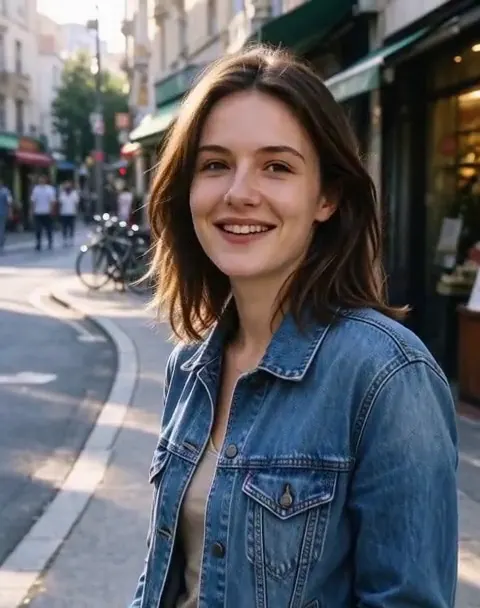 Image to Videofrom 45 creditsUpload a photo, describe how it should move, and get a short AI video with sound. Choose MiniMax H3 or Veo 3.1 Lite.
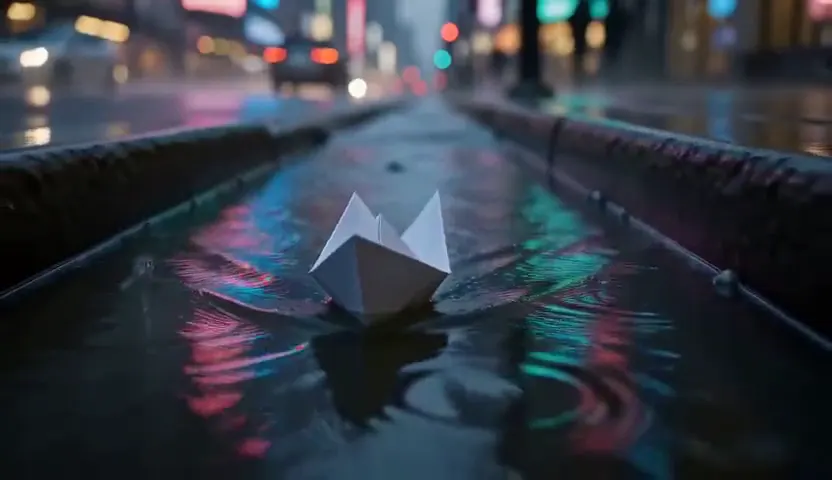 Text to Videofrom 45 creditsType a scene and get a short AI video. No camera, no footage, no editing software.
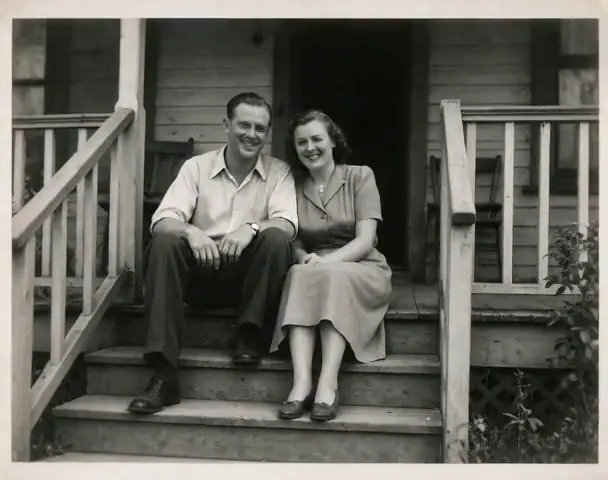 Animate Photo45 creditsTurn a still picture into a short, lifelike video with gentle, natural motion. Perfect for old family photos.