AI Tattoo Generator
Describe your idea and get a tattoo design in clean ink on a white background, ready to show your artist. The Tattoo style is already selected.
- 2–25credits per image
- 20free credits to start
- 3models
Best for most images. Price is per image.
Needs a free account. New accounts get free credits to start.
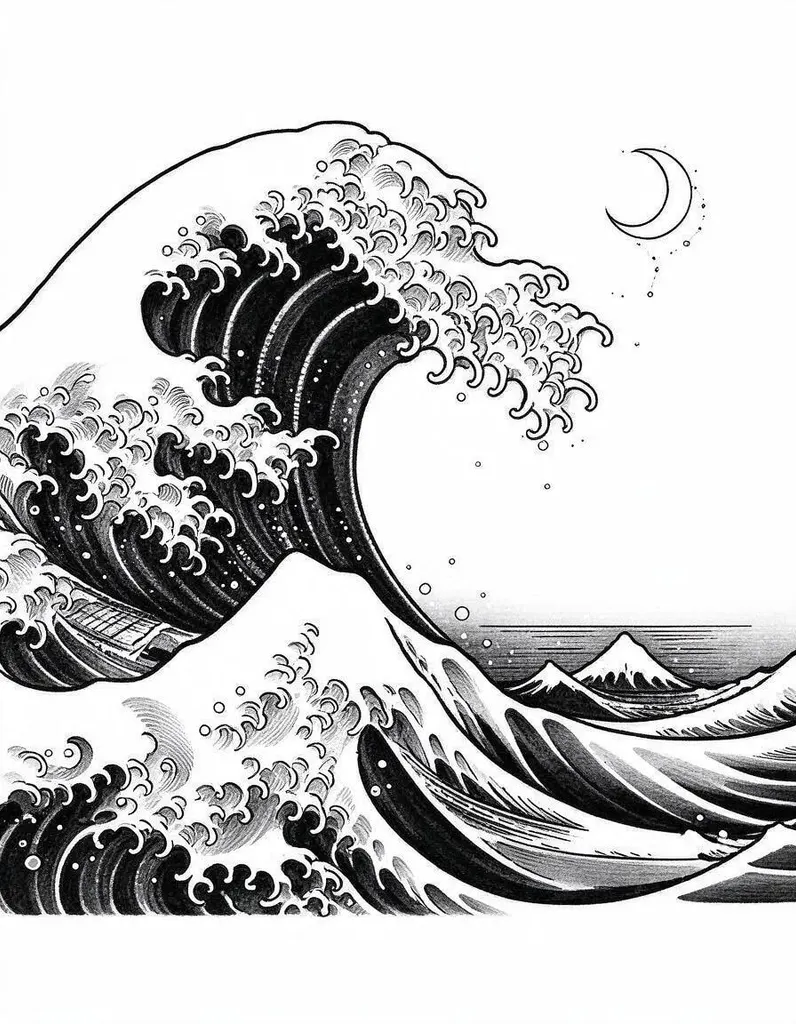 Example · Tattoos
Made with Pixwhim
Every image here came from one prompt on this page. Hover to see it, then try it yourself.
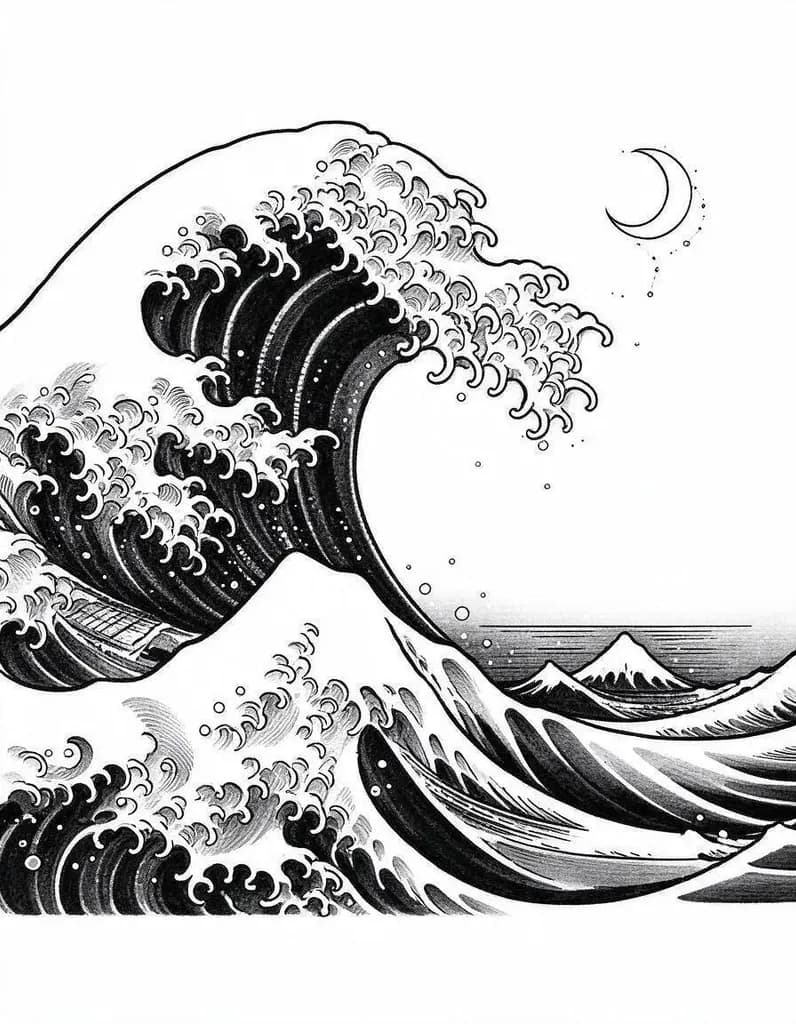 Tattoos
A great ocean wave with foam curls and a small moon, Japanese-style blackwork
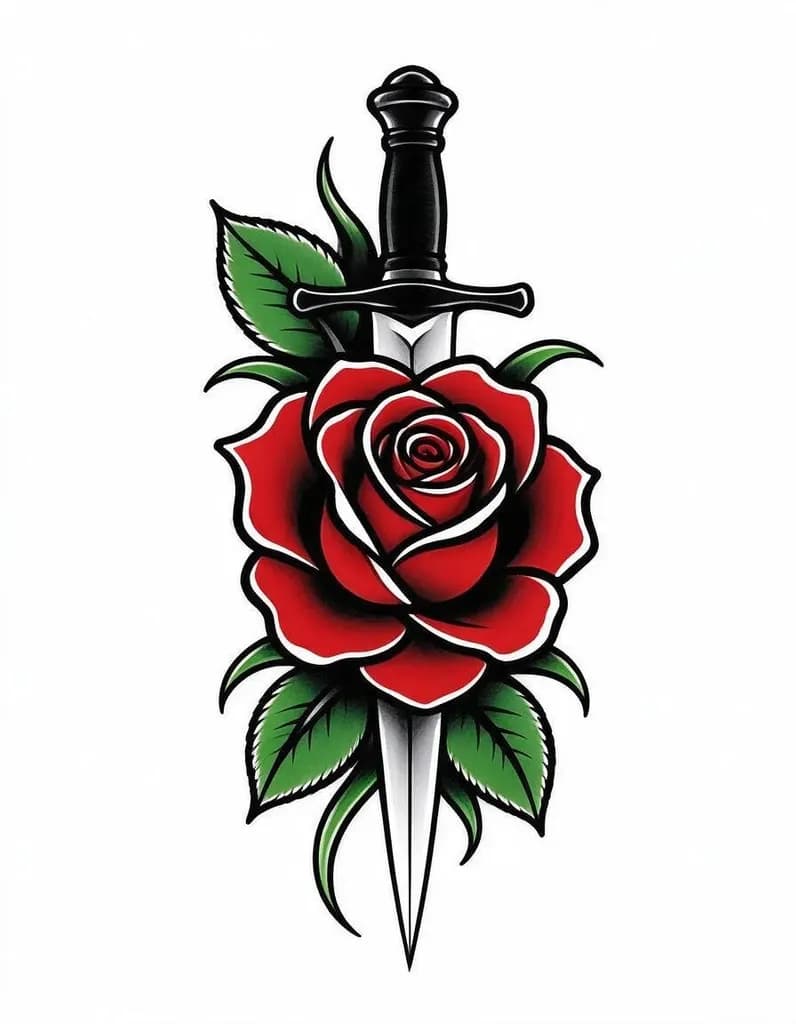 Tattoos
Rose and dagger in American traditional style, bold outlines, red and green color fill
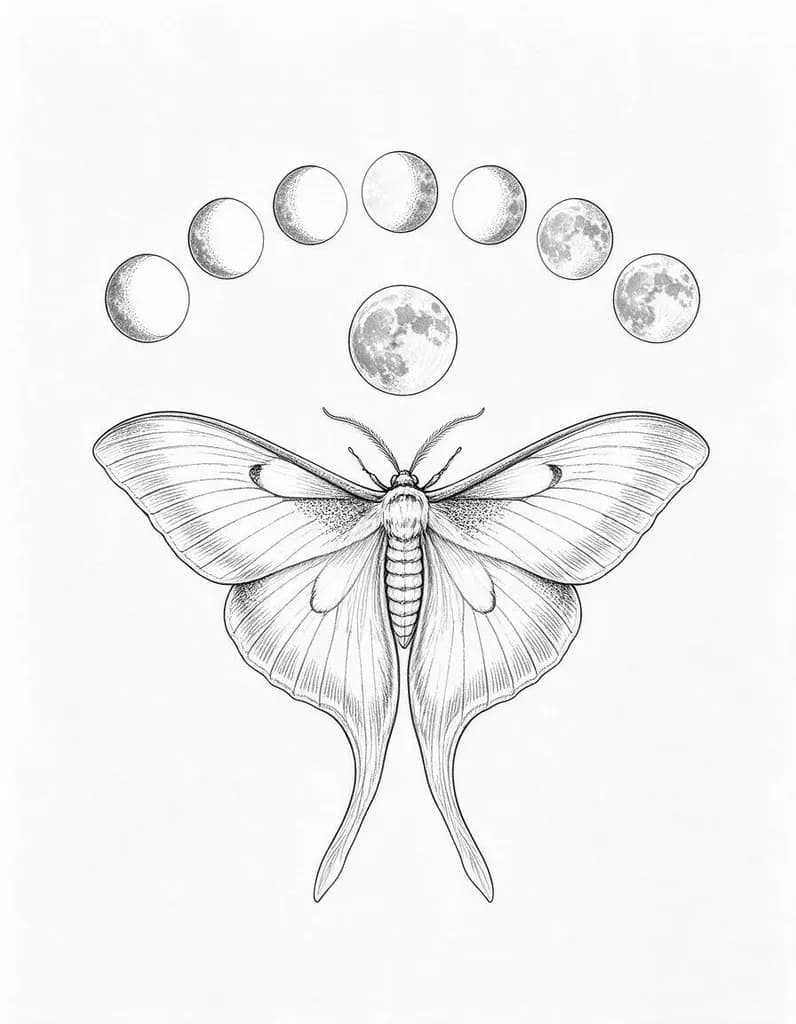 Tattoos
Fine-line tattoo design of a luna moth with moon phases above it, delicate black ink linework and dotwork shading, clean white paper background
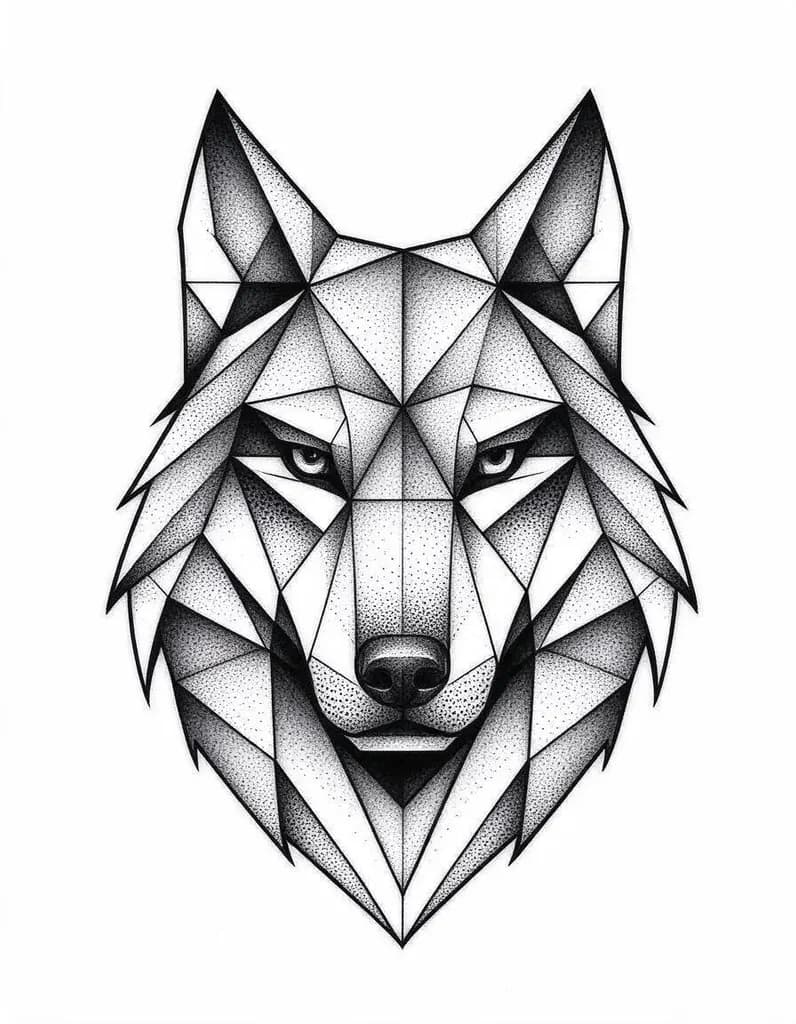 Tattoos
Geometric wolf head made of triangles and dotwork shading
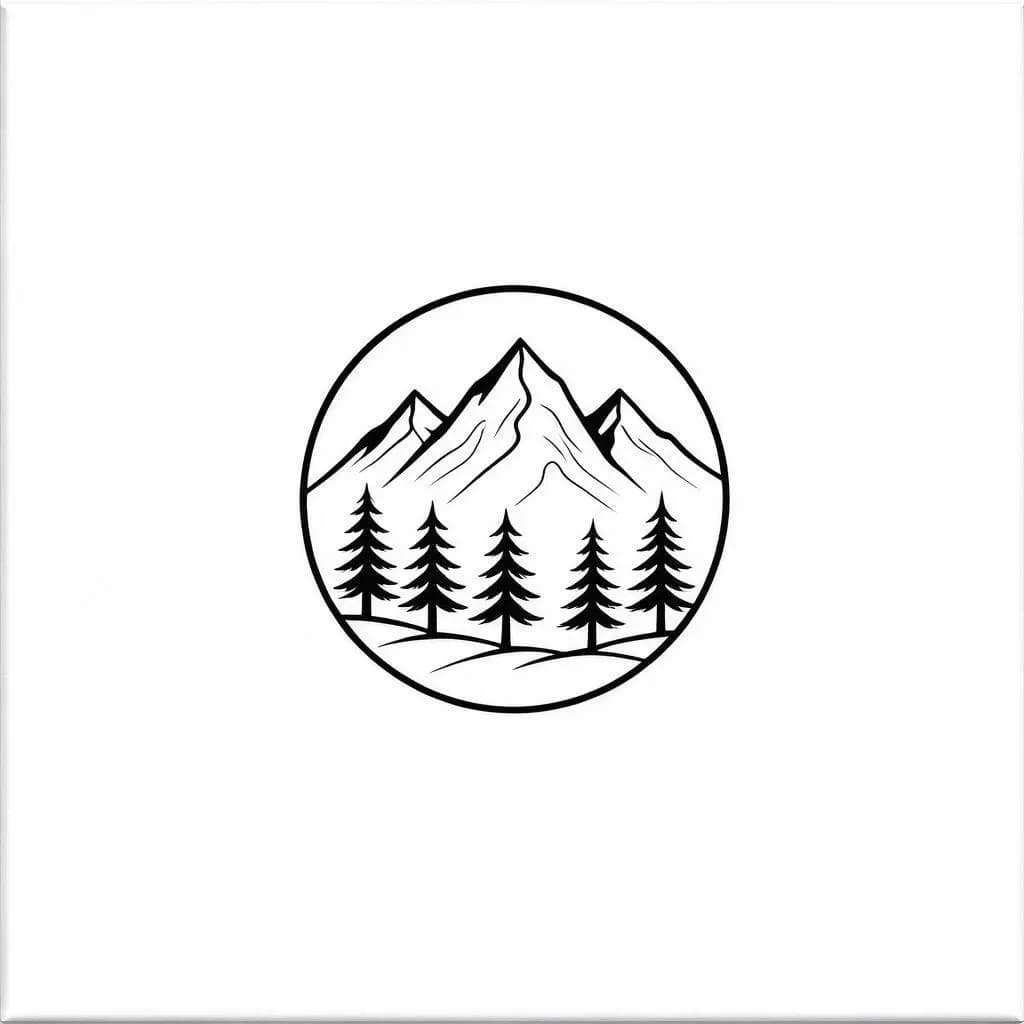 Tattoos
Minimal fine-line mountains and pine trees inside a small circle, single needle
What will you make?
Start from a ready-made setup. Each one opens this generator with the style and shape filled in.
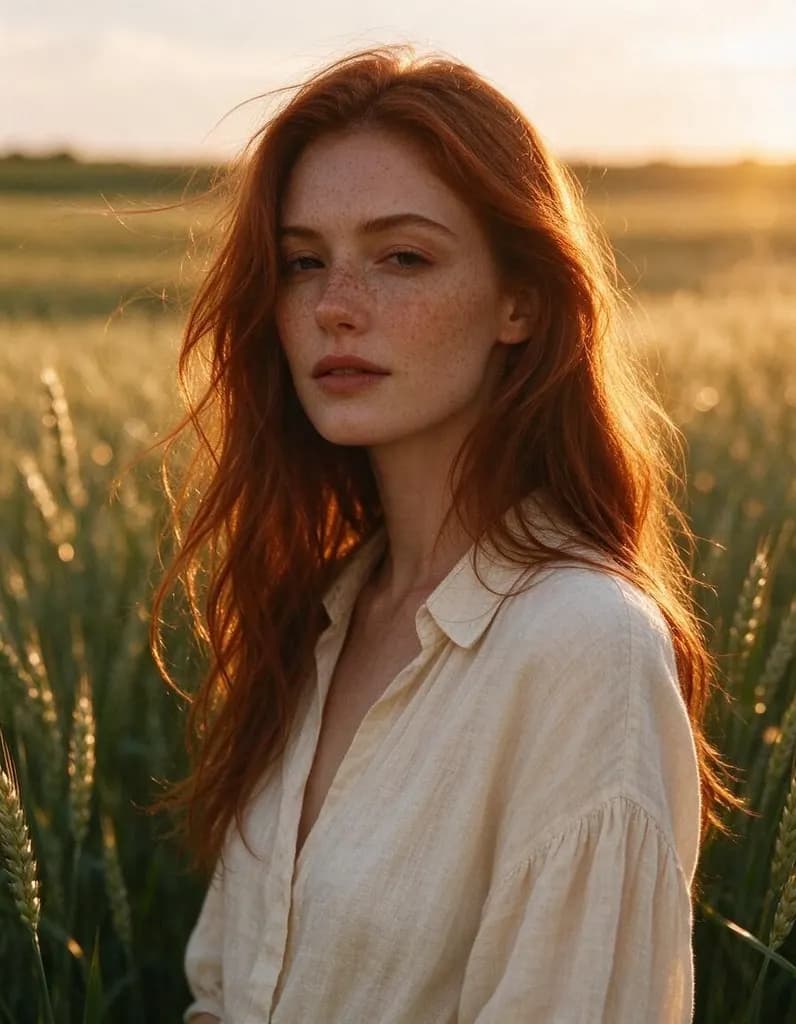 AI Image GeneratorTurn one sentence into a photo, a poster, a character or a wallpaper. Start from an idea below or write your own.
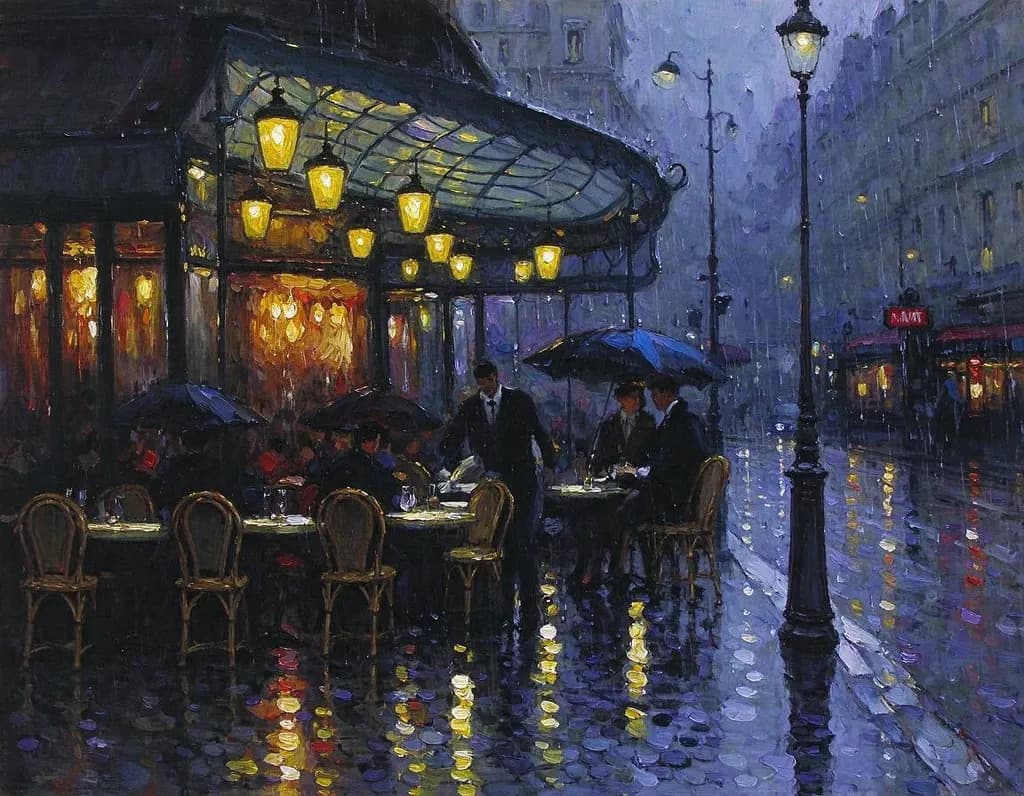 AI Art GeneratorDescribe a scene and get it as an oil painting, a watercolor, an ink drawing or a fantasy matte painting. Start from an idea below or write your own.
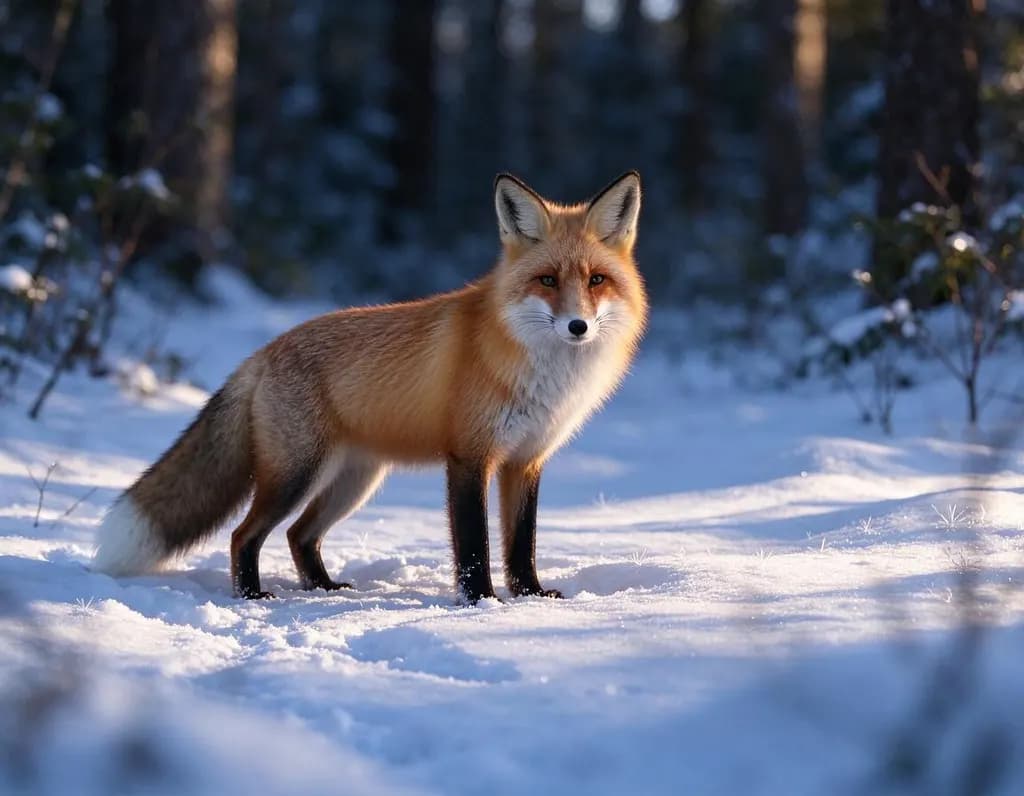 AI Photo GeneratorDescribe a shot and get a realistic photo: a portrait, a product, a plate of food or a landscape. The Photo style is already selected.
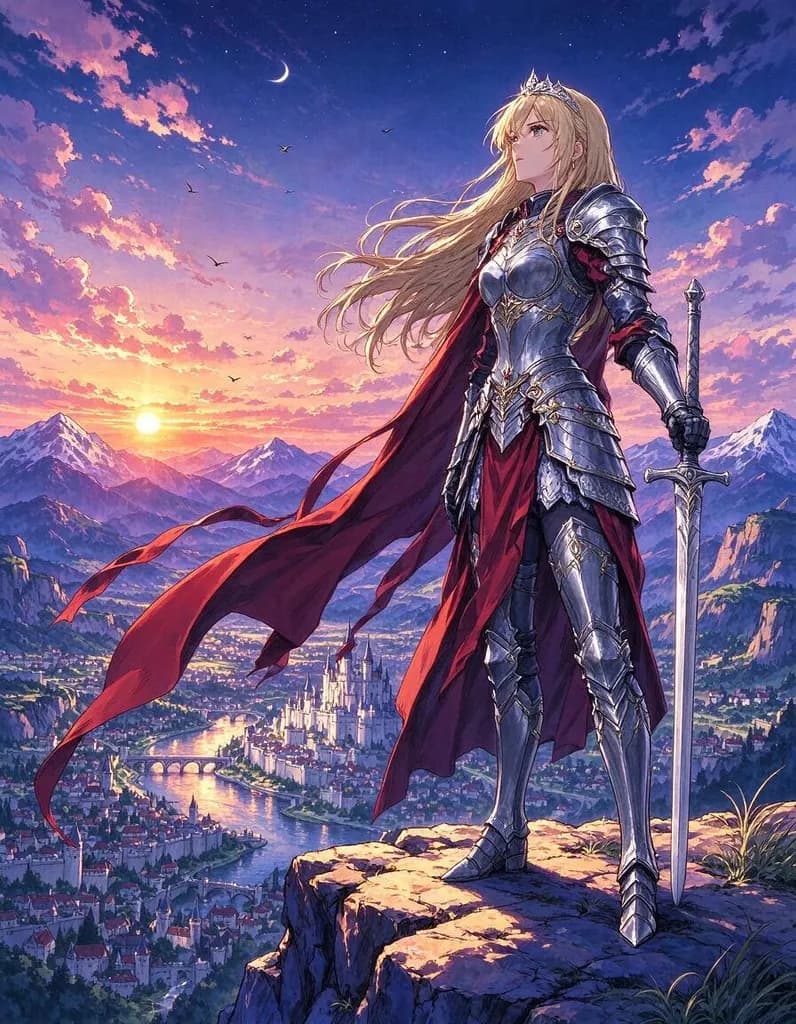 AI Anime GeneratorDescribe a character or a scene and get it as a hand-painted anime illustration. The Anime style is already selected.
 AI Logo GeneratorType your brand name and an idea for the symbol, and get clean, flat logo concepts. The Logo style is already selected.
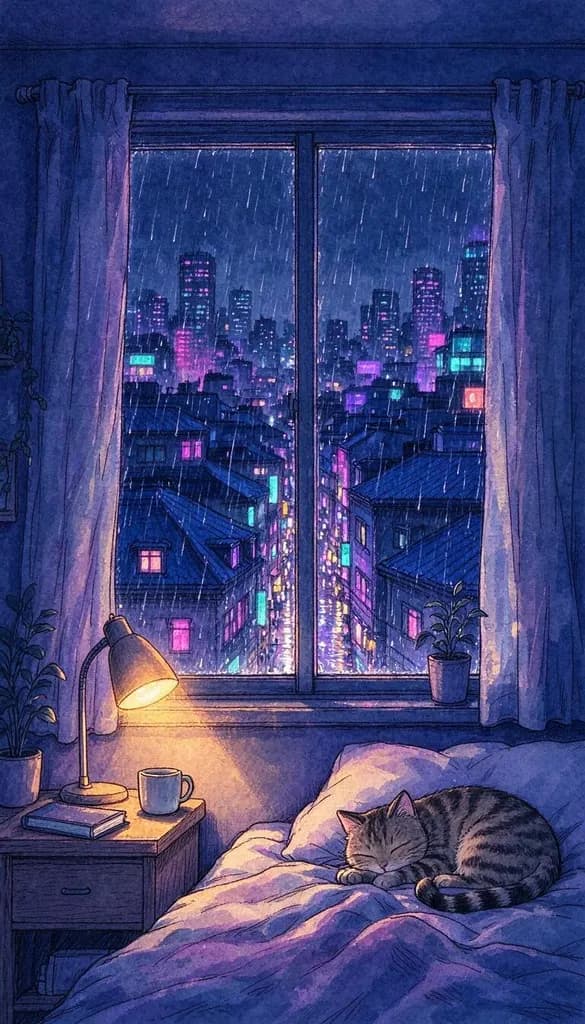 AI Wallpaper GeneratorDescribe a mood and get a wallpaper made for your screen: 9:16 for your phone, 16:9 for your desktop.
How it works
Why people use it
Every major tattoo style
Fine-line, blackwork, dotwork, American traditional, Japanese, geometric, minimal. Name the style in your prompt.
Clean lines on white
The Tattoo style asks for crisp black ink on a plain white background, so the design is easy to read and trace.
Prompts you can reuse
Every design on this page shows the prompt that made it. One tap puts it in the prompt box for your own idea.
Pay only for what you make
Each design costs from 2 credits, depending on the model. New accounts get free credits to start, plus free daily credits.
Bigger files for stencils
Send a design to the Image Upscaler for a larger file before your artist prints the stencil.
Find your tattoo idea faster
The AI tattoo generator turns a few words into a tattoo design on a clean white background. Describe the subject and the style, such as a rose and dagger in American traditional, a geometric wolf head in dotwork, or minimal mountains in a circle, and get several versions in under a minute. It is a fast way to explore ideas before you book a consultation, and to show your artist exactly the mood you are after.
How to describe a tattoo
- Start with the subject. One clear subject reads best on skin: a moth, a wave, a rose, a wolf.
- Name the tattoo style. Fine-line, blackwork, dotwork, American traditional, Japanese, geometric, minimal, single needle.
- Say what to leave out. "No background", "no shading" or "black ink only" keep the design clean.
- Think about placement. Tall 3:4 designs suit forearms and calves; square designs suit shoulders and the back of the hand.
- Keep words short. If you want lettering, put it in quotes and check every letter.
Work with your artist
A generated design is a starting point. Your artist will adapt the line weight, size and composition to your body and to how ink ages in skin. Bring two or three versions you like so they can see what you want. If they need a bigger file to print the stencil, send the design to the Image Upscaler.
Limitations
Very fine details may be too small to tattoo, and the AI can add stray marks. Generate a few versions, keep the cleanest, and let your artist refine it. Designs made with free credits carry a small watermark; purchased credits remove it.
Frequently asked questions
Try next
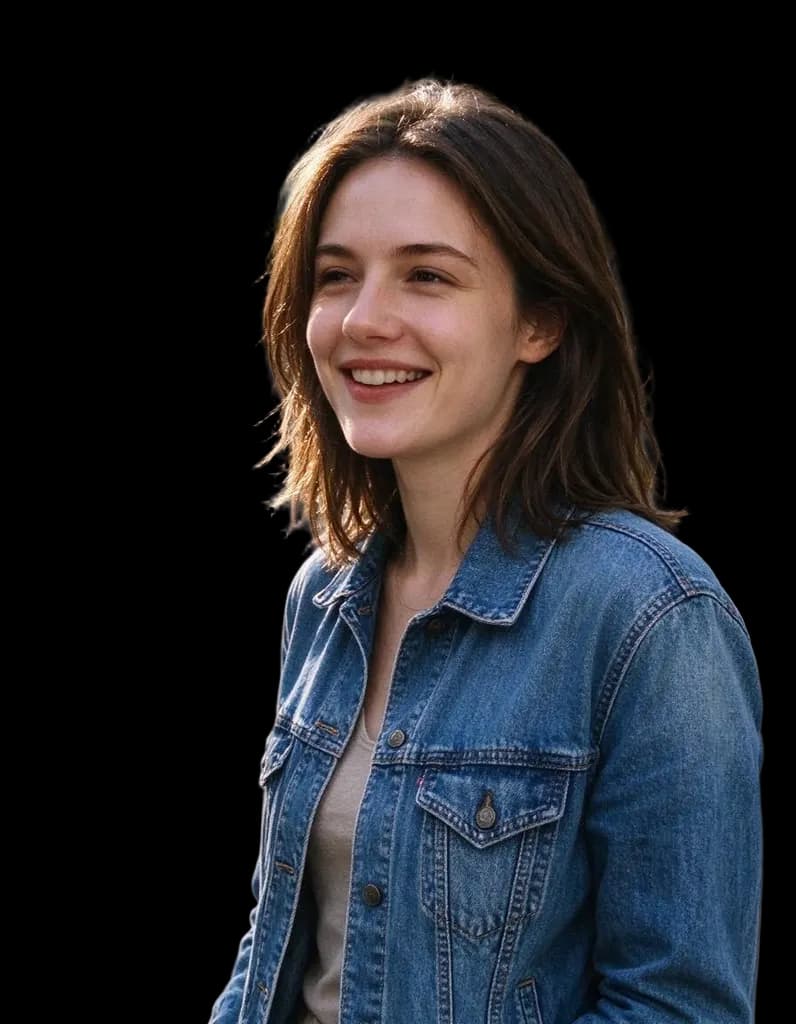 HD Background Remover1 creditClean cutouts for hair, fur and fine edges. Transparent PNG, no watermark, and you can try it without an account.
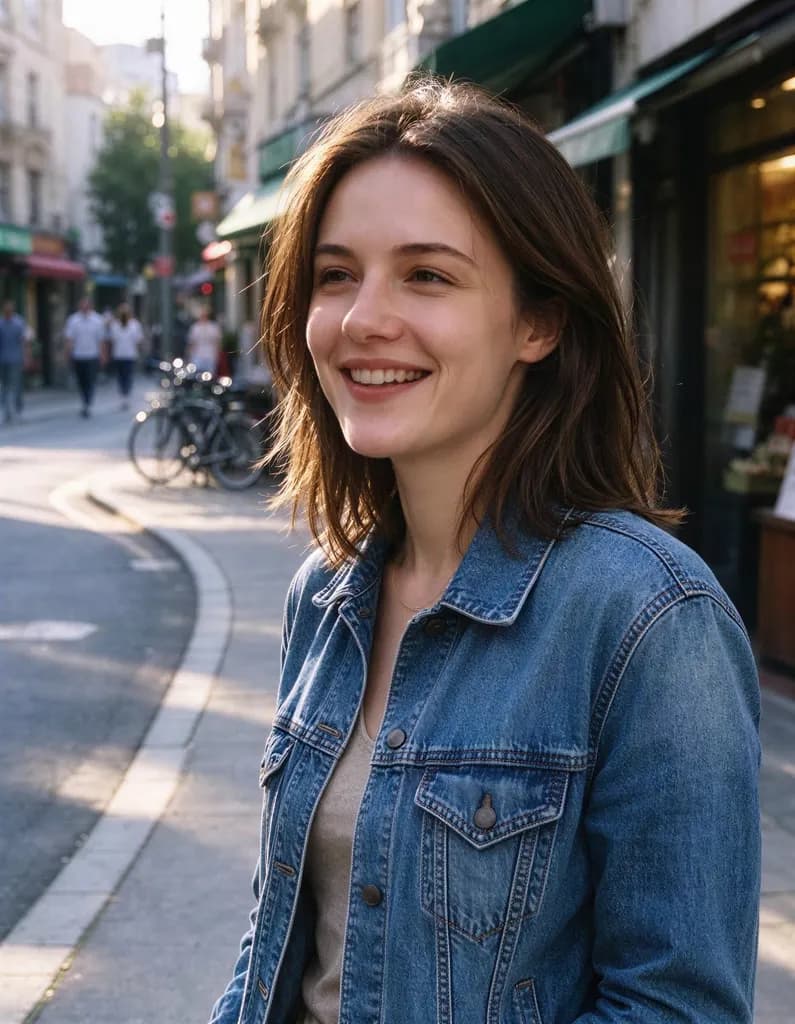 Image Upscalerfrom 2 creditsMake small images bigger and sharper in one click. Choose 2x or 4x, with no watermark on the result.AI Image Generatorfrom 2 creditsTurn one sentence into a photo, a poster, a character or a wallpaper. Start from an idea below or write your own.