Text to Video AI
Type a scene and get a short AI video. No camera, no footage, no editing software.
- from 45 credits
- Free account, 20 credits to start
- Uses purchased credits
Video uses purchased credits. Free credits work for image tools.
See what it does
How it works
Why people use it
Video from words alone
No photo or footage needed. Describe a scene and the AI creates it from scratch.
Two video models
MiniMax H3 Max Turbo is the default. Google's Veo 3.1 Lite makes 720p clips. Both generate sound.
Flexible length and quality
MiniMax H3: 480p or 768p, 5 or 10 seconds. Veo 3.1 Lite: 720p, 4, 6 or 8 seconds.
Direct the camera
Ask for zooms, pans, tracking shots and close-ups in plain English.
Clear pricing
Videos cost from 45 credits, depending on the model, length and quality. Paid with purchased credits.
What text to video AI is good for
Text to video AI turns a written description into a short video clip. It's handy when you need footage that would be hard or expensive to shoot: an establishing shot for a story, a background loop for a presentation, a mood clip for a social post, or a quick visual to test an ad idea before a real shoot.
Two models are available. MiniMax H3 Max Turbo is the default, with 480p or 768p output in 5- or 10-second clips. Google's Veo 3.1 Lite creates 720p clips of 4, 6 or 8 seconds. Both generate sound, which is useful when you want ambience or effects without adding audio yourself.
How to write a good video prompt
A clear prompt usually covers four things:
- Subject: who or what is in the shot ("an elderly fisherman", "a glass perfume bottle").
- Action: what happens ("mends a net", "rotates slowly on a pedestal").
- Setting and light: where and when ("on a wooden dock at dawn, soft fog").
- Camera: how it's filmed ("close-up, shallow depth of field, slow push-in").
Keep each clip to one simple idea. Short videos can't fit a whole story, so plan several clips and edit them together if you need more.
Text to video or image to video?
Text to video invents everything from your prompt. If you need a specific look, such as your own product, your face or a consistent character, start with an image instead. Generate one with the AI Image Generator or upload a photo, then use Image to Video so the clip starts from that picture.
Credits and limitations
Video uses purchased credits only, at from 45 credits depending on your choices. A short 480p test is a cheap way to try a prompt before making a longer version. Like all AI video today, results can include warped hands, flickering details or unreadable text. If a take doesn't work, simplify the action or rephrase the prompt.
Frequently asked questions
Try next
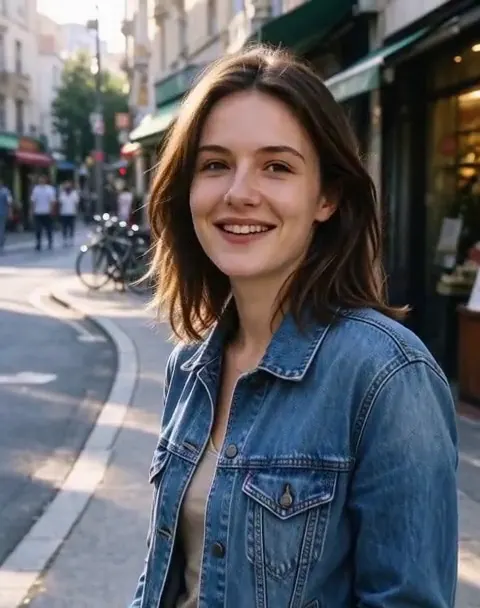 Image to Videofrom 45 creditsUpload a photo, describe how it should move, and get a short AI video with sound. Choose MiniMax H3 or Veo 3.1 Lite.
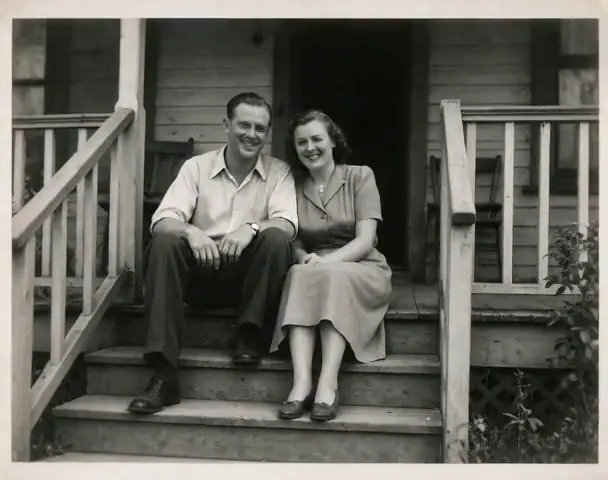 Animate Photo45 creditsTurn a still picture into a short, lifelike video with gentle, natural motion. Perfect for old family photos.
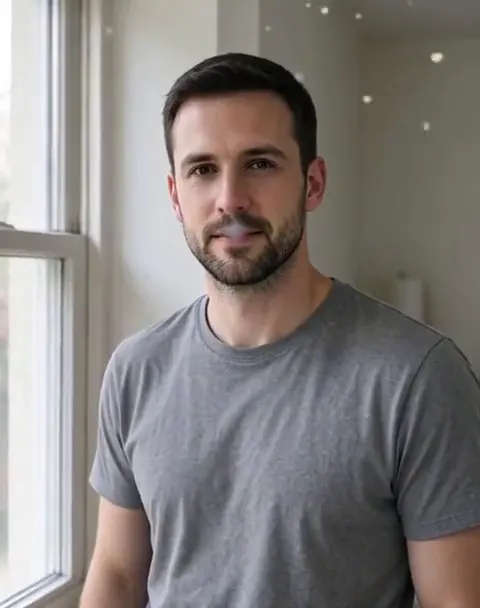 AI Video Effects45 creditsPick an effect, upload a photo, and get a 5-second video. No prompt to write.