AI Photo Filter: 12 Art Styles, One Click
Pick a style, upload a photo and get it redrawn as art. No prompt to write and no sign-up needed to try it.
- 2 credits
- Try without signing up
- No watermark with purchased credits
No sign-up needed to try. Guests get 3 free credits a day.
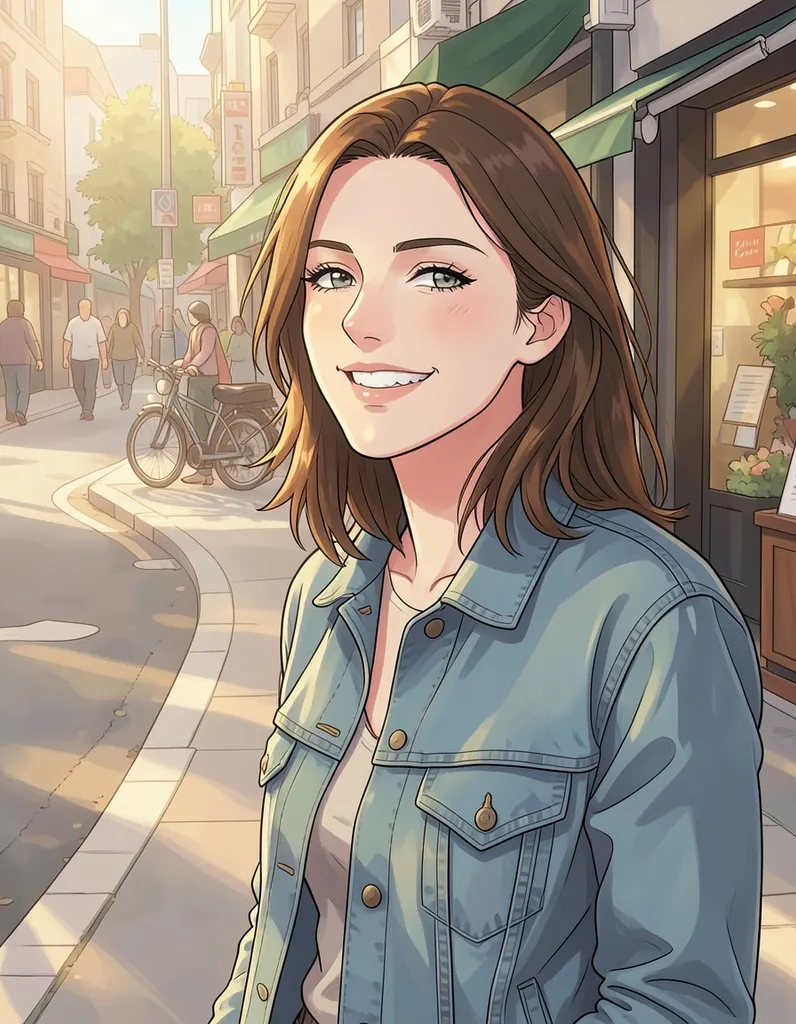
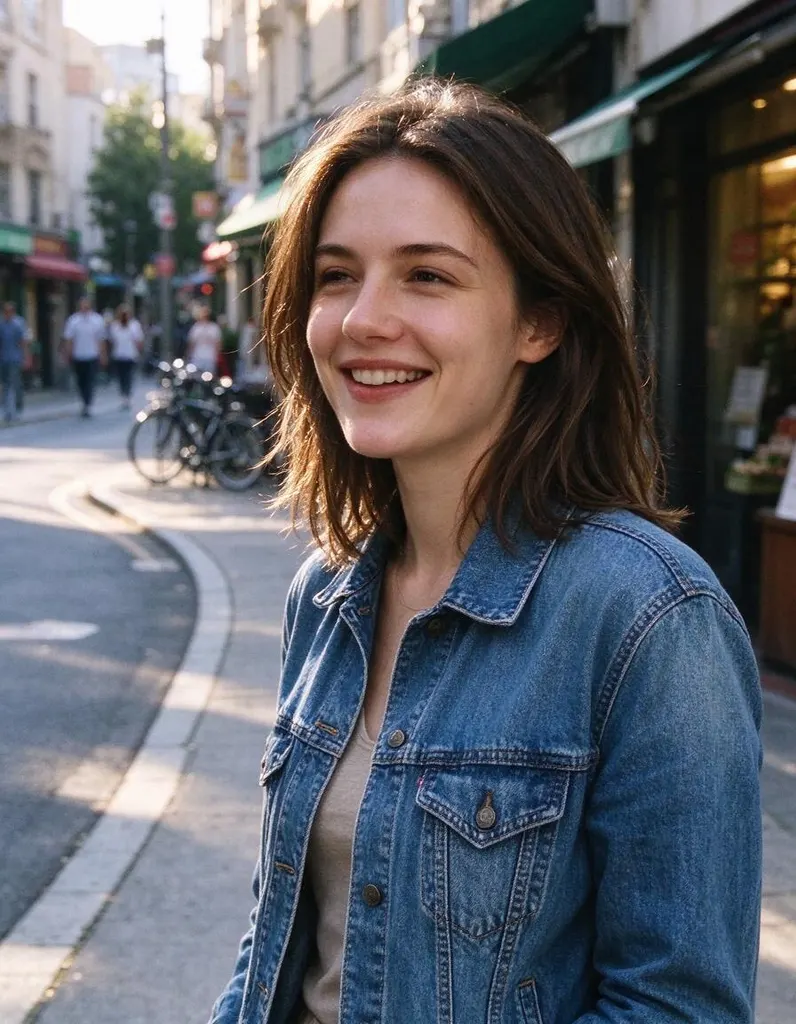
Pick a style
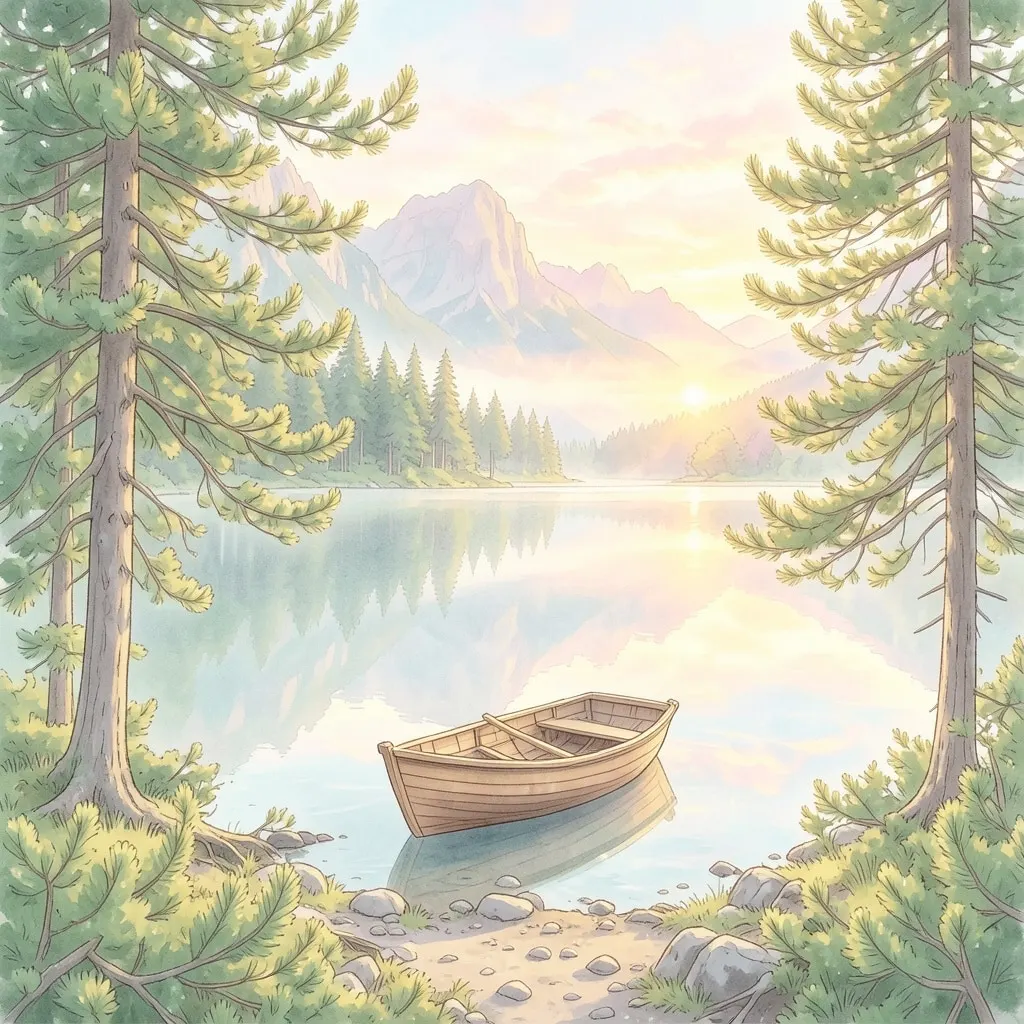
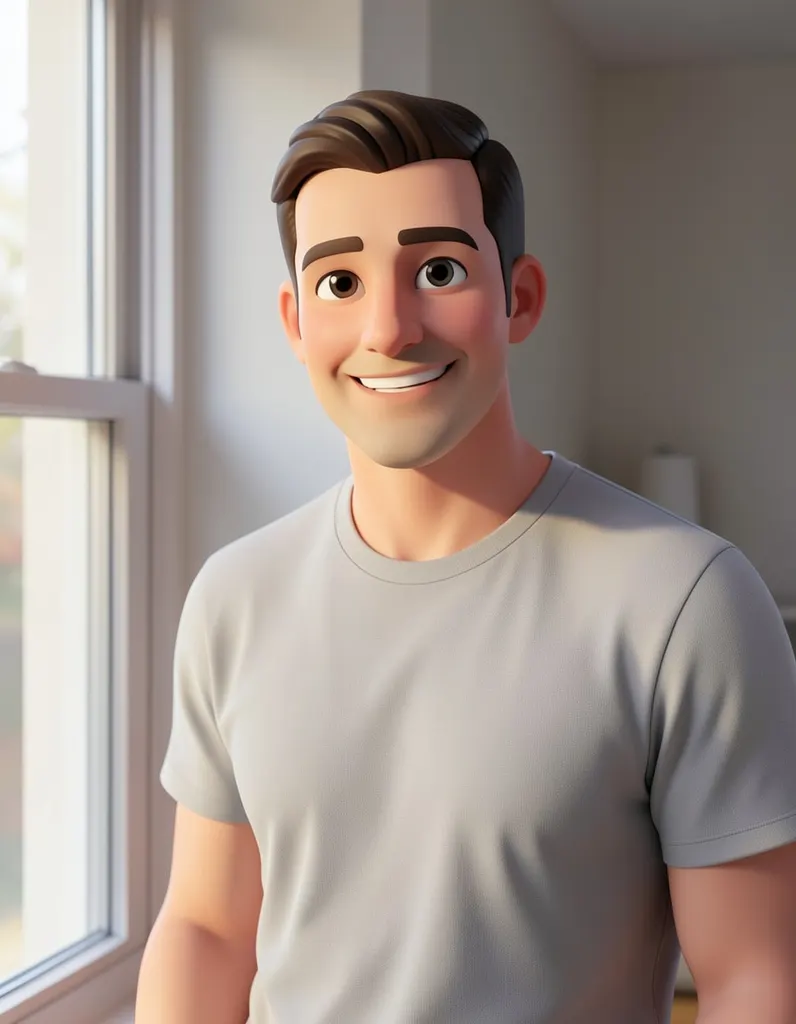
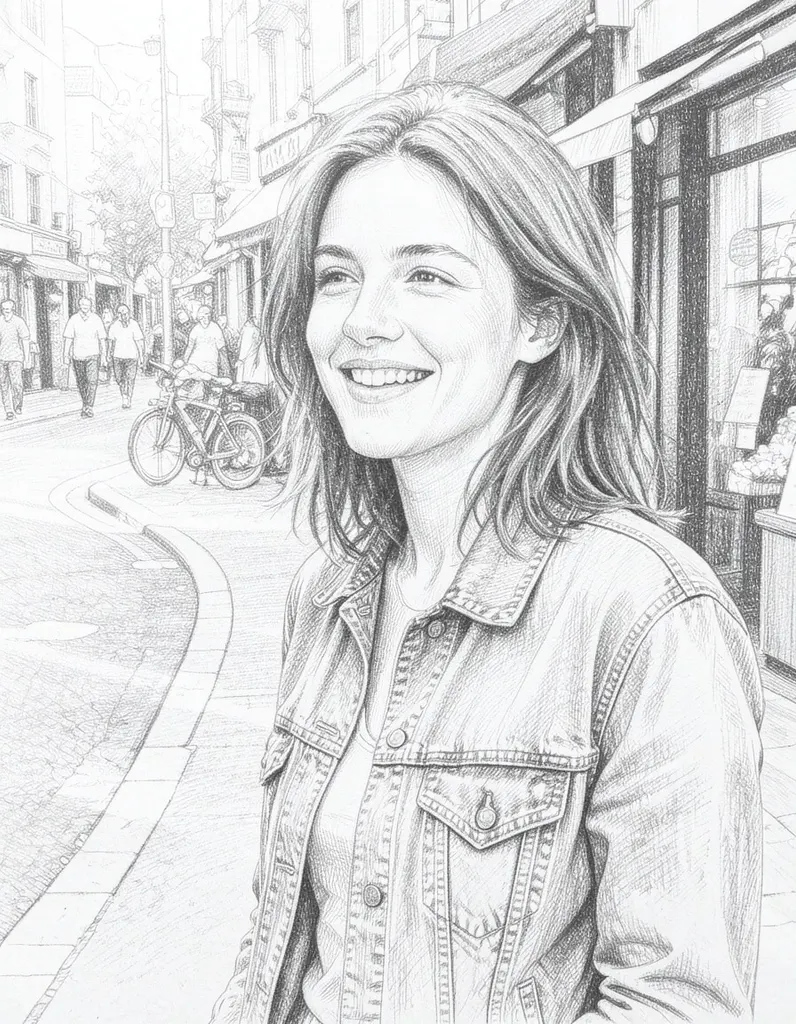
See what it does
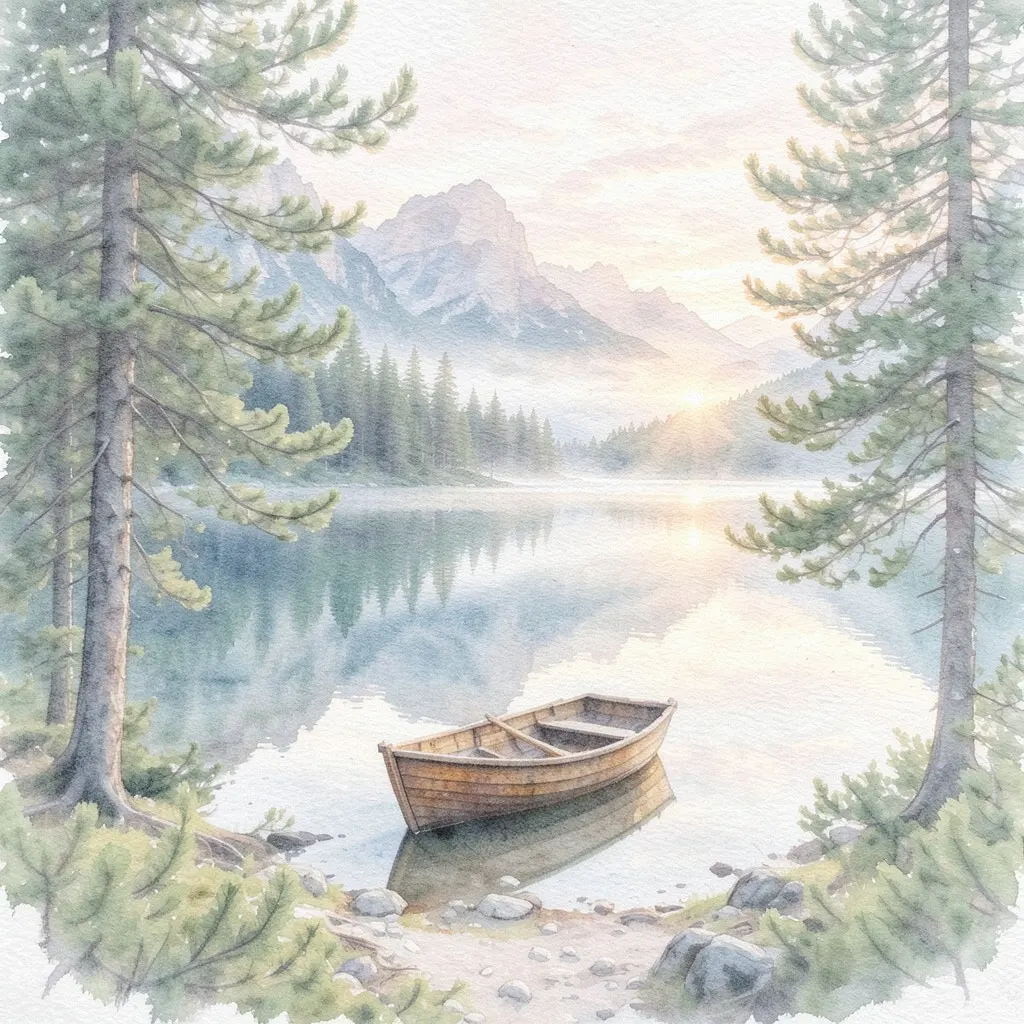
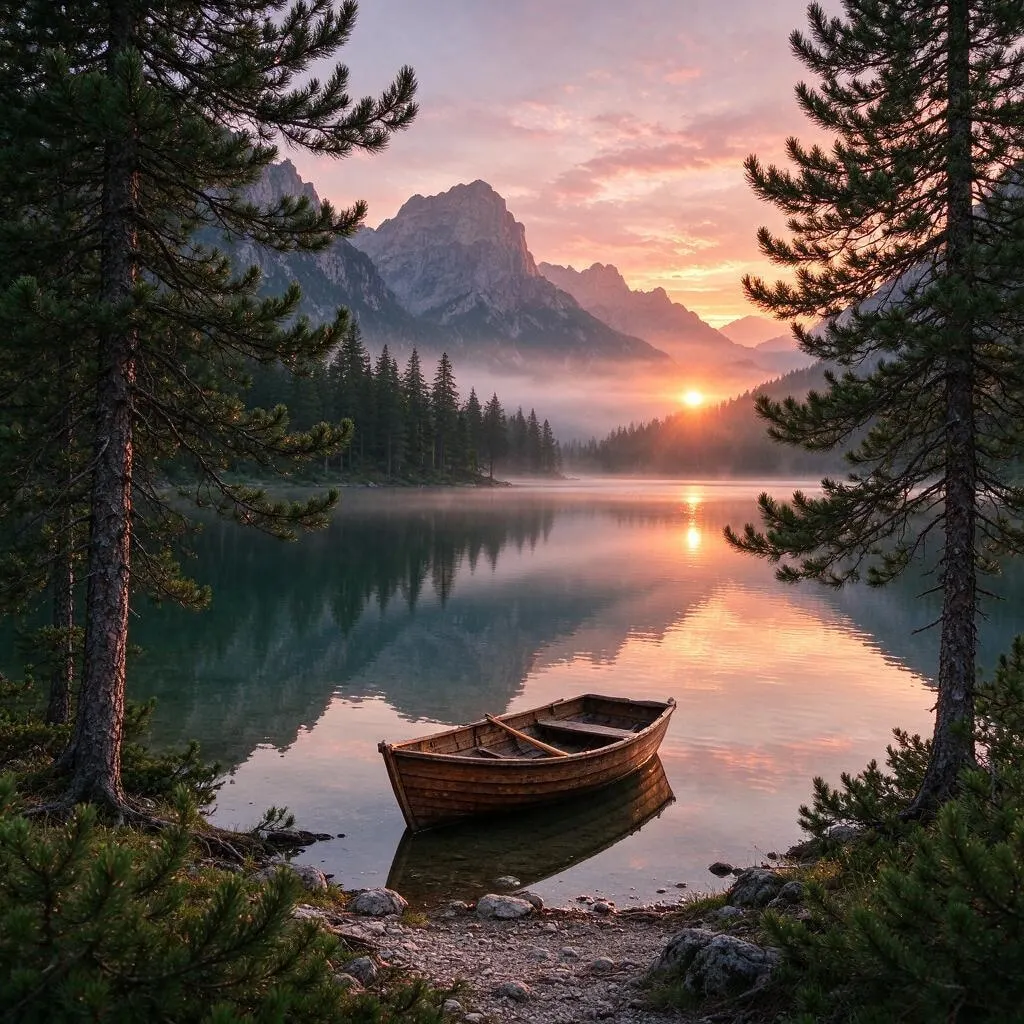
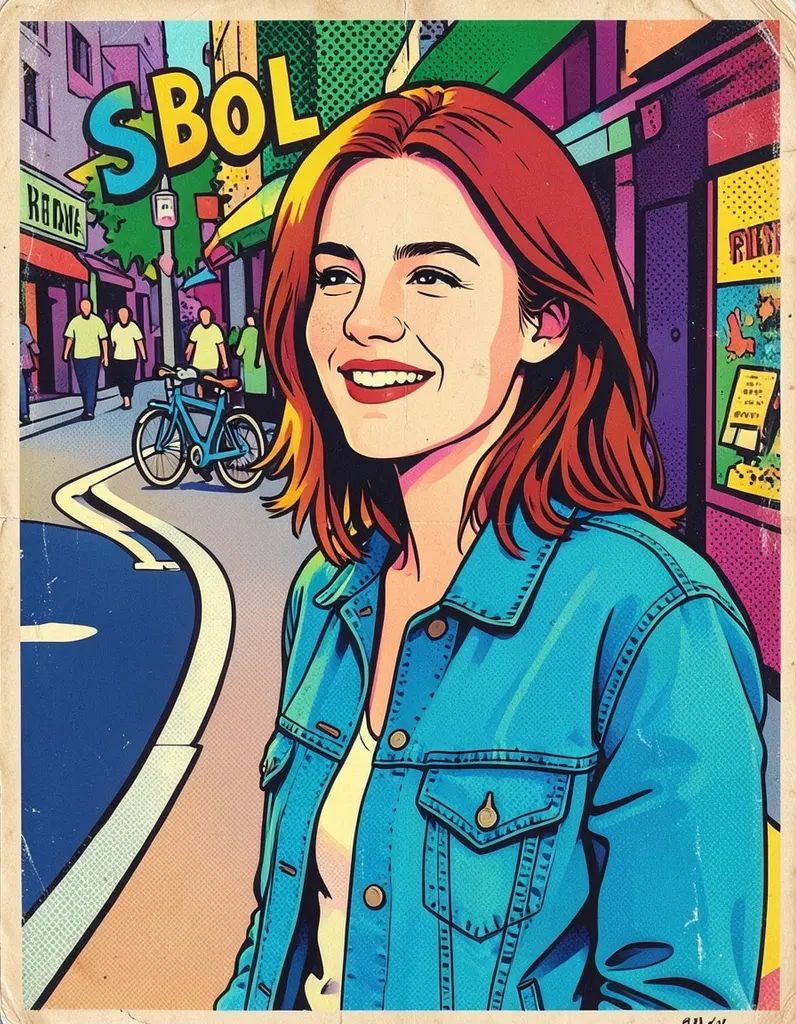
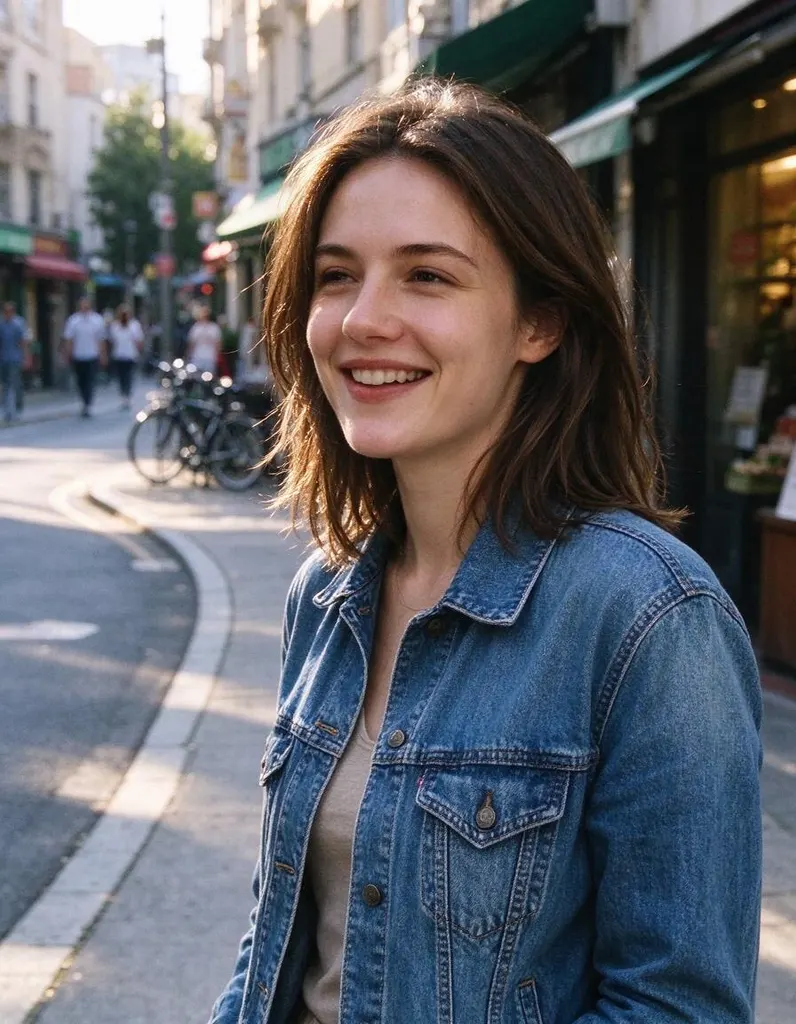
How it works
Why people use it
12 ready-made styles
Anime, watercolor, oil painting, 3D cartoon, comic book, pencil sketch, pop art, cyberpunk, claymation, pixel art, vintage film and a hand-painted Japanese animation look.
No prompt needed
Each style is already tuned, so you only pick and click. No wording to get right.
Made from your photo
The filter redraws your own picture in the new style instead of inventing a new image from scratch.
One price per photo
Every style costs the same: 2 credits per photo. Try it without an account using free daily credits.
Keep going in one click
Send the result to the Image Upscaler for a larger file or to Image to Video to animate it.
One photo, many looks
An AI photo filter is the quickest way to turn an ordinary picture into something you would want to post, print or send. Unlike a classic filter that only shifts colors, the AI redraws the whole image in a new style – brush strokes for an oil painting, clean lines for anime, chunky blocks for pixel art. Use it for profile pictures, gifts, greeting cards, social posts or just to see yourself as a cartoon.
Which style to pick
- For portraits and avatars: anime, 3D cartoon and comic book give a fun, character-like look.
- For something to frame: watercolor, oil painting and pencil sketch feel like a piece made by hand.
- For bold social posts: pop art and cyberpunk use strong colors and contrast.
- For playful results: claymation and pixel art turn people, pets and objects into toy-like or retro game versions.
- For a nostalgic feel: vintage film and the hand-painted Japanese animation style give soft, warm, storybook tones.
Some styles have their own pages with tips just for them: the Anime Filter, the Ghibli Filter, the Cartoon Filter and Photo to Sketch.
Tips for better results
Start with a sharp photo with good light. Faces come out best when they are reasonably large in the frame, so crop a wide group shot before filtering. If one style doesn't suit the photo, try another – the same picture can look very different as watercolor and as cyberpunk. Pets, food, buildings and landscapes work too, not just people. And because each run is drawn fresh, running the same style twice can give you two slightly different versions to choose from.
Limitations
The AI reinterprets your photo, so small details such as text, jewelry or background objects may change or simplify. Very busy scenes can lose some of their detail, and because the filter is built for strong styles, faces are stylized rather than copied exactly. The filter runs on FLUX.2 [klein] 4B, an image model from Black Forest Labs that is good at art styles. Results made with free credits carry a small watermark; results made with purchased credits don't.
Frequently asked questions
Try next
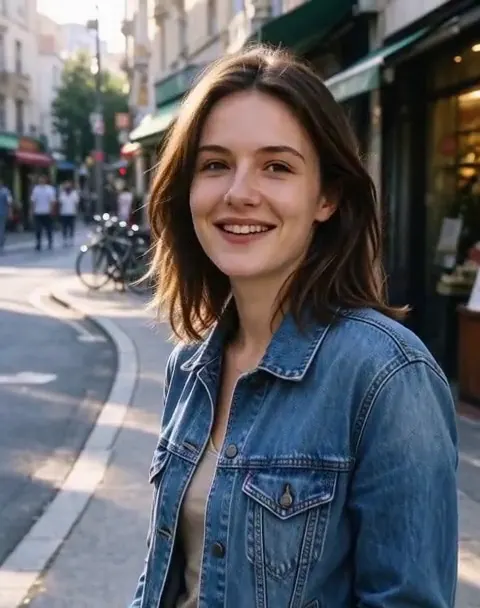 Image to Videofrom 45 creditsUpload a photo, describe how it should move, and get a short AI video with sound. Choose MiniMax H3 or Veo 3.1 Lite.
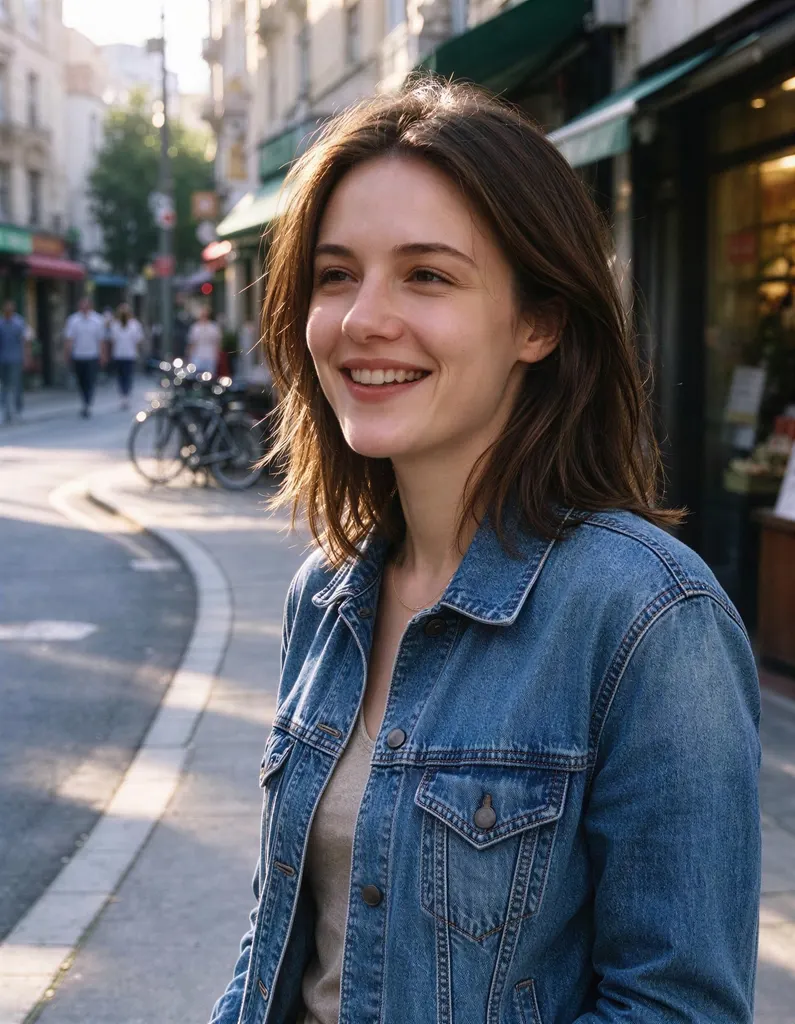 Image Upscalerfrom 2 creditsMake small images bigger and sharper in one click. Choose 2x or 4x, with no watermark on the result.
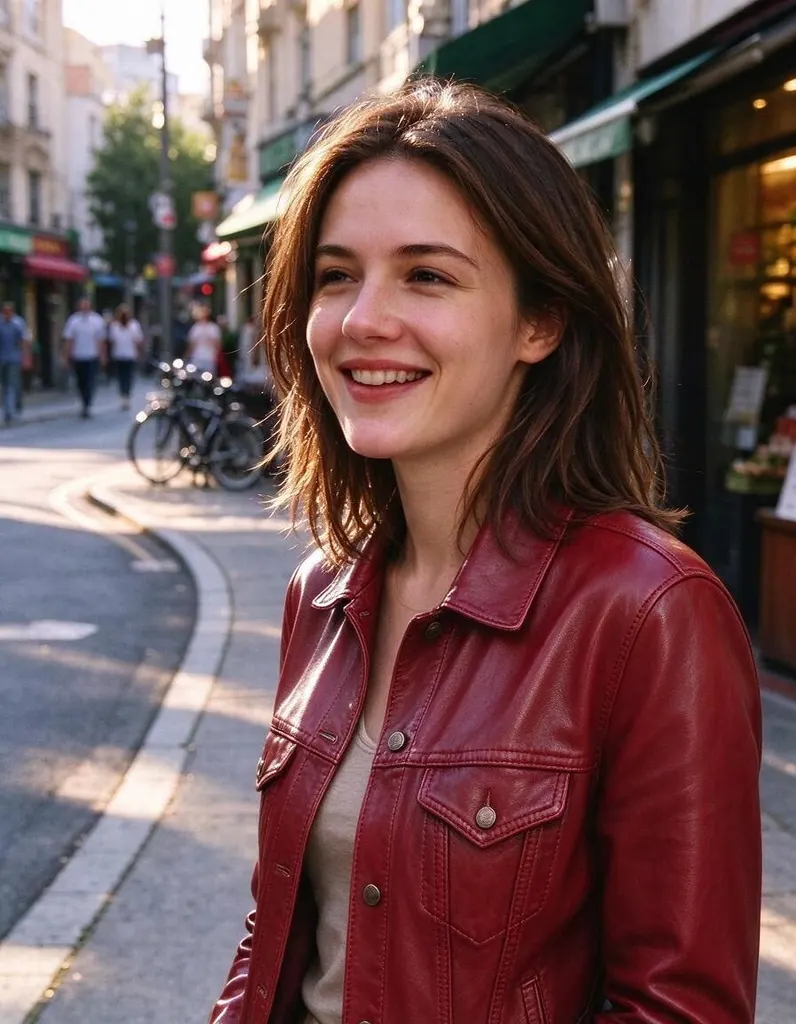 AI Photo Editor8 creditsUpload a photo, describe the edit in plain English and get the new version. No layers, no brushes, no editing skills needed.
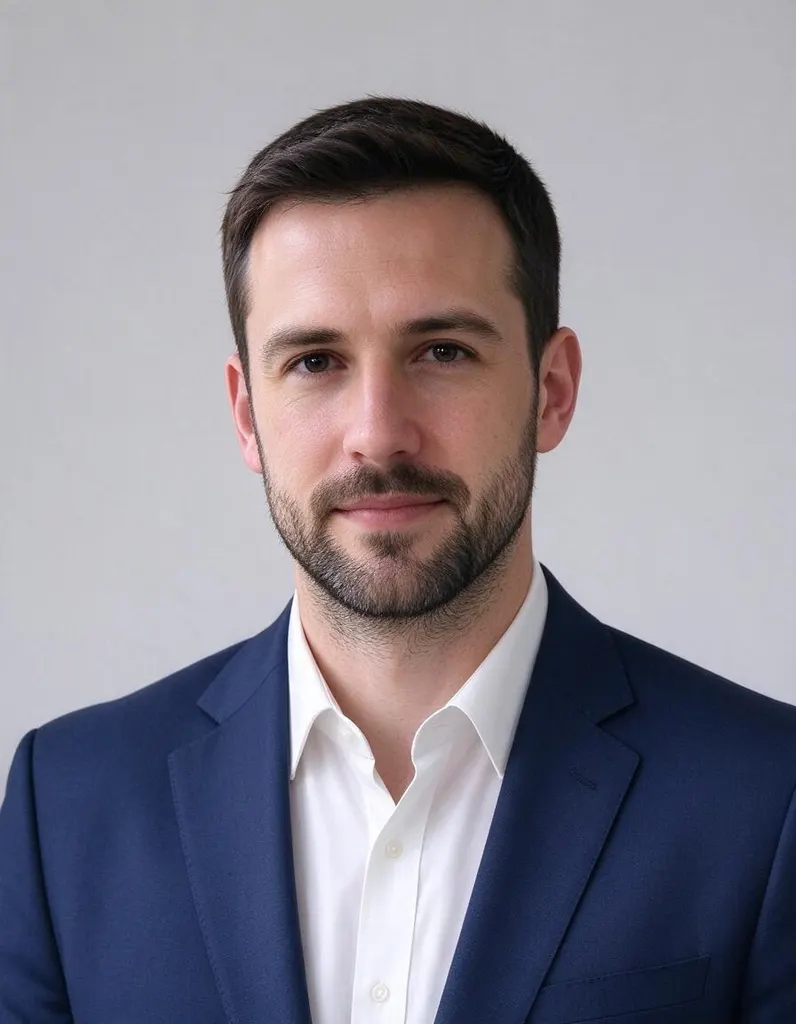 AI Headshot Generator8 creditsUpload one selfie, pick a look and get a polished portrait headshot. No photographer, no studio booking.