AI Image Upscaler
Make small images bigger and sharper in one click. Choose 2x or 4x, with no watermark on the result.
- from 2 credits
- Free account, 20 credits to start
- No watermark with purchased credits
Needs a free account. New accounts get free credits to start.
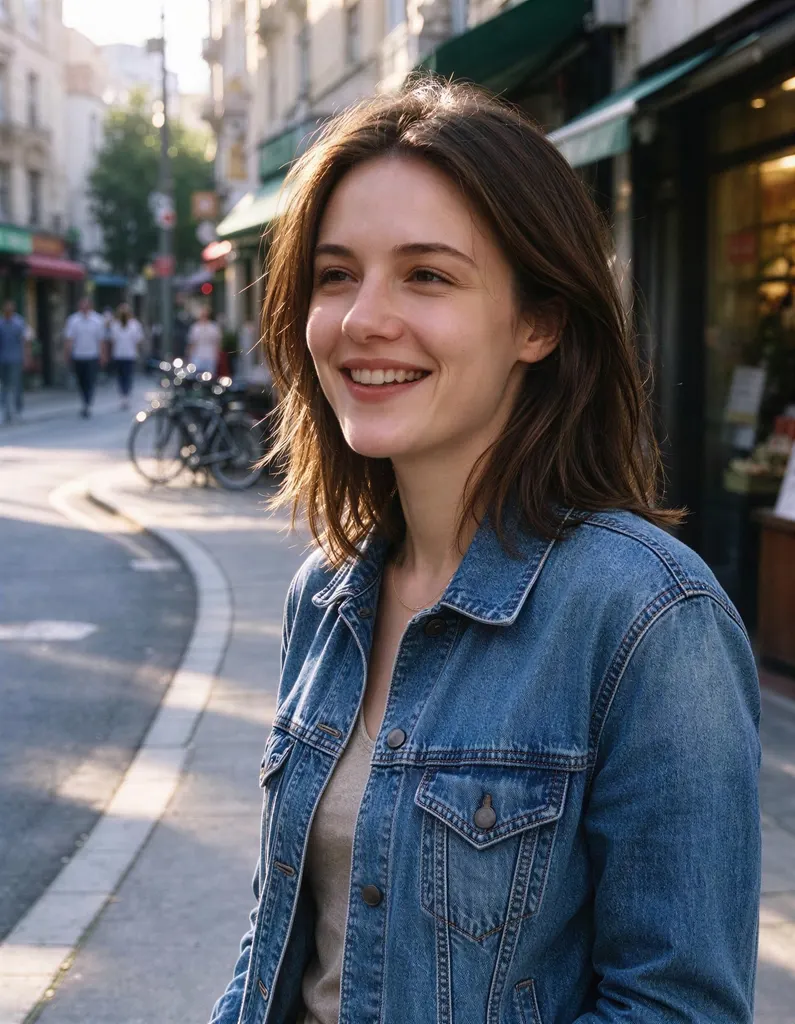
See what it does
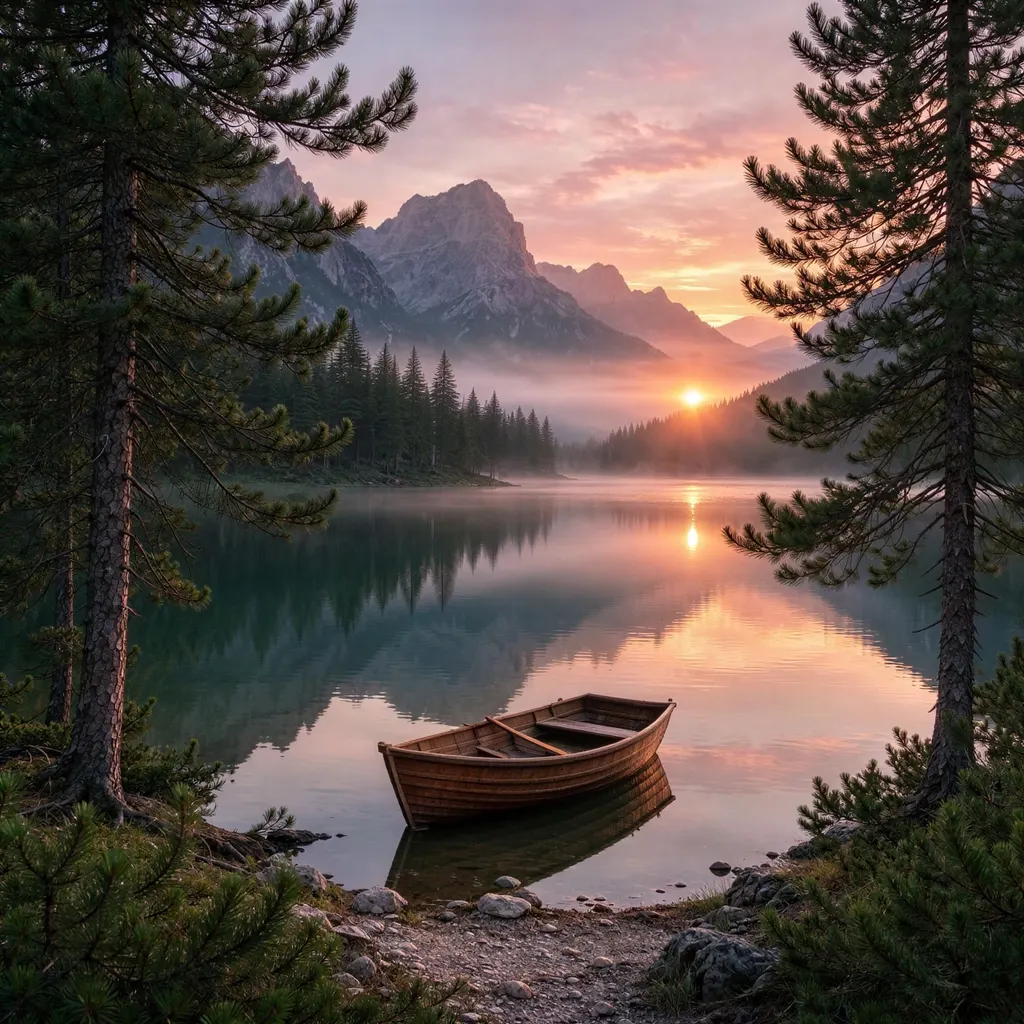
How it works
Why people use it
2x and 4x upscaling
Double or quadruple the width and height of your image in one step.
Detail, not just pixels
The AI adds texture and sharp edges instead of stretching the image and making it blurry.
Fair pricing by size
Upscaling costs from 2 credits, based on the size of your image and the scale you choose.
No watermark
Upscaled images download clean, even when you use free credits.
Works with any tool's output
Send results from the AI Image Generator, Generative Fill or the Image Extender straight here.
When to use an image upscaler
An image upscaler is the fix for pictures that are too small for where you need them. Common cases are printing a photo that only looks good on a phone, enlarging a product shot for a store listing, getting a crisp version of an AI-generated image, or reusing an old web graphic at a larger size. Regular resizing just stretches the pixels, which makes edges soft. AI upscaling uses SeedVR2 to predict the missing detail, so the larger image stays sharp.
2x or 4x?
- 2x doubles the width and height. It's the safe choice for most photos and works on larger images.
- 4x quadruples the width and height. It's best for small images, like thumbnails or old web pictures, and is available for images up to about 2.4 megapixels.
Very large uploads (over about 4.2 megapixels) are scaled down to that size first, then upscaled. The price, from 2 credits, depends on your image size and the scale you pick.
Tips for the best result
- Upload the original. Start from the largest, least compressed version you have. Every round of compression removes detail the AI can't get back.
- Fix other problems first. Remove unwanted objects or extend the canvas before upscaling, so you only pay for the final version once.
- Check faces and text at full size. The AI rebuilds detail from what's there, so tiny faces or lettering may come out slightly different.
Limitations
Upscaling can't invent information that was never in the photo. Extremely small, heavily compressed or very blurry images will look better, but not like they were shot in high resolution. For blur, try Unblur Image. For damaged old prints, Old Photo Restoration is a better starting point.
Uploaded images are deleted after 7 days. Upscaled results are kept for 30 days on a free account and 365 days once you have bought credits or a subscription, so download anything you want to keep.
Frequently asked questions
Try next
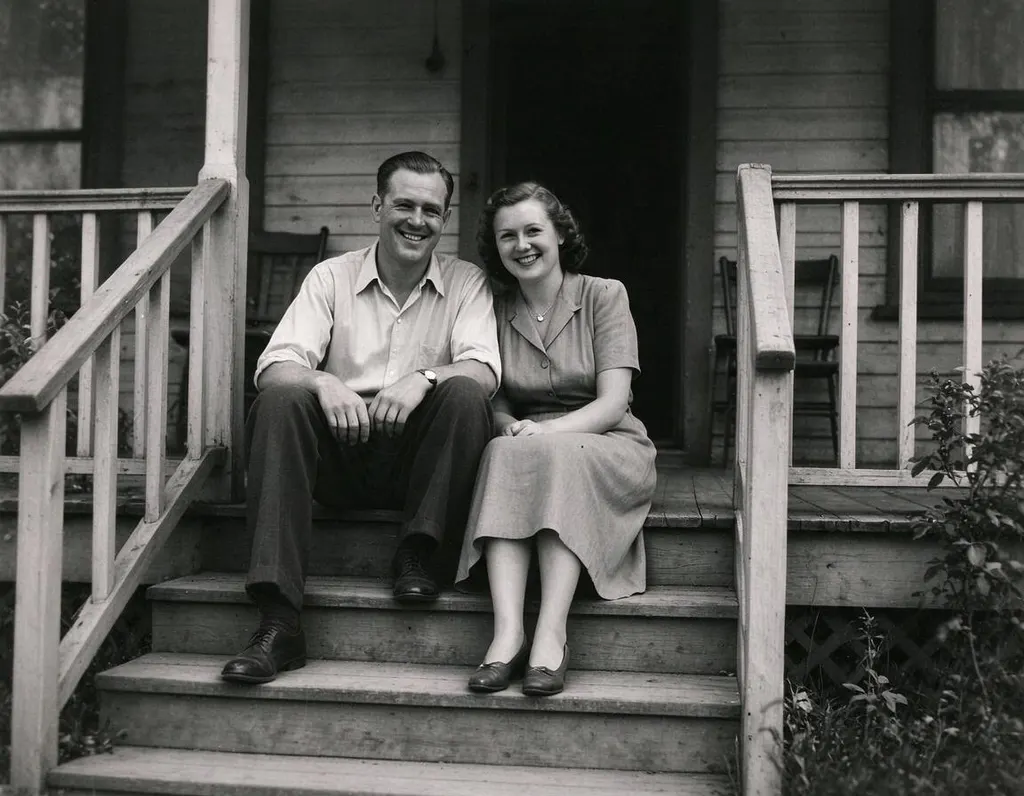 Old Photo Restoration8 creditsRepair scratched, creased and faded prints in one step, while keeping faces true and the photo's original character.
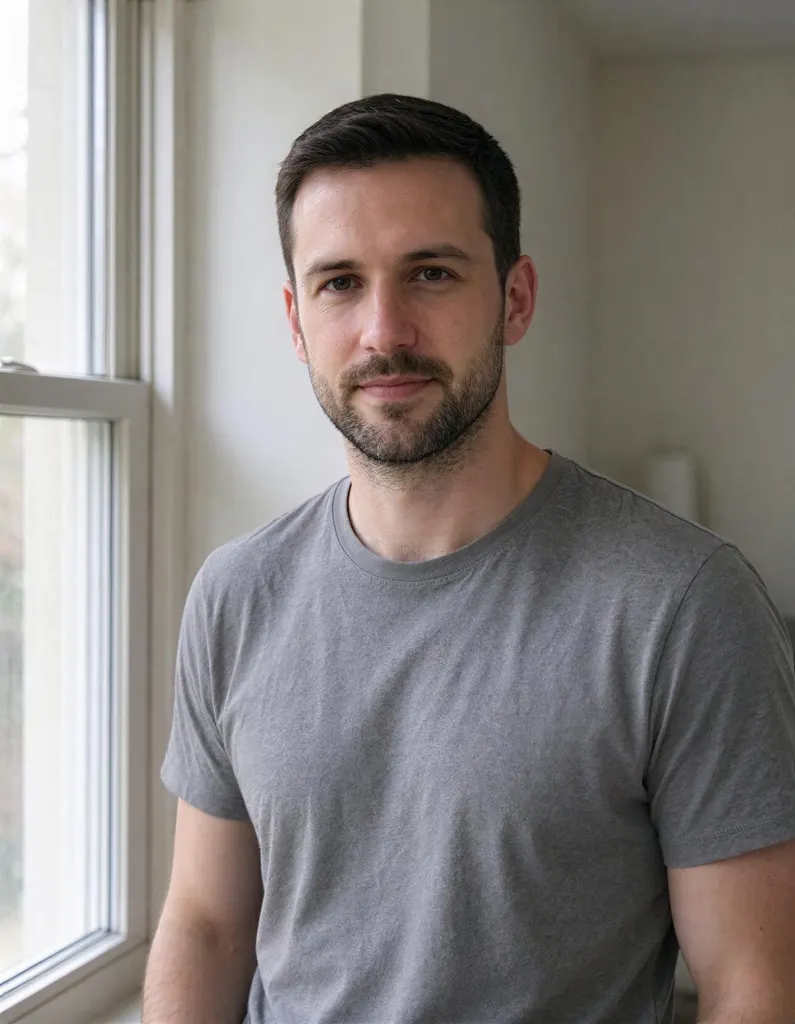 Unblur Imagefrom 2 creditsTurn soft, low-quality photos into clearer, sharper pictures. The result is enhanced at 2x with no watermark.
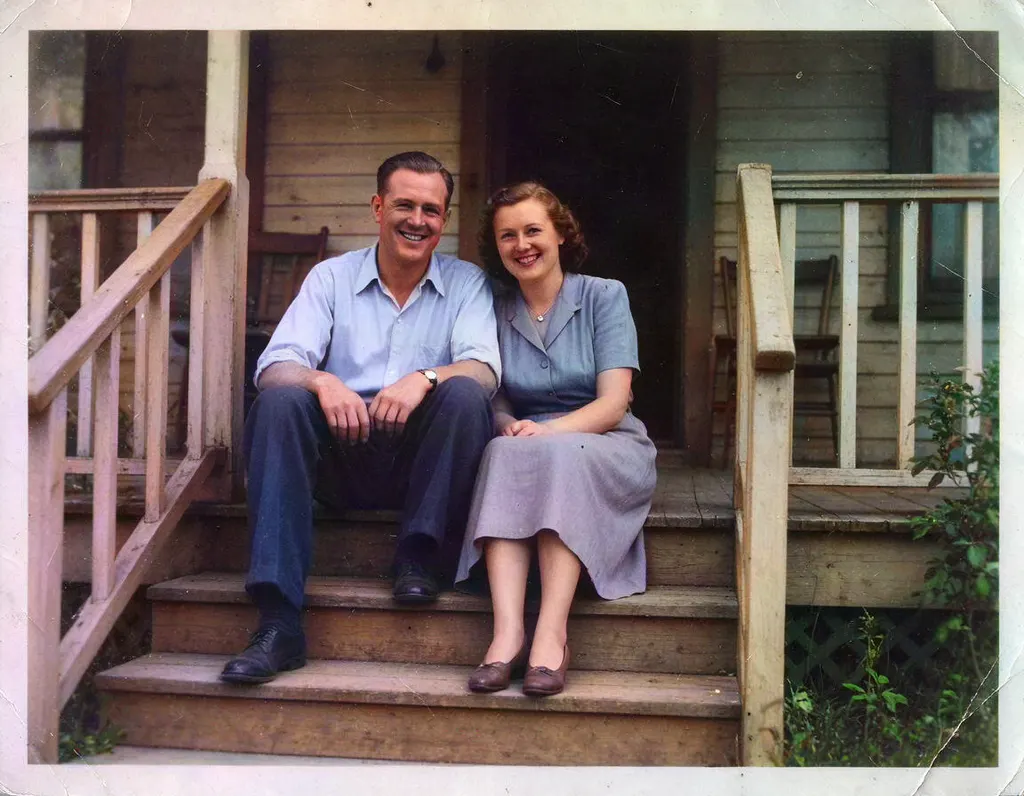 Colorize Photo2 creditsAdd natural color to old black and white pictures in one click. You can try it without an account.