AI Room Design
Upload a photo of a room and pick a style, or describe your own. The windows, walls and camera angle stay, the furniture and decor change.
- 8credits per edit
- 20free credits to start
- +2reference photos
Only edit photos of yourself or people who said yes.
Needs a free account. New accounts get free credits to start.
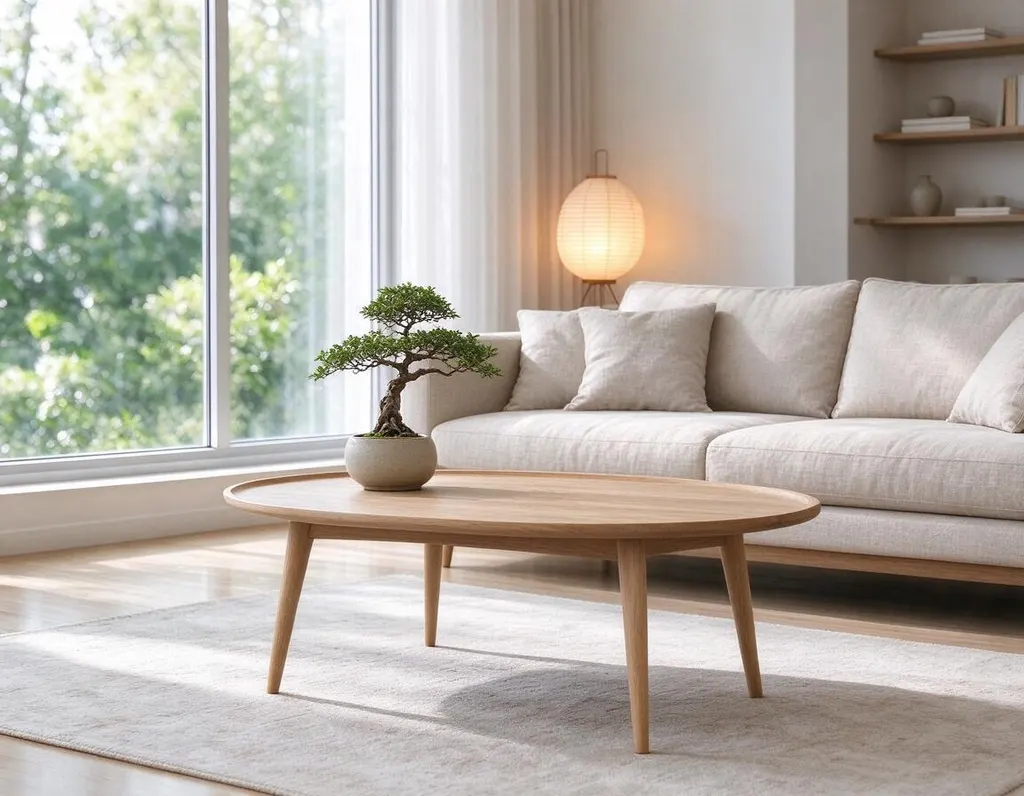
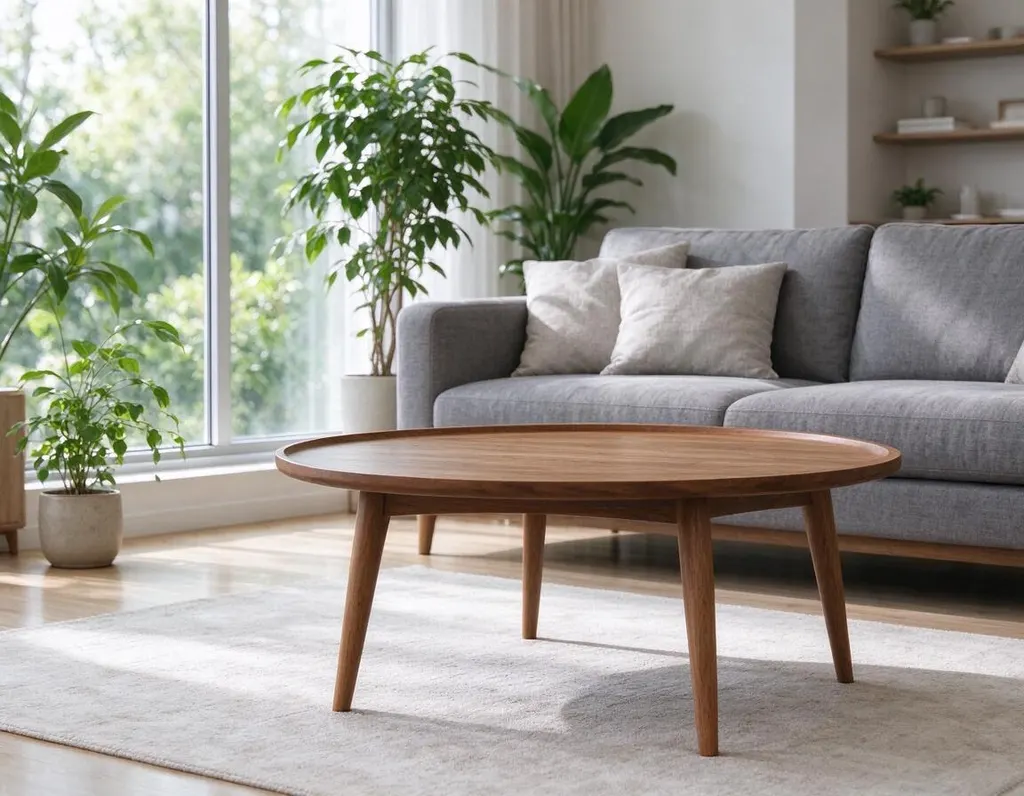
One photo, four edits
Same photo, four sentences. Everything you didn’t ask to change stays the same.
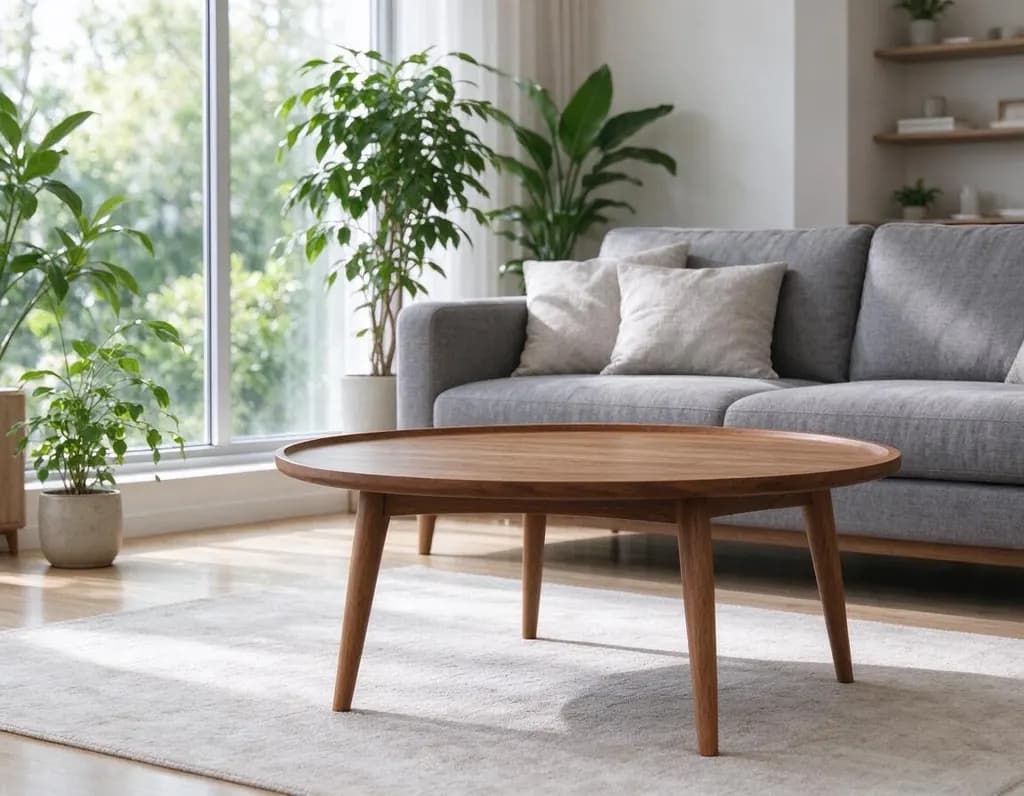 Original
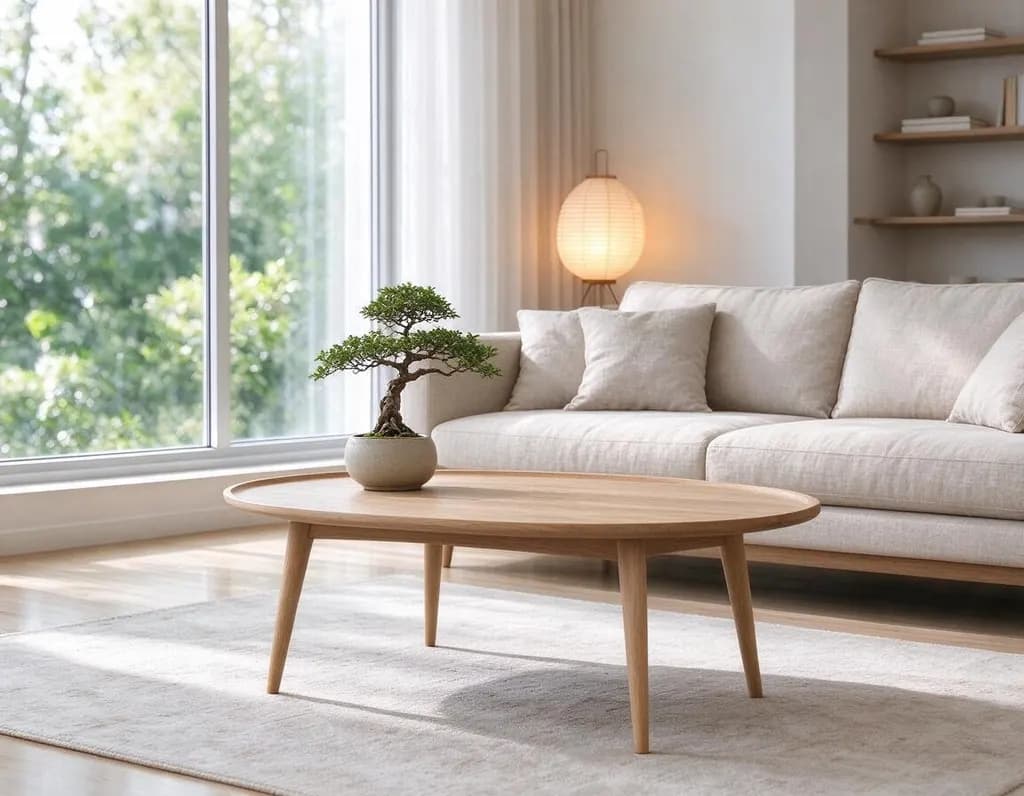 Home
Home
 Home
Home
 Home
Home
 Home
Home
Edits people make
Hover a photo to see the original. Every edit comes with the sentence that made it.
OriginalHomeRedesign the living room in a warm Japandi style: low linen sofa, light oak furniture, paper lamp and a bonsai. Keep the window, walls and camera angle
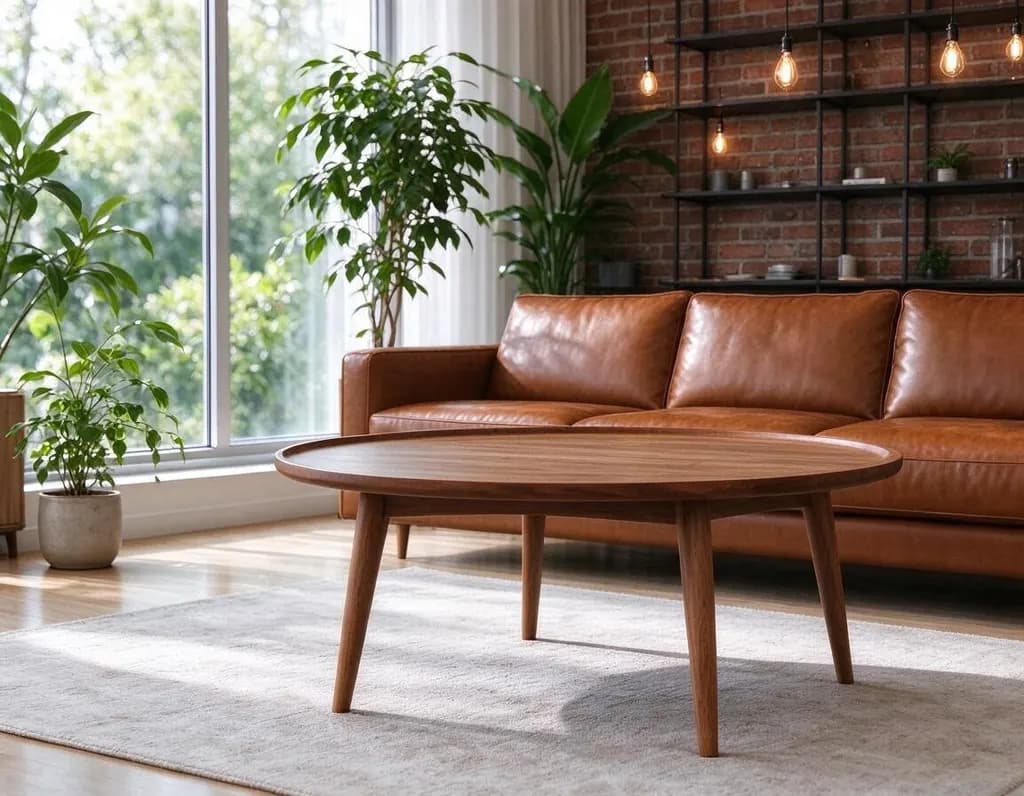
OriginalHomeRedesign the living room as an industrial loft: exposed brick wall, black metal shelves, a cognac leather sofa and Edison bulbs. Keep the window and camera angle
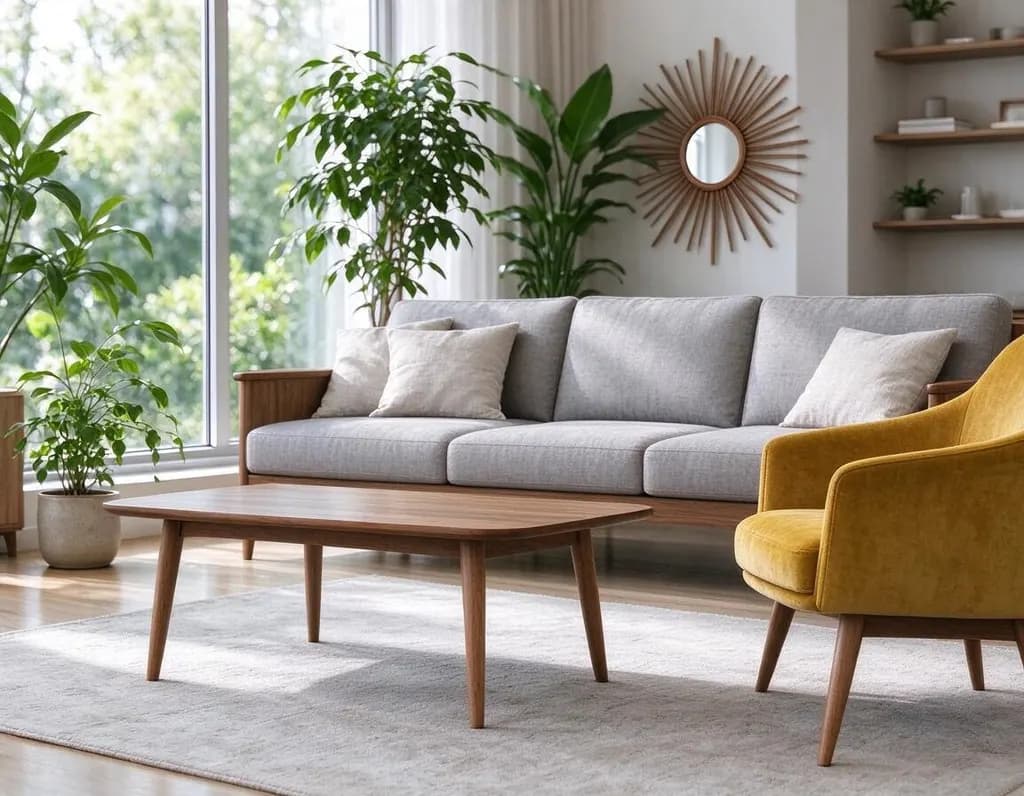
OriginalHomeRedesign the living room in a mid-century modern style: walnut furniture, a mustard velvet armchair, a sunburst mirror and a teak coffee table. Keep the window and camera angle
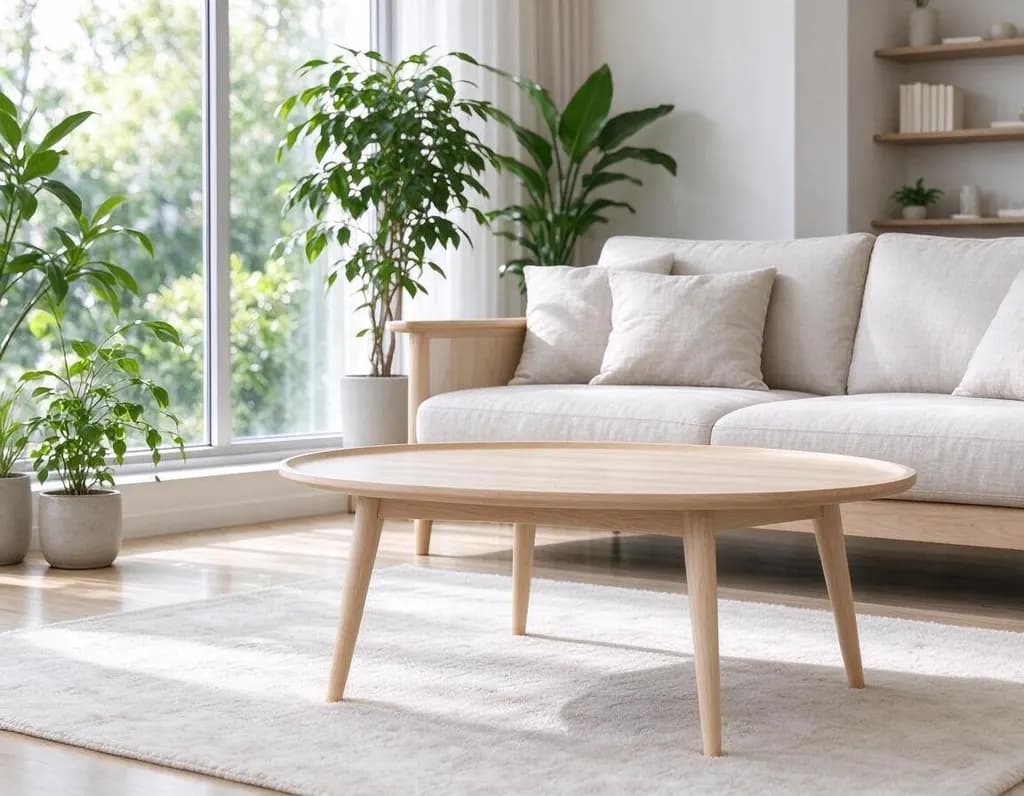
OriginalHomeRedesign the living room in a bright Scandinavian style: white walls, light birch furniture, a cozy wool rug and green plants. Keep the window, walls and camera angle
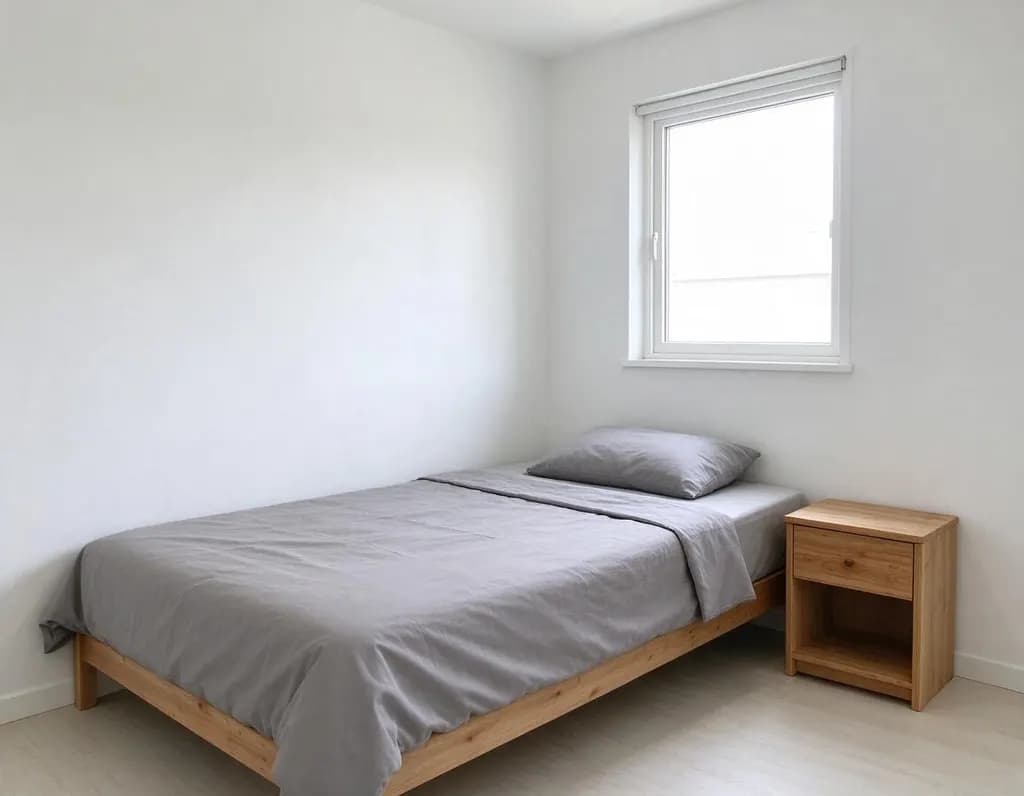 OriginalHome
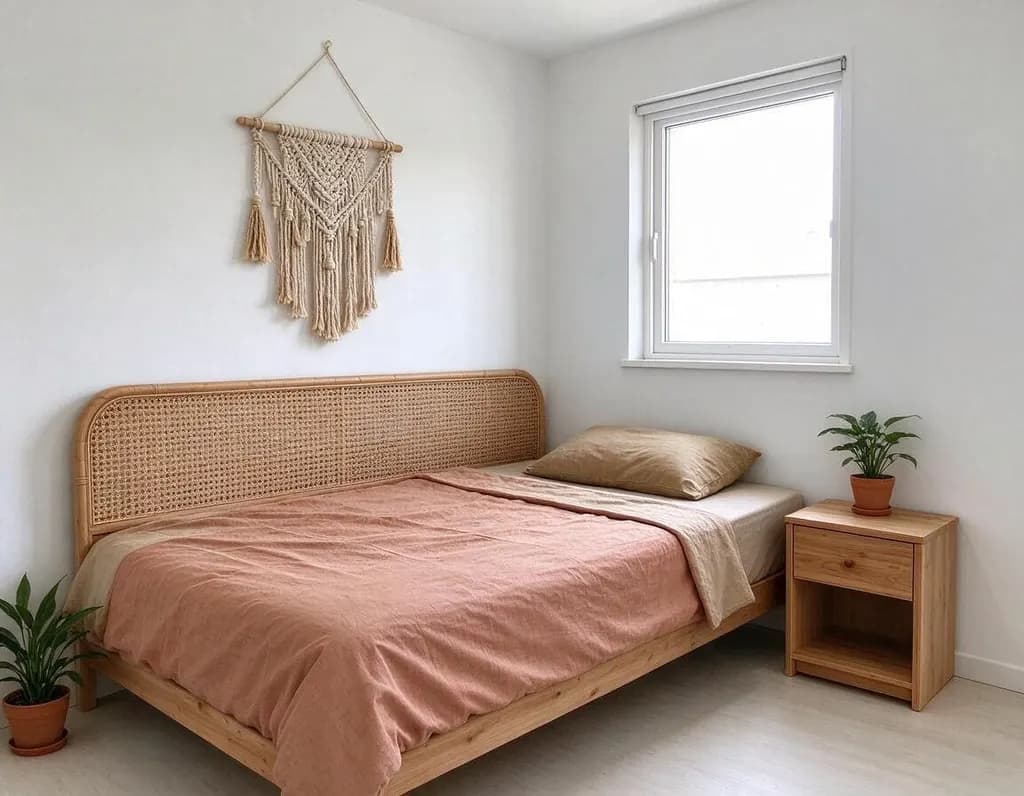
Redesign the bedroom in a cozy boho style: rattan headboard, layered linen bedding in warm earth tones, macrame wall hanging and plants. Keep the window and camera angle

Made for a specific job
Pages built around one kind of edit, plus the tools that do one thing best.
 AI Photo EditorUpload a photo and say what to change. Swap an outfit, move it to a new place, add or remove things, change the season. The rest of the photo stays the same.AI Clothes ChangerUpload a photo and describe a new outfit, or add a photo of the piece you want to try on. Your face, hair and pose stay the same.
 AI Object RemoverErase large objects and busy scenes with a cleaner, more natural fill. No watermark on the result.
 Change BackgroundUpload a photo, type where you want it to be and get the same subject in a brand-new setting.
Write an edit that works
Say three things: what to change, what it should become, and what to keep.
Redesign the living room as an industrial loft: exposed brick wall, black metal shelves, a cognac leather sofa and Edison bulbs. Keep the window and camera angle.
- What to change: the jacket, the sky, the dog
- What it becomes: be specific about color and material
- What to keep: face, pose, background
One change per edit works best. When it looks right, press Keep editing and make the next change.
How it works
Why people use it
Your room, a new style
The AI keeps the windows, walls and camera angle and redesigns the furniture, colors and decor.
Styles in one tap
Japandi, Scandinavian, industrial loft, mid-century modern, cozy boho. Or describe any style in your own words.
Copy a room you like
Add a photo of a room you love under Reference and ask the AI to redesign yours in the same style.
One price per design
Each design costs 8 credits. New accounts start with free credits.
Refine step by step
Change the sofa, press Keep editing, then try a different rug or wall color on the result.
See your room in a new style
AI room design turns a photo of your room into the same room in a new style. The windows, walls and camera angle stay where they are, while the furniture, colors and decor change. Use it to choose a style before you buy anything, to plan a renovation, to stage a room for a listing, or just to see what Japandi would look like in your living room.
How to get a good redesign
- Start from a wide photo. Stand in a corner, keep the camera level and shoot in daylight.
- Name the style and a few key pieces. "Mid-century modern: walnut furniture, a mustard velvet armchair, a sunburst mirror."
- Say what to keep. "Keep the window, walls and camera angle" keeps the room recognizable; add "keep the grey sofa" for furniture you already own.
- Refine in steps. Press Keep editing to change the rug, the wall color or the lighting on the result.
- Copy a look. Add a photo of a room you love under Reference.
Clean up first
If the room is cluttered, remove the clutter first with the AI Object Remover, then redesign. To change the view outside the window or the background of a photo, use Change Background. For any other kind of edit, the AI Photo Editor does the same thing with any photo.
Limitations
The AI draws furniture and decor that fit the style, not real products, and small details like lamp cords or book titles may look off. Measurements and exact layouts aren't guaranteed, so use the result as inspiration. Results made with free credits carry a small watermark; purchased credits remove it.
Frequently asked questions
Try next
 Image Upscalerfrom 2 creditsMake small images bigger and sharper in one click. Choose 2x or 4x, with no watermark on the result.AI Object Remover4 creditsErase large objects and busy scenes with a cleaner, more natural fill. No watermark on the result.AI Photo Editor8 creditsUpload a photo and say what to change. Swap an outfit, move it to a new place, add or remove things, change the season. The rest of the photo stays the same.
 AI Photo Filter2 creditsPick a style, upload a photo and get it redrawn as art. No prompt to write and no sign-up needed to try it.