Hairstyle Changer: Try a New Look Before You Cut
Upload a photo of yourself, describe the hairstyle you're thinking about and see it on you – no scissors, no dye.
- 8 credits
- Free account, 20 credits to start
- No watermark with purchased credits
Needs a free account. New accounts get free credits to start.
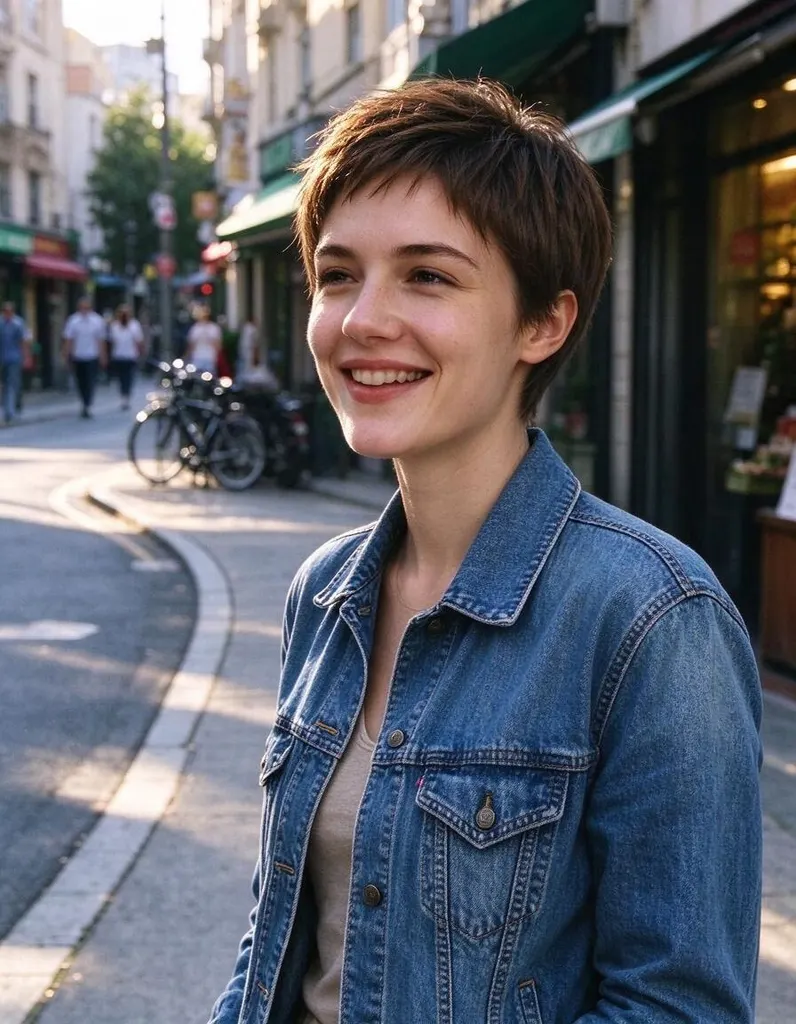
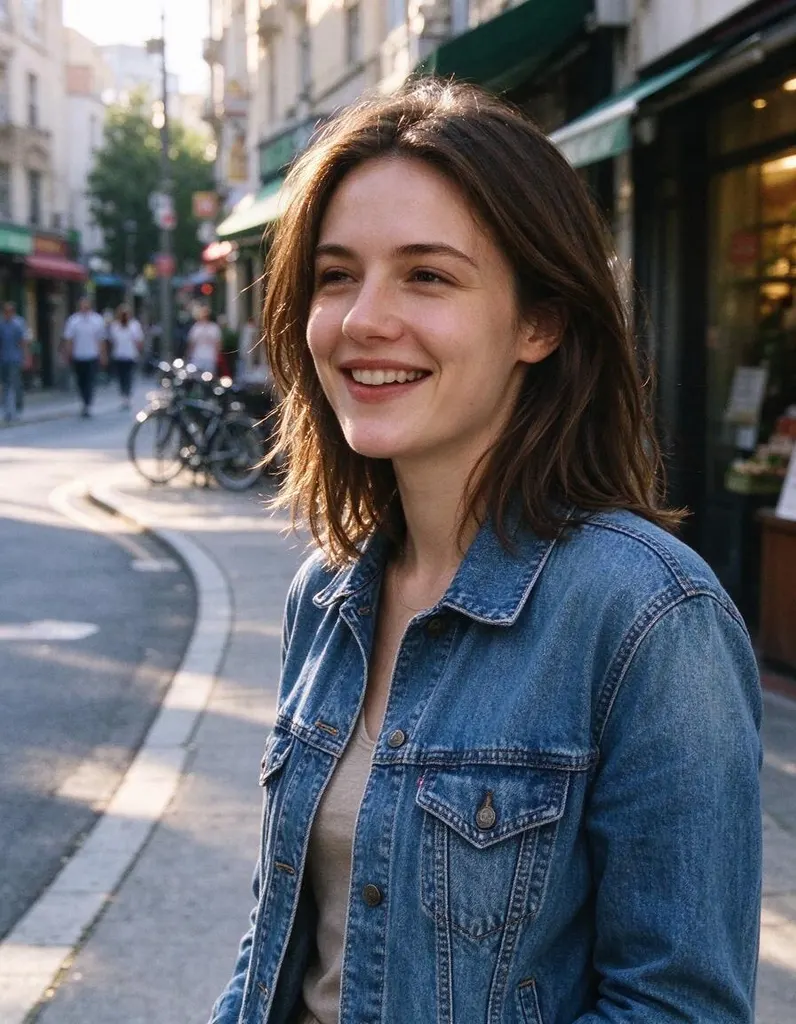
See what it does
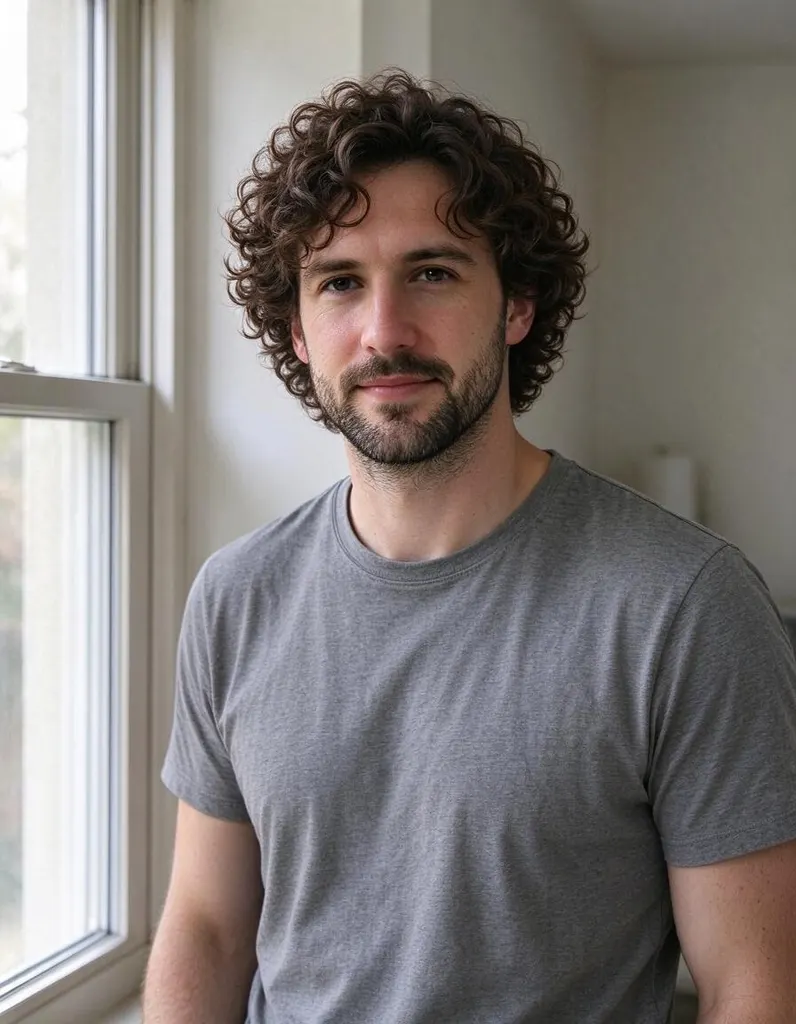

How it works
Why people use it
Any cut you can describe
Pixie, bob, layers, buzz cut, long waves, braids, an undercut – write it in your own words.
Try new hair colors
Platinum blonde, copper, jet black, pastel pink or subtle highlights. See the color on you before you dye.
Length and texture too
Go longer or shorter, straight or curly, sleek or messy, all from the same photo.
Simple pricing
Each new hairstyle costs 8 credits. New accounts start with free credits.
Private uploads
Location and other private metadata are stripped from your photo, and uploads are deleted after 7 days.
See a new hairstyle on yourself first
A big haircut or a new color is hard to undo. The hairstyle changer lets you try the idea on your own photo first: upload a picture, describe the hairstyle, and see how it looks on your face. Use it to decide between a few options, to check if bangs really suit you, or to show your hairdresser a picture of you with the style instead of a photo of someone else.
How to describe a hairstyle
Think about three things and put them in one sentence:
- Length: pixie, chin-length, shoulder-length, mid-back, buzz cut, short on the sides.
- Color: natural black, chestnut brown, ash blonde, copper red, silver, or highlights and balayage.
- Style and texture: straight, wavy, curly, layered, blunt cut, curtain bangs, slicked back, braided, in a bun.
For example: "chin-length wavy bob in warm chestnut brown with side-swept bangs". If you want to keep part of your current look, say so: "keep the length, add copper highlights".
Tips for a realistic preview
- Use a recent photo with your hair visible. Hats, hoods and heavy shadows make it harder for the AI to place the new hair.
- Pick a photo that shows your face shape. Front-facing or a slight turn helps you judge how a cut frames your face.
- Try a few versions. Run two or three similar descriptions side by side – a small change in length or color can make a big difference.
Limitations
The result is an AI preview. Very dramatic changes, such as long curly hair from a buzz cut, may look less natural than smaller changes. Details like hair clips, earrings or the background can shift slightly. Results made with free credits carry a small watermark; results made with purchased credits don't.
Frequently asked questions
Try next
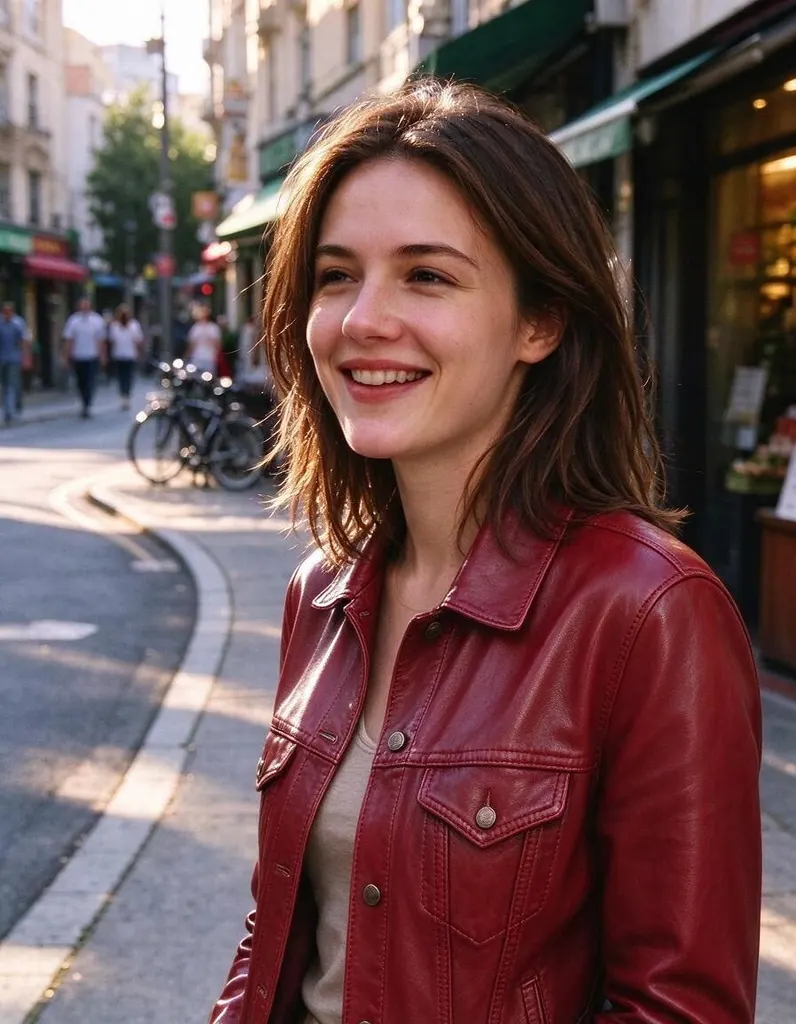 AI Photo Editor8 creditsUpload a photo, describe the edit in plain English and get the new version. No layers, no brushes, no editing skills needed.
 AI Photo Filter2 creditsPick a style, upload a photo and get it redrawn as art. No prompt to write and no sign-up needed to try it.
 AI Headshot Generator8 creditsUpload one selfie, pick a look and get a polished portrait headshot. No photographer, no studio booking.