AI Photo Editing Tools
Change clothes, styles, lighting and hair by typing what you want. Try filters without signing up, or get 20 credits with a free account.
Tools in this category
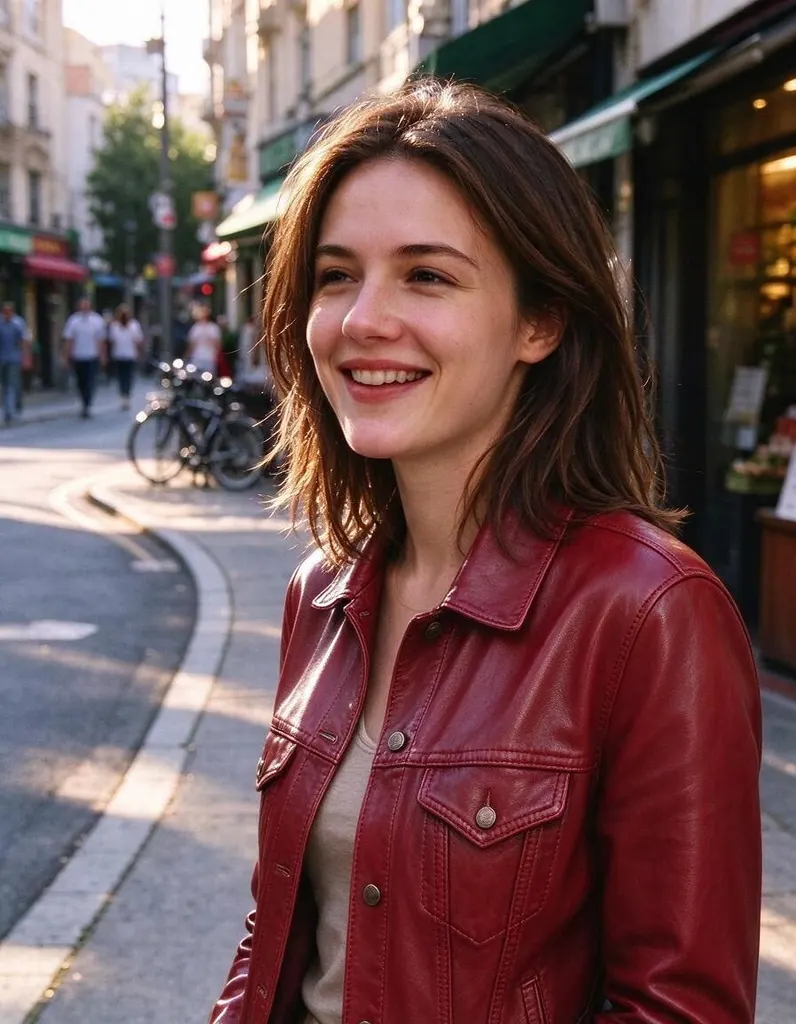 AI Photo Editor8 creditsUpload a photo, describe the edit in plain English and get the new version. No layers, no brushes, no editing skills needed.
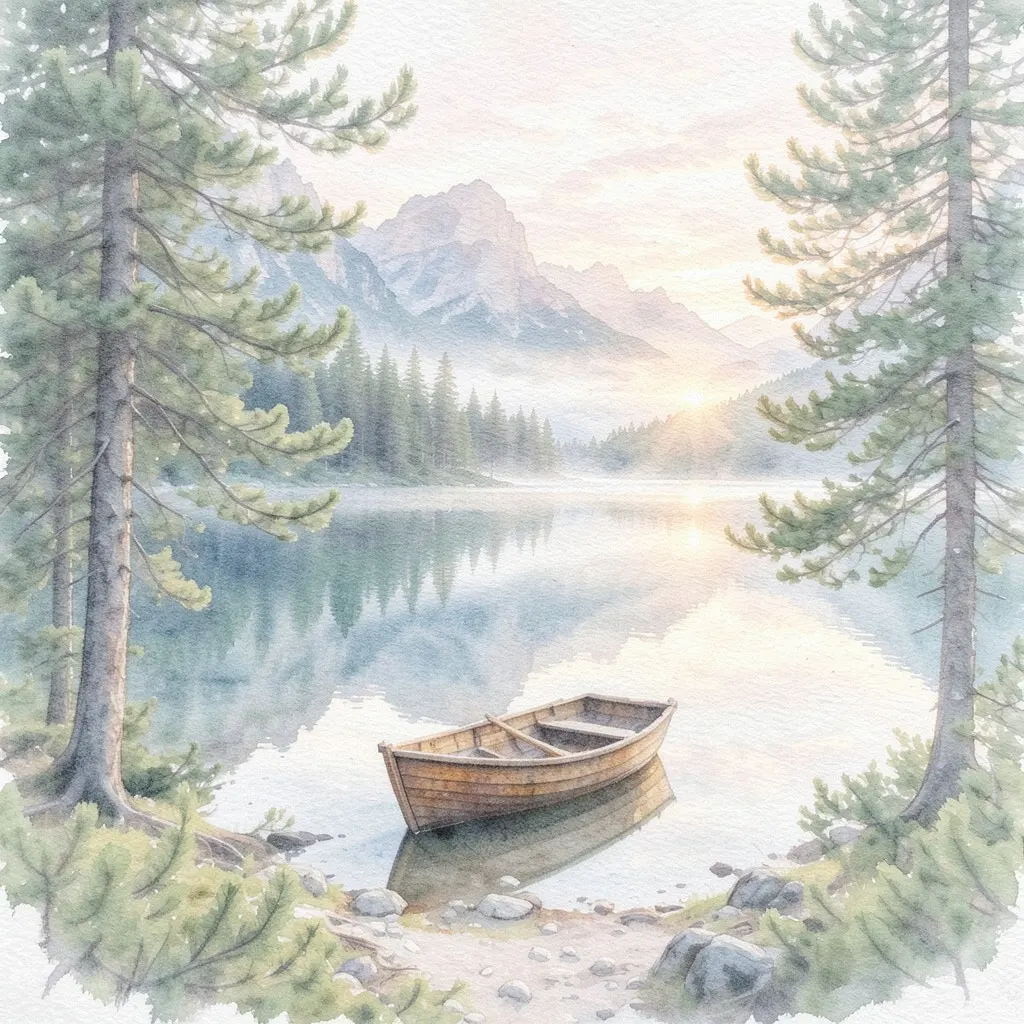 AI Photo Filter2 creditsPick a style, upload a photo and get it redrawn as art. No prompt to write and no sign-up needed to try it.
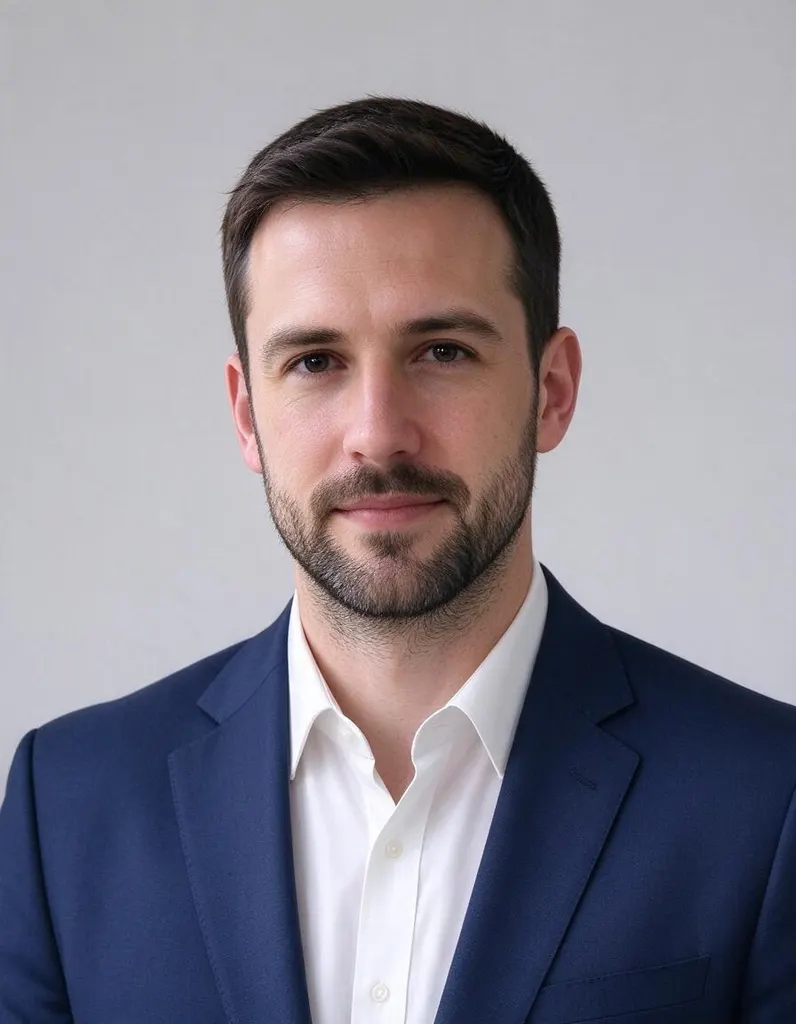 AI Headshot Generator8 creditsUpload one selfie, pick a look and get a polished portrait headshot. No photographer, no studio booking.
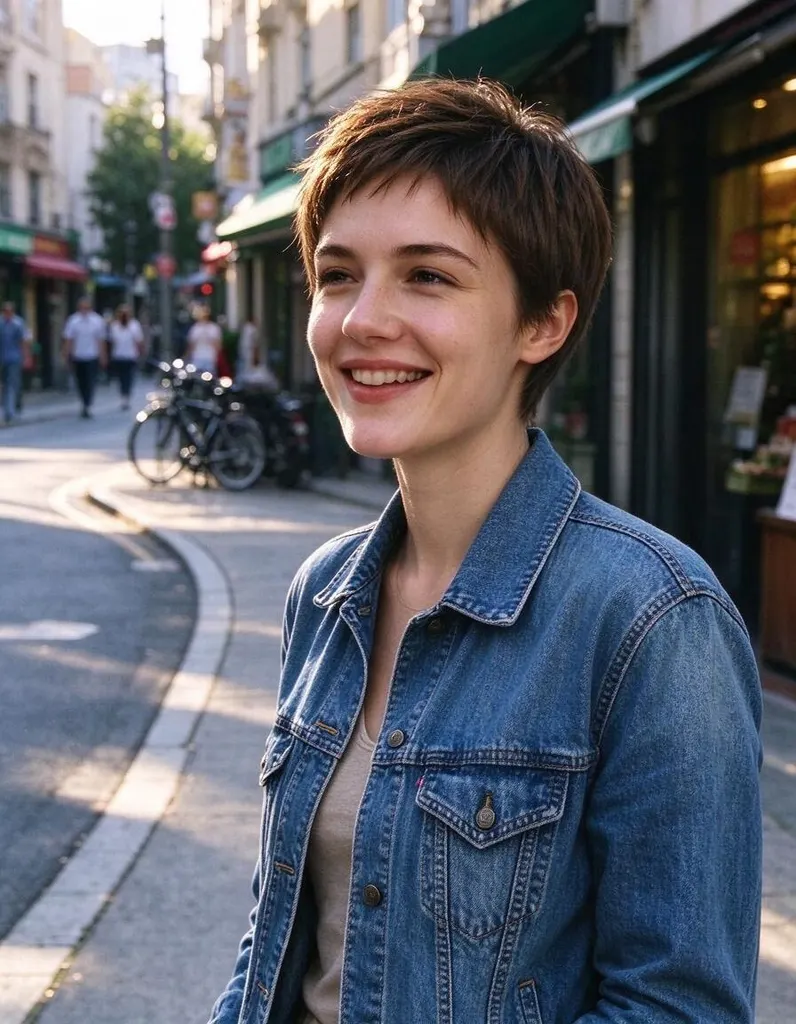 Hairstyle Changer8 creditsUpload a photo of yourself, describe the hairstyle you're thinking about and see it on you – no scissors, no dye.
Pick a style
Why people use it
Edit with plain words
No layers, masks or brushes. Upload a photo and describe the result you want.
Keeps the person recognizable
These tools are set up to keep faces and identity while changing the rest of the photo.
Presets for common jobs
One-click filters, headshot styles and hairstyles, with room to add your own instructions.
Private uploads
Location and other private data are removed, and uploaded photos are deleted after 7 days.
AI photo editing
What these tools solve
Classic photo editing takes time and skill: selecting areas, painting masks, matching light. The tools in this category replace most of that with a short text instruction. You upload a photo, say what should change, and the AI returns an edited version that keeps the rest of the picture, including the person's face, as it was.
The tools in this category
- AI Photo Editor – the most flexible tool. Describe any change: swap an outfit, add an object, change the season, adjust the lighting or switch the style.
- AI Photo Filter – turn a photo into a new style in one click. Presets include anime, watercolor, oil painting, 3D cartoon, comic book, pencil sketch, pop art, cyberpunk, claymation, pixel art, vintage film and a hand-painted Japanese animation look. Popular presets also have their own pages, such as Anime Filter, Cartoon Filter and Photo to Sketch.
- AI Headshot Generator – upload a selfie and get a professional 3:4 headshot. Choose corporate, business casual, outdoor or studio dark. It is designed to keep your facial features while the clothes and background change.
- Hairstyle Changer – describe the length, color or style you want and see it on your own photo before the salon.
How to choose
If you know exactly what you want to change, start with the AI Photo Editor. If you want the whole photo to look like a different medium, pick the AI Photo Filter. For LinkedIn, a résumé or a team page, use the AI Headshot Generator. To try a new look without committing, use the Hairstyle Changer.
Tips for better results
Use a clear, well-lit photo where the face or subject is easy to see. Ask for one main change at a time, and say what should stay the same. To replace only the background, Change Background in the background tools is a better fit, and the HD Background Remover is the quickest way to get a plain cutout.