AI Headshot Generator: A Professional Photo from Your Selfie
Upload one selfie, pick a look and get a polished portrait headshot. No photographer, no studio booking.
- 8 credits
- Free account, 20 credits to start
- No watermark with purchased credits
Needs a free account. New accounts get free credits to start.
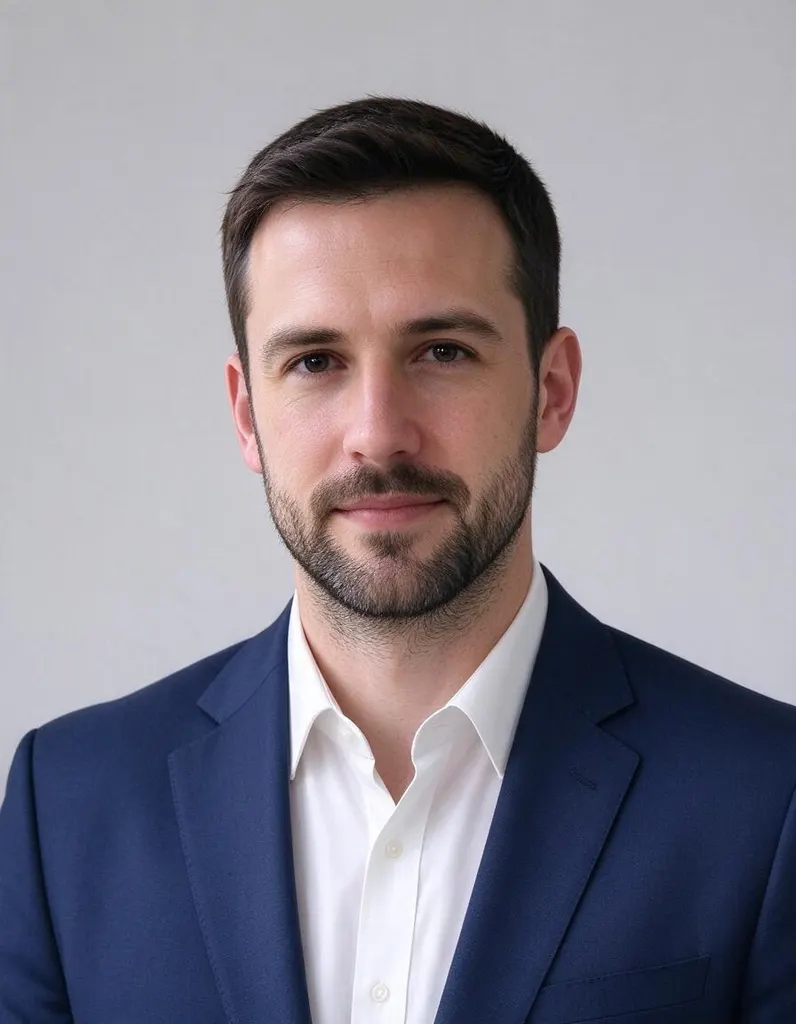 Example · Corporate
See what it does
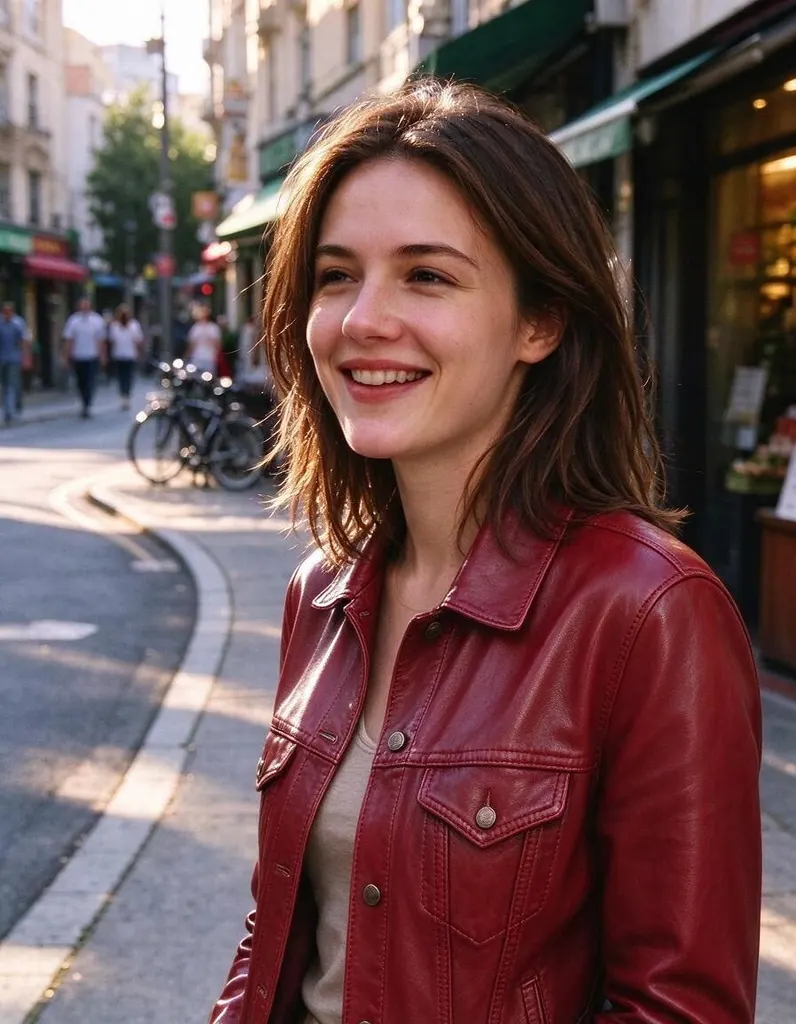
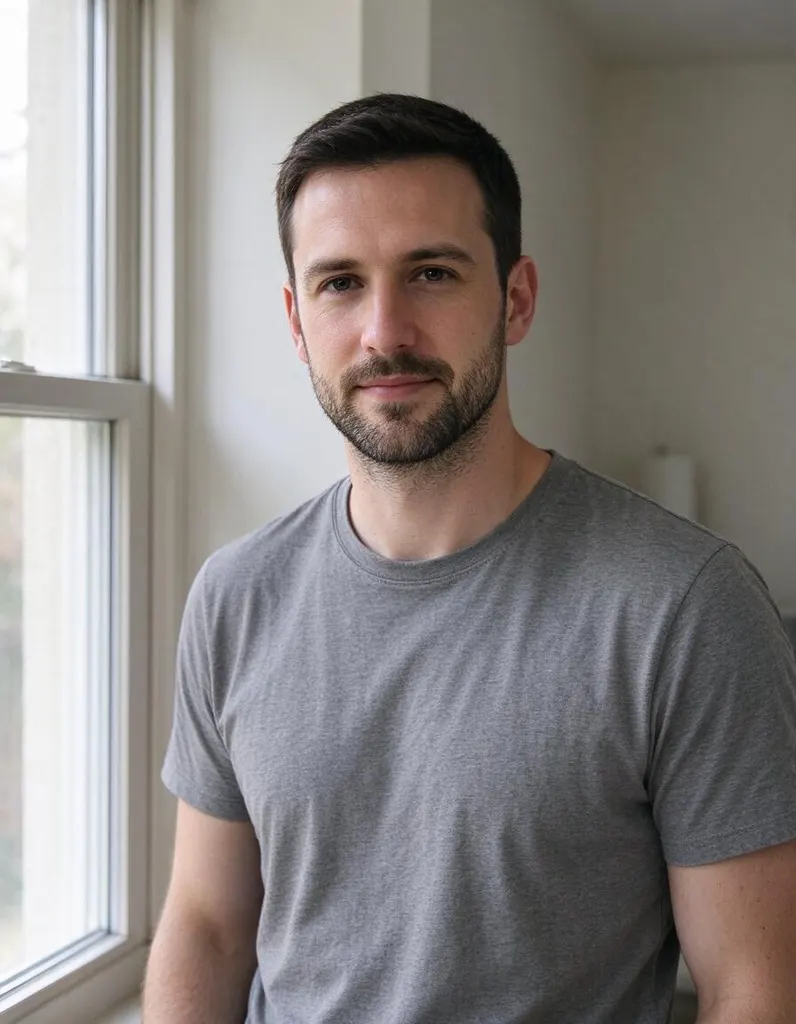 BeforeAfter
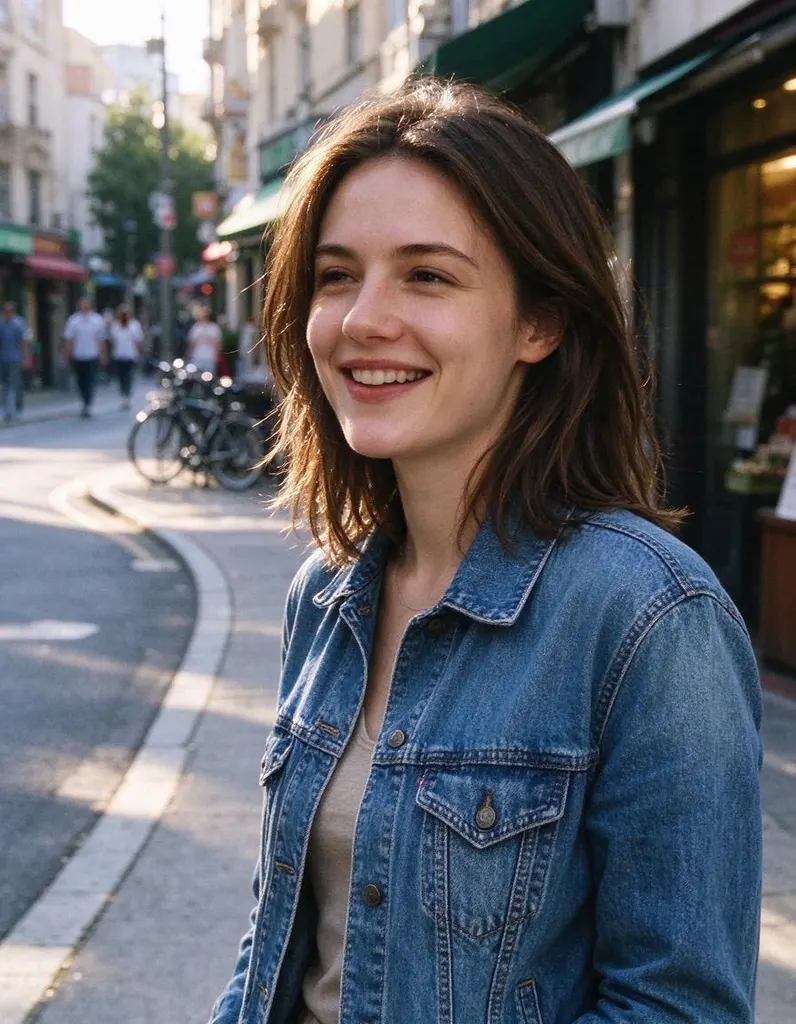 Before
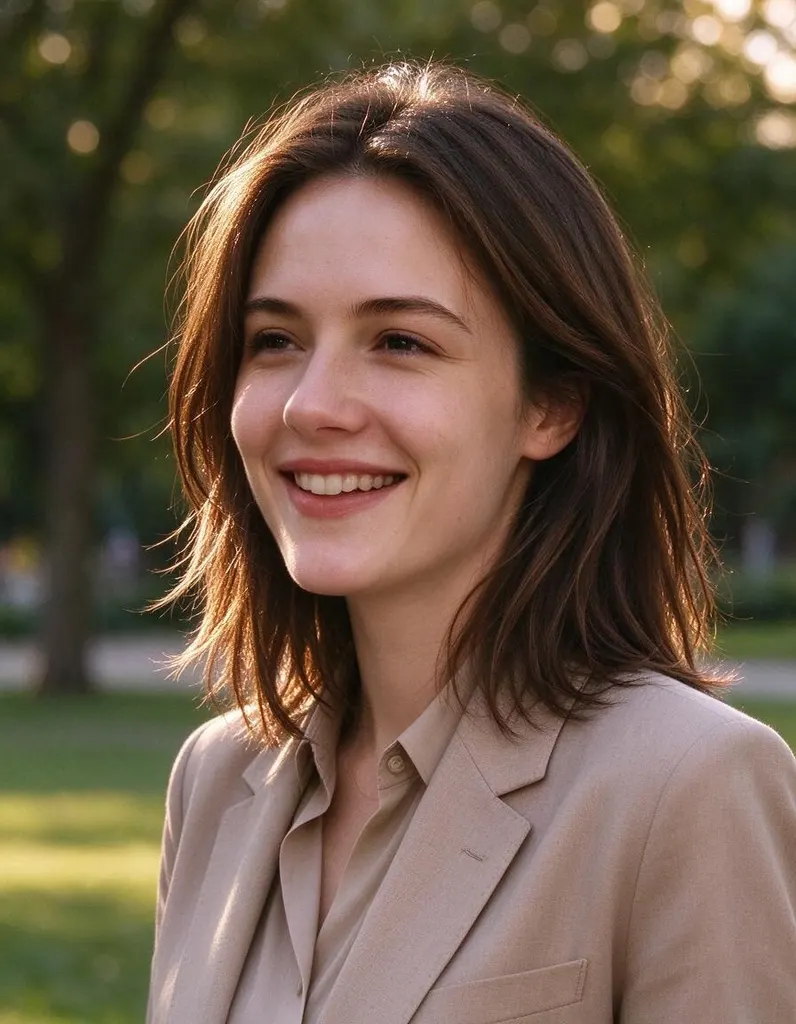 After
AfterHow it works
Why people use it
Keeps your face
The AI is designed to keep your facial features while changing your clothes and background.
Four professional looks
Corporate, Business Casual, Outdoor and Studio Dark cover most work, networking and personal-brand needs.
Portrait format
Every headshot comes out in a 3:4 portrait frame, a natural fit for profiles, resumes and team pages.
One selfie is enough
No photo set to collect and no training wait. Upload one picture and pick a style.
Simple pricing
Each headshot costs 8 credits. New accounts start with free credits.
Private uploads
Location and other private metadata are stripped from your selfie, and uploads are deleted after 7 days.
A professional headshot without the photo shoot
An AI headshot generator turns an everyday selfie into a clean, professional-looking portrait. It keeps your face and swaps your clothes and background for a polished business look. It is useful when you need a new photo for LinkedIn, a resume, a conference badge, a company website or a speaker bio, and don't want to book a photographer for one picture.
Choosing a style
- Corporate gives you a formal business look. A safe choice for finance, law, consulting and executive profiles.
- Business Casual gives a relaxed, approachable look that suits tech, startups, creative jobs and most social profiles.
- Outdoor places you in an outdoor setting, good for real estate, coaching, personal brands and friendly team pages.
- Studio Dark uses a dark studio backdrop for a bold, editorial portrait that stands out.
For a team page, ask everyone to use the same style so the photos look like they came from one shoot.
How to take a good selfie for it
The better the selfie, the better the headshot. Face a window or another soft light source so your face is evenly lit. Hold the camera at eye level, look into the lens and keep a neutral or gently smiling expression. Remove sunglasses and make sure hair or hands don't cover your face. A plain background helps the AI focus on you, and a sharp, in-focus photo keeps your features accurate.
Limitations
AI headshots can get small details wrong, such as earrings, glasses frames or hair edges, and the clothing is generated rather than your own. Check every headshot before you use it, and run the style again if something isn't right. Headshots made with free credits carry a small watermark; headshots made with purchased credits don't.
Frequently asked questions
Try next
 AI Photo Editor8 creditsUpload a photo, describe the edit in plain English and get the new version. No layers, no brushes, no editing skills needed.
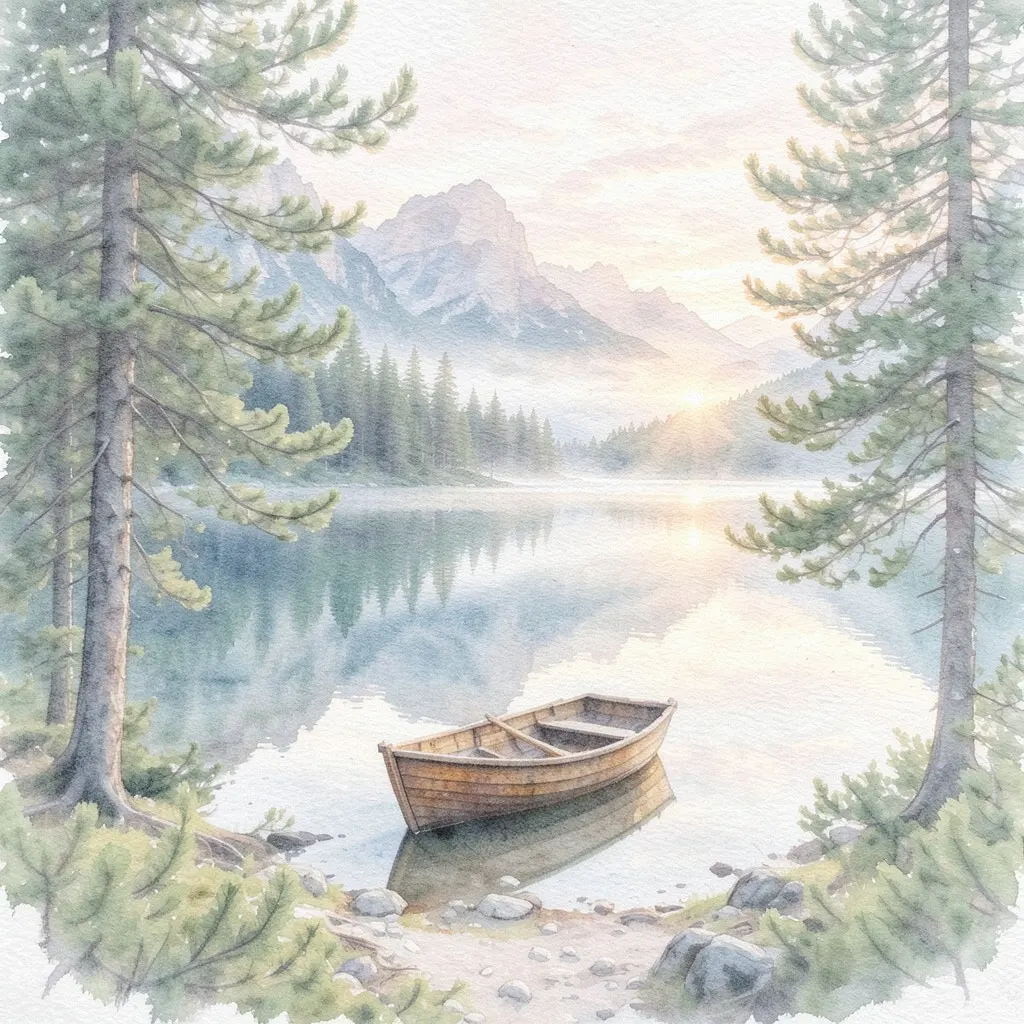 AI Photo Filter2 creditsPick a style, upload a photo and get it redrawn as art. No prompt to write and no sign-up needed to try it.
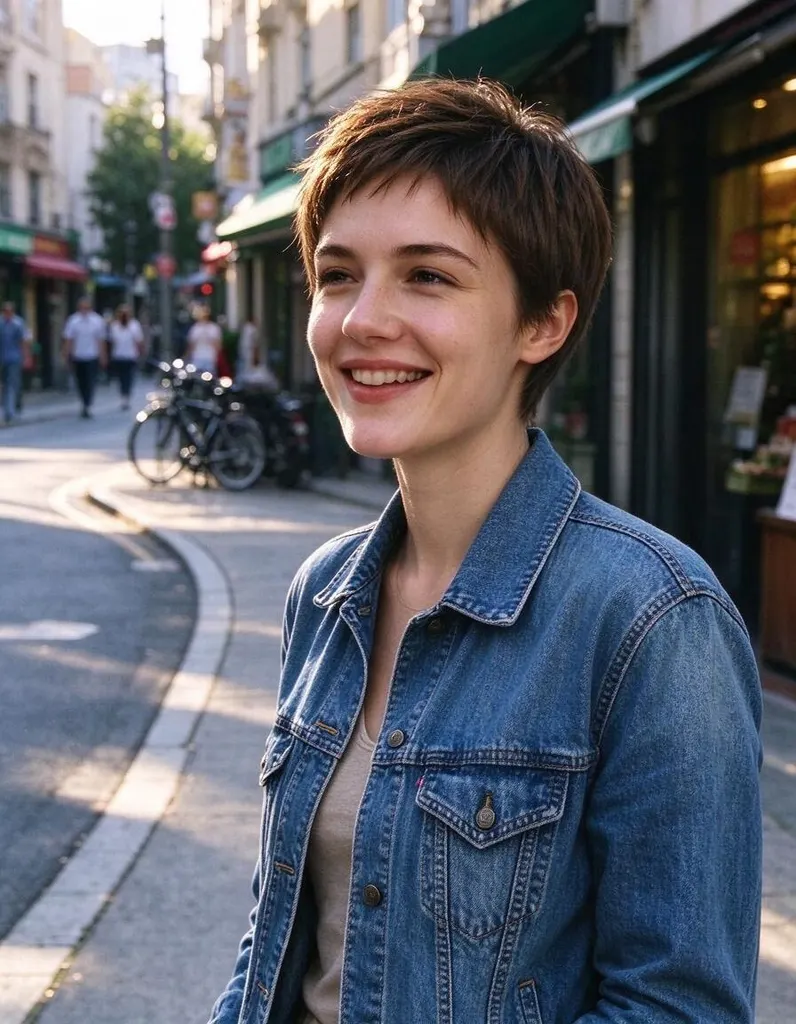 Hairstyle Changer8 creditsUpload a photo of yourself, describe the hairstyle you're thinking about and see it on you – no scissors, no dye.