Colorize Photos with AI
Add natural color to old black and white pictures in one click. You can try it without an account.
- 2 credits
- Try without signing up
- No watermark with purchased credits
No sign-up needed to try. Guests get 3 free credits a day.
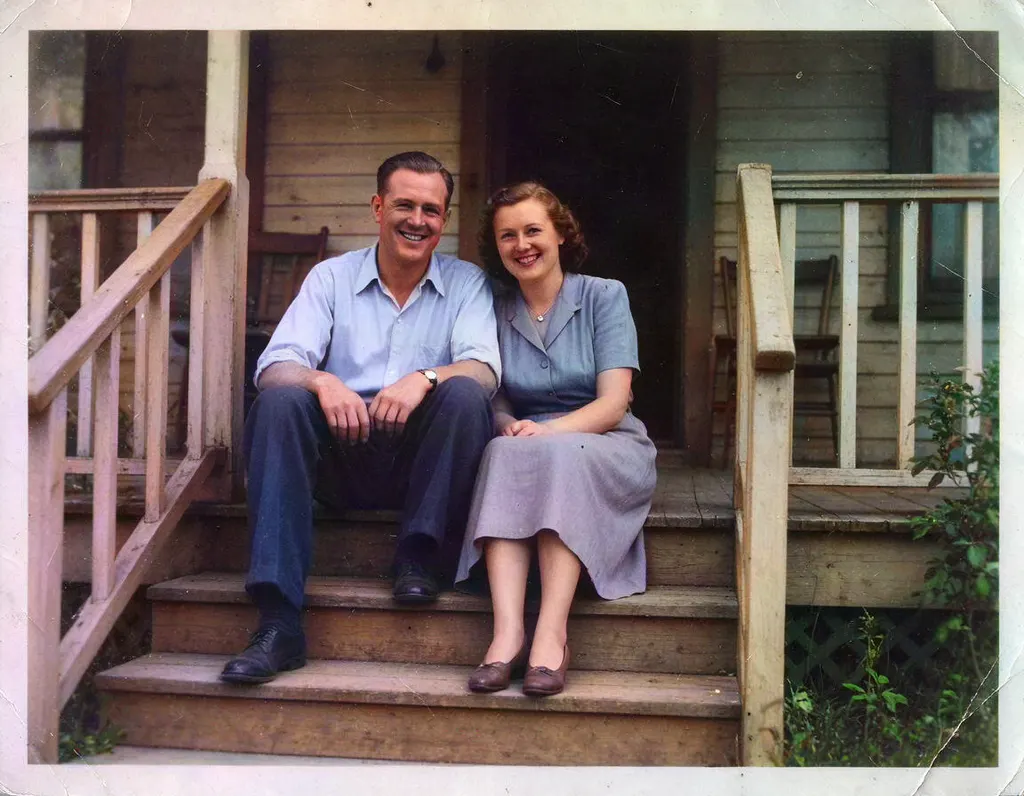
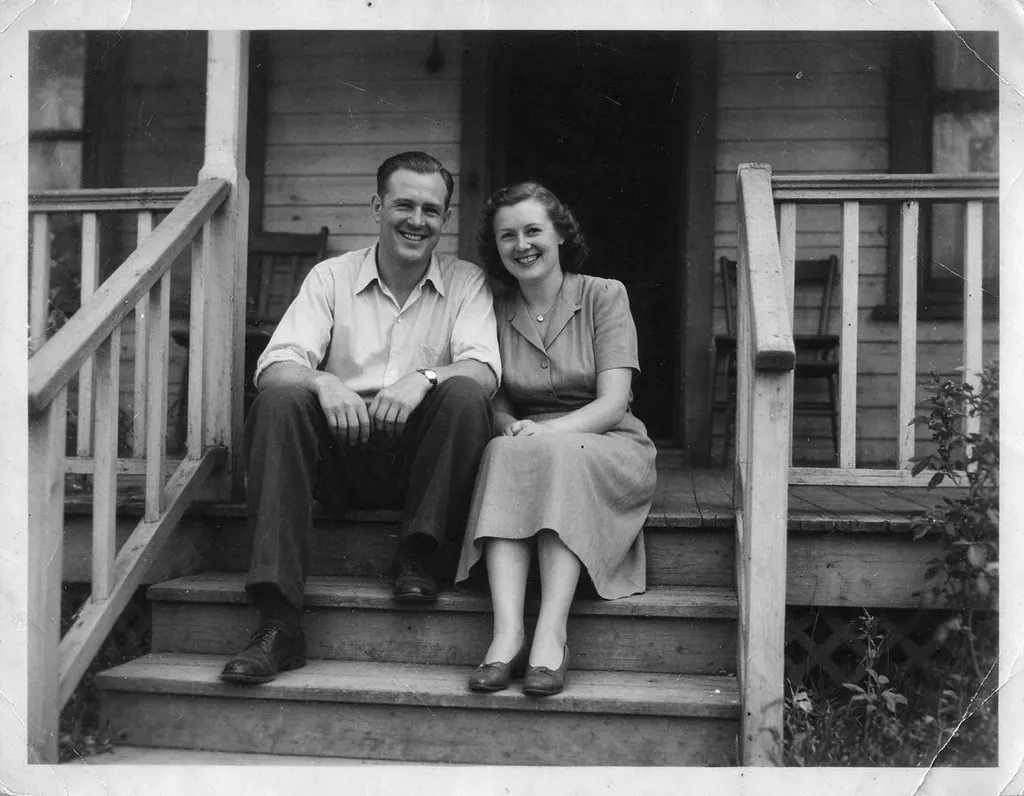
See what it does


How it works
Why people use it
Automatic color
No brushes or color picking. The AI decides on realistic colors for the whole picture.
Try it as a guest
You can colorize a photo without creating an account, using the small daily guest allowance.
No watermark
Colorized photos download clean, even when you use free credits.
Low cost
Each photo costs 2 credits, so you can colorize a whole family album without spending much.
Bring it to life
Send the result to Animate Photo for a short clip, or to the Image Upscaler for a bigger print.
Why colorize a photo
Black and white photos can feel distant. Adding color makes a grandparent's wedding portrait or a childhood snapshot feel closer and easier to connect with. This tool lets you colorize photos automatically: the AI recognizes what's in the picture, such as faces, hair, clothing, sky, trees and buildings, and gives each part a natural color.
It's useful for family history projects, anniversary gifts, slideshows, social posts and restoring old albums.
The colorizer uses DDColor, a model trained to add realistic color to grayscale images. Each photo costs 2 credits, and you can try it without signing up: guests get a small number of free credits every day. Colorized photos never get a watermark. The very first run can take several seconds to tens of seconds while the model starts up.
Tips for better colors
- Start with a good scan. Scan prints at a high resolution, or photograph them flat in even light without glare.
- Crop away borders. White frames, tape and album pages can confuse the colors near the edges.
- Repair damage first. Scratches, creases and stains can pick up odd colors. Run badly damaged photos through Old Photo Restoration before colorizing.
- Upscale small prints. If the original is tiny, send the colorized version to the Image Upscaler for a sharper, larger copy.
What to expect
The AI produces believable colors, not historical facts. It can't know that a jacket was navy rather than black, so details may differ from reality. Faces and skies usually come out well. Unusual objects, patterned clothing and very faded areas may get muted or uncertain colors.
From still to moving
A colorized portrait is a great starting point for Animate Photo, which turns a still picture into a short video with natural, gentle motion. Video generation uses purchased credits.
Frequently asked questions
Try next
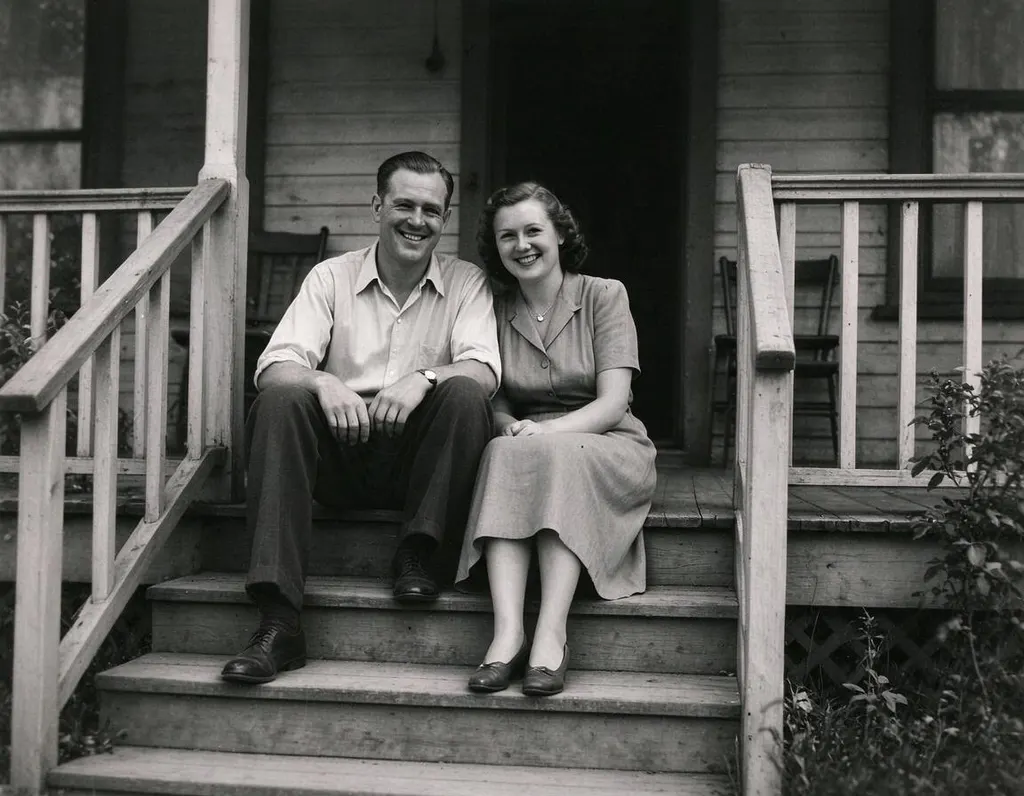 Old Photo Restoration8 creditsRepair scratched, creased and faded prints in one step, while keeping faces true and the photo's original character.
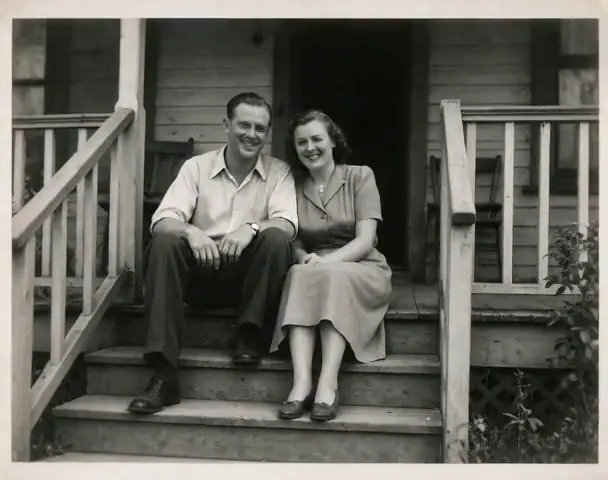 Animate Photo45 creditsTurn a still picture into a short, lifelike video with gentle, natural motion. Perfect for old family photos.
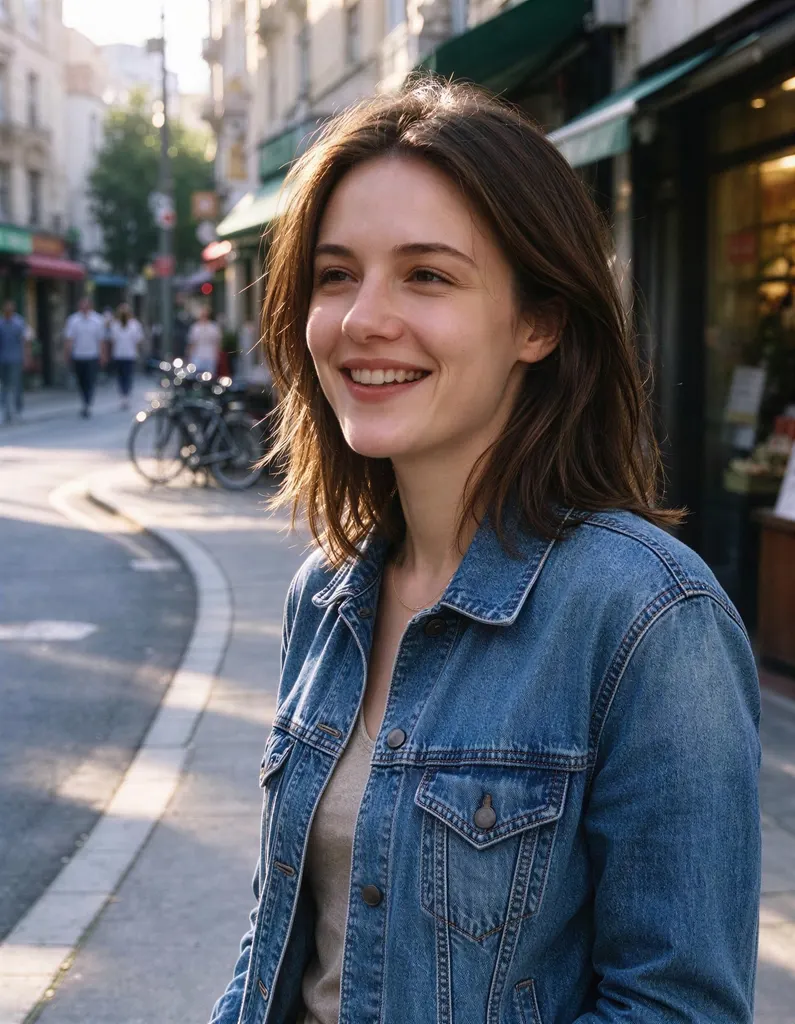 Image Upscalerfrom 2 creditsMake small images bigger and sharper in one click. Choose 2x or 4x, with no watermark on the result.
 Unblur Imagefrom 2 creditsTurn soft, low-quality photos into clearer, sharper pictures. The result is enhanced at 2x with no watermark.