Unblur Image with AI
Turn soft, low-quality photos into clearer, sharper pictures. The result is enhanced at 2x with no watermark.
- from 2 credits
- Free account, 20 credits to start
- No watermark with purchased credits
Needs a free account. New accounts get free credits to start.


See what it does
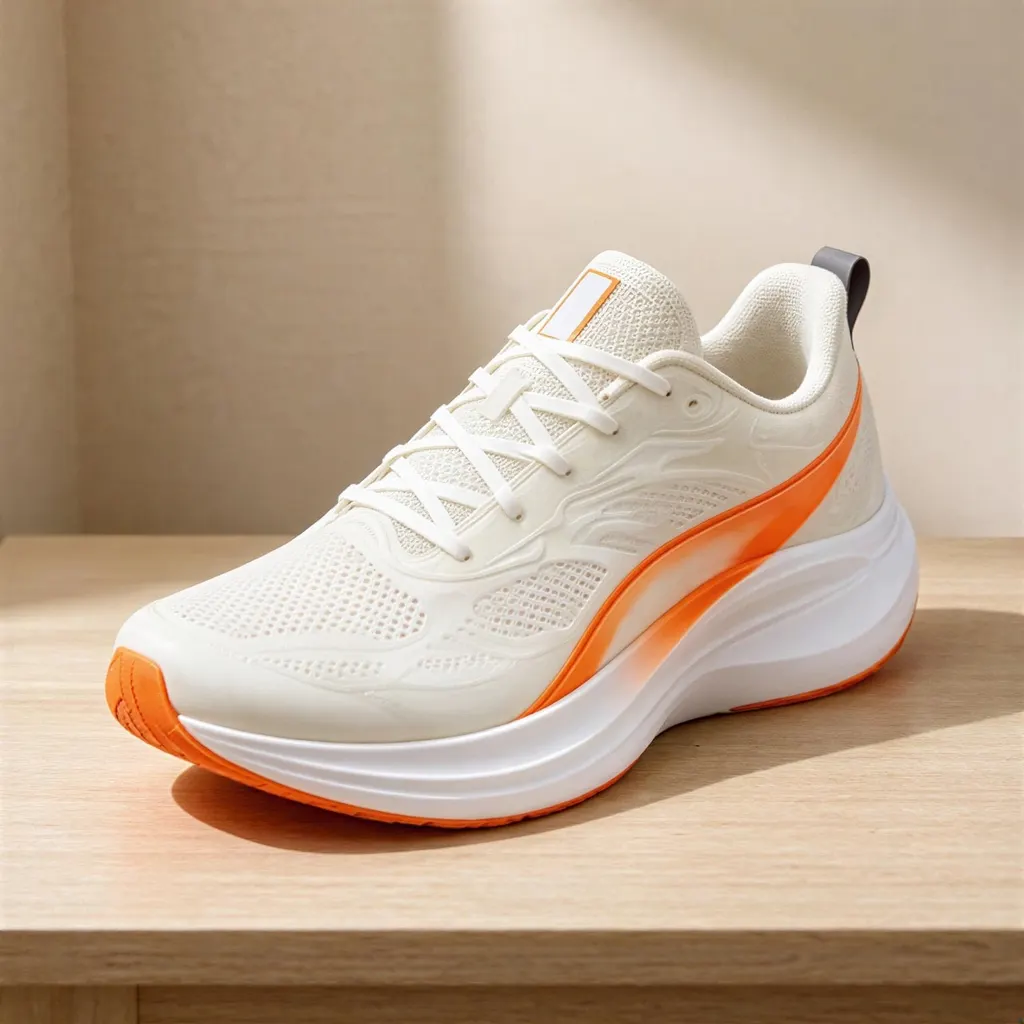
How it works
Why people use it
Sharper in one click
No sliders or sharpening masks. Upload the photo and the AI does the work.
Fixes low-quality images
Helps with soft focus, heavy compression and pictures saved at low resolution.
2x enhancement
The result is twice the width and height, with rebuilt edges and texture.
No watermark
Enhanced photos download clean, even when you use free credits.
Pricing by image size
Unblurring costs from 2 credits, based on the size of the photo you upload.
When to unblur an image
Blurry photos happen all the time: a phone that focused on the wrong spot, a shaky hand in low light, a picture that's been shared and compressed over and over, or a screenshot cropped from a video. This tool lets you unblur images without manual sharpening. The AI looks at the whole picture, rebuilds edges and fine texture, and returns a clearer version at twice the size.
It works well on portraits, pets, product photos and old digital pictures saved at low resolution. Under the hood it uses SeedVR2, a restoration model that predicts fine detail from the rest of the image rather than simply boosting edge contrast, which is what a basic sharpening slider does and why it can add halos and noise.
The price, from 2 credits, depends on the size of the photo you upload, and the result has no watermark.
Tips for the best result
- Use the original file. A photo straight from your camera roll has more detail than one that's been downloaded from a chat app.
- Crop later, not before. Give the AI the full image so it has more context, then crop the sharp result.
- Check faces up close. The AI rebuilds detail from what's in the photo. On very small faces, features can look slightly different from the real person.
What it can and can't fix
Unblur works best on mild to moderate blur, soft focus and compression artifacts. It can't turn a completely out-of-focus shot into a crisp one, and it can't read text or recover features that are lost entirely.
If your photo is sharp enough but too small, use the Image Upscaler for 4x enlargement. If it's an old print with scratches, creases or fading, Old Photo Restoration is designed for that kind of damage.
Frequently asked questions
Try next
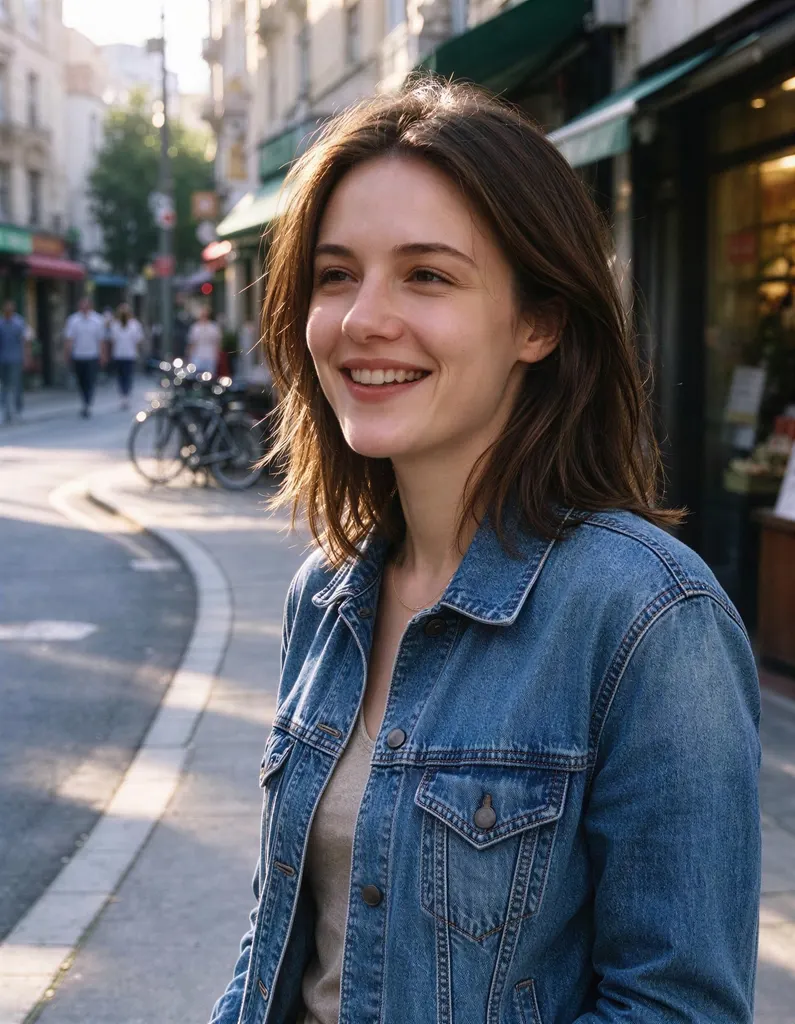 Image Upscalerfrom 2 creditsMake small images bigger and sharper in one click. Choose 2x or 4x, with no watermark on the result.
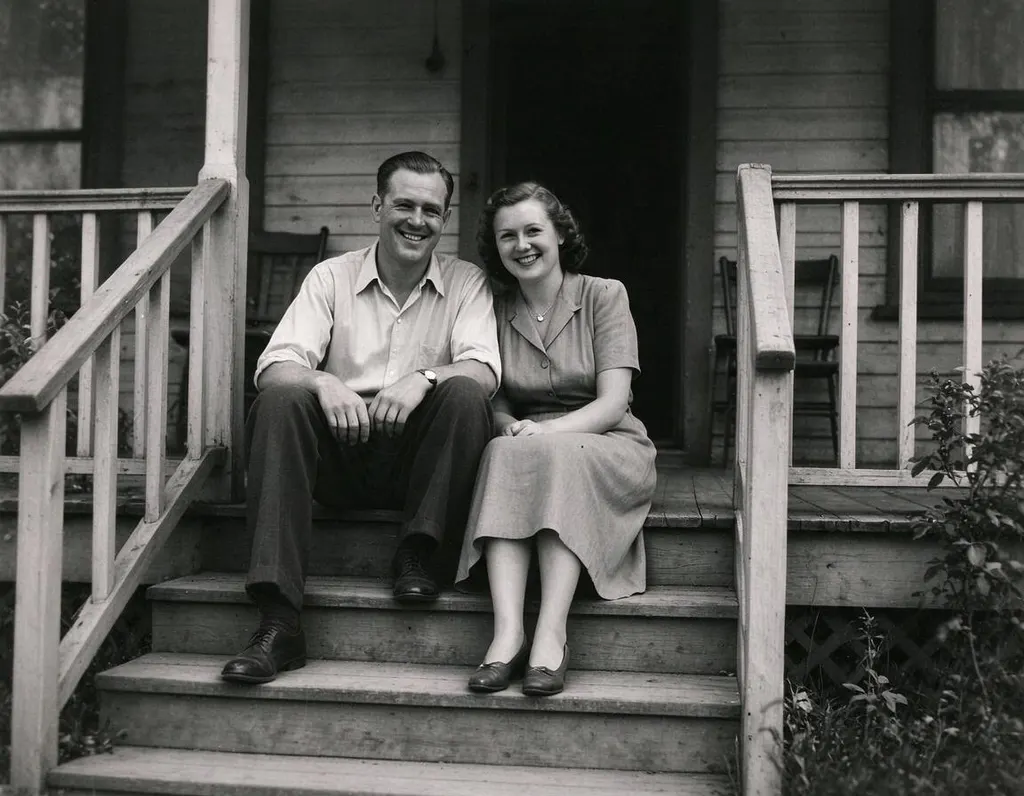 Old Photo Restoration8 creditsRepair scratched, creased and faded prints in one step, while keeping faces true and the photo's original character.
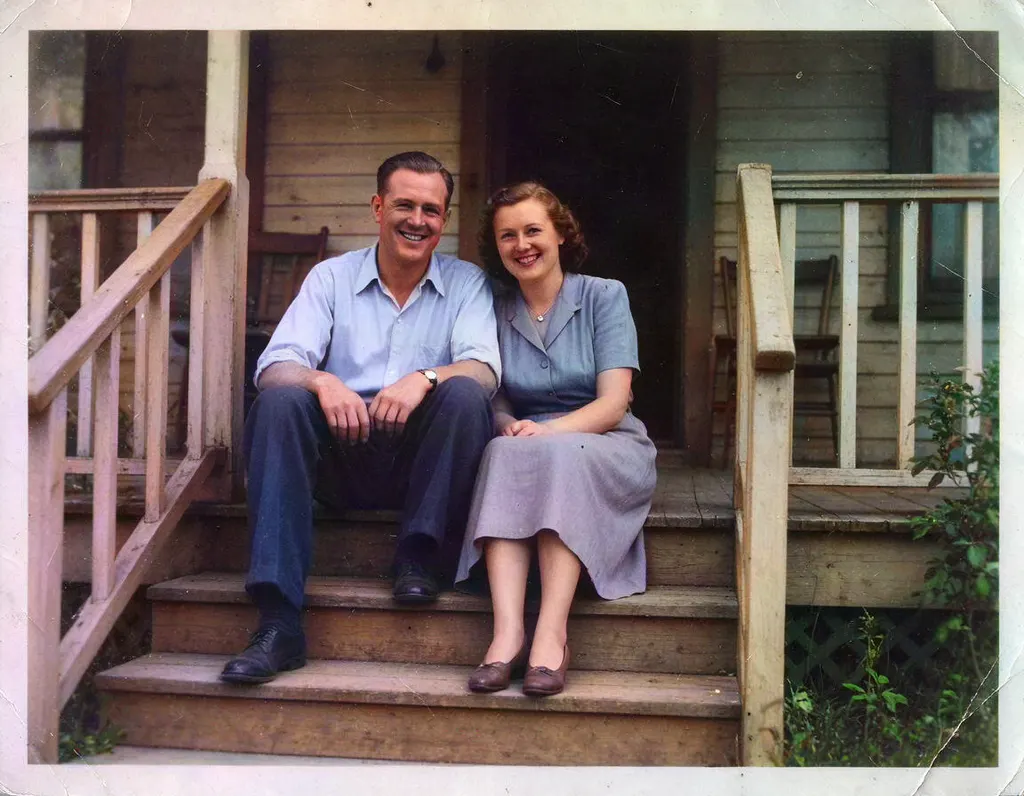 Colorize Photo2 creditsAdd natural color to old black and white pictures in one click. You can try it without an account.