AI Room Design
Upload a photo of any room, tap a style, and see it redesigned. The layout, windows and camera angle stay; furniture, colors and decor change. Compare several styles at once.
- 8credits per photo
- 8styles
- 100%refund if it fails
Needs an account. Credits come as a one-time pack or with a plan.
✓ Pets and group photos✓ Uploads deleted after 7 days
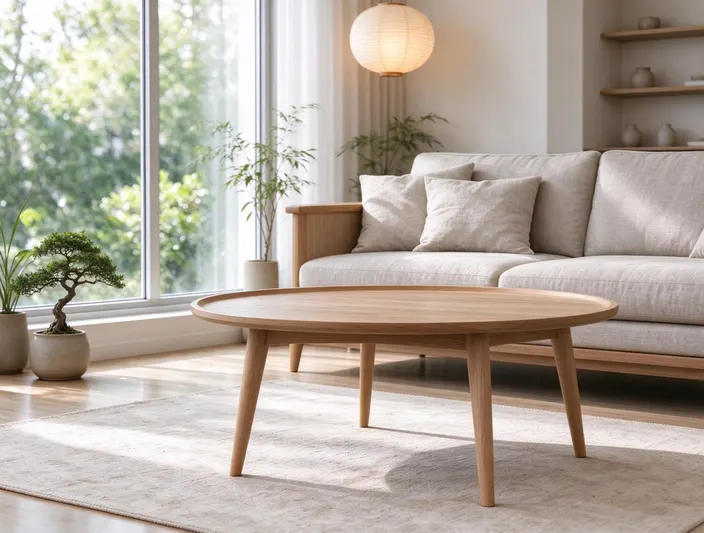
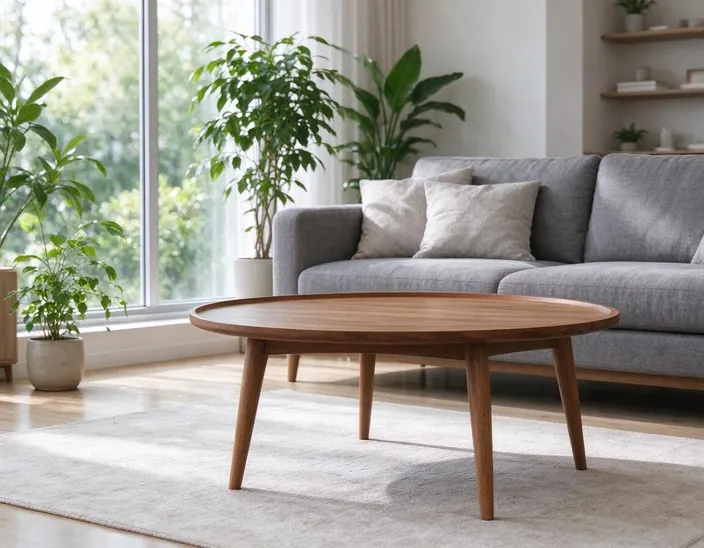
One photo, 9 styles
The same photo in every style, so you can compare at a glance. Tap one to preview it above.
Works on people, pets and places
Hover to see the original. Couples and friends stay together, and pets keep their markings.
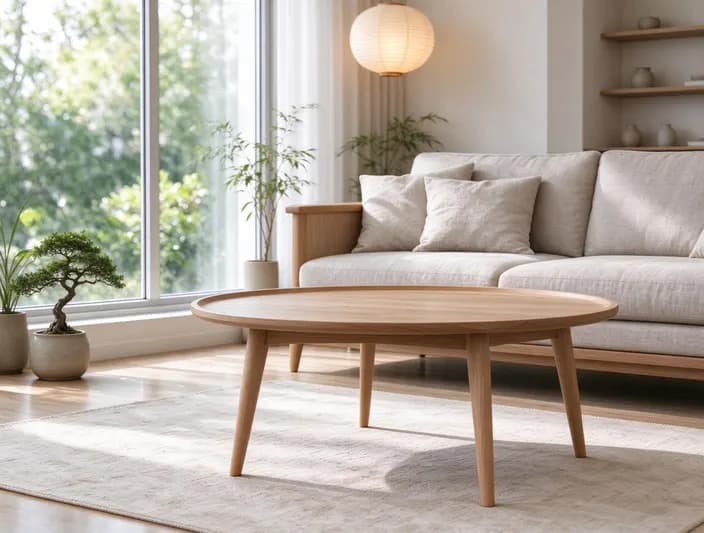 JapandiOriginal
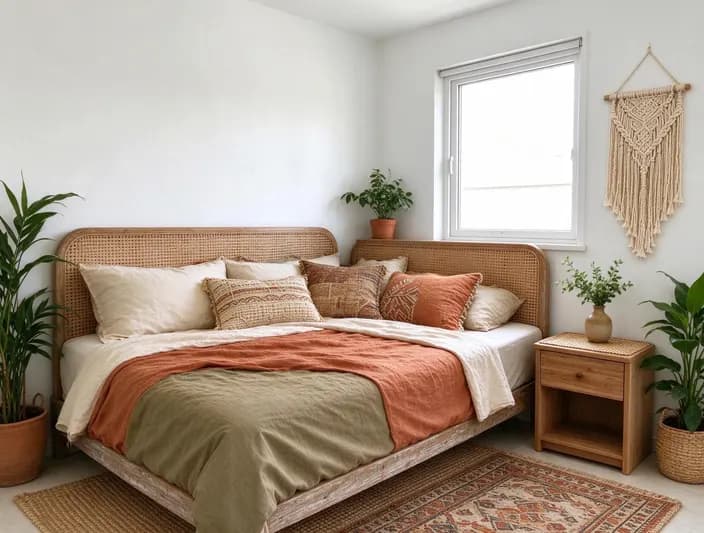
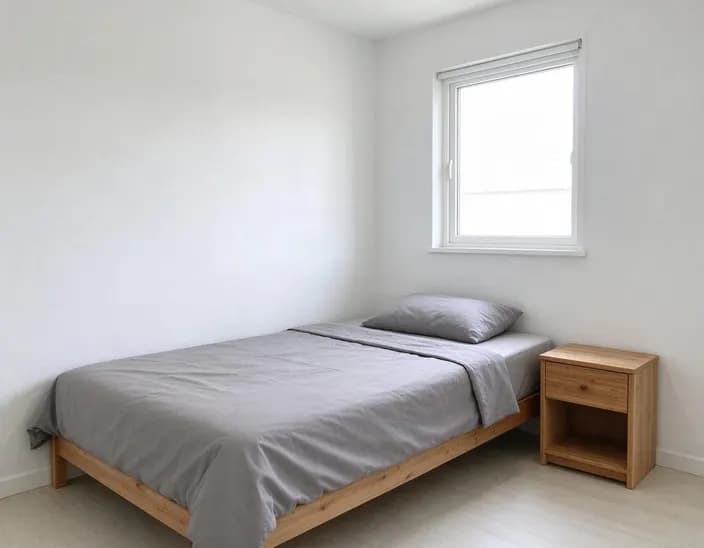 BohoOriginal
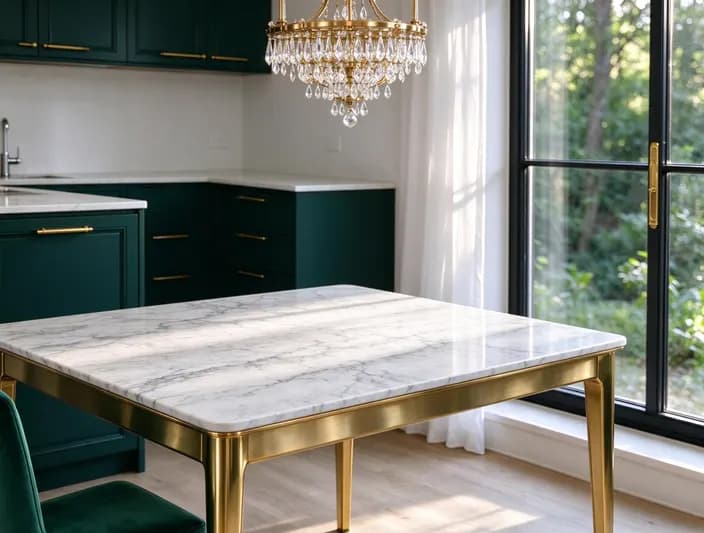
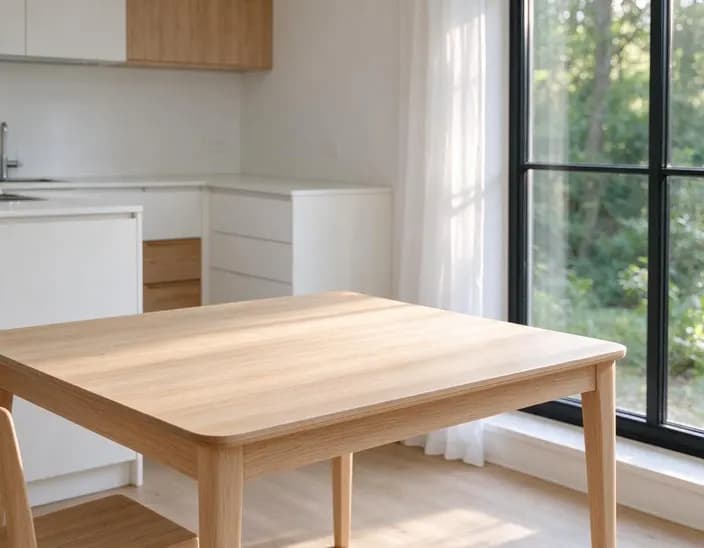 Modern luxuryOriginal
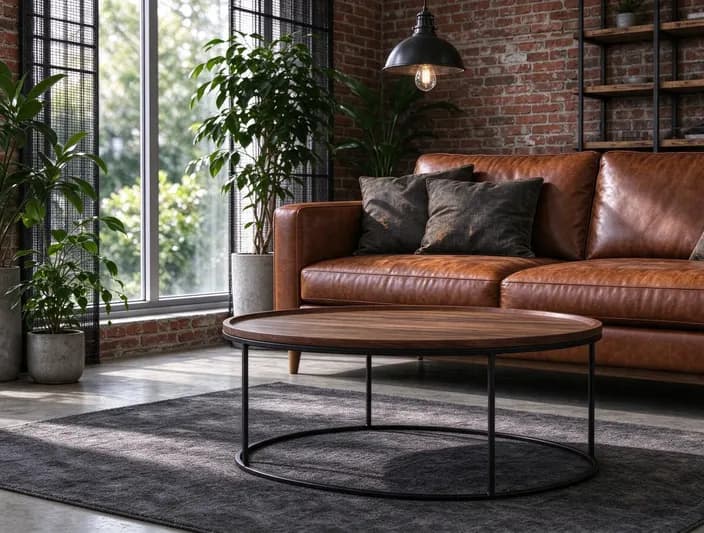 IndustrialOriginal
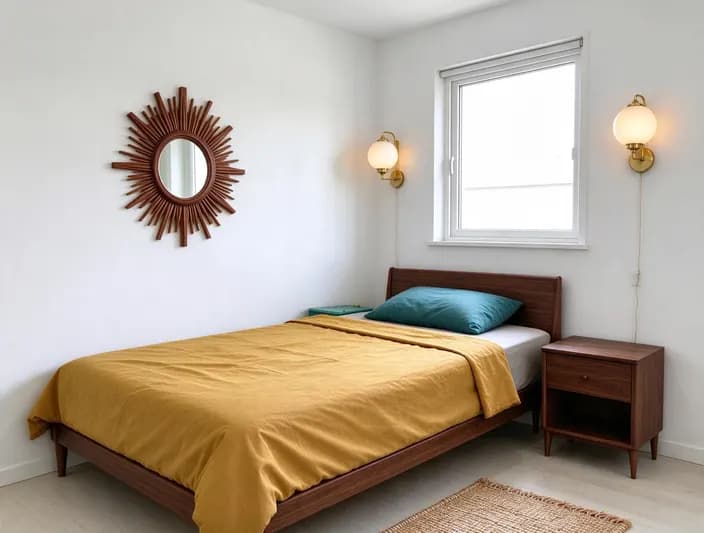 Mid-centuryOriginal
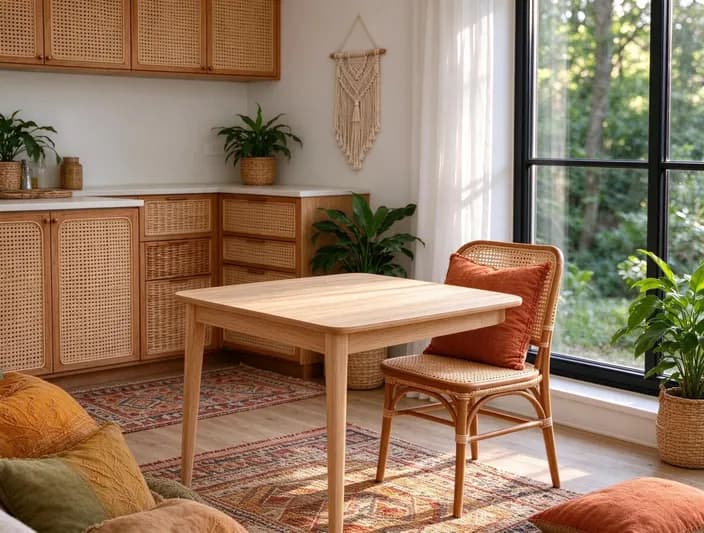 BohoOriginal
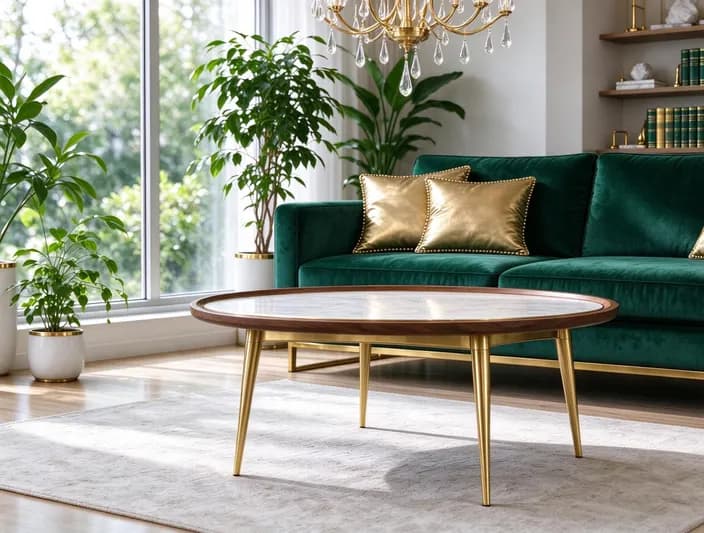 Modern luxuryOriginal
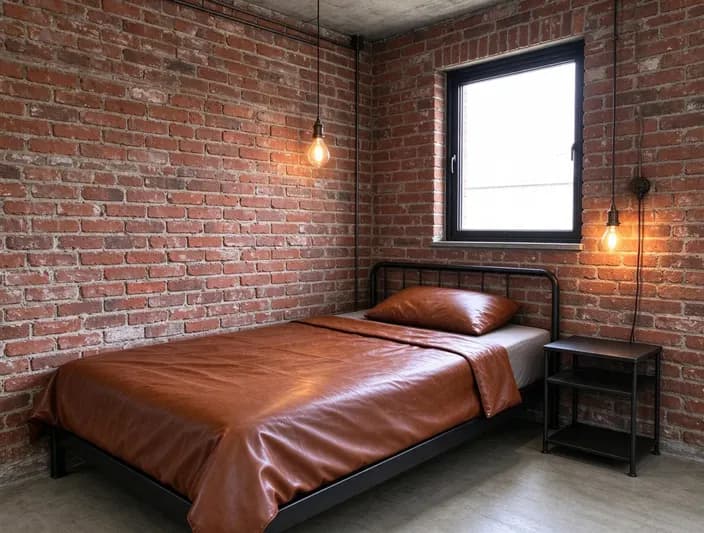 IndustrialOriginal
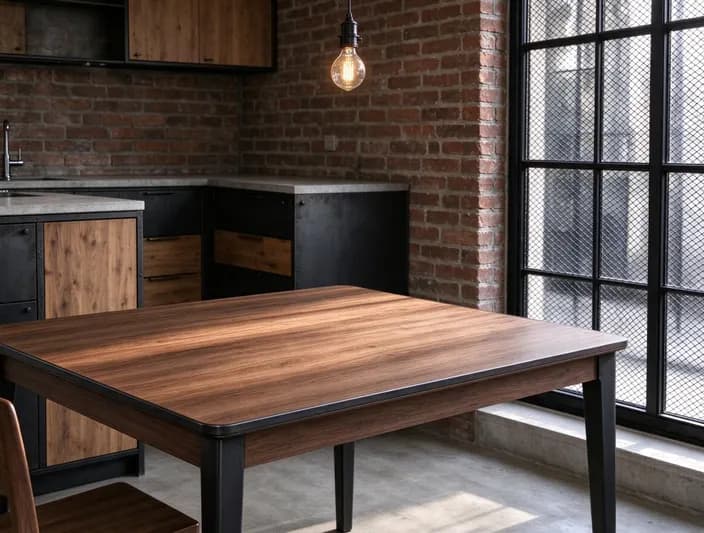 IndustrialOriginal
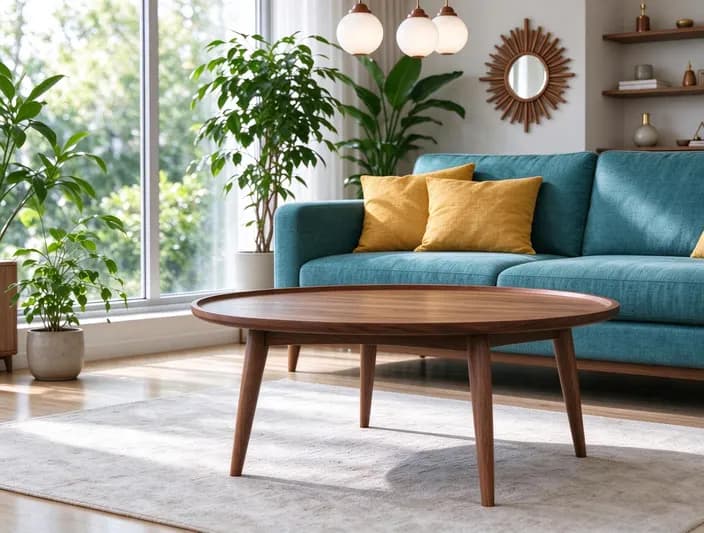 Mid-centuryOriginal
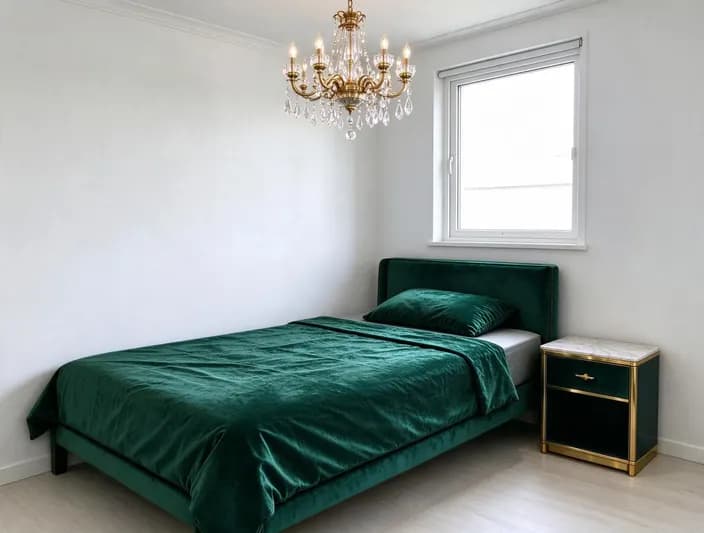 Modern luxuryOriginal
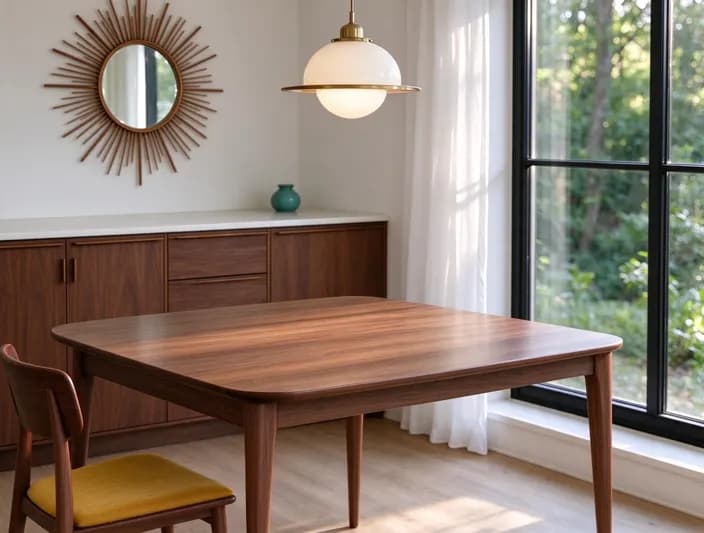 Mid-centuryOriginal
Popular uses
Pages built around one look, each with its own examples and tips.
 AI Object RemoverErase large objects and busy scenes with a cleaner, more natural fill. No watermark on the result.
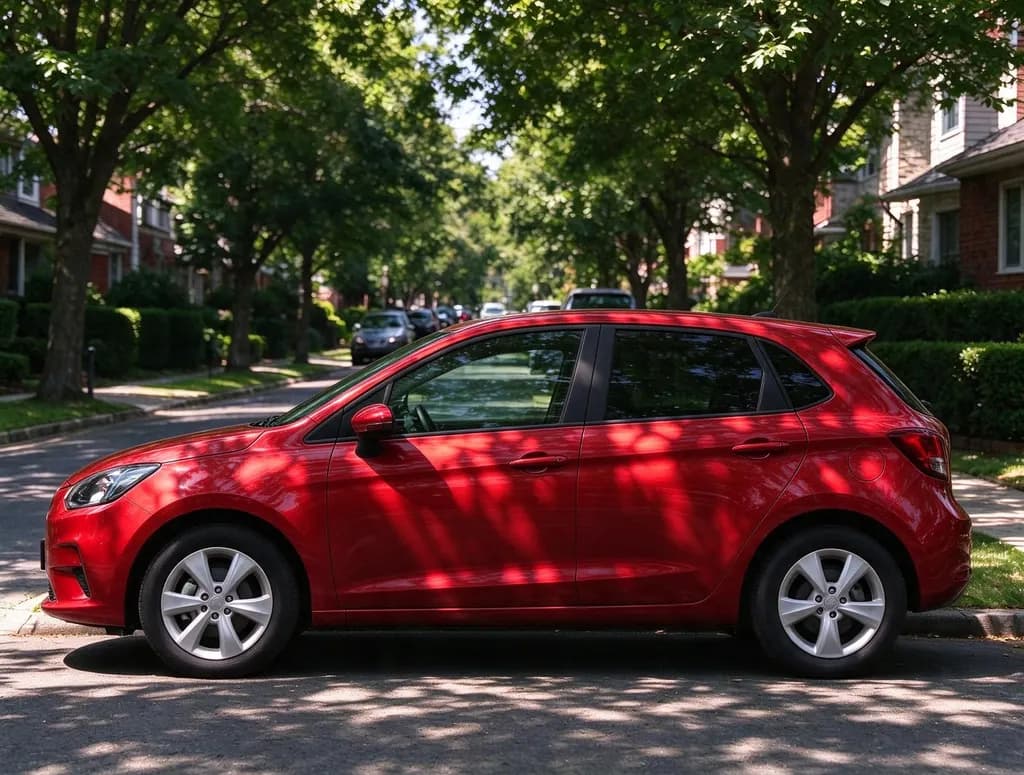 Image Color ChangerSay what to recolor and the new color, like 'make the car cherry red' or 'paint the walls sage green'. Everything else in the photo stays the same.
 AI Photo EditorUpload a photo and say what to change. Swap an outfit, move it to a new place, add or remove things, change the season. The rest of the photo stays the same.
AI Room Design in 3 steps
Why people use it
8 styles in one tap
Japandi, Scandinavian, modern luxury, industrial, mid-century, boho, coastal and minimalist. No prompt to write.
Your room stays your room
Walls, windows, doors and the camera angle stay put, and a bedroom stays a bedroom. Only the style changes.
See it before you upload
Tap a sample living room, bedroom or kitchen and every style shows up instantly, free.
Compare styles side by side
Run up to four styles on the same photo at once and pick the one you like.
One price per design
Each design costs 8 credits. Credits come in packs or with a plan, and failed jobs are refunded.
See your room in a new style
AI room design turns a photo of your room into the same room in a new style. The windows, walls and camera angle stay where they are, while the furniture, colors and decor change. Use it to choose a style before you buy anything, to plan a renovation, to stage a room for a listing, or just to see what Japandi would look like in your living room.
The styles
- Japandi: light oak, natural linen, paper lanterns and calm beige tones.
- Scandinavian: white walls, birch wood, wool textiles and plants.
- Modern luxury: velvet, marble, brass and a statement chandelier.
- Industrial: exposed brick, black metal, leather and Edison bulbs.
- Mid-century modern: walnut, tapered legs, mustard and teal accents.
- Boho: rattan, layered rugs, earth tones and lots of plants.
- Coastal: white and sand, soft blue, linen and woven baskets.
- Minimalist: bare walls, a few essential pieces and no clutter.
How to get a good redesign
- Start from a wide photo. Stand in a corner, keep the camera level and shoot in daylight.
- Compare before you decide. Tick Compare styles and run three or four on the same photo.
- Add what to keep. Type "keep the grey sofa" or "keep the wooden floor" next to any style.
- Refine one thing at a time. For a single change, like a new rug or wall color, use the Image Color Changer or the AI Photo Editor.
Clean up first
If the room is cluttered, remove the clutter first with the AI Object Remover, then redesign.
Limitations
The AI draws furniture and decor that fit the style, not real products, and small details like lamp cords or book titles may look off. Measurements and exact layouts aren't guaranteed, so use the result as inspiration. Results made with purchased or plan credits have no watermark.
AI Room Design FAQ
Try next
 Image Upscalerfrom 2 creditsMake small images bigger and sharper in one click. Choose 2x or 4x, with no watermark on the result.AI Object Remover6 creditsErase large objects and busy scenes with a cleaner, more natural fill. No watermark on the result.AI Photo Editor8 creditsUpload a photo and say what to change. Swap an outfit, move it to a new place, add or remove things, change the season. The rest of the photo stays the same.
 AI Photo Filter2 creditsTurn a photo into anime, a 3D cartoon, a sketch, a painting or a collectible toy. Pick a style and tap once. Works on selfies, couples, group shots and pets.