AI Wallpaper Generator
Describe a mood and get a wallpaper made for your screen: 9:16 for your phone, 16:9 for your desktop.
- 2–25credits per image
- 20free credits to start
- 3models
Best for most images. Price is per image.
Needs a free account. New accounts get free credits to start.
 Example · Wallpapers
Made with Pixwhim
Every image here came from one prompt on this page. Hover to see it, then try it yourself.
 Wallpapers
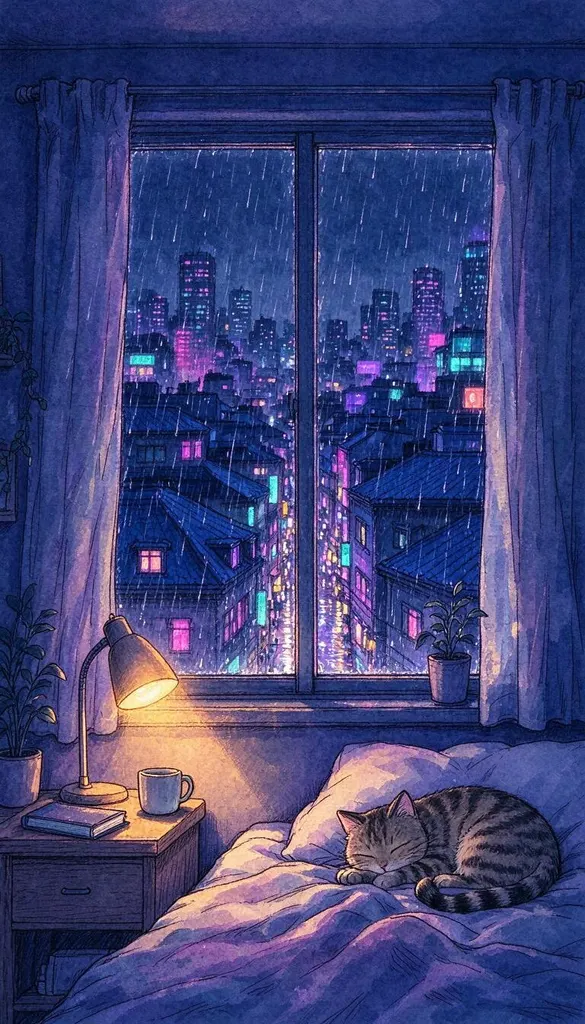
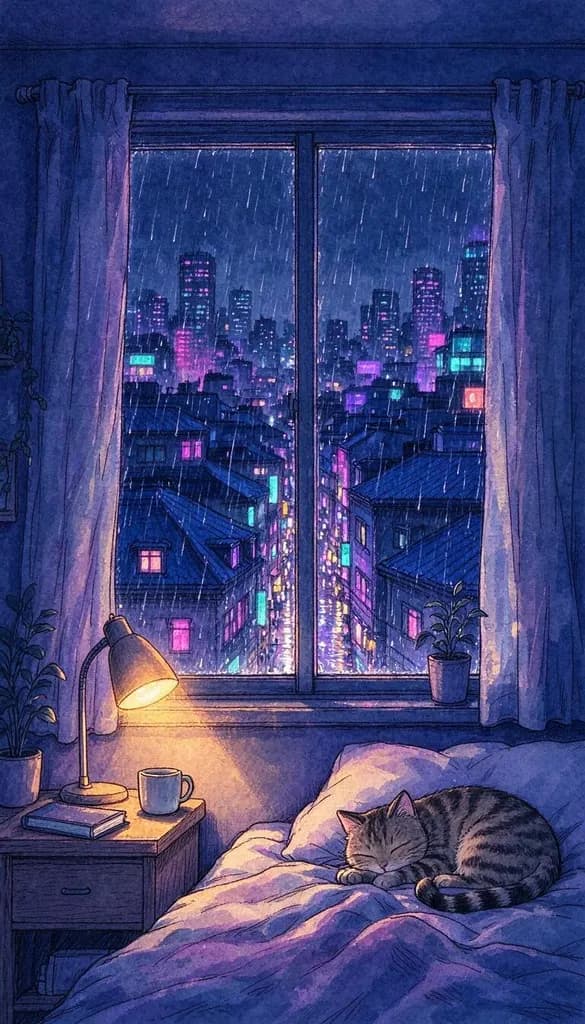
Lo-fi illustration of a cozy bedroom window at night overlooking a rainy neon city, a warm desk lamp and a sleeping cat, purple and blue tones, phone wallpaper
 Wallpapers
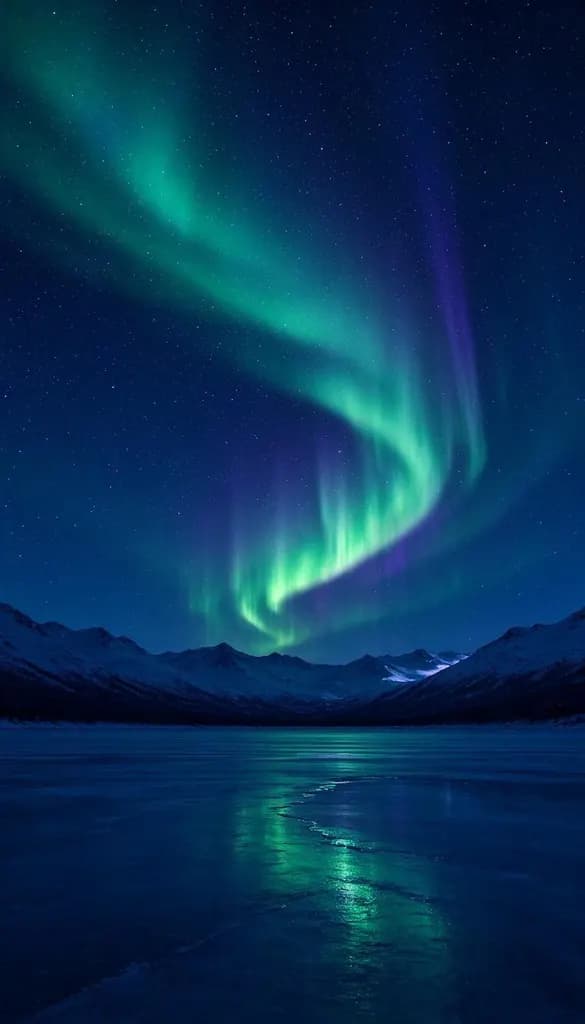
Phone wallpaper of green and violet aurora over a frozen lake with snowy mountains, stars in the sky, minimal and calm, deep blue tones
 Wallpapers
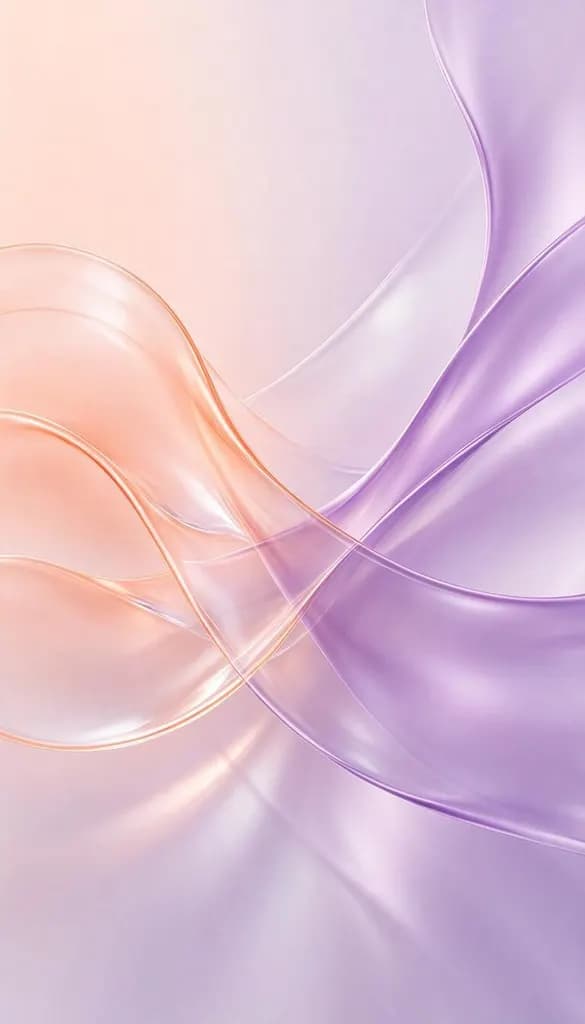
Abstract phone wallpaper of soft flowing liquid glass waves in pastel peach and lavender, smooth gradients, minimal
 Wallpapers
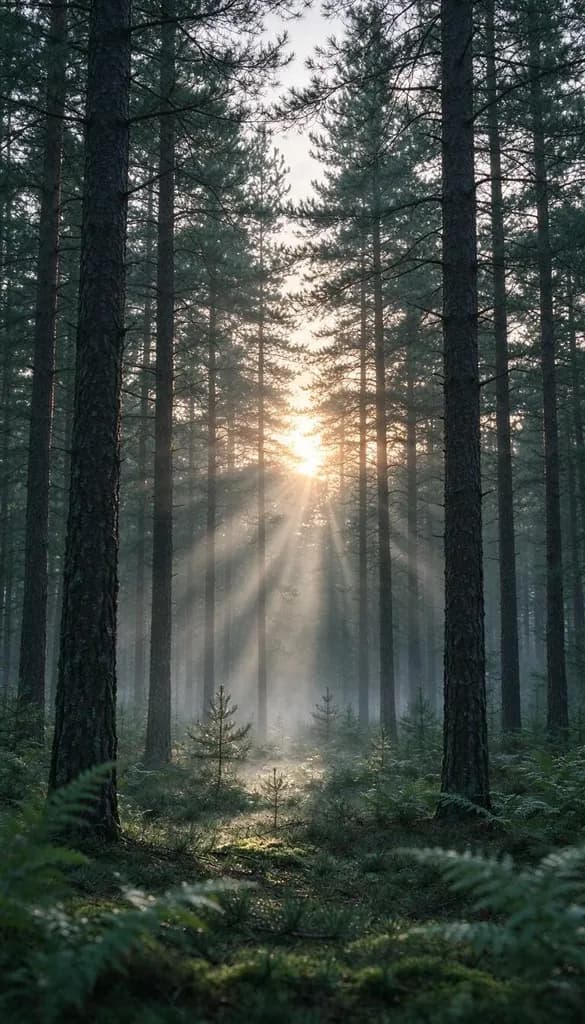
Phone wallpaper of a misty pine forest at sunrise with soft sun rays, calm, muted green tones
 Wallpapers
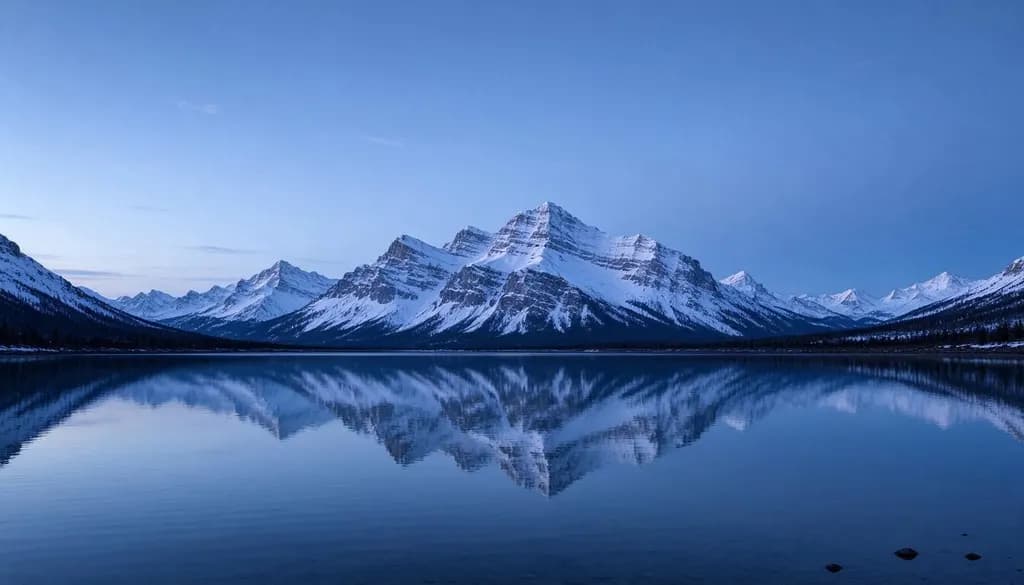
Desktop wallpaper of a calm alpine lake with snowy peaks at blue hour, mirror reflection, minimal and wide
 Wallpapers
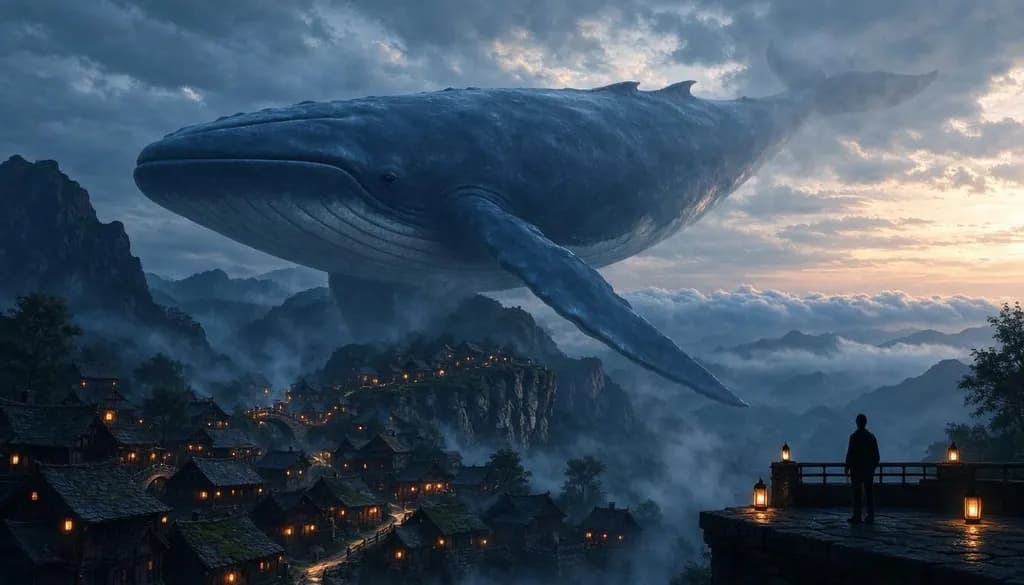
A colossal sky whale drifting above a misty mountain village at dawn, tiny lanterns glowing on rooftops, epic fantasy matte painting, soft volumetric light, muted colors
What will you make?
Start from a ready-made setup. Each one opens this generator with the style and shape filled in.
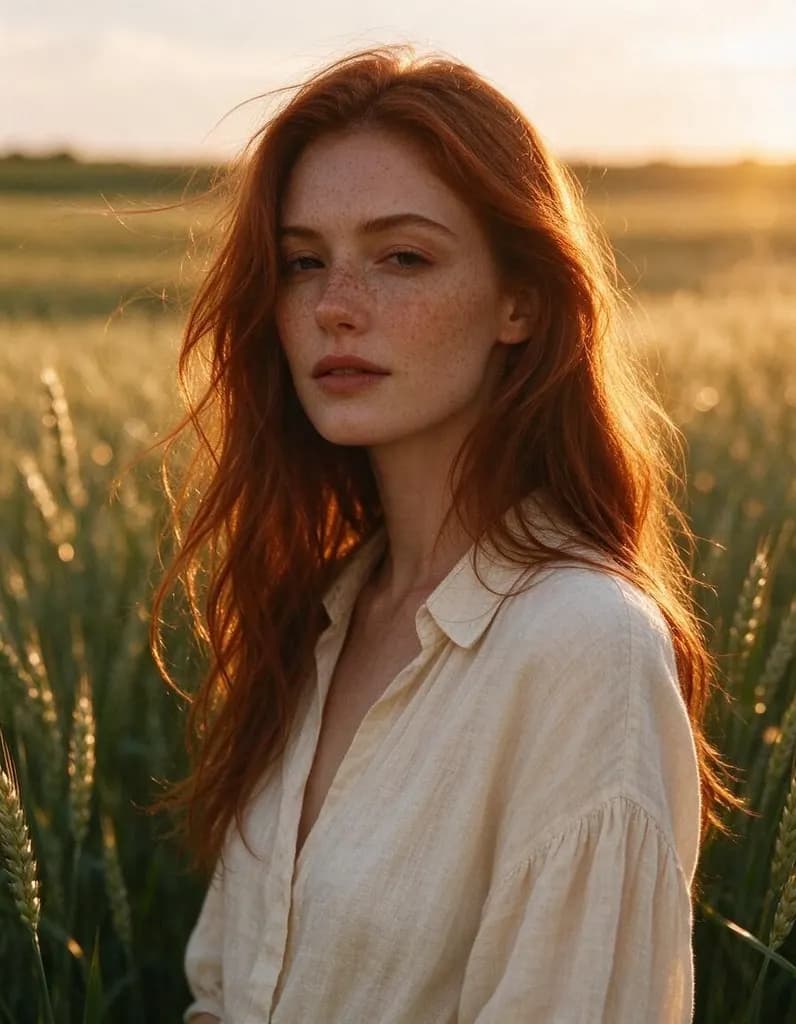 AI Image GeneratorTurn one sentence into a photo, a poster, a character or a wallpaper. Start from an idea below or write your own.
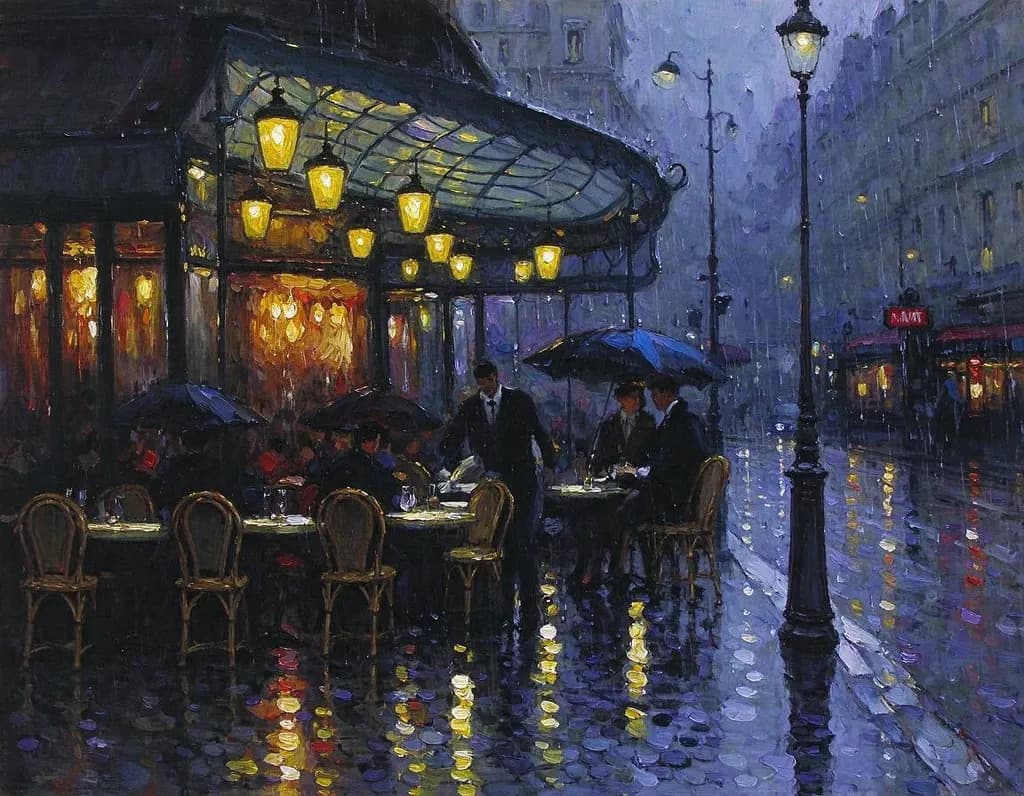 AI Art GeneratorDescribe a scene and get it as an oil painting, a watercolor, an ink drawing or a fantasy matte painting. Start from an idea below or write your own.
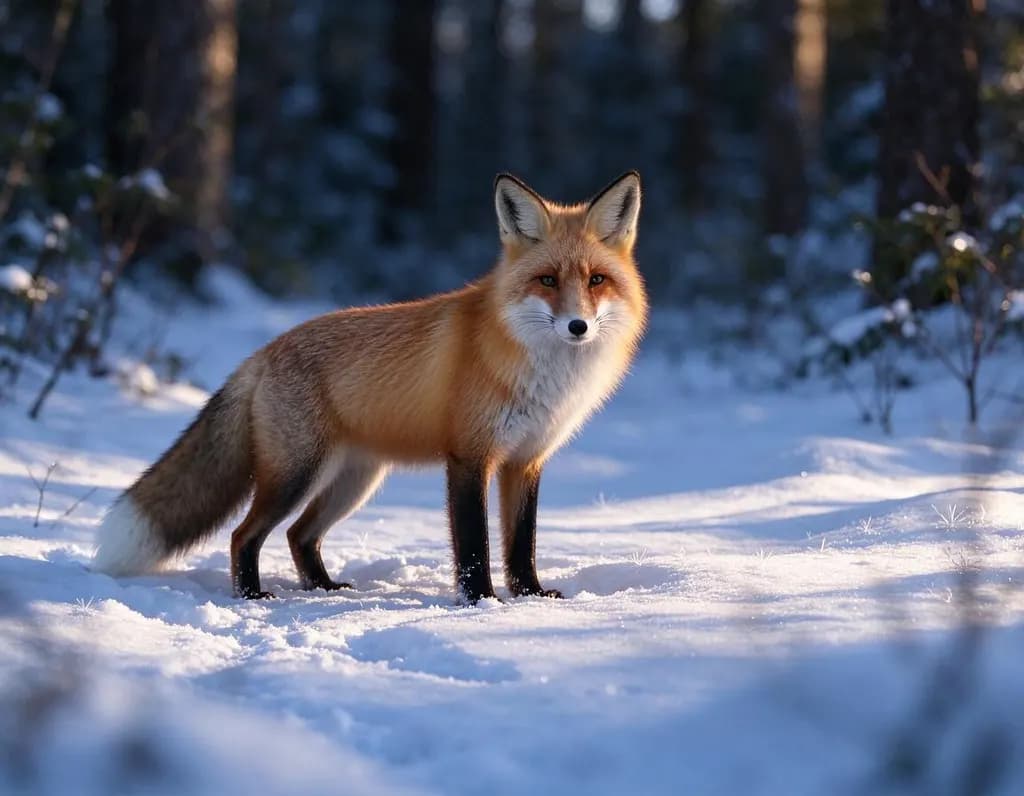 AI Photo GeneratorDescribe a shot and get a realistic photo: a portrait, a product, a plate of food or a landscape. The Photo style is already selected.
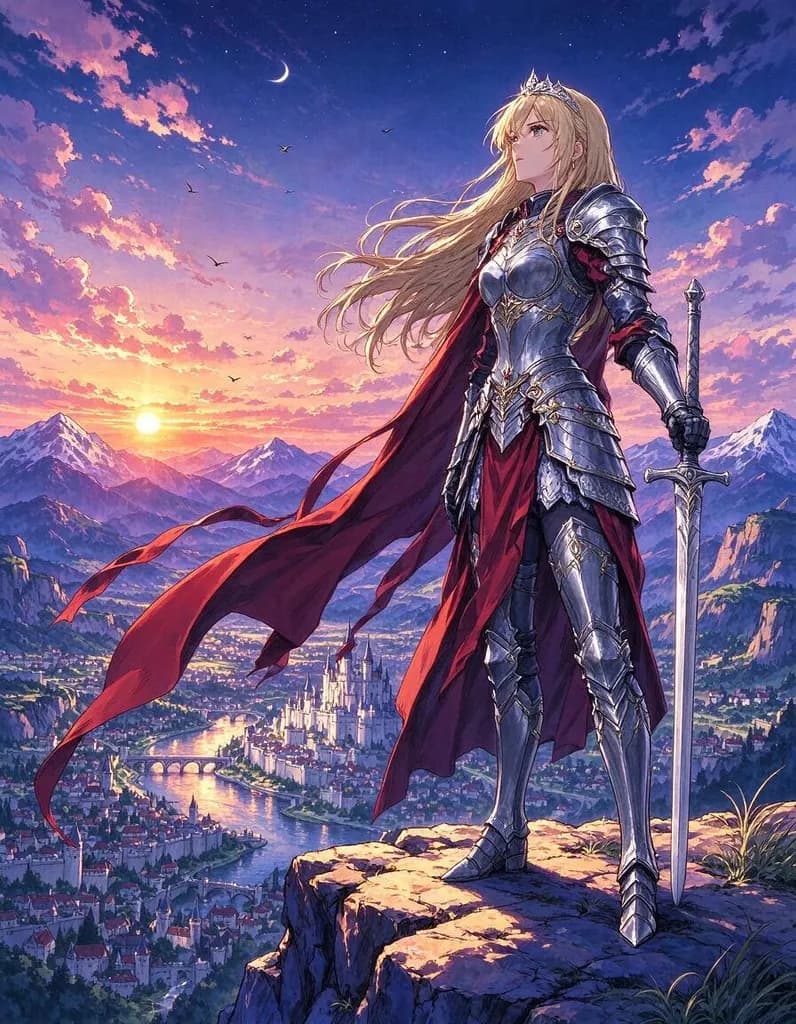 AI Anime GeneratorDescribe a character or a scene and get it as a hand-painted anime illustration. The Anime style is already selected.
 AI Logo GeneratorType your brand name and an idea for the symbol, and get clean, flat logo concepts. The Logo style is already selected.
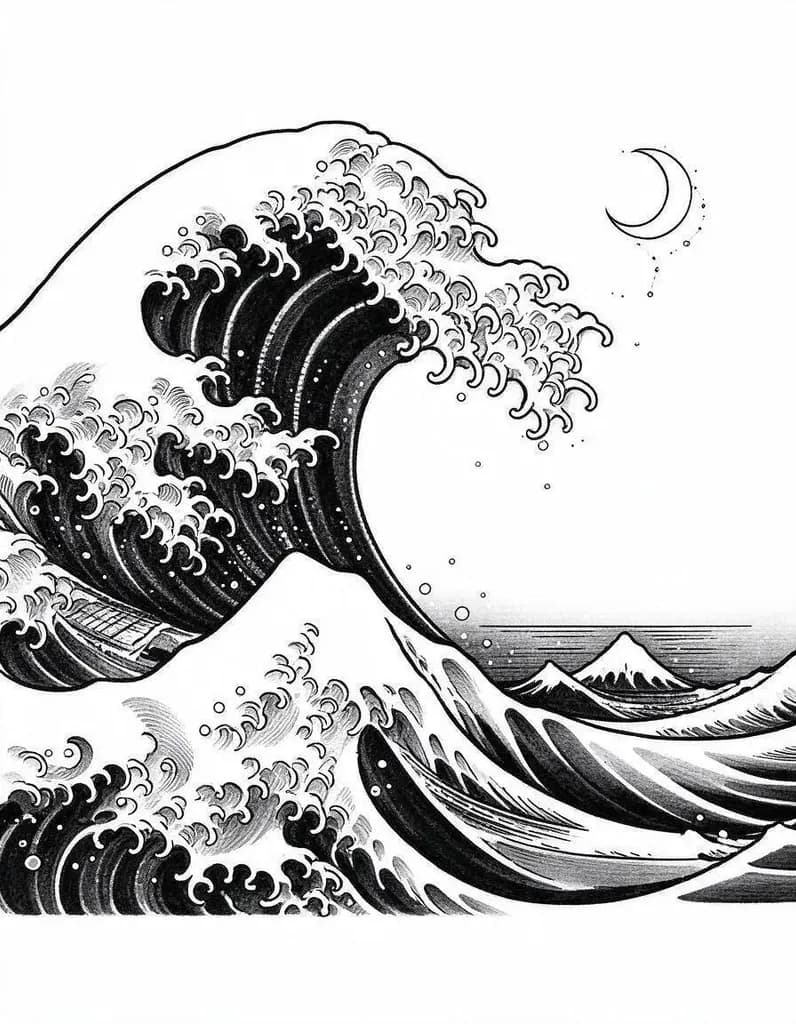 AI Tattoo GeneratorDescribe your idea and get a tattoo design in clean ink on a white background, ready to show your artist. The Tattoo style is already selected.
How it works
Why people use it
The right shape for your screen
9:16 for phones and 16:9 for desktops, so nothing important gets cropped away when you set it.
Calm or bold, your choice
Landscapes, night cities, abstract gradients, anime scenery, space. Describe the mood and the colors.
Prompts you can reuse
Every wallpaper on this page shows the prompt that made it. One tap puts it in the prompt box.
Pay only for what you make
Each wallpaper costs from 2 credits, depending on the model. New accounts get free credits to start, plus free daily credits.
Sharper on big screens
Send a desktop wallpaper to the Image Upscaler for a larger file that stays sharp on 4K monitors.
A wallpaper nobody else has
The AI wallpaper generator makes phone and desktop backgrounds from a short description. Describe a place, a mood and a color palette, such as a lo-fi bedroom window over a rainy neon city or soft liquid glass waves in peach and lavender, and get a wallpaper in the exact shape of your screen. Change it with the seasons, match it to your phone case, or make a set for your desk and your lock screen.
Tips for great wallpapers
- Leave space for the clock. Ask for "minimal", "calm" or "empty sky above" so the time and icons stay readable.
- Pick a palette. "Deep blue tones", "muted green", "pastel peach and lavender" give a coherent, easy-on-the-eyes result.
- Keep the subject centered. Phones crop the edges a little, so keep the main thing in the middle.
- Match the screen. 9:16 for phones, 16:9 for laptops and monitors.
- Go dark for OLED. Night scenes and dark gradients look great and are easy on the battery.
Make it sharper
Generated wallpapers are about 1344 pixels on the long side. That looks fine on most phones; for a large desktop monitor, send the image to the Image Upscaler first. To make it move, send it to Image to Video and describe gentle motion like drifting fog or falling snow. Wallpapers made with free credits carry a small watermark; purchased credits remove it.
Limitations
Small text and tiny details may come out wrong. Wallpapers work best when they are simple, so if a result feels busy, remove a few things from the prompt and generate again.
Frequently asked questions
Try next
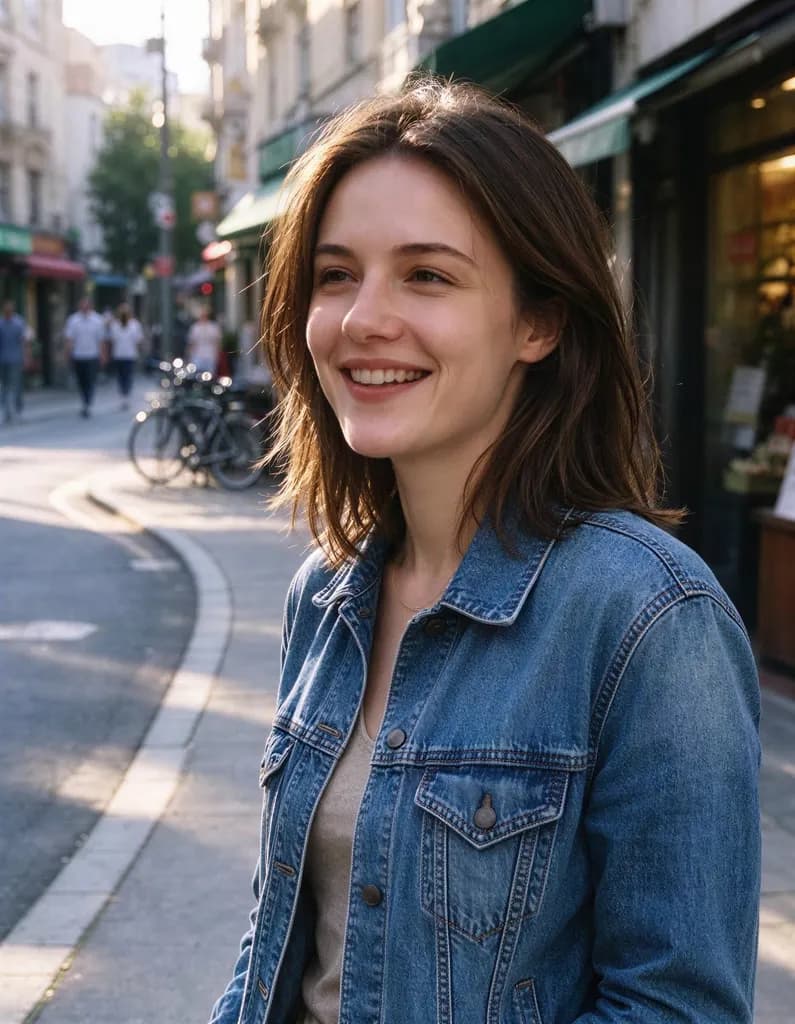 Image Upscalerfrom 2 creditsMake small images bigger and sharper in one click. Choose 2x or 4x, with no watermark on the result.
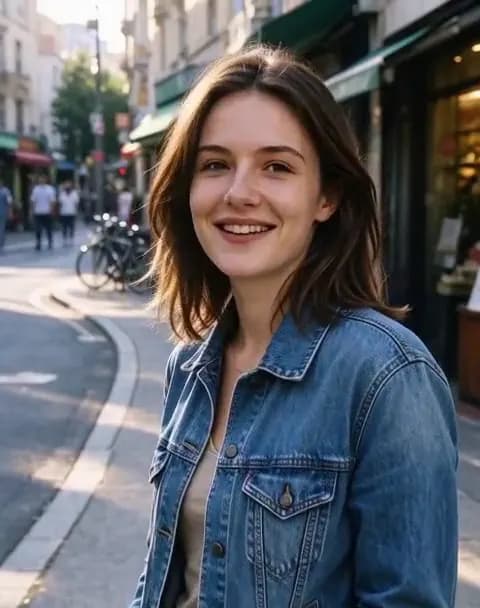 Image to Videofrom 45 creditsUpload a photo, describe how it should move, and get a short AI video with sound. Choose MiniMax H3 or Veo 3.1 Lite.AI Image Generatorfrom 2 creditsTurn one sentence into a photo, a poster, a character or a wallpaper. Start from an idea below or write your own.