AI Video Effects for Photos
Pick an effect, upload a photo and get a 5-second video with sound. No prompt to write.
- 45credits per video
- ♪sound included
- 100%refund if it fails
≈ $0.45 · uses purchased credits✓ Refunded automatically if it fails · usually ready in under a minute

 PhotoExample · Earth zoom out
What people turn into video
Every clip starts from the photo in the corner. Tap “Try this” to watch it in the player above.
 Earth zoom out
 Bullet time
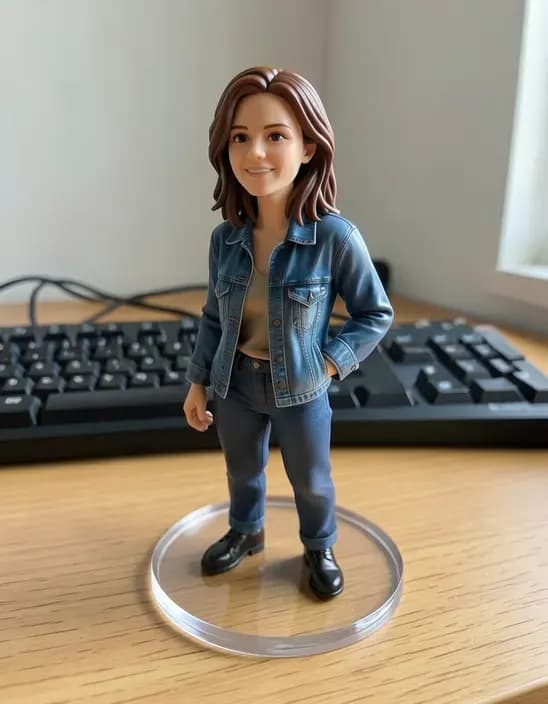 Figurine comes alive
 Paw shake
 Halloween night
 Wave hello
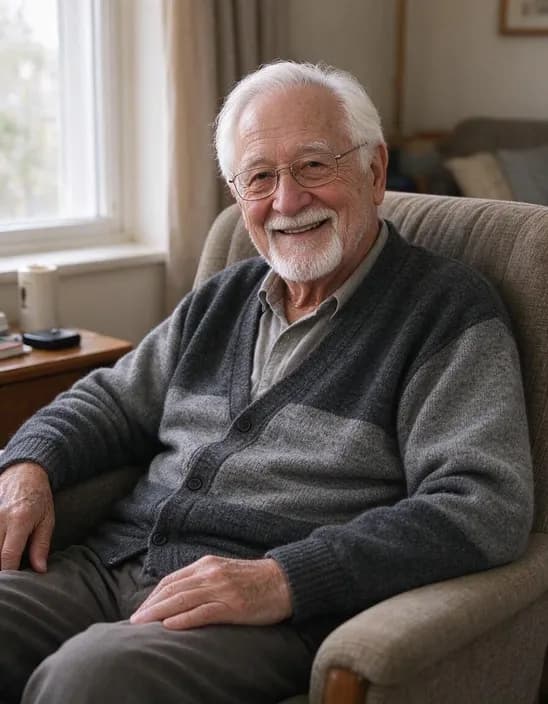 Cinematic zoom
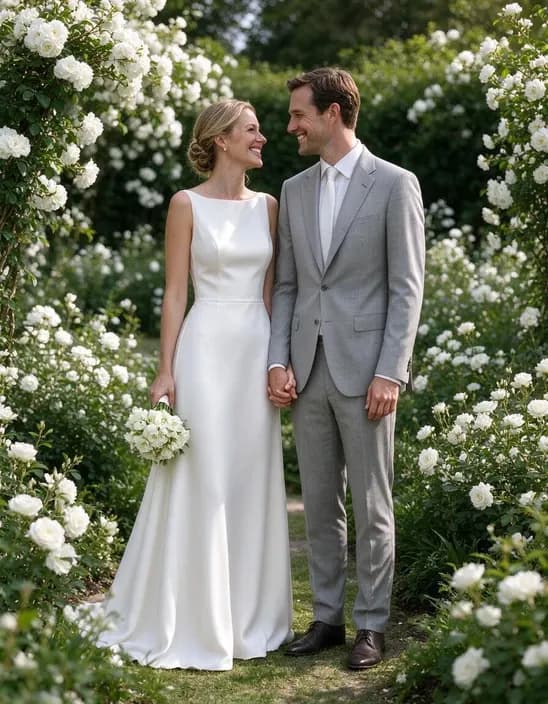 Wind in hair
Popular uses
Pages built around one look, each with its own examples and tips.
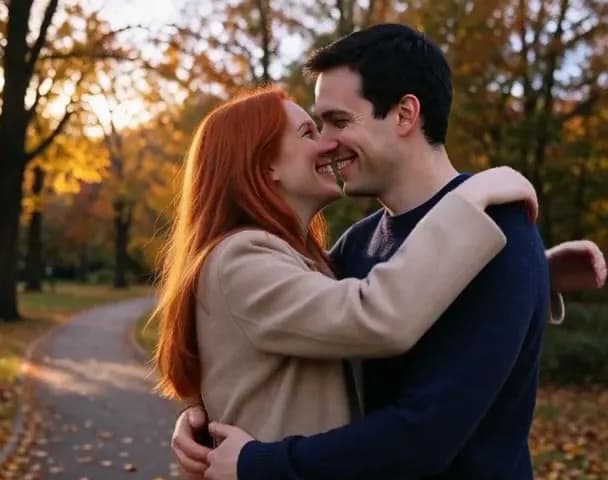 AI Hug VideoUpload one photo with both people in it and get a 5-second video of them turning to each other for a warm hug.
 Image to VideoTurn a photo into a short video with sound. Say what should move, tap a suggestion, or leave it empty and let the AI choose.
 Animate Old PhotosTurn an old family photo into a short video with gentle, natural motion: a blink, a smile, a turn of the head. Works on recent portraits too.
AI Video Effects in 3 steps
Why people use it
Trending effects, one tap
Earth zoom out, bullet time, figurine comes alive and paw shake: the looks people share most, no prompt needed.
See every effect first
Each effect has a sample video so you know what you'll get before you pay.
Video with sound
Every clip comes with a generated soundtrack that matches the effect.
Seasonal effects
Halloween night now, with more seasonal effects added through the year.
One price, refunded if it fails
Every effect costs 45 credits per video with purchased credits. If a video fails, the credits come straight back.
One photo, twelve AI video effects
AI video effects are the fastest way to turn a still photo into something that moves. Instead of writing a prompt, you pick a ready-made effect, upload a picture and get a 5-second clip with sound. Every effect is generated with MiniMax H3 at 480p and costs the same.
- Earth zoom out: the camera flies up from your photo through the clouds until the whole planet is in view.
- Bullet time: time freezes and the camera swings around the subject.
- Figurine comes alive: a toy or figurine starts moving and waves. Pairs well with the figurine style in the AI Photo Filter.
- Paw shake: your dog or cat lifts a paw to shake a hand.
- Halloween night: jack-o'-lanterns and bats appear around the subject.
- Hug: the two people in the photo hug. See AI Hug Video.
- Cinematic zoom, wave hello, wind in hair, retro 80s, night lights and snowfall for everyday photos.
Tips for better clips
- Match the effect to the photo. Wave hello and bullet time need a person, paw shake needs a pet, Earth zoom out needs some sky or street.
- Use a sharp image. Blurry or tiny photos give blurry videos. Run small photos through the Image Upscaler first.
- Keep the subject clear. One main person, pet or object animates more reliably than a crowd.
When to use something else
For a specific movement that isn't in the list, use Image to Video and describe it yourself, with longer clips, higher resolution, end frames and a second model. For gentle motion in an old family photo, try Animate Old Photos.
AI Video Effects FAQ
Try next
Image to Videofrom 45 creditsTurn a photo into a short video with sound. Say what should move, tap a suggestion, or leave it empty and let the AI choose. Text to Videofrom 45 creditsType a scene and get a short AI video. No camera, no footage, no editing software.Animate Old Photos45 creditsTurn an old family photo into a short video with gentle, natural motion: a blink, a smile, a turn of the head. Works on recent portraits too.