Change Background to White
Free and private: the AI cuts out your subject in your browser and puts it on clean white. Pick another color or a transparent PNG if you prefer.
- Free
- Runs in your browser
- Your photo stays on your device
Runs on your device. Your photo is never uploaded.
See what it does
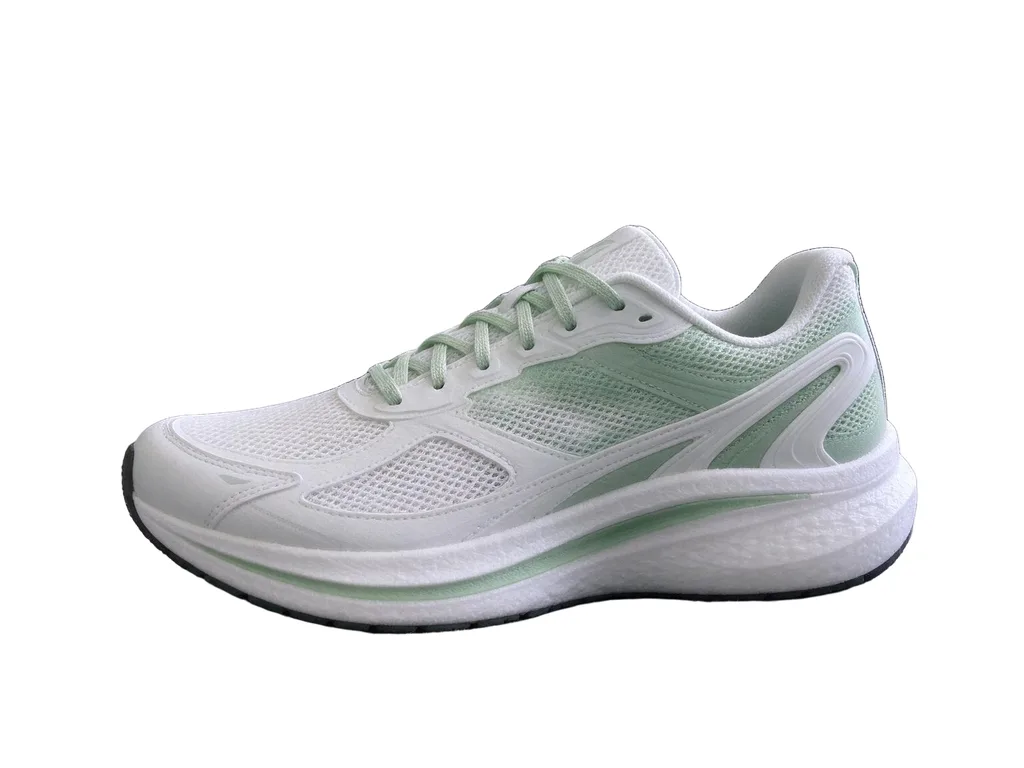
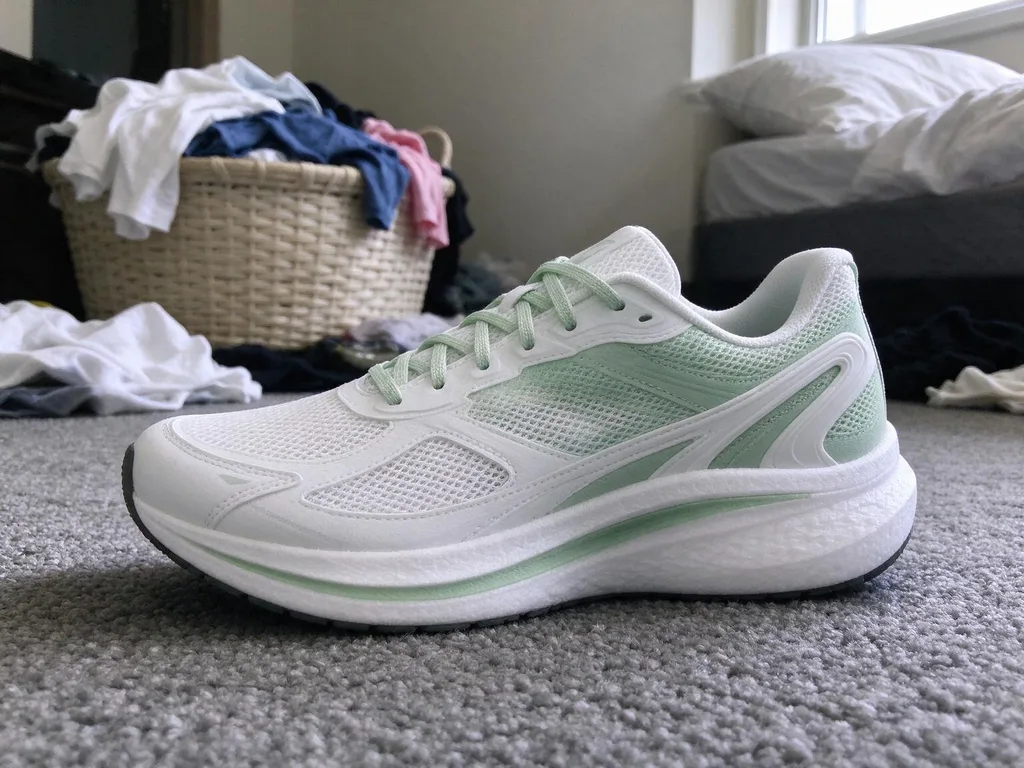


How it works
Why people use it
Free with no limit
No account, no credits and no daily cap. Make as many white-background photos as you need.
Your photo stays on your device
The AI runs in your browser. Nothing is uploaded, so there's nothing to delete.
White, any color, or transparent
White is selected for you. Tap black, gray, blue, red or the color picker, or go transparent for designs.
Cleaner edges when you need them
If hair or fur looks rough, send the same photo to the HD Background Remover for 1 credit.
Want a real scene instead?
Change Background puts your subject on a marble counter, in an office or on a beach, with matching light.
Why a white background
White is the standard for online store listings (Amazon and most marketplaces ask for it for the main image), catalog shots, résumé photos and many ID photos. It keeps the attention on the subject and looks consistent across a whole set of photos.
Tips for a clean white background
- Shoot with the subject clearly separated from what's behind it. Contrast gives the cleanest edges.
- Keep the whole product in frame. Parts cut off at the edge stay cut off.
- Check shadows. The original shadow is removed with the background; if you want a shadow on white, use Change Background with the Color backdrop scene.
More than white
The same tool gives you any color or a transparent PNG. To blur the background instead, or to put your subject in a new scene with Change Background, switch tools above. Both keep your photo.
Frequently asked questions
Try next
 Change Background8 creditsPick a new scene for a product, a portrait or a pet, or describe your own. Need plain white or a blur? Those are free.
 Passport Photo Maker200 creditsTurn a phone picture into a passport or visa photo. We size and center your head to the official rules and check the photo for you. US photos keep your own plain background, as US rules ask; other documents get a clean new one. Preview free; the HD download costs {credits}.
 Background RemoverFreeFree, unlimited and private: the AI runs in your browser, so your photo never leaves your device. Download a transparent PNG or put your subject on a color.
 HD Background Remover1 creditClean cutouts for hair, fur and fine edges. Transparent PNG, no watermark, and you can try it without an account.