DV Lottery Photo Maker
Make the photo for your Diversity Visa (Green Card lottery) entry: exactly 600 × 600 pixels, JPEG under 240 KB, white background, framed to the State Department rules. Preview free; the HD download costs 200 credits.
- 200 credits
- Free preview, no sign-up
- Pay only to download
- Size
- 2 × 2 in · 600 × 600 px
- Head
- 50–69% of the height, chin to top of hair
- Background
- White
- File
- JPEG, up to 240 KB
Face detection and the preview run in your browser. Your photo is only uploaded when you export.
Preview and photo check are free. The HD download costs 200 credits.
Made to the official rules we checked on 2026-10-08. Final acceptance is up to the issuing authority. Official requirements
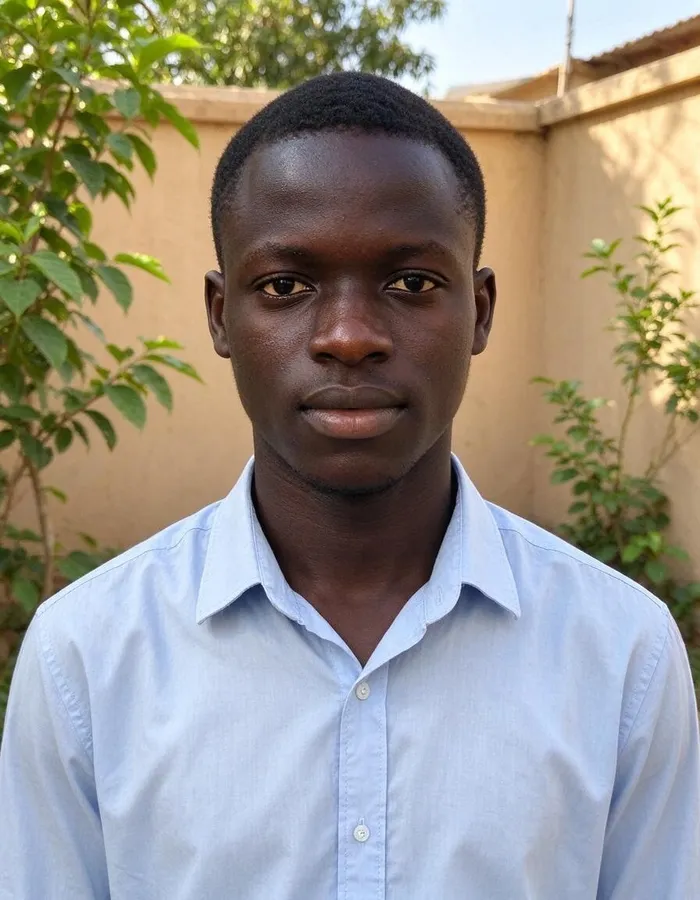 Phone photo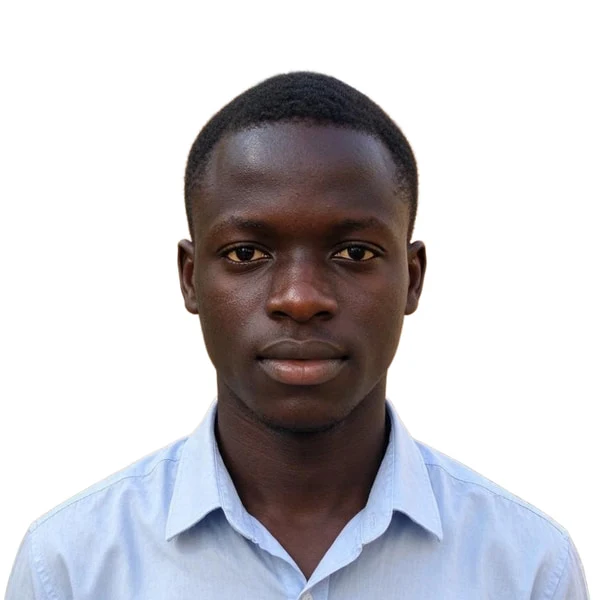
Real example: an everyday phone photo, framed and exported by this tool. Add yours to see your free preview.
DV lottery (Green Card) photo requirements
The tool frames and exports your photo to these rules. They come from the official page linked below.
- Size
- 2 × 2 in
- Digital file
- 600 × 600 px (exact size required) · JPEG, up to 240 KB
- Head
- 50–69% of the height, chin to top of hair
- Eye height
- 56–69% of the height, measured up from the bottom
- Background
- White
- Glasses
- Not allowed
- Taken within
- The last 6 months
Checked against the official rules on 2026-10-08.Official requirements
Pixwhim is not affiliated with any government agency. Final acceptance is up to the passport office or embassy.
Real results from everyday phone photos
Each one started as an ordinary picture and was framed, cleaned up and exported by this tool. Pick one to see it in the workbench.
How it works
Why people use it
Exactly 600 × 600 pixels
The lottery wants that exact size, not a range. The export is always 600 × 600 px and under 240 KB.
Checked before you pay
See the framed photo and the checklist first: head size, eye height, glasses, shadows.
A photo for every family member
Spouses and children on the entry each need their own photo. Make each one the same way.
Private by design
The preview runs in your browser. The photo is uploaded only when you export and deleted a day later.
The Diversity Visa photo rules
Every person on a Diversity Visa entry, including a spouse and each child, needs a digital photo. The instructions ask for a square color JPEG of exactly 600 × 600 pixels, no larger than 240 KB, taken within the last 6 months. The background must be plain white or off-white, with no shadows, and you must face the camera with a neutral expression and both eyes open. Glasses are not allowed.
The framing follows the same template as other US visa photos: your head, from the chin to the top of the hair, should take up 50–69% of the image height, and your eyes should be 56–69% up from the bottom. The tool measures both on your photo and shows the numbers before you pay.
Before you enter
- Registration dates: the DV-2027 entry period had not been announced as of October 2026. Only enter through the official State Department site; entering is free.
- One photo per person: don't reuse a photo from a previous year's entry or someone else's application.
- No edits: entries with digitally altered photos are disqualified. We only crop, straighten and replace the background; we never change your face.
Frequently asked questions
Try next
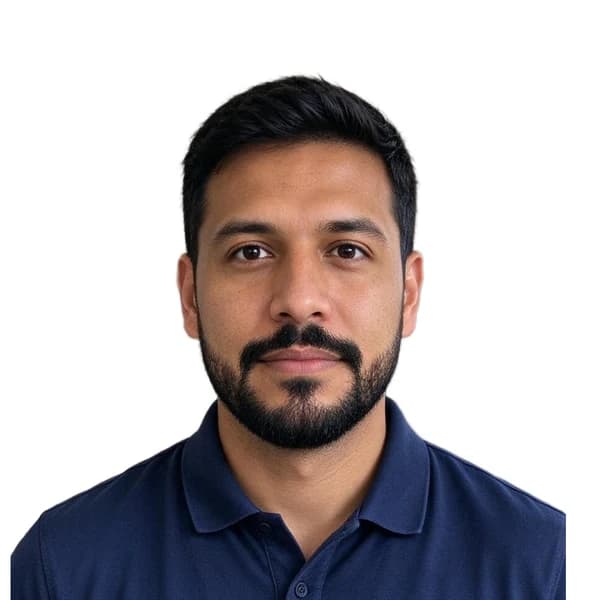 Passport Photo Maker200 creditsMake the digital photo for your DS-160 and other US visa forms: a square 600 × 600 px JPEG under 240 KB, white background, head and eyes where the State Department wants them. Preview free; the HD download costs {credits}.
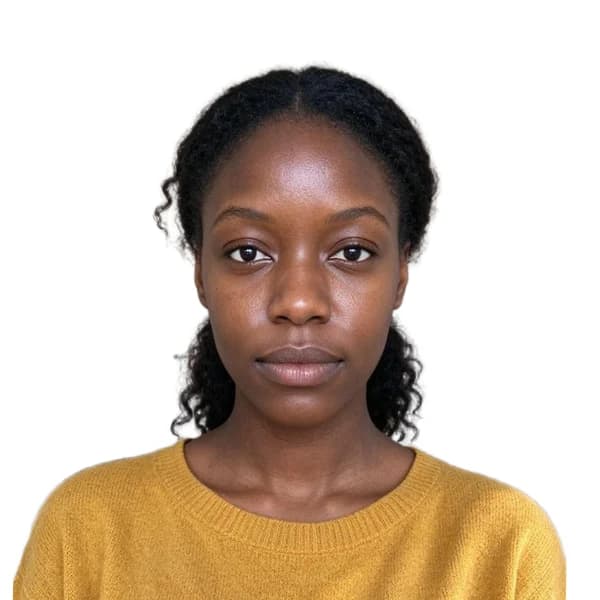 Passport Photo Maker200 creditsTurn a phone picture into a passport or visa photo. We size and center your head to the official rules, clean the background and check the photo for you. Preview free; the HD download costs {credits}.
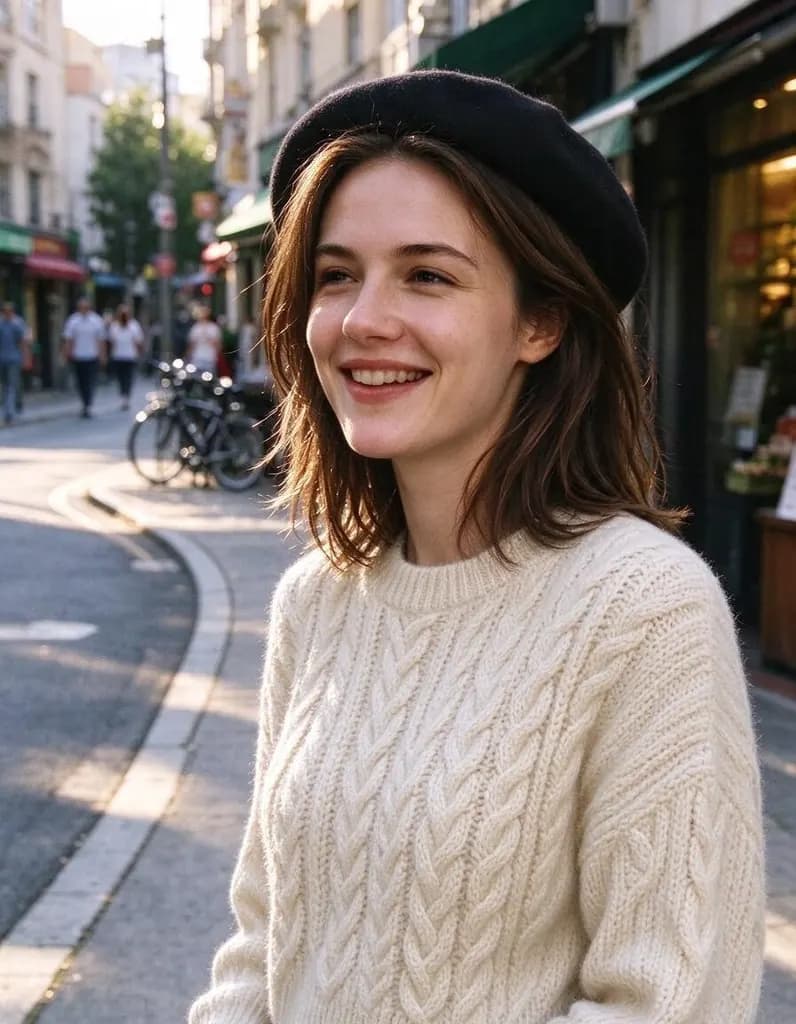 AI Photo Editor8 creditsUpload a photo and say what to change. Swap an outfit, move it to a new place, add or remove things, change the season. The rest of the photo stays the same.
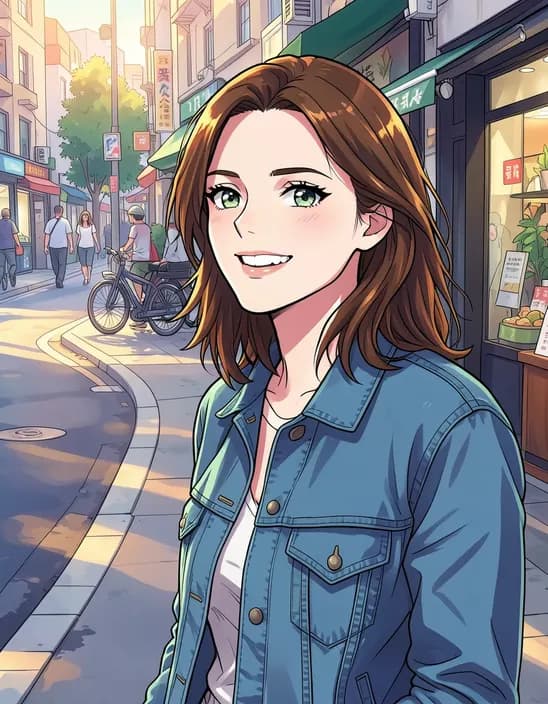 AI Photo Filter2 creditsTurn a photo into anime, a 3D cartoon, a sketch, a painting or a collectible toy. Pick a style and tap once. Works on selfies, couples, group shots and pets.