Seedream 5.0 Flash Image Generator
Type a prompt and get up to four images from ByteDance's Seedream 5.0 Flash. Free account, 20 credits to start.
- from 8 credits
- Free account, 20 credits to start
- No watermark with purchased credits
Needs a free account. New accounts get free credits to start.
 Example
Model details
See what it does
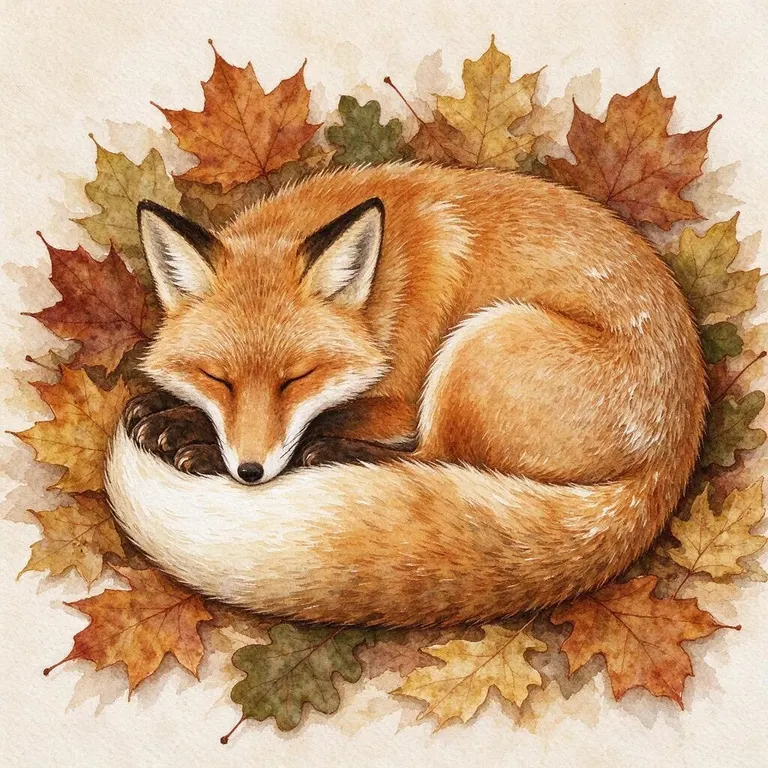
How it works
Why people use it
The standard tier
Seedream 5.0 Flash is the default model in our AI Image Generator, between the fast tier and the premium tier.
Up to four images at once
Get several takes on the same prompt and keep the one that fits. Each image costs from 8 credits.
Five aspect ratios
Square for social posts, 16:9 for thumbnails and slides, 9:16 for stories and phone wallpapers.
Free credits to try it
New accounts get 20 credits, and signed-in users get 5 more free credits every day.
Built into a full toolkit
Upscale, edit, change the background or animate your result with the other tools on the site.
What is Seedream 5.0 Flash?
Seedream 5.0 Flash is a text-to-image model from ByteDance, and it is the standard model in our AI image generator. The Seedream 5.0 family replaced Seedream 4 and comes in Lite, Flash and Pro versions. We use Flash because it gives good image quality at a moderate price, which makes it a sensible default for everyday image generation. You write a prompt, choose an aspect ratio, and get one to four images back.
What you can make with it
- Social media images. Square posts, vertical stories and wide banners from a single description.
- Blog and slide visuals. Illustrations for an article or a presentation when you don't have a matching photo.
- Product and mood ideas. Quick concepts for packaging, a room, an outfit or a scene before you commit to a photo shoot.
- Starting points for other tools. Upscale a result for print, extend it to a new shape with the AI Image Extender, or turn it into a short clip with Image to Video.
Prompt tips
Describe one clear subject first, then add the setting, style and lighting. "A ceramic coffee mug on a wooden table, morning light from a window, soft shadows, product photo" works better than a list of loose keywords. If the first run isn't right, change one detail at a time so you can see what made the difference. Generating two to four images per run is an easy way to compare variations without rewriting the prompt.
Seedream 5.0 Flash vs. the other models
Our AI Image Generator has three models, and the right one depends on what you need:
- FLUX.2 [klein] is the fast tier. It costs the least and is useful for drafts and testing prompts, but its photorealism is weaker.
- Seedream 5.0 Flash is the standard tier and the default. It is the one to start with for most images.
- Seedream 5.0 Pro, also from ByteDance, is the premium tier. It costs more per image, makes one image per run and is worth trying when a result really matters.
A common workflow is to test a prompt with FLUX.2 [klein], then run the final version on Seedream 5.0 Flash or Seedream 5.0 Pro.
Photo editing with Seedream 5.0 Flash
Seedream 5.0 Flash can also edit an existing photo, and it is good at keeping people recognizable while it makes the change. That is why it runs the AI Photo Editor, the AI Headshot Generator, the Hairstyle Changer, Change Background and Old Photo Restoration on our site.
Frequently asked questions
Try next

Other models
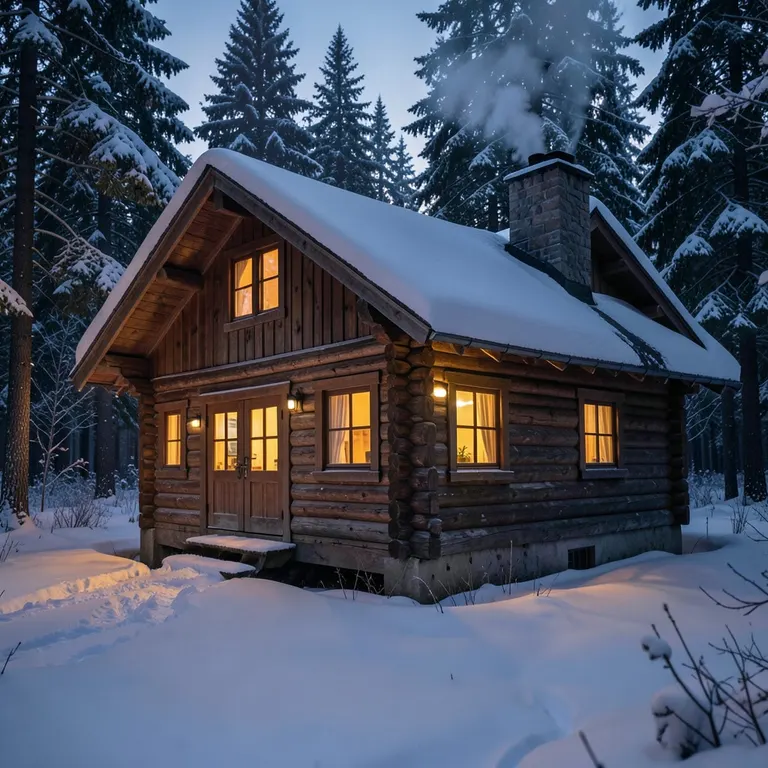 FLUX.2 [klein] 4Bfrom 2 creditsFast, low-cost text-to-image with FLUX.2 [klein] 4B. Ideal for drafts and trying out prompts. Free account, 20 credits to start.
 Seedream 5.0 Pro25 creditsUse ByteDance's Seedream 5.0 Pro for the images that matter most, with sharper detail and closer prompt following. Free account, 20 credits to start.
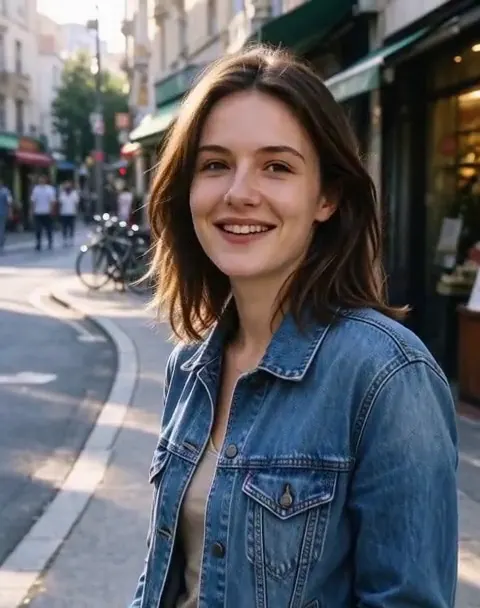 MiniMax H3 Max Turbofrom 45 creditsTurn a photo or a prompt into a short video with sound using MiniMax H3 Max Turbo, our default video model.
 Veo 3.1 Litefrom 70 creditsMake 720p clips with sound from a photo or a prompt using Google's Veo 3.1 Lite. No editing software needed.