Veo 3.1 Lite Video Generator
Make 720p clips with sound from a photo or a prompt using Google's Veo 3.1 Lite. No editing software needed.
- from 70 credits
- Free account, 20 credits to start
- Uses purchased credits
Video uses purchased credits. Free credits work for image tools.
Model details
See what it does
 Before
How it works
Why people use it
720p video
HD video in widescreen 16:9 or vertical 9:16, ready for YouTube, TikTok, Reels and Shorts.
Sound always on
Every Veo 3.1 Lite clip is generated with audio, so it is ready to post.
Photo or text to video
Animate a picture with Image to Video, or create a scene from scratch with Text to Video.
4, 6 or 8 seconds
Short lengths that suit intros, social posts and product teasers.
Clear pricing
Clips cost from 70 credits, depending on length. The price shows on the Generate button before you start.
What is Veo 3.1 Lite?
Veo 3.1 Lite is a video generation model from Google, and it is the 720p option in our Image to Video and Text to Video tools. With Veo 3.1 Lite you can turn a single photo or a written prompt into a 4, 6 or 8-second clip, in widescreen 16:9 or vertical 9:16. On our site every Veo clip is generated with sound, so you get a video with audio in one step.
What you can make with it
- Animated product shots. Start from a product photo and add a slow camera move or a change of light for a store page or an ad.
- Vertical social videos. 9:16 clips in 720p for TikTok, Reels and Shorts.
- Short intros and teasers. A few seconds of motion with sound for the start of a video or a post.
- Scenes from text. Describe a place, a character and an action, and let the model create the scene from scratch.
Tips for better videos
Write the prompt like a short shot description: the subject, what happens, how the camera moves and the mood. For example, "a cup of coffee on a cafe table, steam rising, camera slowly circles, warm morning light". When you start from a photo, use a sharp, well-lit image in the same orientation as the video you want. Try a 4-second clip first, then make a longer one once the motion looks right.
Veo 3.1 Lite vs. MiniMax H3
Both models are available in Image to Video and Text to Video, and both create videos with sound.
- Veo 3.1 Lite gives you 720p in 16:9 or 9:16, at 4, 6 or 8 seconds. It costs more per second.
- MiniMax H3 Max Turbo is the default model. It costs less, makes 5 or 10-second clips at 480p or 768p, and supports five aspect ratios including square.
If you need a square video or a 10-second clip, use MiniMax H3. If you want a 720p widescreen or vertical clip from Google's model, use Veo 3.1 Lite.
Frequently asked questions
Try next
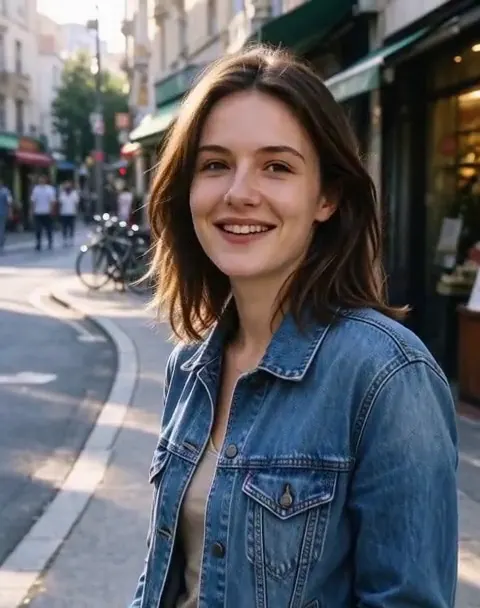 Image to Videofrom 45 creditsUpload a photo, describe how it should move, and get a short AI video with sound. Choose MiniMax H3 or Veo 3.1 Lite.
 Text to Videofrom 45 creditsType a scene and get a short AI video. No camera, no footage, no editing software.
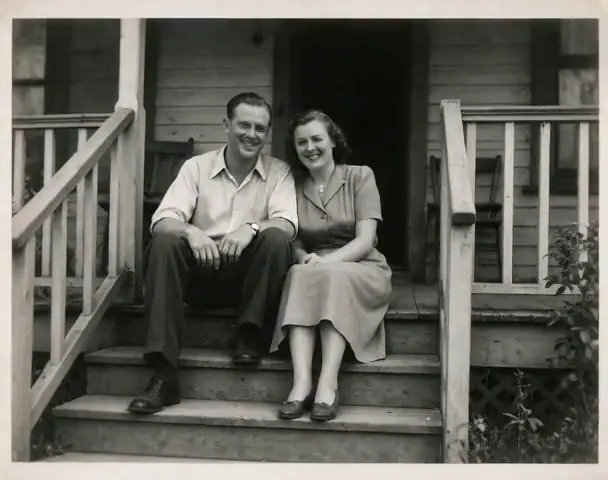 Animate Photo45 creditsTurn a still picture into a short, lifelike video with gentle, natural motion. Perfect for old family photos.
 AI Video Effects45 creditsPick an effect, upload a photo, and get a 5-second video. No prompt to write.
Other models
 Seedream 5.0 Flashfrom 8 creditsType a prompt and get up to four images from ByteDance's Seedream 5.0 Flash. Free account, 20 credits to start.
 FLUX.2 [klein] 4Bfrom 2 creditsFast, low-cost text-to-image with FLUX.2 [klein] 4B. Ideal for drafts and trying out prompts. Free account, 20 credits to start.
 Seedream 5.0 Pro25 creditsUse ByteDance's Seedream 5.0 Pro for the images that matter most, with sharper detail and closer prompt following. Free account, 20 credits to start.MiniMax H3 Max Turbofrom 45 creditsTurn a photo or a prompt into a short video with sound using MiniMax H3 Max Turbo, our default video model.