Seedream 5.0 Pro Image Generator
Use ByteDance's Seedream 5.0 Pro for the images that matter most, with sharper detail and closer prompt following. Free account, 20 credits to start.
- 25 credits
- Free account, 20 credits to start
- No watermark with purchased credits
Needs a free account. New accounts get free credits to start.
 Example
Model details
See what it does
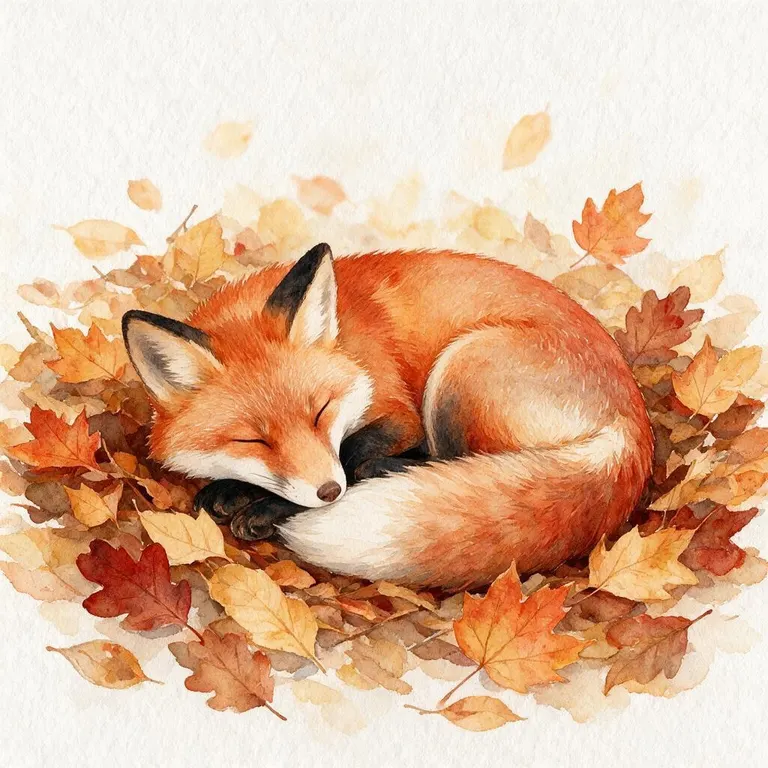
How it works
Why people use it
The premium tier
Seedream 5.0 Pro is the highest tier in our AI Image Generator, at 25 credits per image.
Sharper detail
Compared with Seedream 5.0 Flash, it renders finer textures, cleaner edges and more convincing small details.
Follows your prompt closely
Better at keeping every part of a long, specific prompt, such as the layout, the props and the lighting you asked for.
Five aspect ratios
Square for social posts, 4:3 and 3:4 for prints and portraits, 16:9 for banners and 9:16 for stories.
Free credits to try it
New accounts get 20 credits, and signed-in users get 5 free credits every day.
What is Seedream 5.0 Pro?
Seedream 5.0 Pro is a text-to-image model from ByteDance, and it is the premium tier of our AI image generator. The Seedream 5.0 family comes in Lite, Flash and Pro versions; Pro is the one built for quality. Compared with Seedream 5.0 Flash, our default model, it draws sharper detail and sticks more closely to what you wrote, at a higher price per image. You write a prompt, choose an aspect ratio and get one image of about 1 megapixel, such as 1024×1024 for a square.
When to use it
- Final images. Hero images for a landing page, ad creatives, covers and posters, where small flaws are easy to spot.
- Long, specific prompts. Scenes with several objects, a set layout or particular lighting, where a lighter model tends to drop part of the request.
- Product and lifestyle shots. Textures such as fabric, wood, glass and skin come out more convincing.
- A second opinion. If a prompt is close but not quite right on Flash, running it on Pro is a quick way to see if more detail fixes it.
Tips for better results
Detailed prompts give you more control. Start with the main subject, then add where it is, how it is lit and what style you want, in full sentences. For realistic photos, mention the camera angle and the kind of light, such as "soft window light" or "golden hour". Because each run makes one image and takes around 30 seconds, it pays to test the wording on a cheaper model first and only switch to Pro once the prompt is working.
Seedream 5.0 Pro vs. the other models
Our AI Image Generator offers three models in the same workbench:
- FLUX.2 [klein] from Black Forest Labs is the fast tier: the lowest price and up to four images per run, good for drafts but weaker on photorealism.
- Seedream 5.0 Flash from ByteDance is the standard tier and the default. It balances quality and price and suits most images.
- Seedream 5.0 Pro is the premium tier. It costs the most, makes one image per run and takes longer, so it makes sense for final images rather than early drafts.
A common workflow is to explore with FLUX.2 [klein], refine the prompt on Seedream 5.0 Flash, and make the final version with Seedream 5.0 Pro. Your prompt stays in place when you switch, so comparing models takes one click. When you are happy with the result, you can upscale it for print, change details with the AI Photo Editor or bring it to life with Image to Video.
Frequently asked questions
Try next
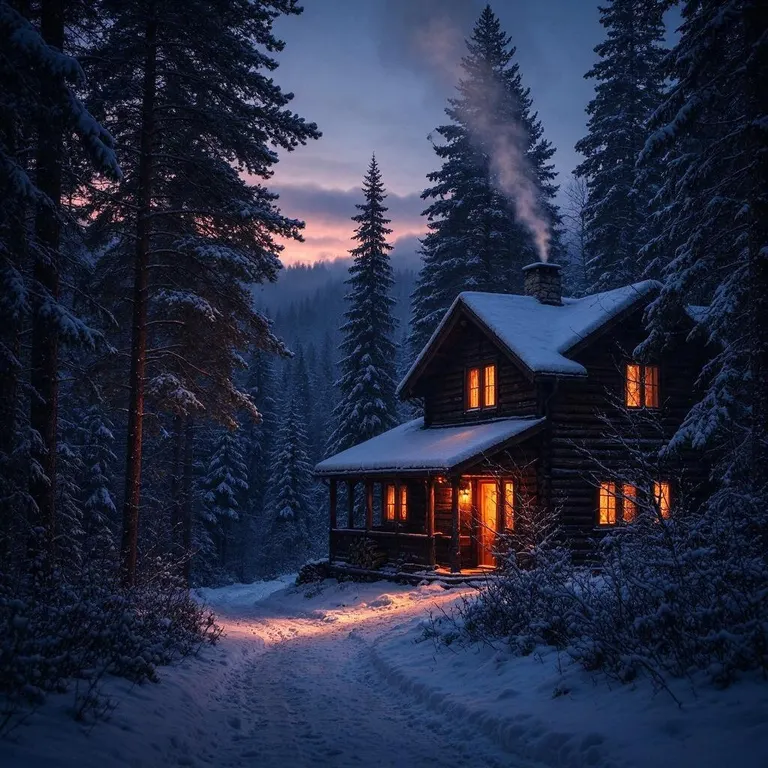
Other models
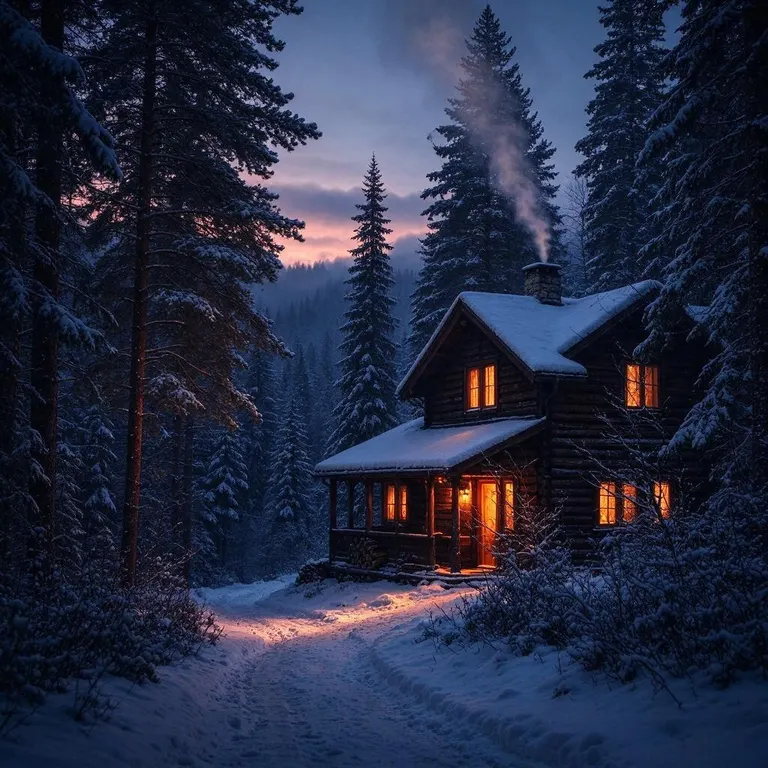 Seedream 5.0 Flashfrom 8 creditsType a prompt and get up to four images from ByteDance's Seedream 5.0 Flash. Free account, 20 credits to start.
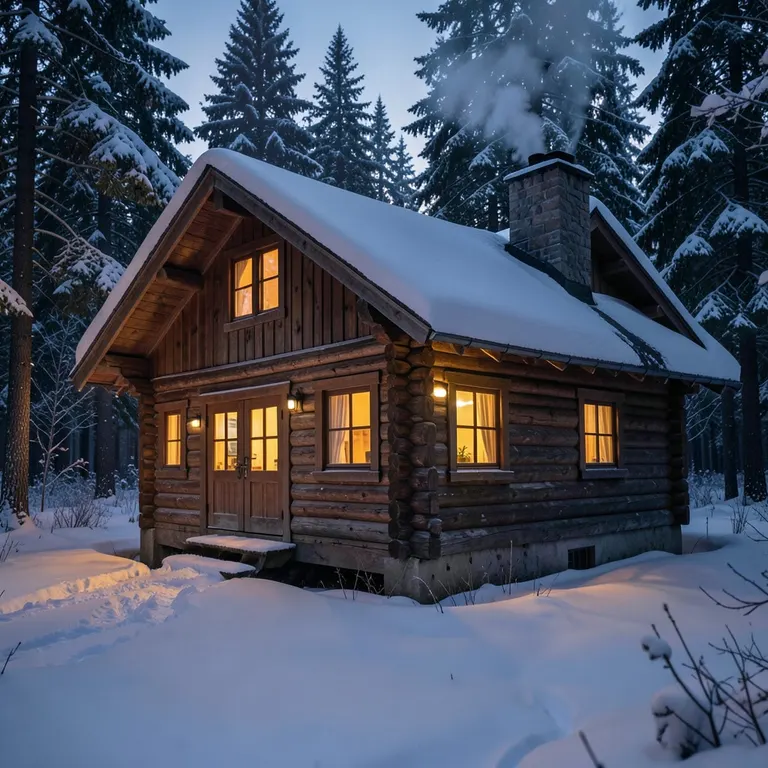 FLUX.2 [klein] 4Bfrom 2 creditsFast, low-cost text-to-image with FLUX.2 [klein] 4B. Ideal for drafts and trying out prompts. Free account, 20 credits to start.
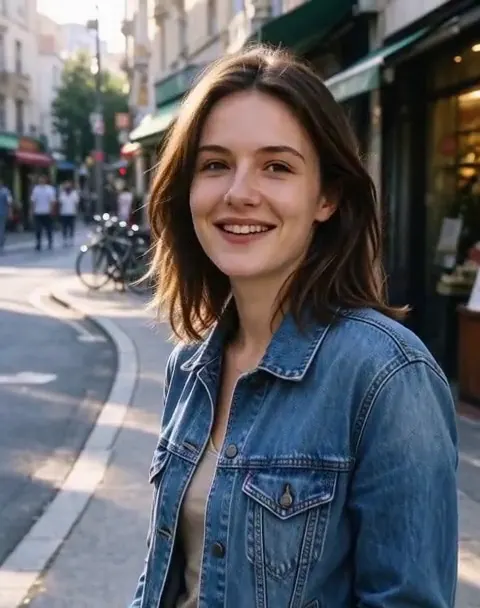 MiniMax H3 Max Turbofrom 45 creditsTurn a photo or a prompt into a short video with sound using MiniMax H3 Max Turbo, our default video model.
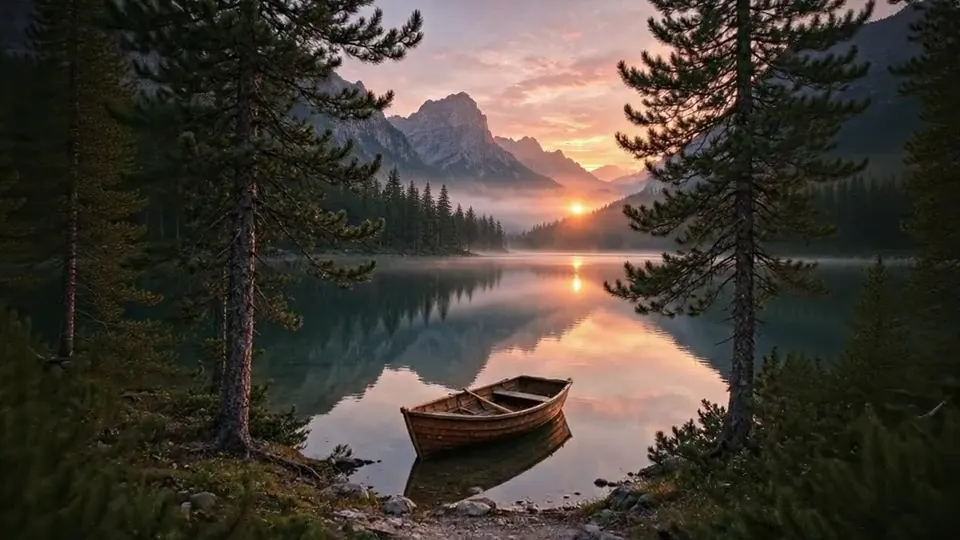 Veo 3.1 Litefrom 70 creditsMake 720p clips with sound from a photo or a prompt using Google's Veo 3.1 Lite. No editing software needed.