Add Hair to Photo: See a Full Head of Hair
Upload a photo of a bald head, a receding hairline or thinning hair, and see a full head of natural-looking hair, with the face unchanged.
- 8 credits
- Free account, 20 credits to start
- No watermark with purchased credits
Needs a free account. New accounts get free credits to start.
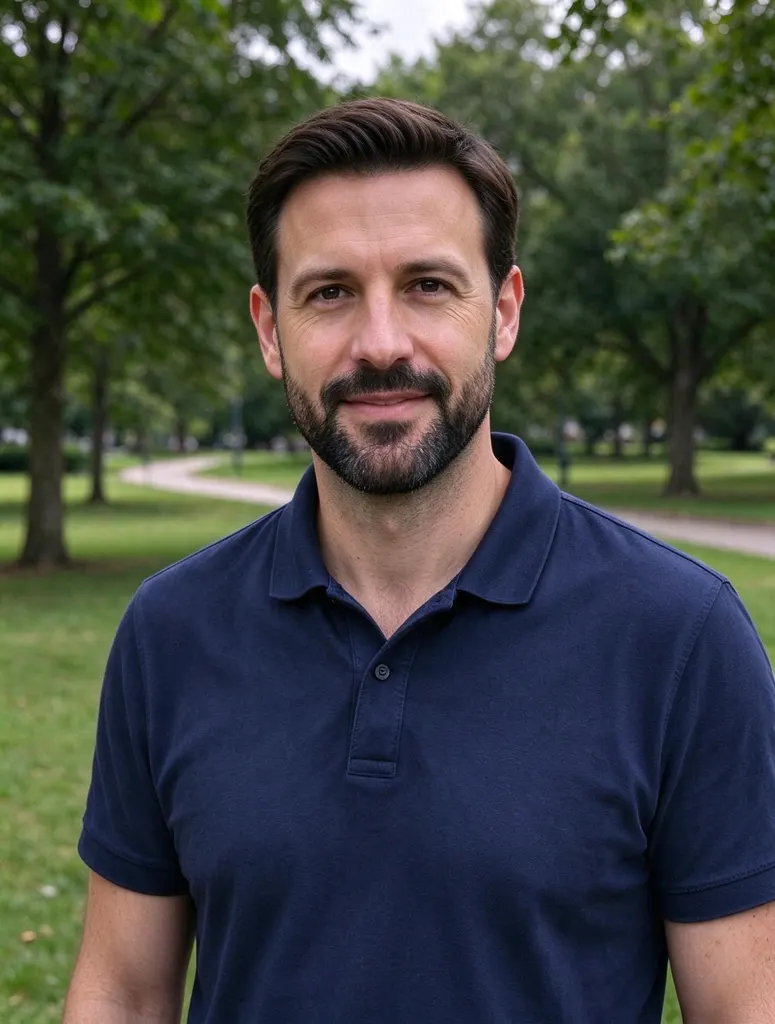
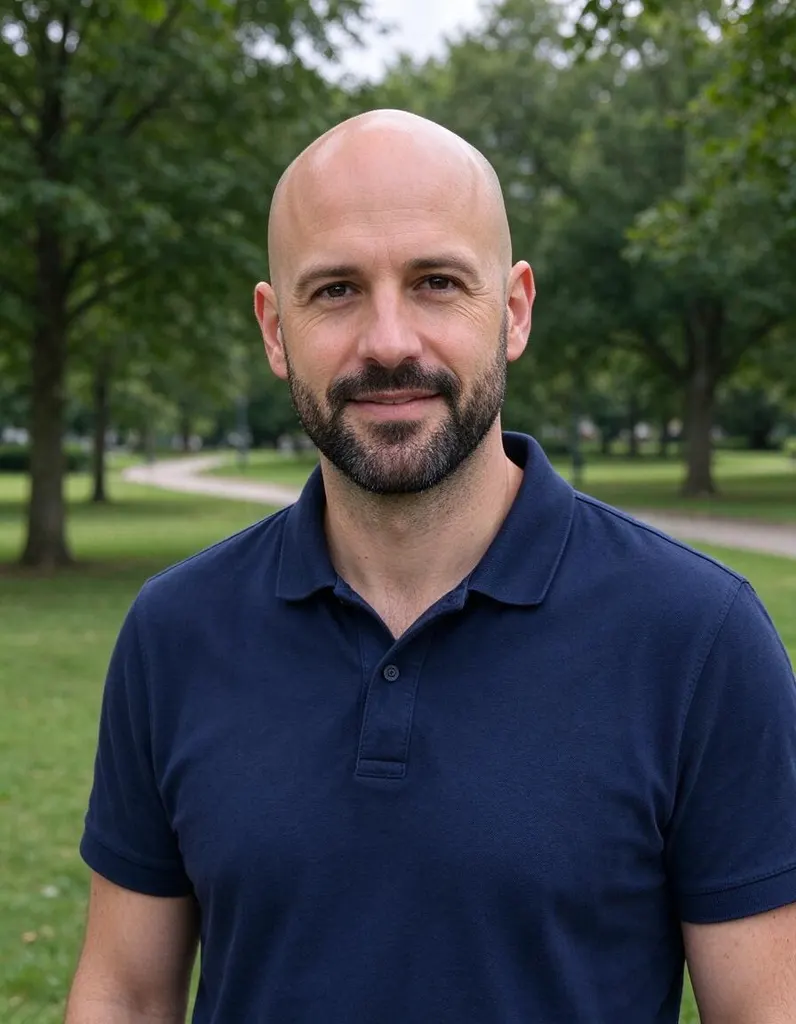
Pick a style
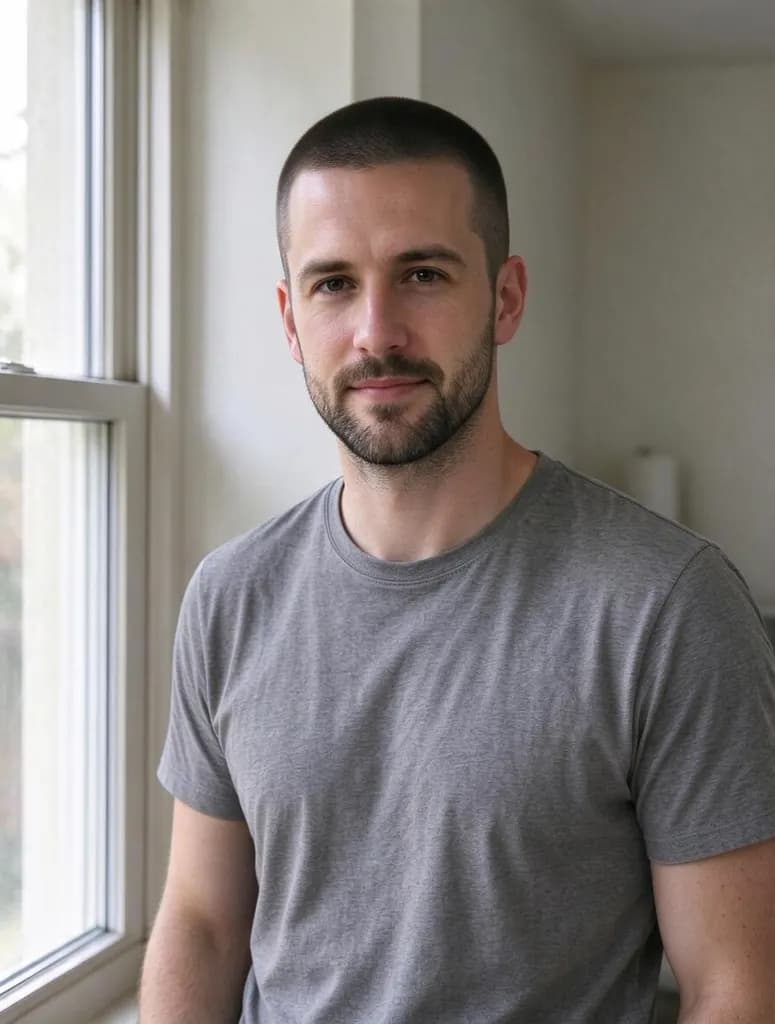
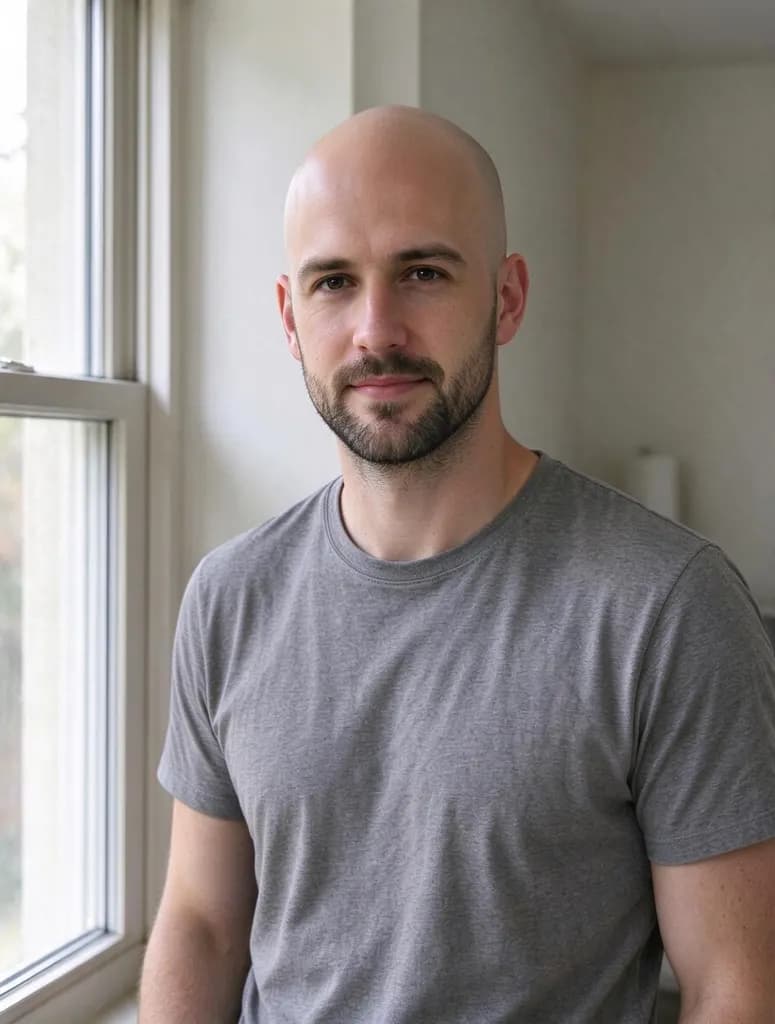
See what it does
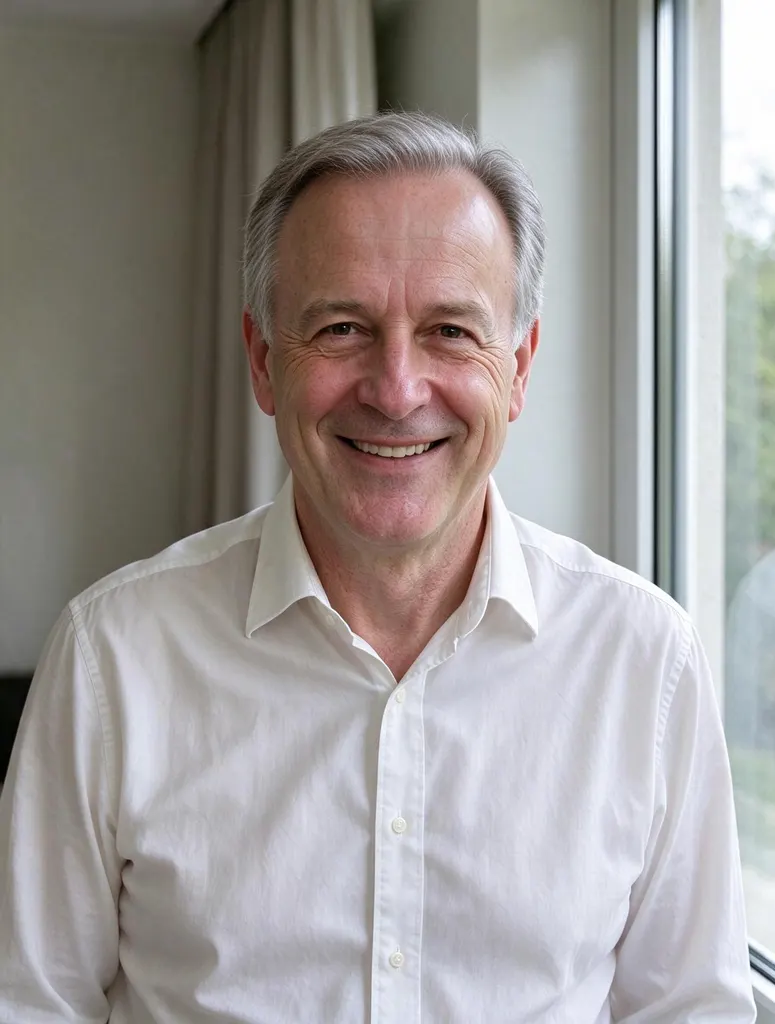
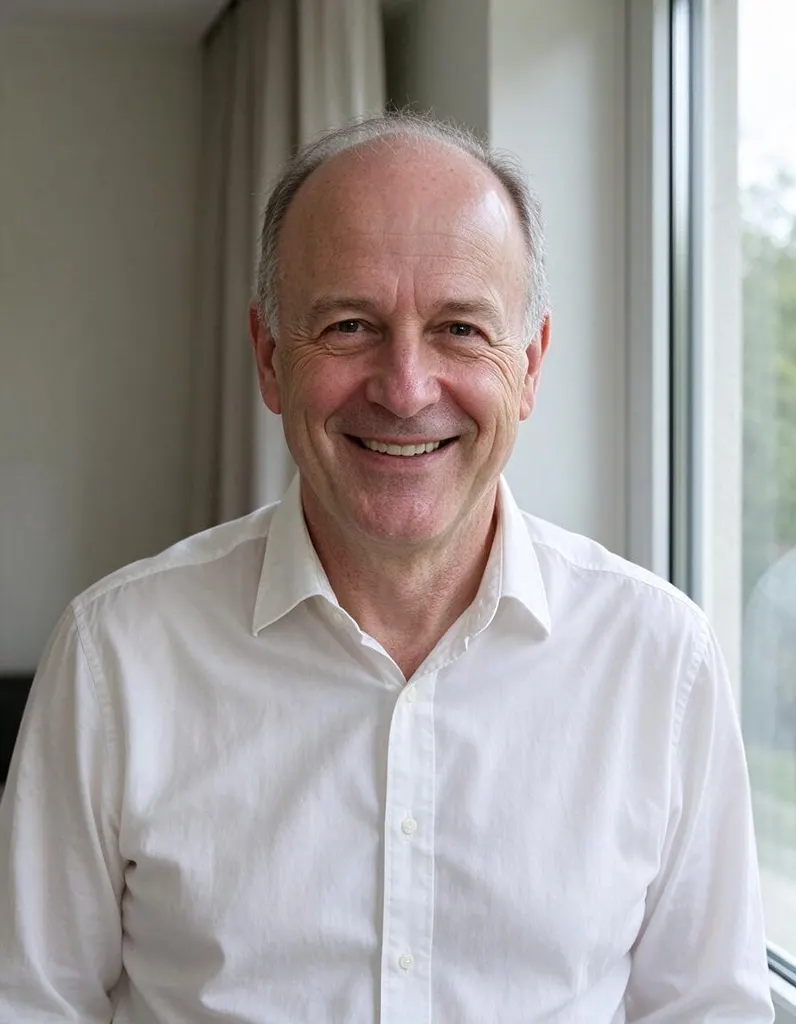
How it works
Why people use it
Natural hairline
Hair is drawn with a natural hairline and a color that matches the eyebrows.
Bald or thinning
Works on a fully bald head, a receding hairline or thin hair on top.
Choose the style
Describe it: 'short side part', 'thick wavy hair to the collar' or 'grey hair, same age'.
Keeps the face
Face, beard, clothes and background stay as they are.
Simple pricing
Each try costs 8 credits. New accounts start with free credits.
See yourself with more hair
Hair loss is common, and so is wondering what you'd look like with your old hairline back. This tool adds hair to a photo in a few seconds: upload a picture of a bald head or a thinning crown and get a version with a full, natural-looking head of hair. People use it to imagine a hair transplant or a hairpiece, to see a younger look, or just for fun with friends.
Tips for a natural result
- Use a front-facing photo where the forehead and the top of the head are visible.
- Ask for a natural hairline. Very low, straight hairlines look less real than a soft, slightly uneven one.
- Match the age. Add "with some grey" or "thinner at the temples" for a believable result on older faces.
Going the other way? See the Bald Filter or the Buzz Cut Filter. For more styles, try the Hairstyle Changer.
Limitations
The result is an AI preview, not a medical prediction. Small details like ears or glasses can shift slightly; if the face changes, run it again from the original photo.
Frequently asked questions
Try next
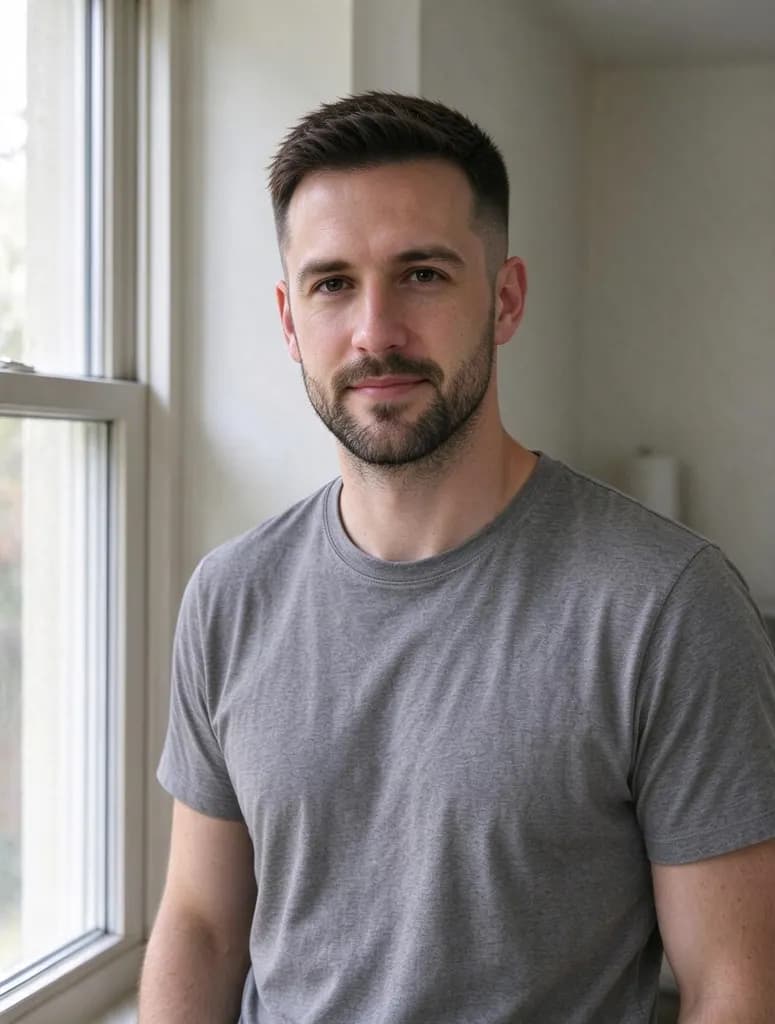 Hairstyle Changer8 creditsUpload a photo and try a taper fade, an undercut, a buzz cut or any men's haircut you can describe, before you sit in the barber's chair.
 AI Headshot Generator8 creditsUpload one selfie, pick a look and get a polished portrait headshot. No photographer, no studio booking.
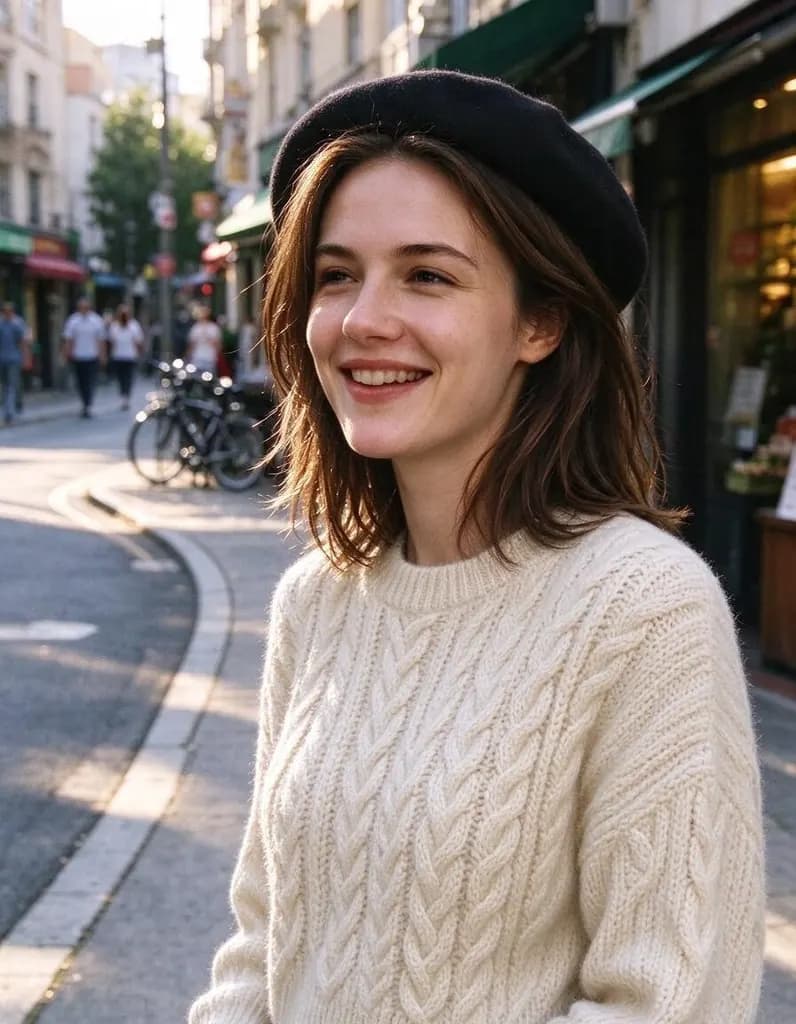 AI Photo Editor8 creditsUpload a photo and say what to change. Swap an outfit, move it to a new place, add or remove things, change the season. The rest of the photo stays the same.
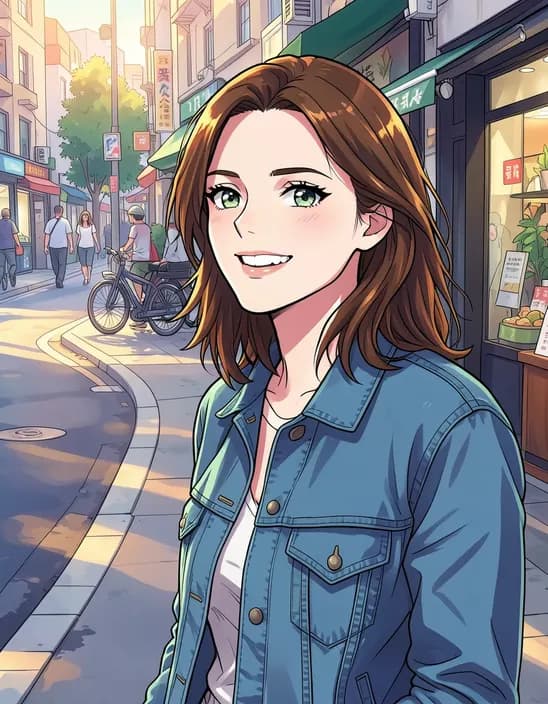 AI Photo Filter2 creditsTurn a photo into anime, a 3D cartoon, a sketch, a painting or a collectible toy. Pick a style and tap once. Works on selfies, couples, group shots and pets.