AI Photo Enhancement Tools
Upscale, sharpen, colorize and repair your photos with AI. Colorize Photo works without an account.
Tools in this category
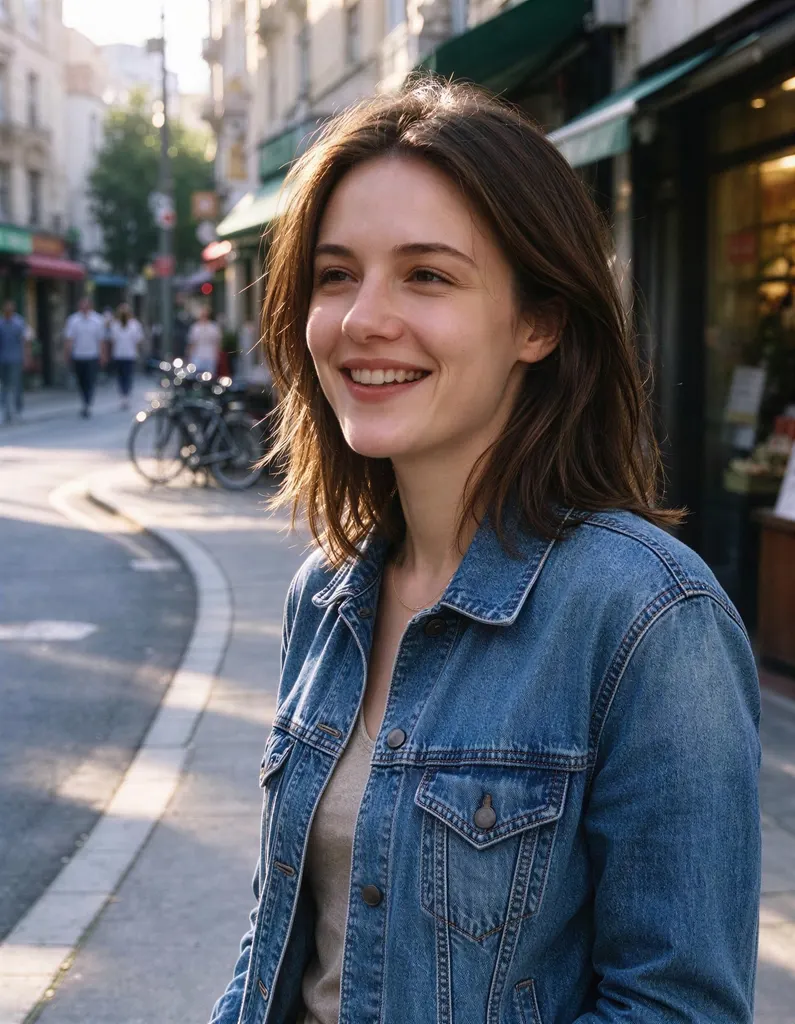 Image Upscalerfrom 2 creditsMake small images bigger and sharper in one click. Choose 2x or 4x, with no watermark on the result.
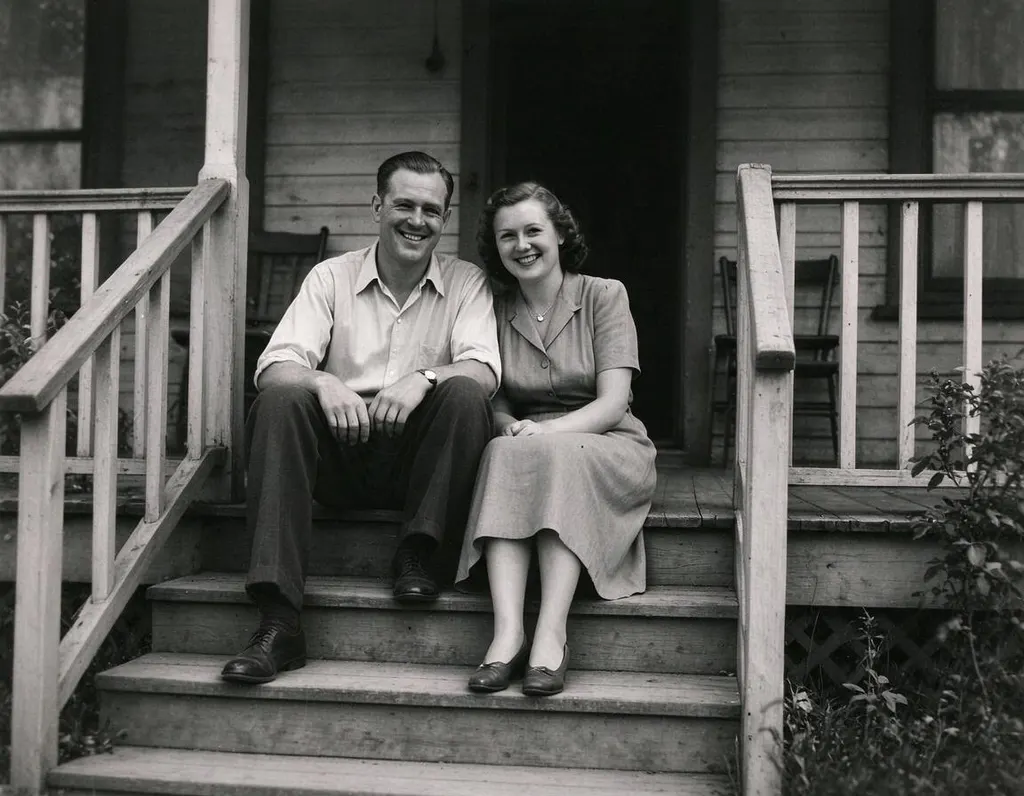 Old Photo Restoration8 creditsRepair scratched, creased and faded prints in one step, while keeping faces true and the photo's original character.
 Unblur Imagefrom 2 creditsTurn soft, low-quality photos into clearer, sharper pictures. The result is enhanced at 2x with no watermark.
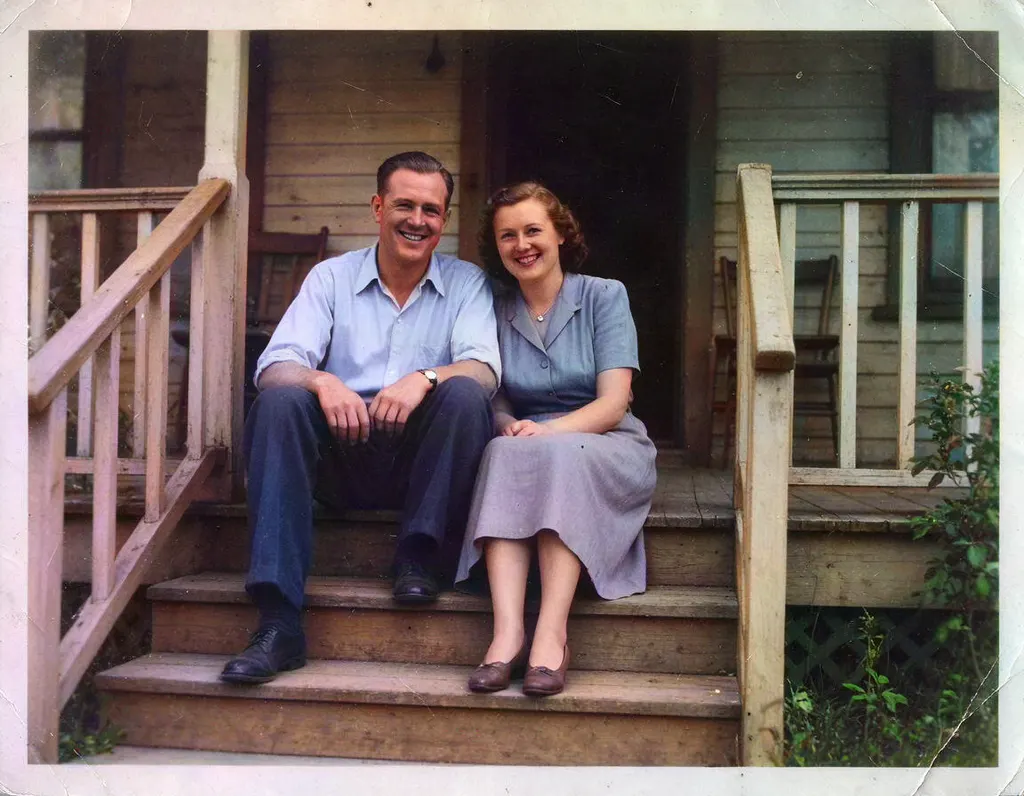 Colorize Photo2 creditsAdd natural color to old black and white pictures in one click. You can try it without an account.
Why people use it
Upscale 2x or 4x
The Image Upscaler makes small images larger and adds detail, so they hold up in print and on big screens.
Fix blurry photos
Unblur Image sharpens soft, low-resolution photos with a 2x enhancement.
Bring color back
Colorize Photo turns black and white pictures into color automatically. Guests can try it too.
Repair old damage
Old Photo Restoration removes scratches, creases, stains and fading while keeping faces and the period look.
Enhance
What enhancement tools solve
Many photos are worth keeping but don't look their best: a small image from an old phone, a shot that came out soft, a black and white portrait of a grandparent, or a print with scratches and folds. Enhancement tools improve the photo you already have instead of creating a new one, so the people and places in it stay the same.
The tools in this category
- Image Upscaler – enlarge an image 2x or 4x and add detail. The price depends on the size of the input image.
- Unblur Image – make blurry or low-resolution photos clearer with a 2x enhancement.
- Colorize Photo – add natural-looking color to black and white photos automatically. Guests can use it without an account.
- Old Photo Restoration – repair scratches, creases, stains and fading while keeping every face and the photo's original era.
How to choose
Ask what is wrong with the photo. If it is simply too small, use the Image Upscaler. If it is the right size but blurry, use Unblur Image. If it has no color, use Colorize Photo. If it is physically damaged, start with Old Photo Restoration, because colorizing or upscaling a damaged photo keeps the damage.
For old family photos, a good order is restore first, then colorize, then upscale if you want to print it. You can send each result straight to the next tool without uploading it again, and finish with Animate Photo to turn the portrait into a short video.
Tips for better results
Scan prints at a high resolution and crop away the scanner bed before you upload. A clear, evenly lit scan gives the AI more to work with than a phone photo taken at an angle. Results are kept for 30 days on a free account and 365 days once you have bought credits, so download the ones you want to keep.