Virtual Hairstyle Try On With Your Photo
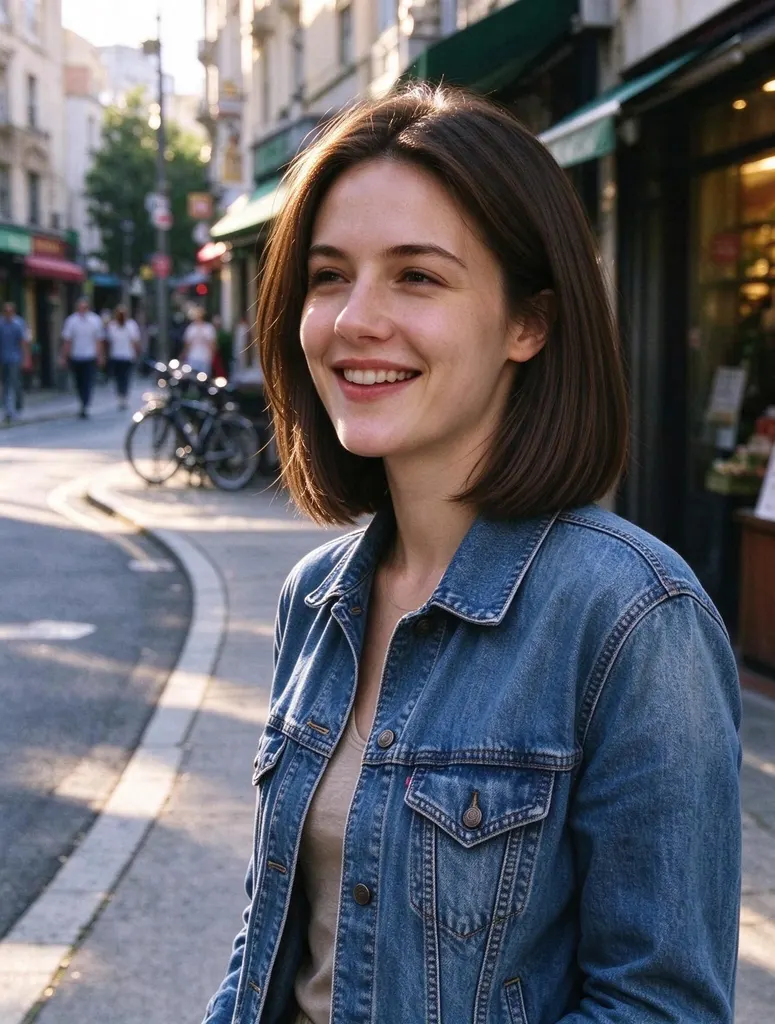
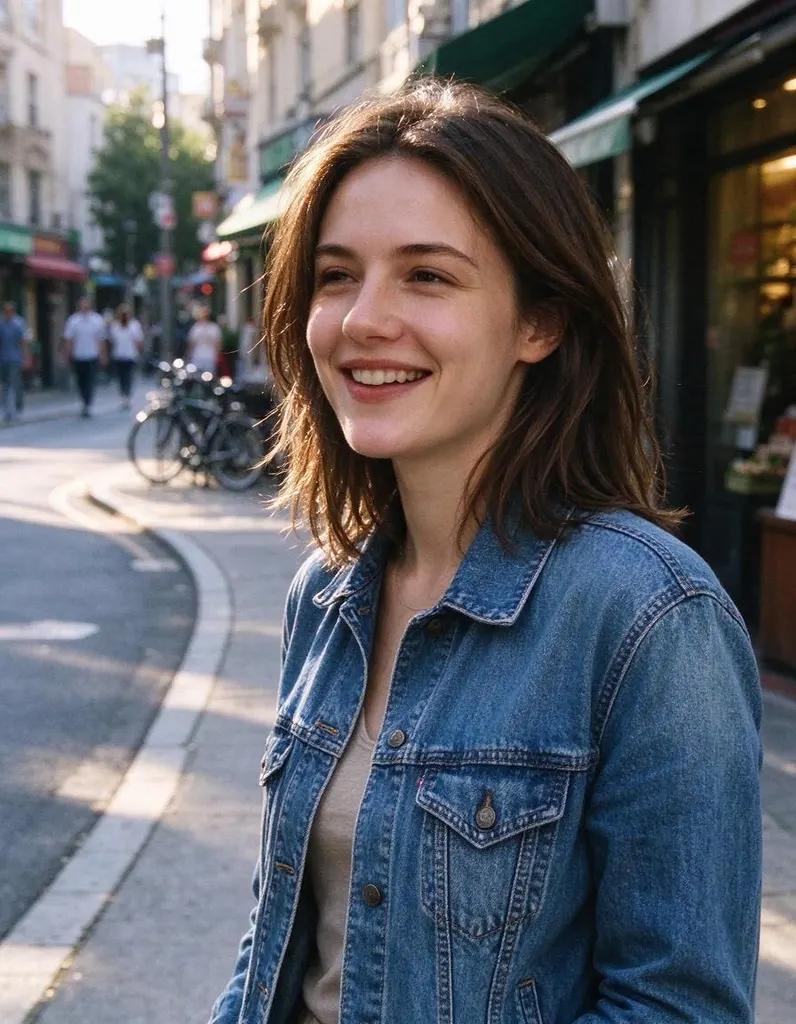
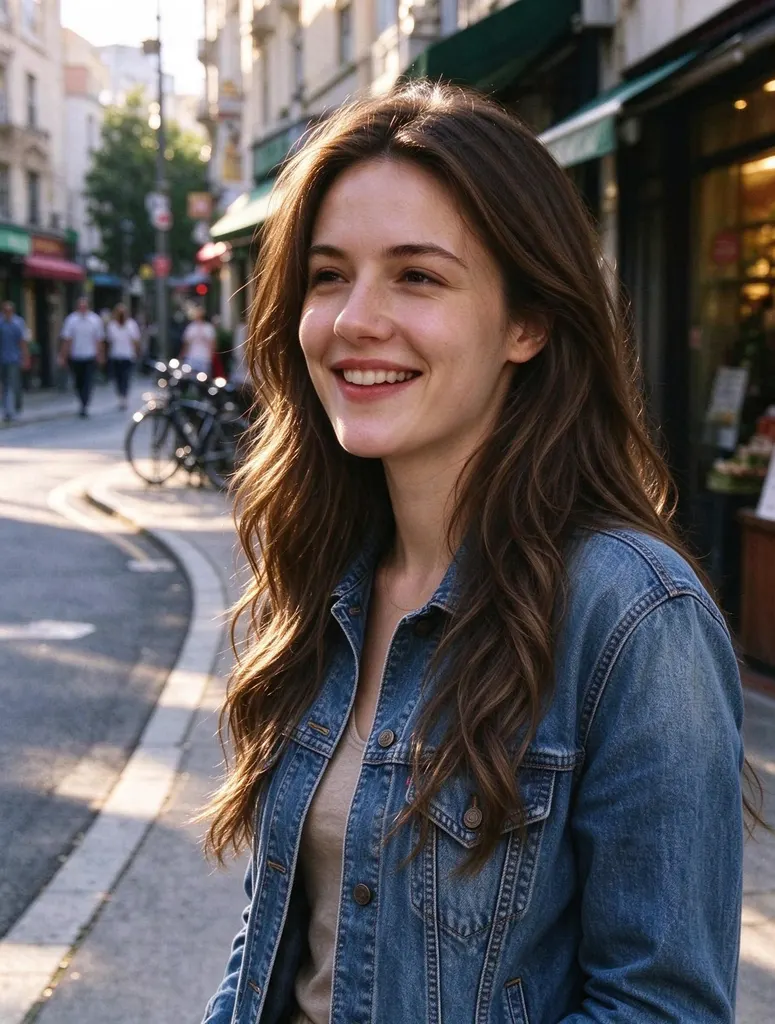
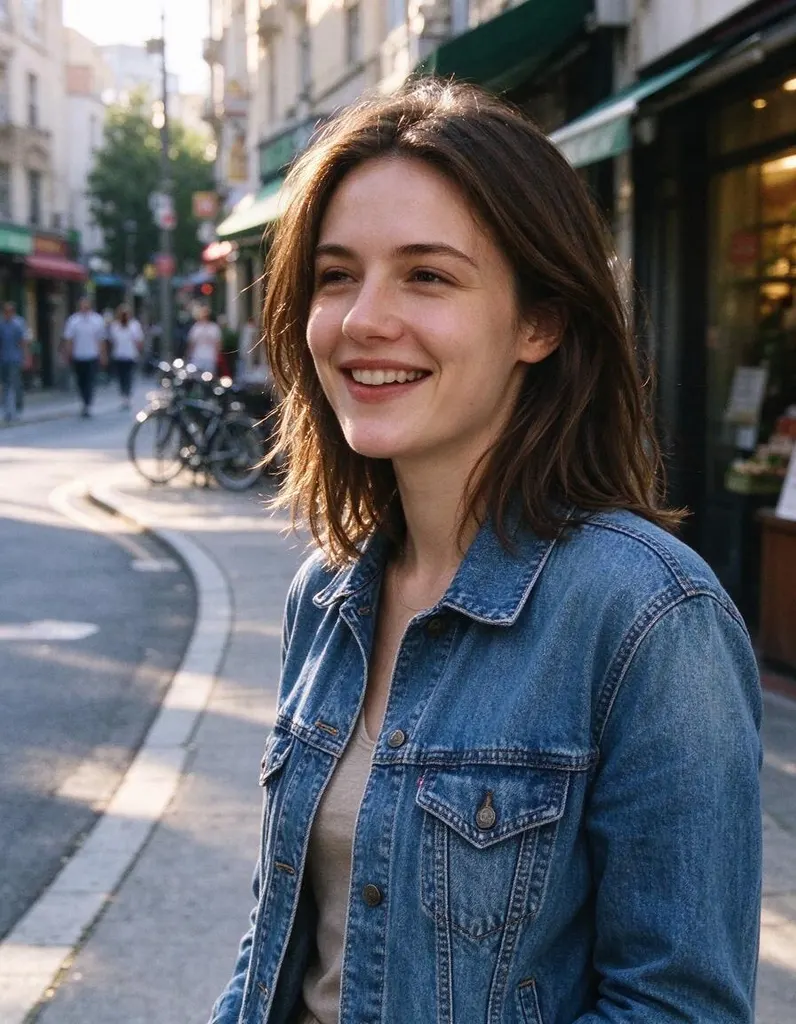
Upload a selfie and try a bob, a pixie, long waves or any cut you can describe, on your own face, before you book the appointment.
- 8 credits
- Free account, 20 credits to start
- No watermark with purchased credits
Needs a free account. New accounts get free credits to start.
See what it does
How it works
Why people use it
Your face, new hair
Only the hair changes. Your face, clothes and background stay as they are.
Ready-made styles
Bob, pixie, long waves, curls, undercut, buzz cut and taper fade in one tap.
Any cut you can describe
Bangs, layers, braids, a new color or highlights. Write it in your own words.
Show your stylist
A picture of you with the new cut says more than a photo of someone else.
Simple pricing
Each try-on costs 8 credits. New accounts start with free credits.
Try before you cut
A new haircut is hard to undo. A virtual hairstyle try on shows the idea on your own face first: upload a selfie, choose a style, and compare a few looks side by side. It's the easiest way to decide between a bob and a lob, check whether bangs suit you, or bring your stylist a picture of you with the cut you want.
How to get a realistic result
- Use a photo with your hair visible. Hats, hoods and heavy shadows make it harder to place the new hair.
- Say the length, texture and color. "Shoulder-length wavy hair in warm brown" works better than "something nice".
- Try two or three versions. Small changes in length or bangs can make a big difference.
For men's cuts, see Hairstyles for Men. To see yourself with a shaved head, try the Buzz Cut Filter or the Bald Filter. All styles are also in the Hairstyle Changer.
Limitations
The result is an AI preview, not a promise of what a salon will do: real results depend on your hair type and how it's styled. Very dramatic changes, such as long curls from a buzz cut, look less natural than smaller ones.
Frequently asked questions
Try next
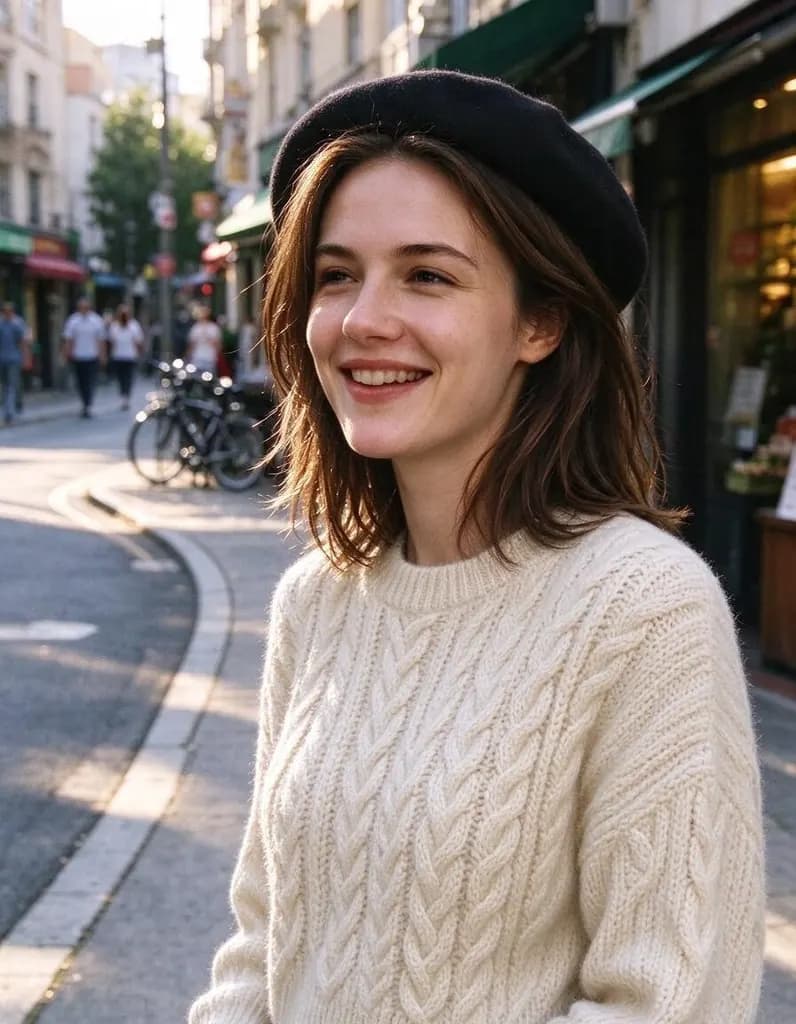 AI Photo Editor8 creditsUpload a photo and say what to change. Swap an outfit, move it to a new place, add or remove things, change the season. The rest of the photo stays the same.
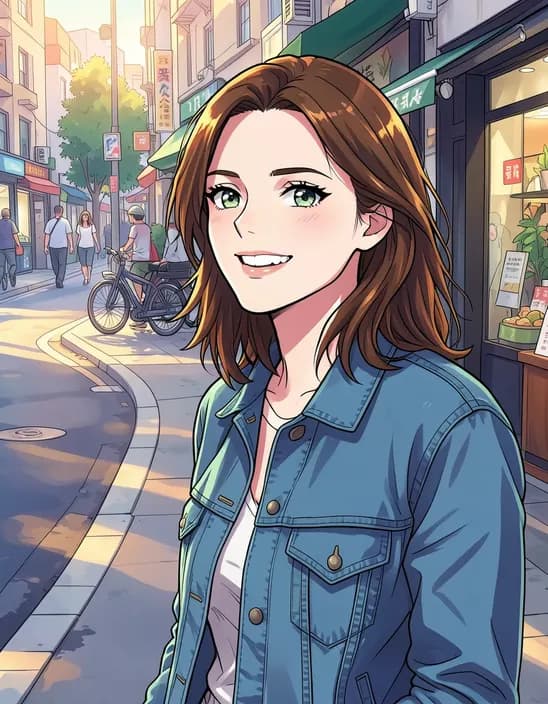 AI Photo Filter2 creditsTurn a photo into anime, a 3D cartoon, a sketch, a painting or a collectible toy. Pick a style and tap once. Works on selfies, couples, group shots and pets.
 AI Headshot Generator8 creditsUpload one selfie, pick a look and get a polished portrait headshot. No photographer, no studio booking.
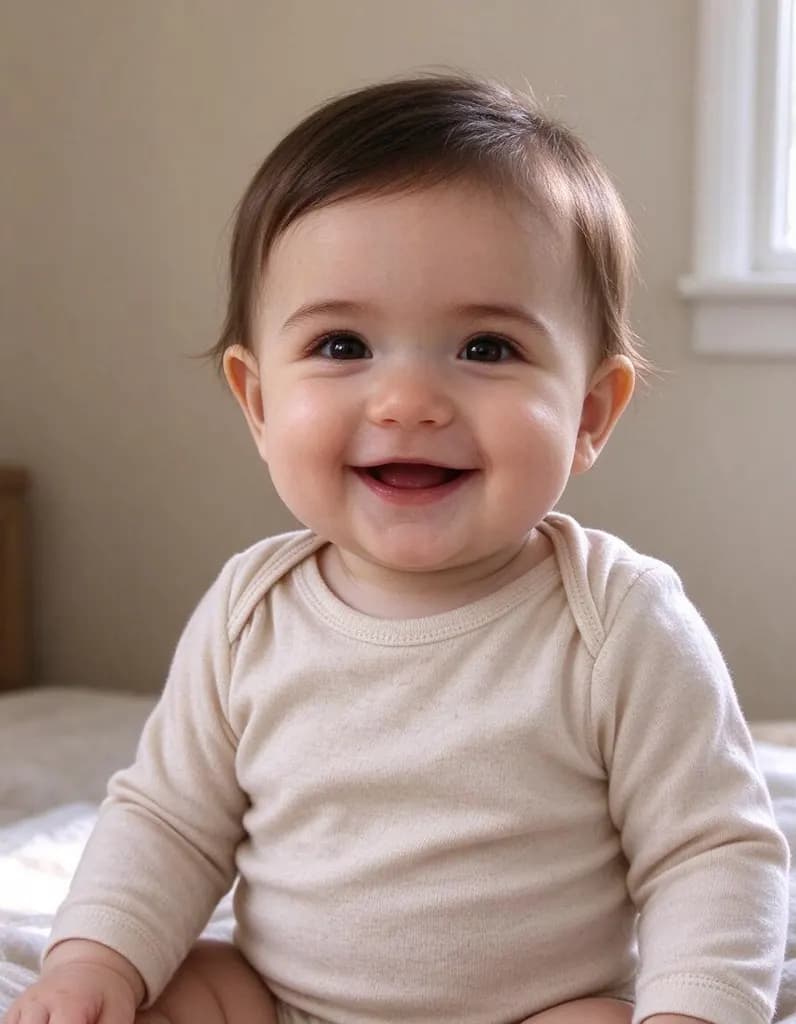 AI Baby Generator8 creditsAdd one photo of each parent and see a baby, or a four-year-old, with features from both of you: eyes, nose, hair color and smile.