AI Clothes Changer
Upload a photo and describe a new outfit, or add a photo of the piece you want to try on. Your face, hair and pose stay the same.
- 8credits per edit
- 20free credits to start
- +2reference photos
Only edit photos of yourself or people who said yes.
Needs a free account. New accounts get free credits to start.
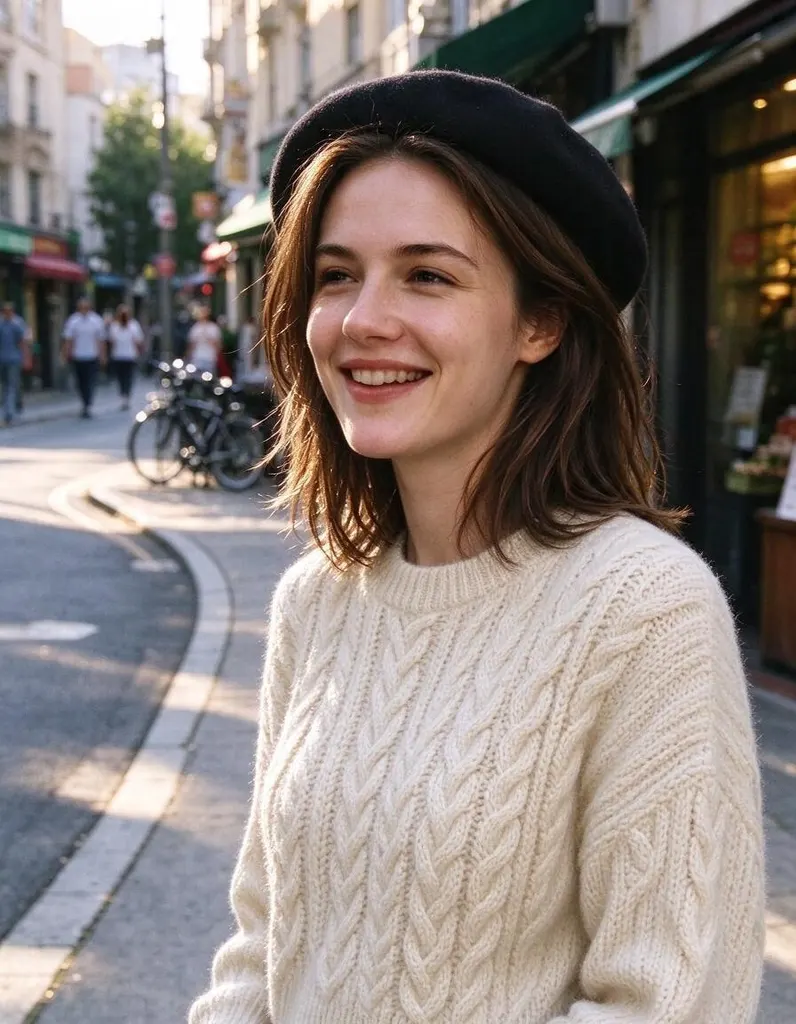
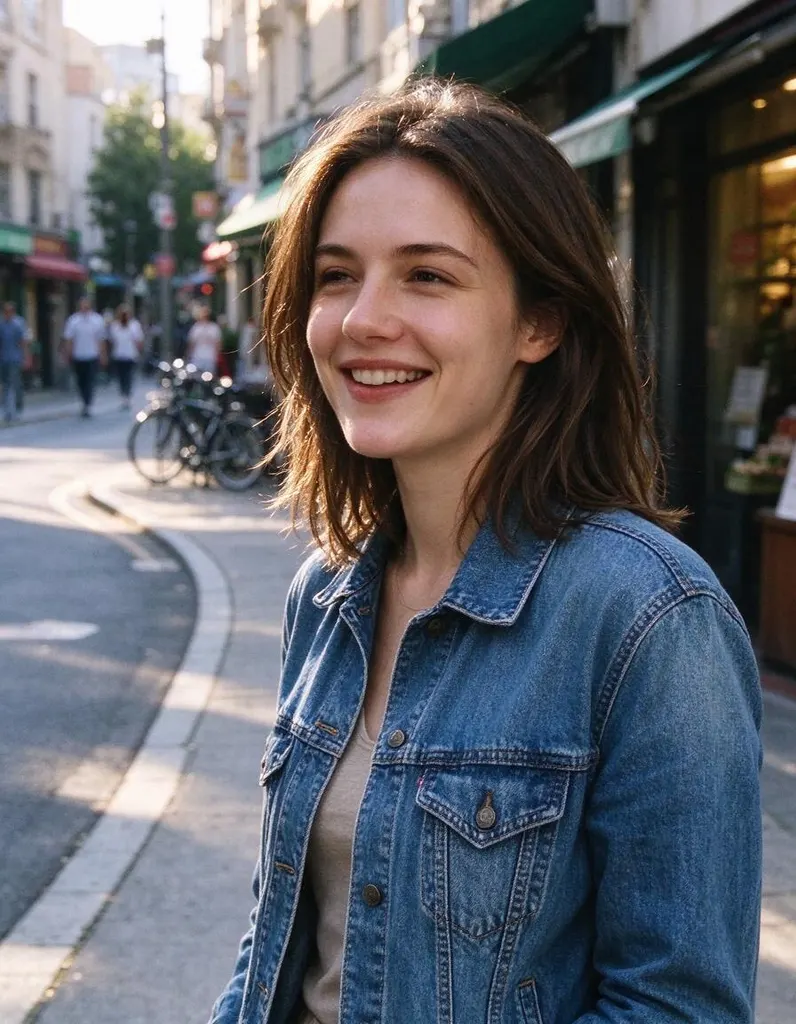
One photo, four edits
Same photo, four sentences. Everything you didn’t ask to change stays the same.
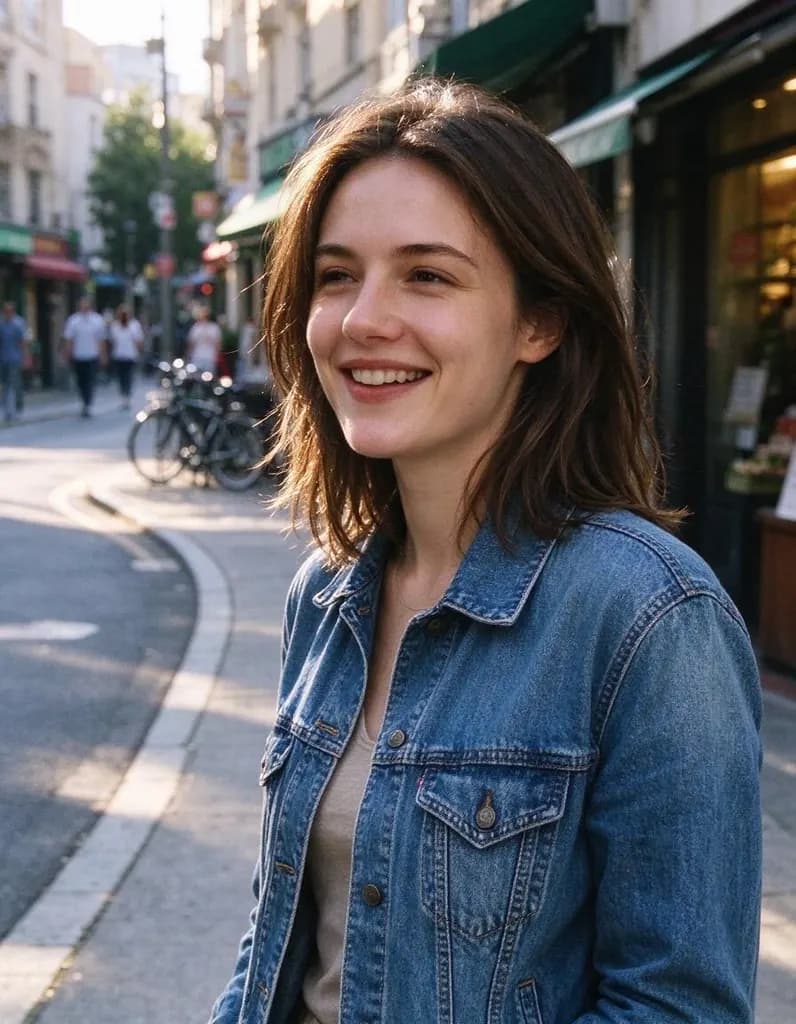 Original
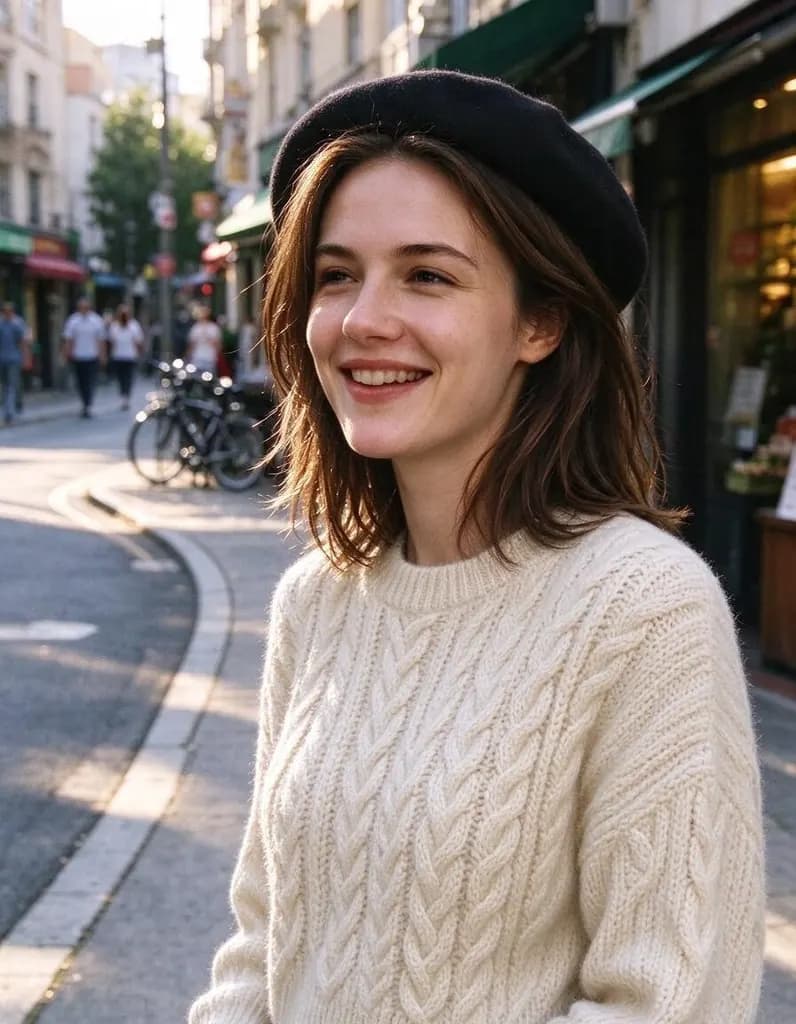 Outfit
 + reference
 Outfit
 Outfit
Edits people make
Hover a photo to see the original. Every edit comes with the sentence that made it.
OriginalOutfitChange her denim jacket to a cream cable-knit sweater and add a black beret. Keep her face, hair, pose and the street unchanged
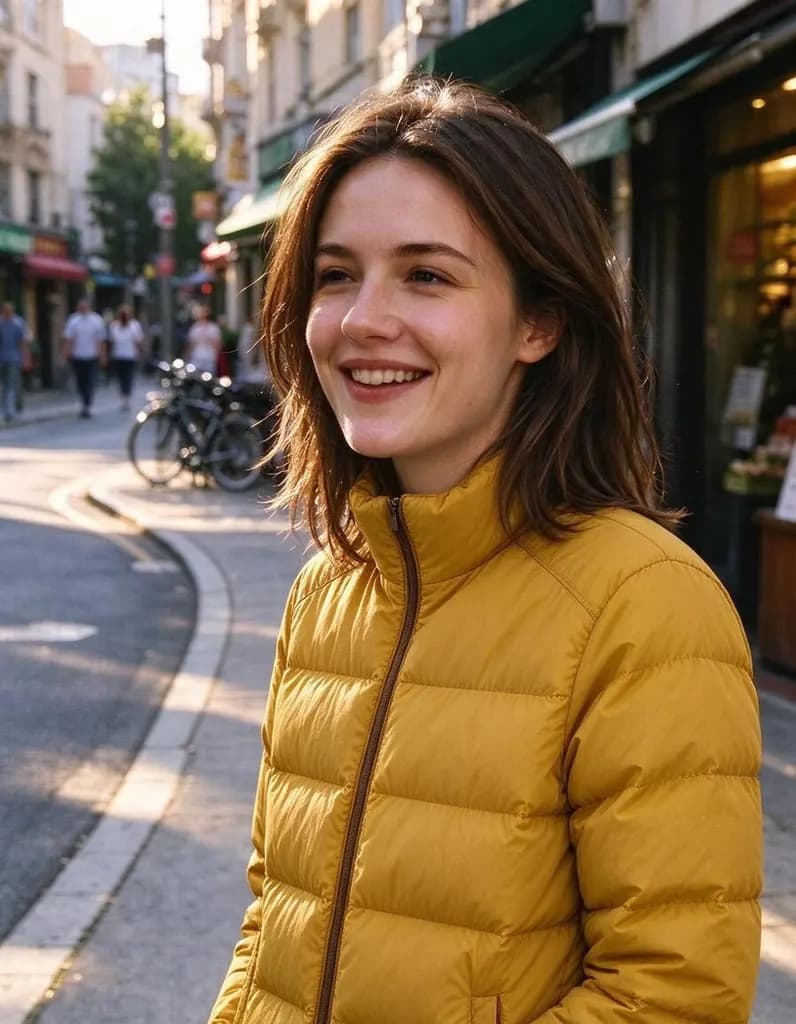
OriginalOutfitMake the woman wear the yellow puffer jacket from the second photo. Keep her face, hair, pose and the street unchanged

 OriginalOutfit
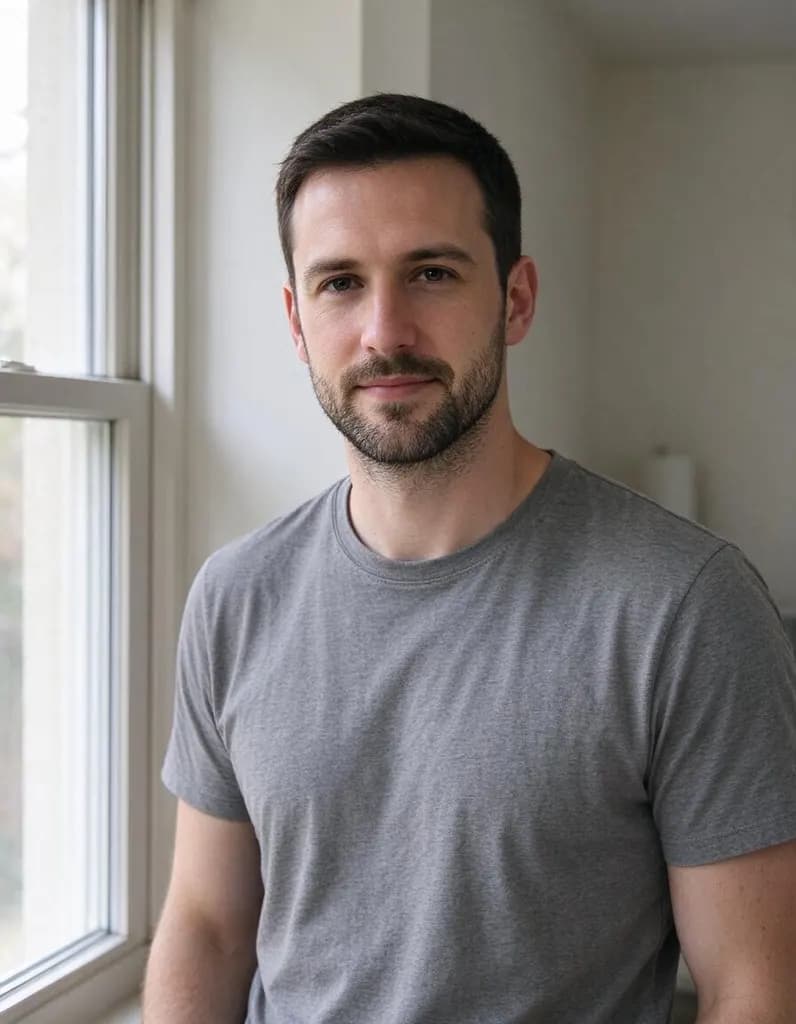
Change his grey t-shirt to a navy blazer over a crisp white shirt. Keep his face, hair and the room unchanged
 OriginalOutfit
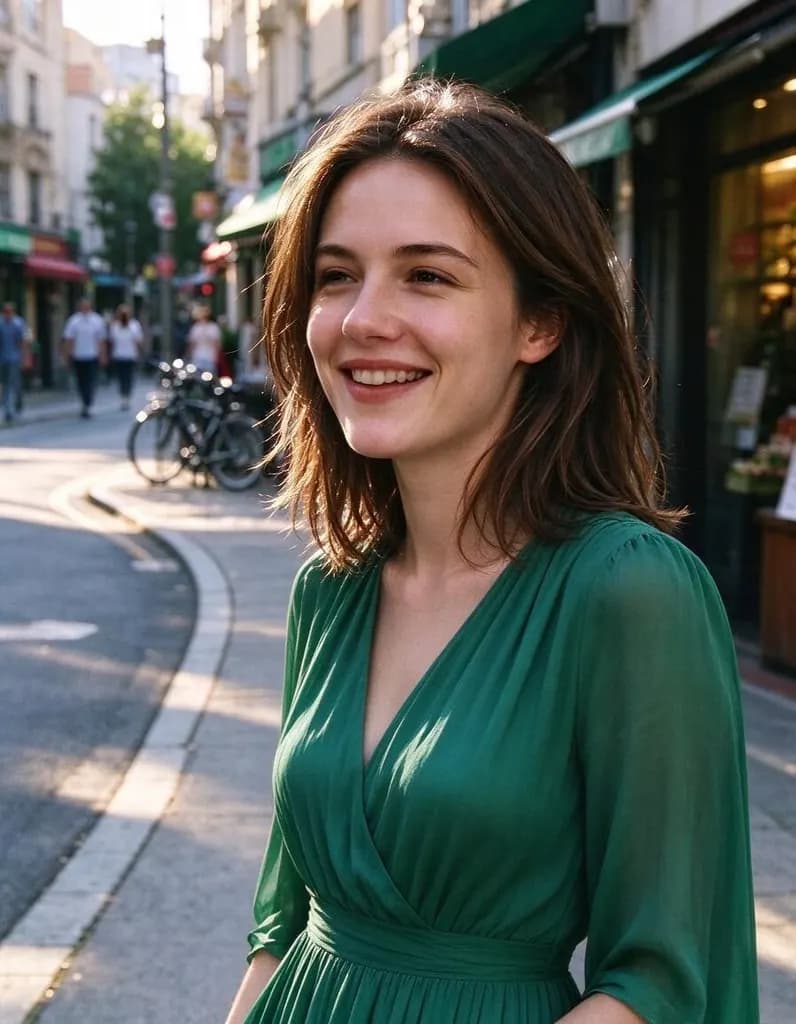
Change her outfit to a flowing emerald green midi dress. Keep her face, hair, pose and the street unchanged
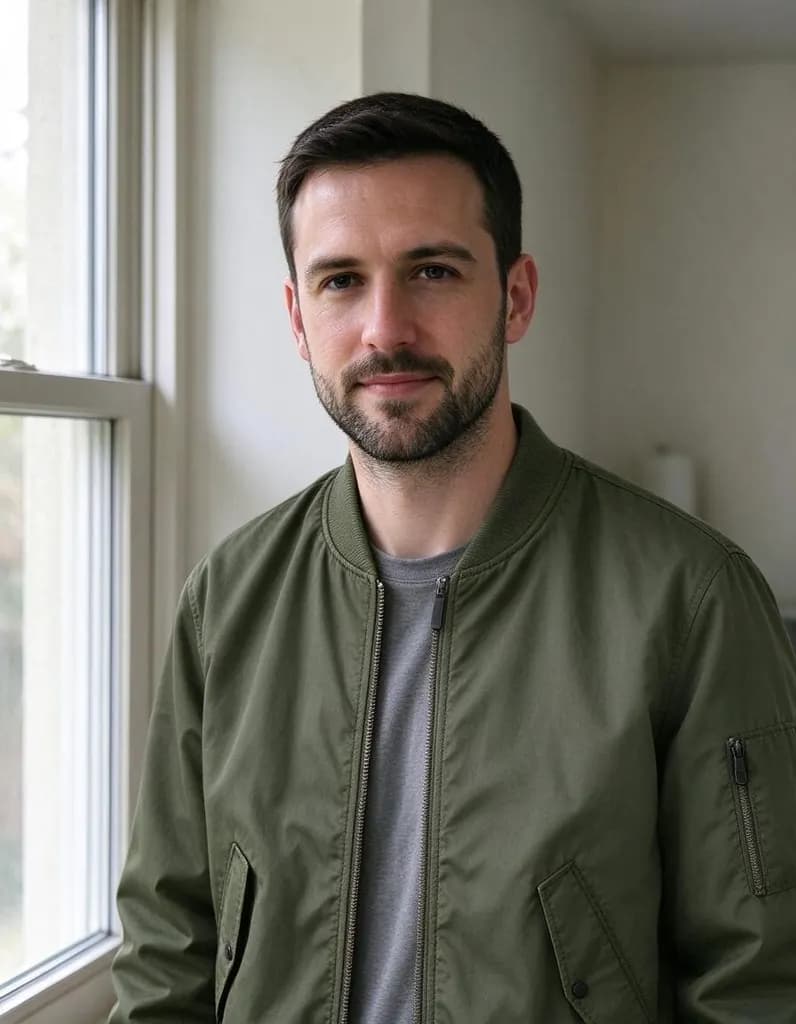 OriginalOutfit
Make the man wear the olive bomber jacket from the second photo over his t-shirt. Keep his face, hair and the room unchanged
 OriginalOutfit
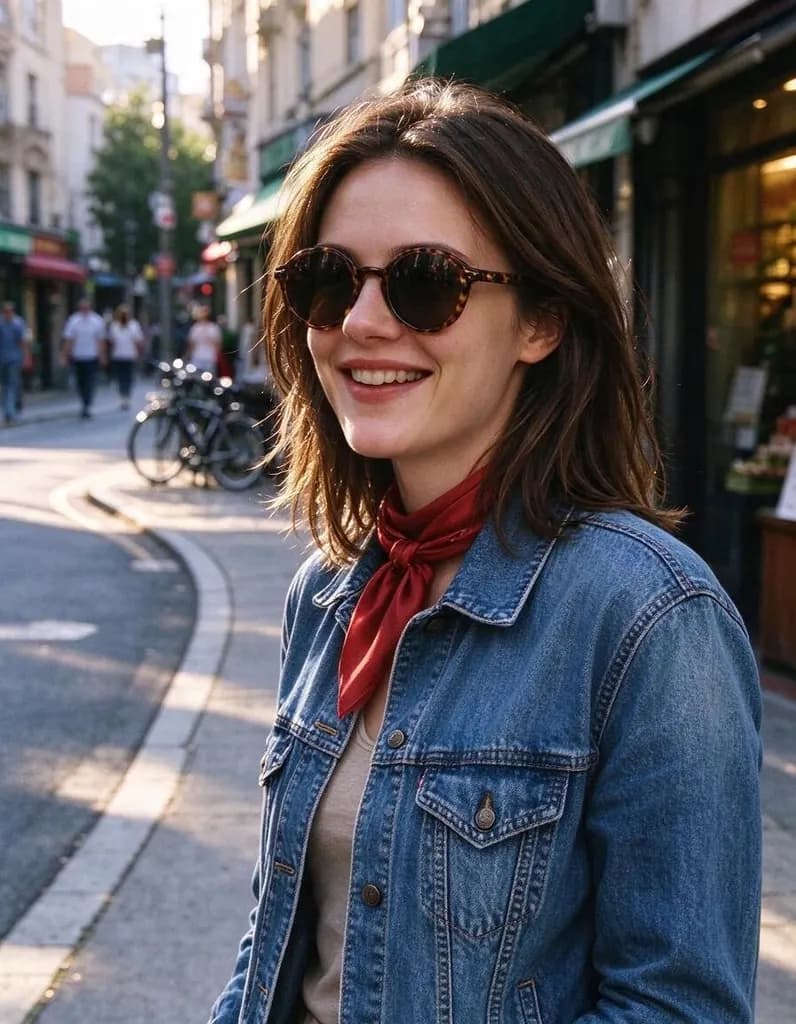
Add round tortoiseshell sunglasses and a red silk scarf around her neck. Keep everything else unchanged
Add a second photo
Show the AI what you mean: a jacket to try on, a product to place, a style to copy.
Your photo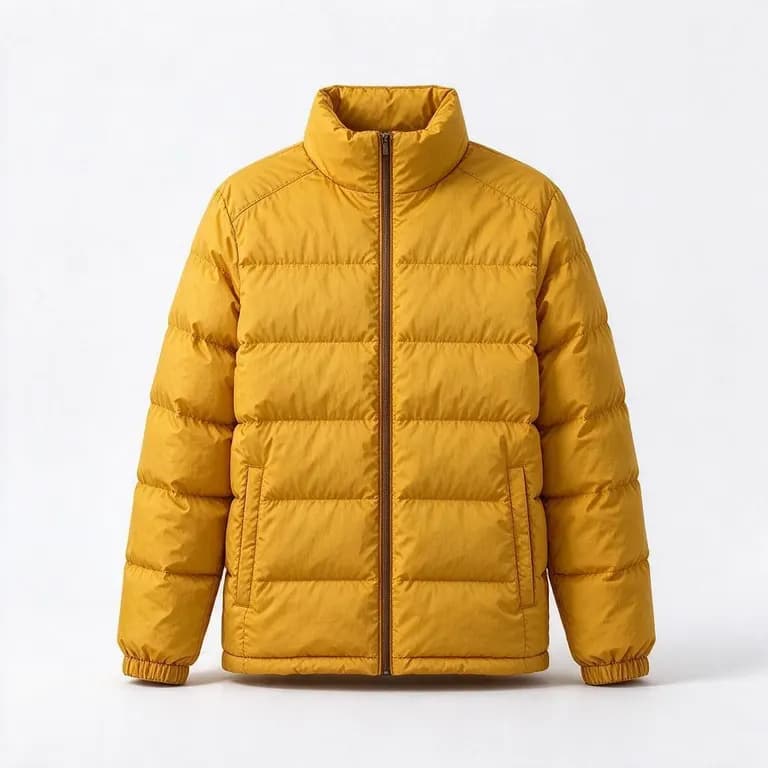 Reference“Make the woman wear the yellow puffer jacket from the second photo”
Made for a specific job
Pages built around one kind of edit, plus the tools that do one thing best.
AI Photo EditorUpload a photo and say what to change. Swap an outfit, move it to a new place, add or remove things, change the season. The rest of the photo stays the same.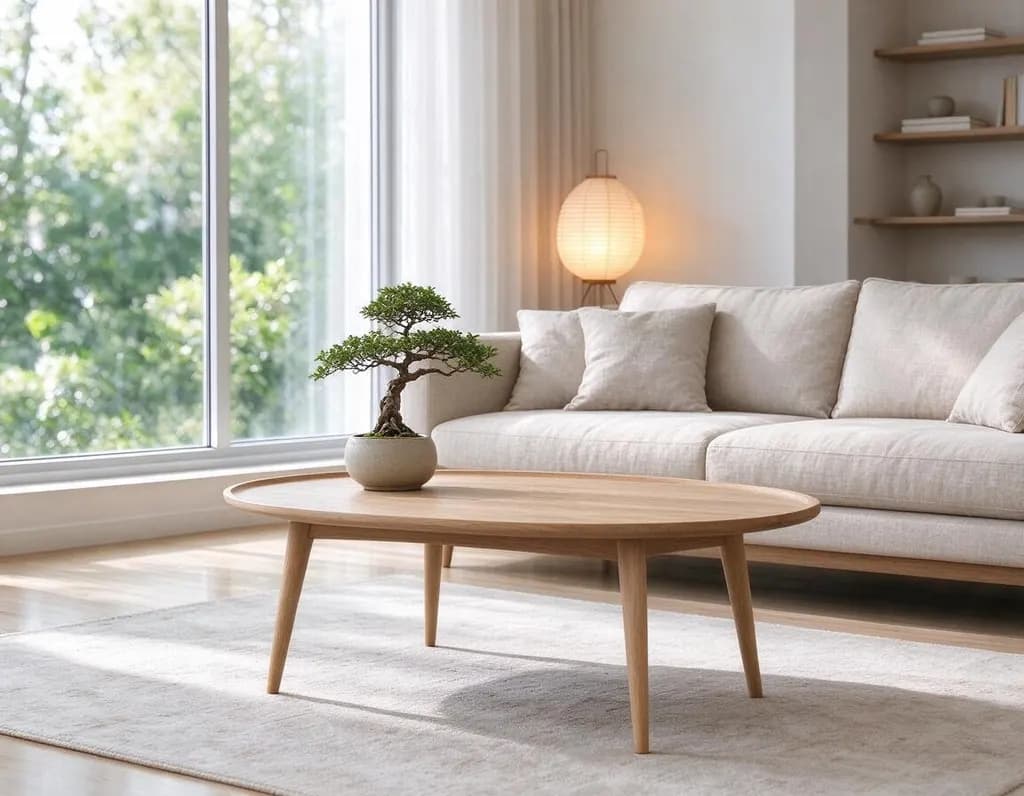 AI Room DesignUpload a photo of a room and pick a style, or describe your own. The windows, walls and camera angle stay, the furniture and decor change.
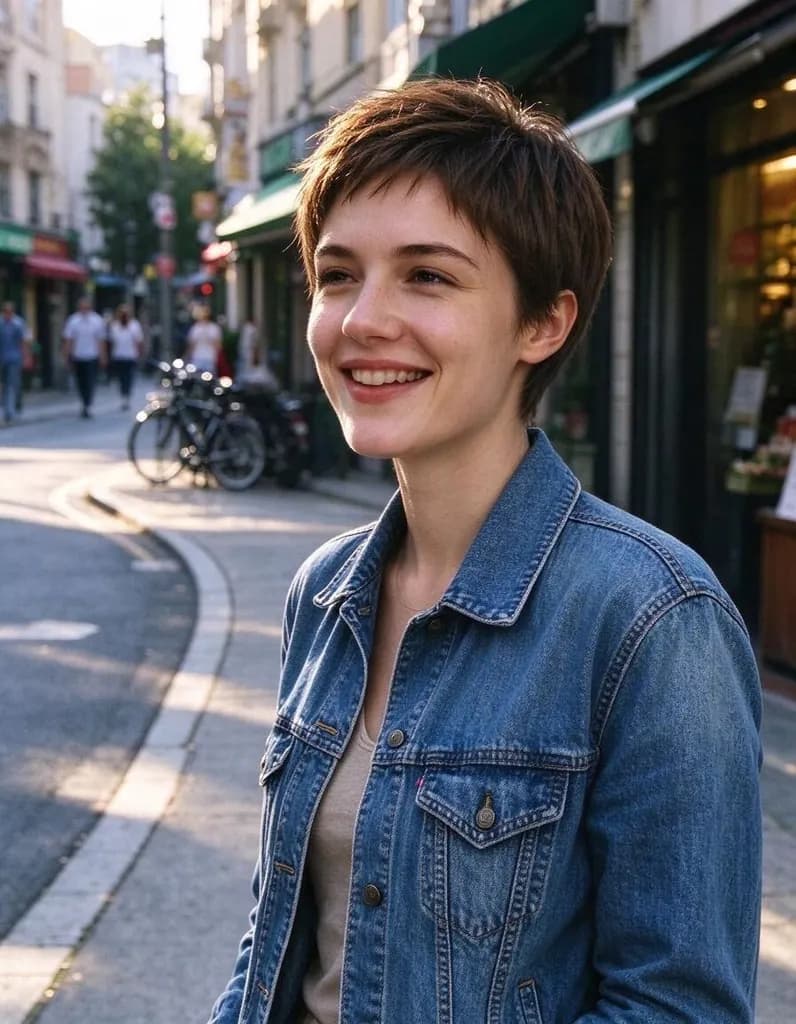 Hairstyle ChangerUpload a photo of yourself, describe the hairstyle you're thinking about and see it on you – no scissors, no dye.
 AI Headshot GeneratorUpload one selfie, pick a look and get a polished portrait headshot. No photographer, no studio booking.
Write an edit that works
Say three things: what to change, what it should become, and what to keep.
Change his grey t-shirt to a navy blazer over a crisp white shirt. Keep his face, hair and the room unchanged.
- What to change: the jacket, the sky, the dog
- What it becomes: be specific about color and material
- What to keep: face, pose, background
One change per edit works best. When it looks right, press Keep editing and make the next change.
How it works
Why people use it
Try on from a photo
Add a product photo of a jacket, dress or top and the AI puts it on you, keeping its color and shape.
You stay you
Your face, hair, pose and background stay the same. Only the clothes change.
Outfits from words
No product photo? Describe the piece: fabric, color, cut. 'A flowing emerald green midi dress' is enough.
One price per outfit
Each try-on costs 8 credits, with or without a reference photo. New accounts start with free credits.
Mix and match
Change the jacket, press Keep editing, then add sunglasses or a scarf. Build the whole look step by step.
Try on outfits without the fitting room
The AI clothes changer swaps what you're wearing in a photo while keeping you exactly as you are. Describe a new outfit in a sentence, or add a photo of the actual jacket, dress or top you're thinking about and see it on you. People use it to try a look before buying, to plan an outfit for an event, to refresh a profile photo, or to see a product on a model without a photo shoot.
Two ways to change clothes
- Describe it. Name the piece, the color and the material: "a cream cable-knit sweater", "a navy blazer over a crisp white shirt", "a flowing emerald green midi dress".
- Show it. Add a product photo under Reference and write "wear the jacket from the second photo". The AI copies its color, pattern and shape.
- Always say what to keep. End with "keep the face, hair and pose unchanged" so only the clothes change.
- Build the look in steps. Change the top, press Keep editing, then add accessories.
Tips for better try-ons
Use a clear photo with good light where the clothes are visible. Product photos on a plain background work best as references. For a whole new look, change one piece at a time. If a detail comes out wrong, describe it more precisely or run the edit again. For a new hairstyle instead, use the Hairstyle Changer; for a professional profile photo, the AI Headshot Generator.
Use it responsibly
Only edit photos of yourself or of people who agreed to it. Edits that undress people or show real people in swimwear or underwear are blocked. Results made with free credits carry a small watermark; purchased credits remove it.
Frequently asked questions
Try next
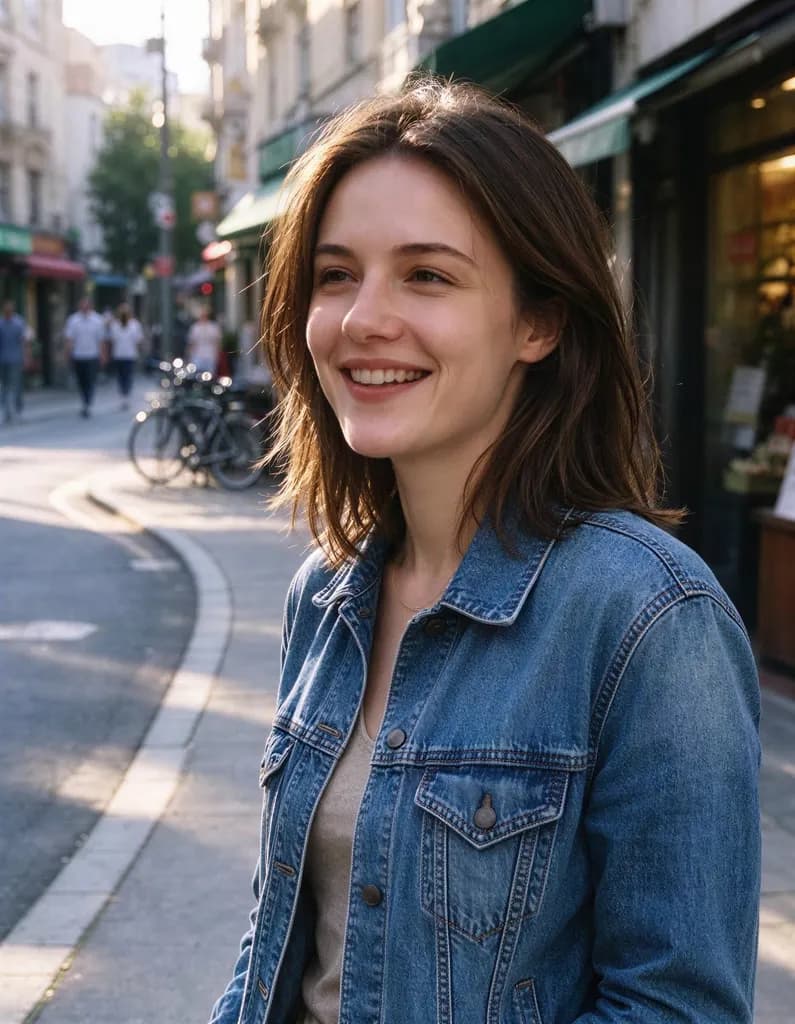 Image Upscalerfrom 2 creditsMake small images bigger and sharper in one click. Choose 2x or 4x, with no watermark on the result.Hairstyle Changer8 creditsUpload a photo of yourself, describe the hairstyle you're thinking about and see it on you – no scissors, no dye.AI Photo Editor8 creditsUpload a photo and say what to change. Swap an outfit, move it to a new place, add or remove things, change the season. The rest of the photo stays the same.
 AI Photo Filter2 creditsPick a style, upload a photo and get it redrawn as art. No prompt to write and no sign-up needed to try it.