Image to Image AI
Upload an image and say what it should become: an oil painting, an anime drawing, a 3D scene, a photo from your sketch, or the style of another picture. The layout of your image stays.
- 8credits per edit
- 20free credits to start
- +2reference photos
Only edit photos of yourself or people who said yes.
Needs a free account. New accounts get free credits to start.
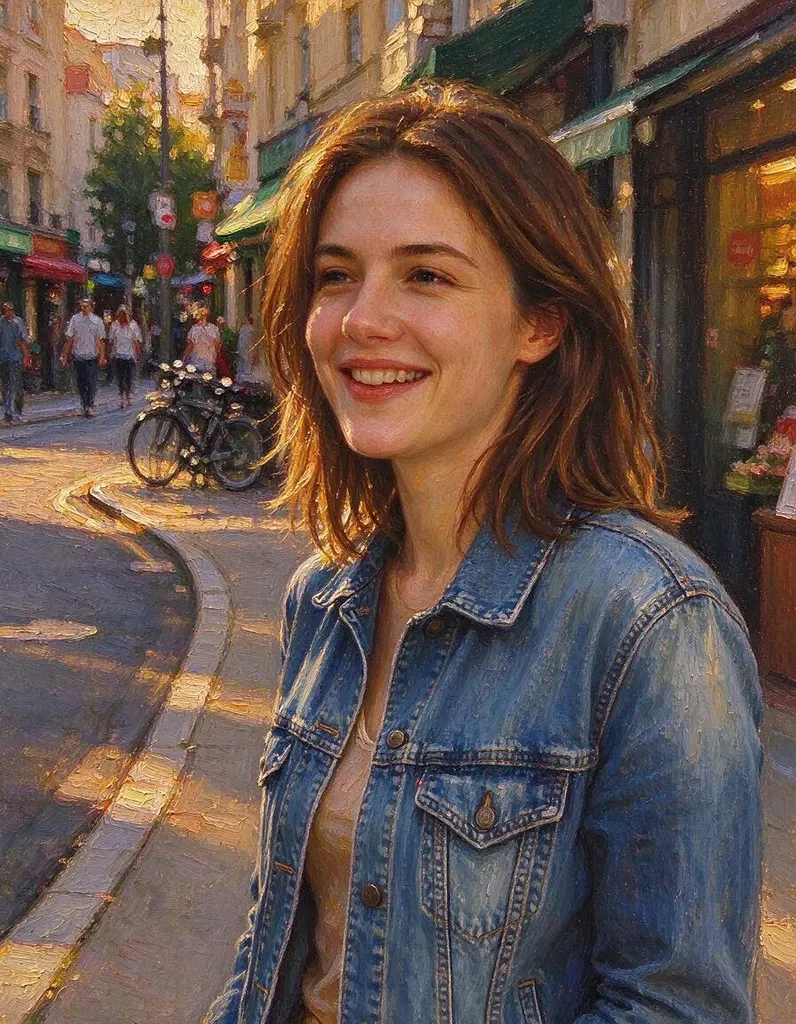
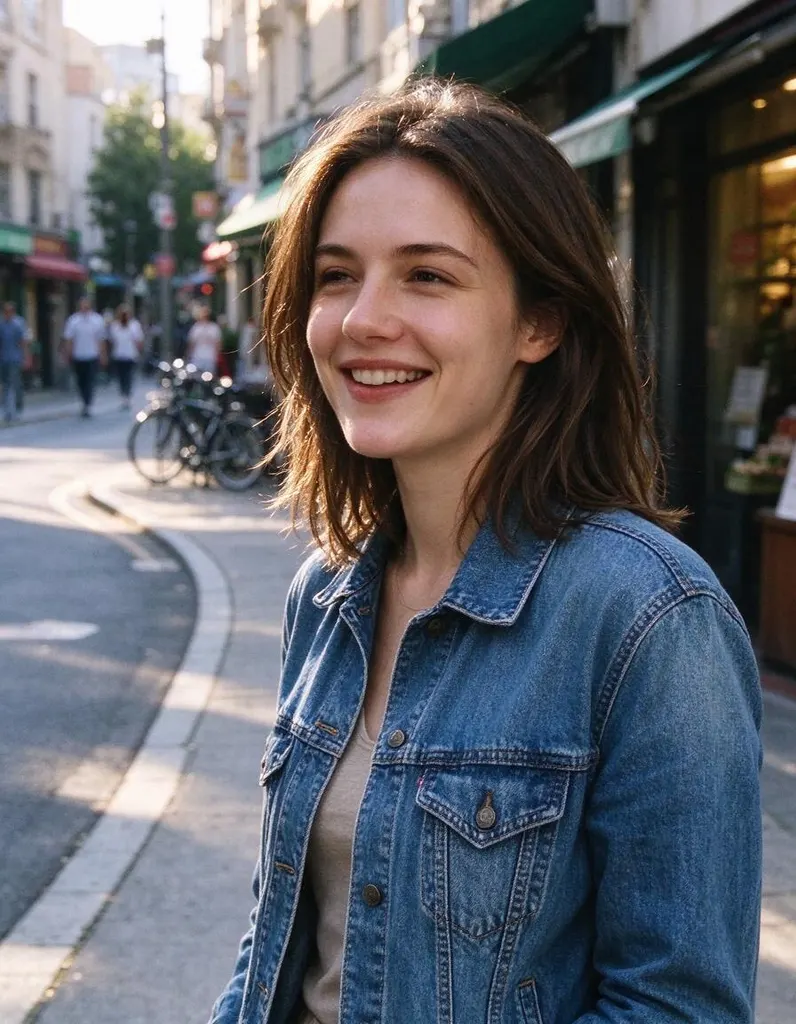
One photo, four edits
Same photo, four sentences. Everything you didn’t ask to change stays the same.
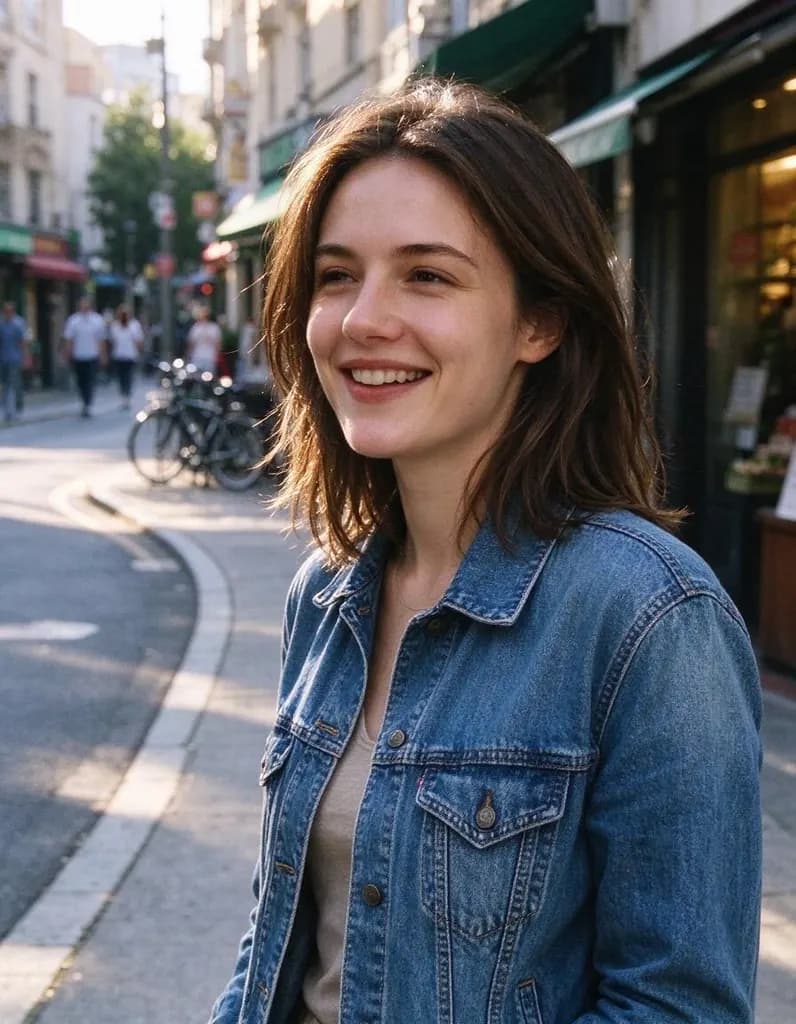 Original
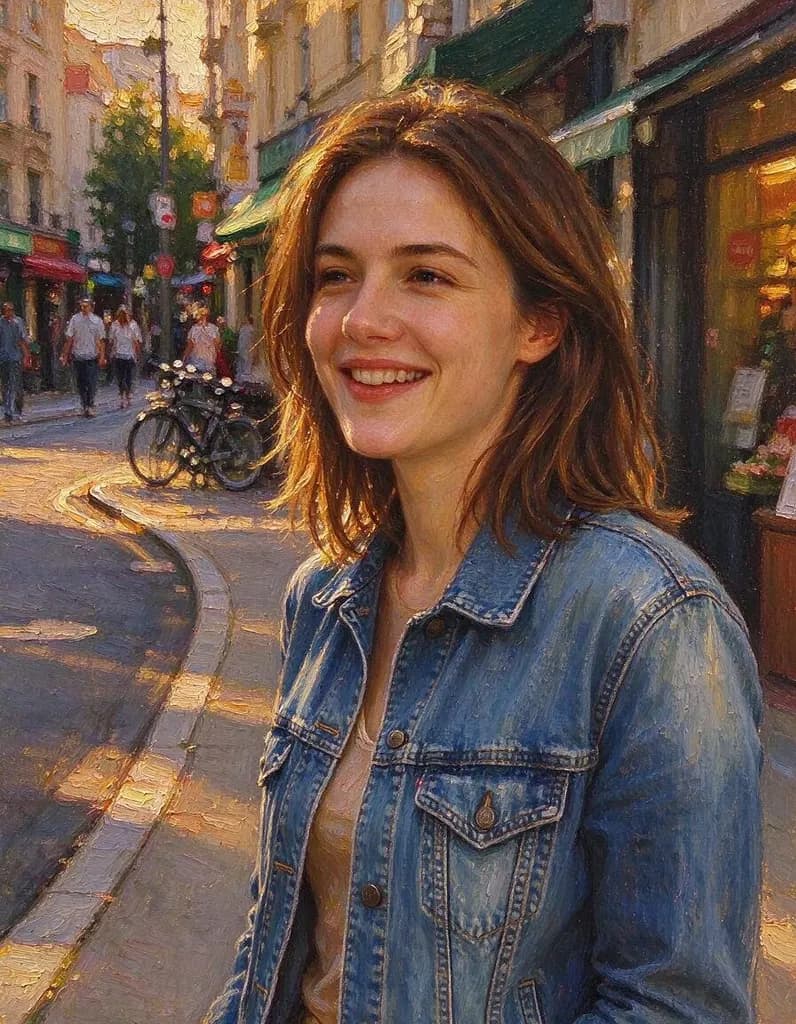 Art style
 Art style
 Art style
 Light & season
Edits people make
Hover a photo to see the original. Every edit comes with the sentence that made it.
OriginalArt styleRepaint this photo as a hand-painted classical oil painting on canvas: thick visible brush strokes, painterly texture everywhere, rich warm colors, it should clearly look painted, not like a photo. Keep her face, pose and the composition
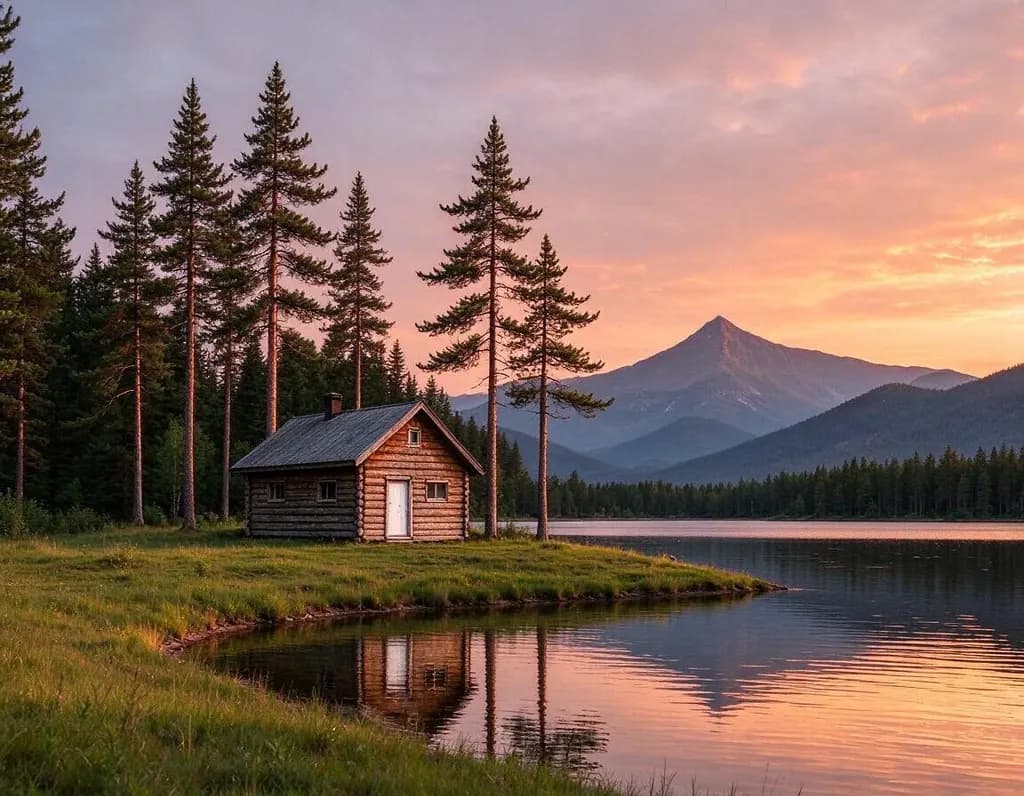
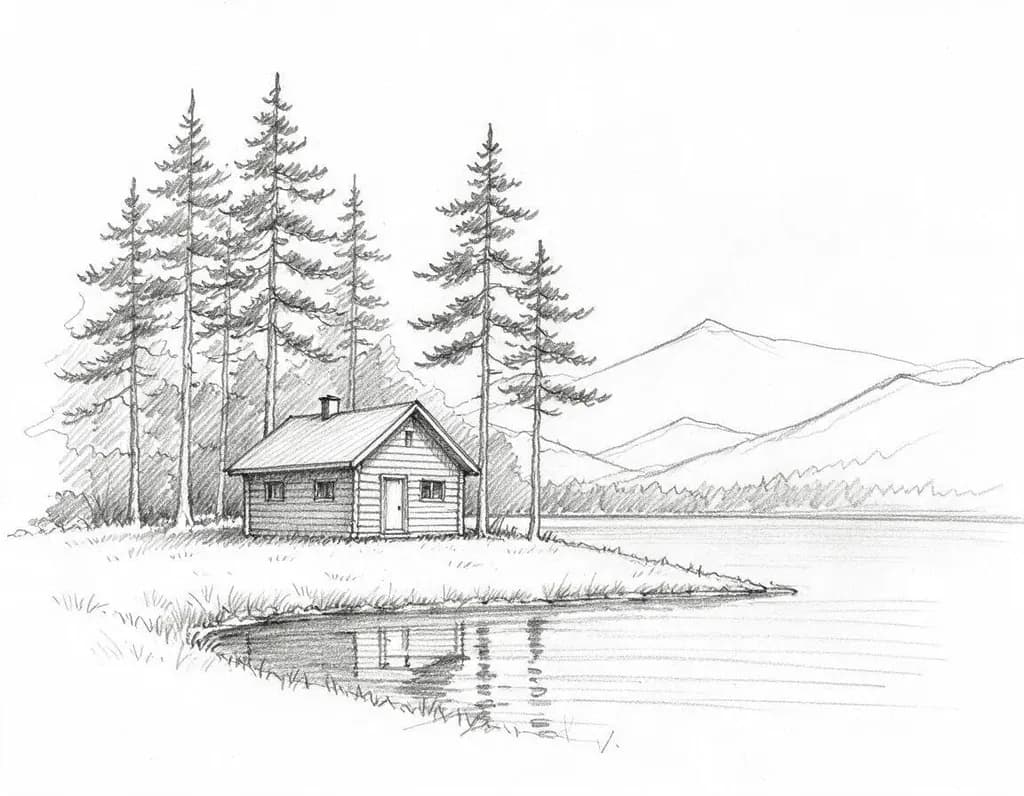 OriginalSketch to photo
Turn this pencil sketch into a realistic photo on a calm summer evening: a wooden cabin by a clear lake, pine trees and mountains behind, warm sunset light. Keep the layout of the sketch

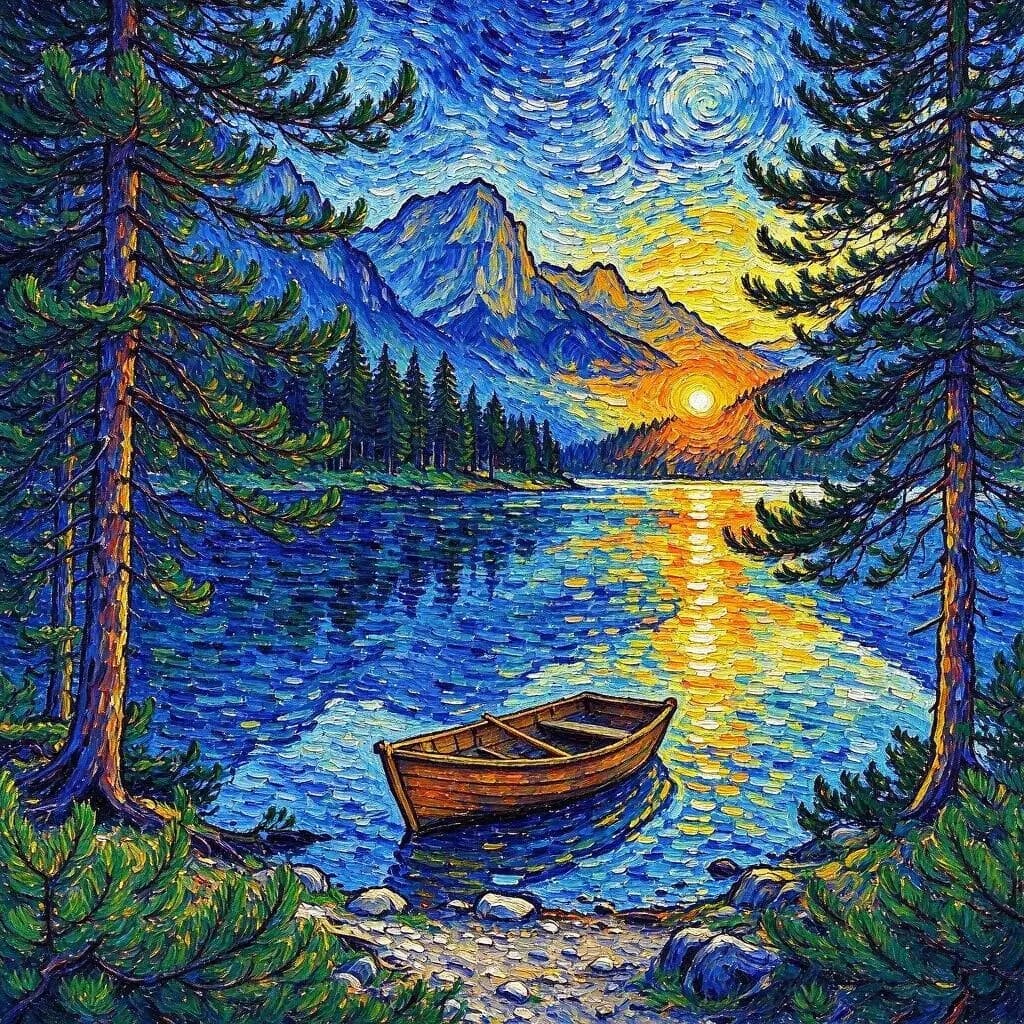
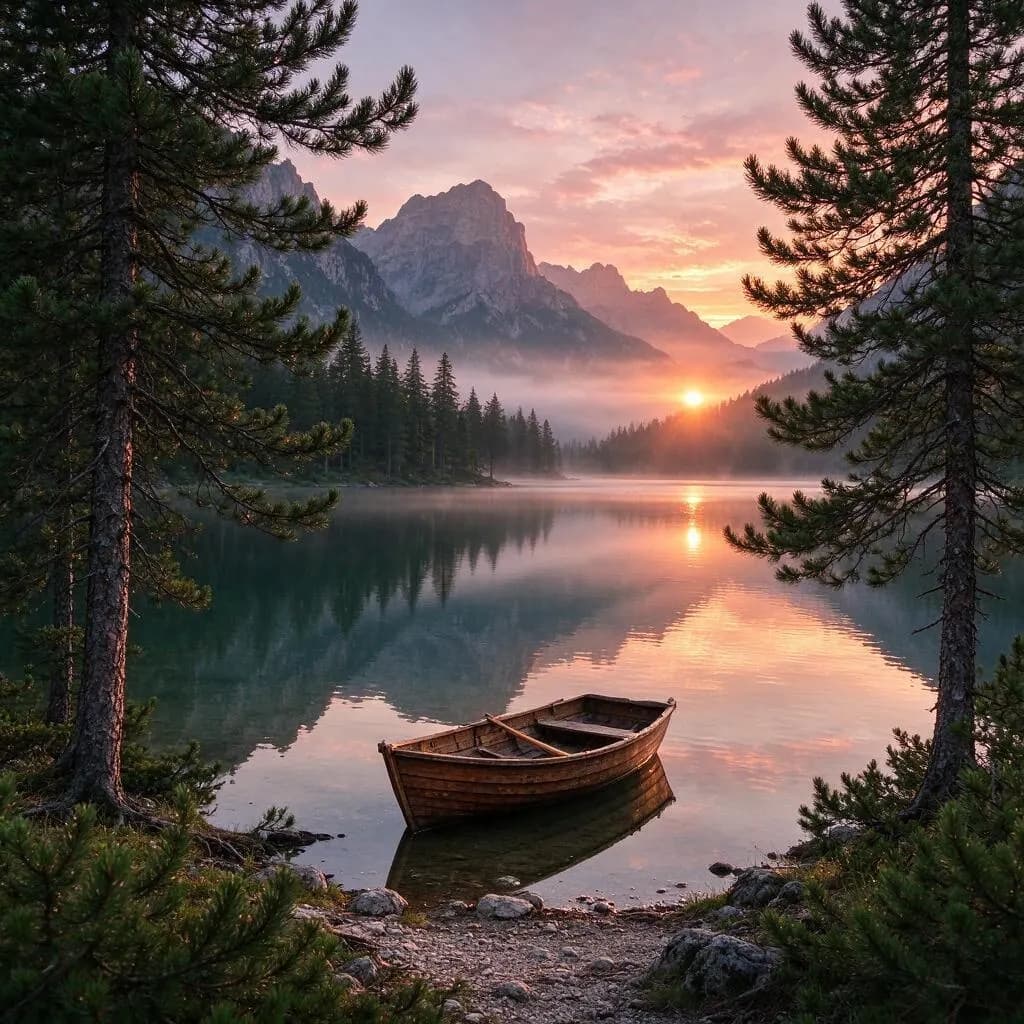 OriginalArt style
Repaint the first photo in the painting style of the second image: thick swirling brush strokes and deep blue and yellow colors. Keep the lake, the boat and the trees of the first photo

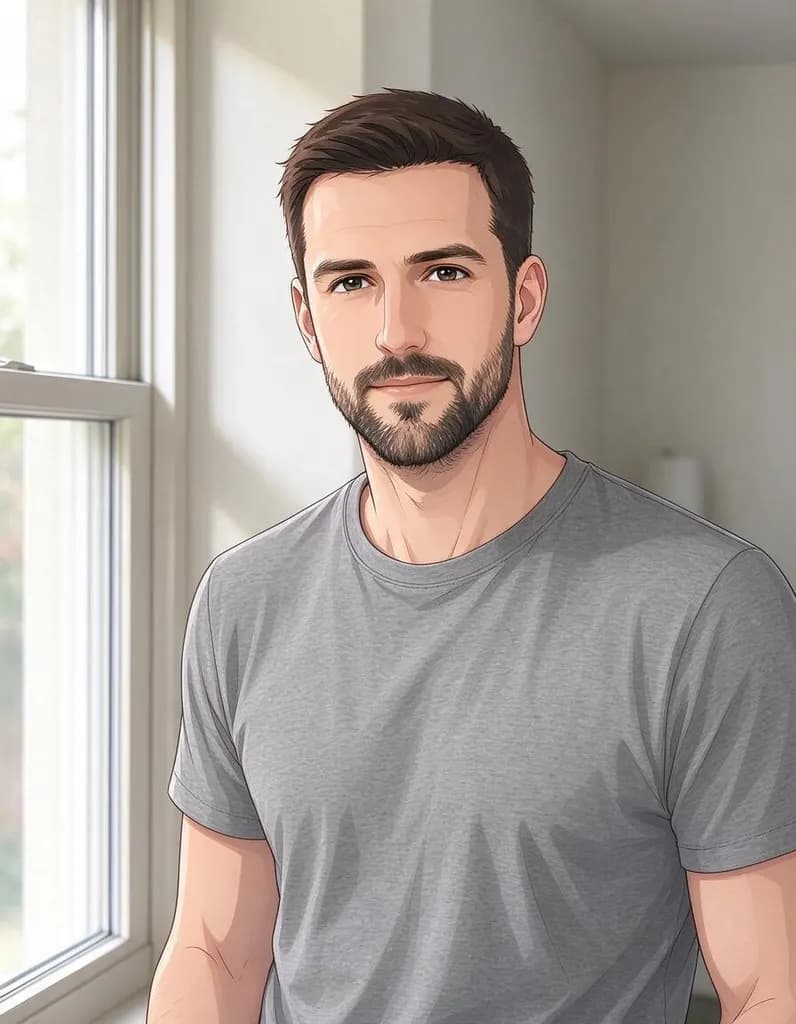
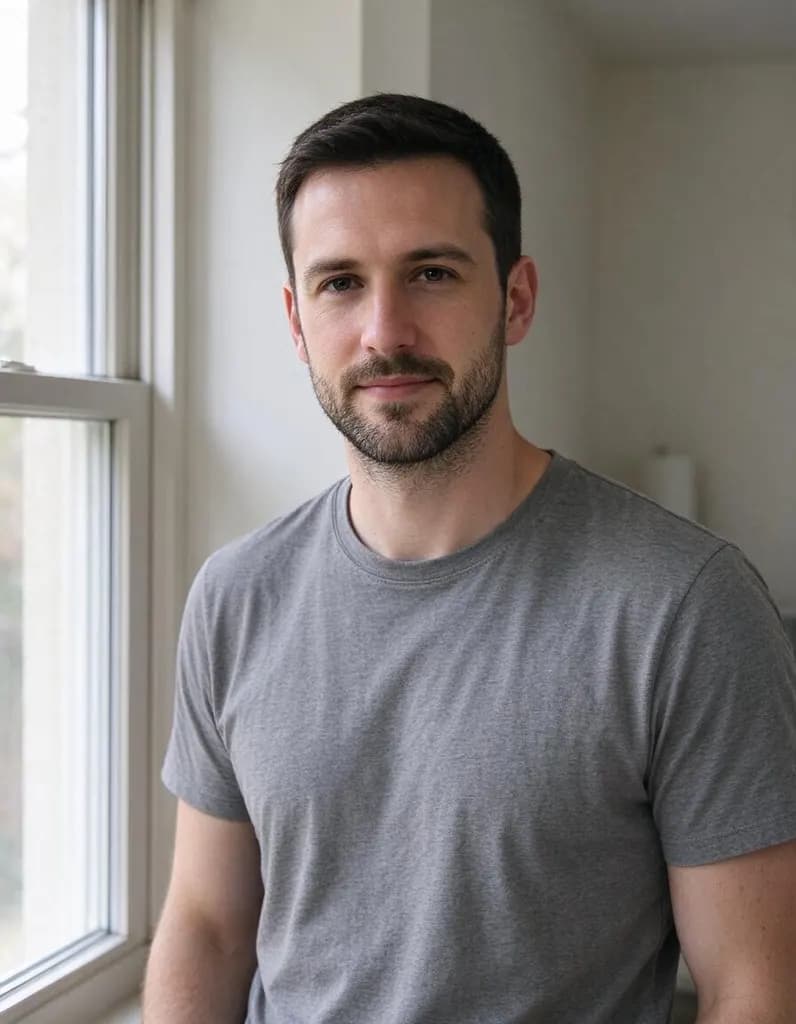 OriginalArt style
Redraw this photo as an anime illustration with clean line art and soft cel shading. Keep his face, hair, beard, t-shirt and the window

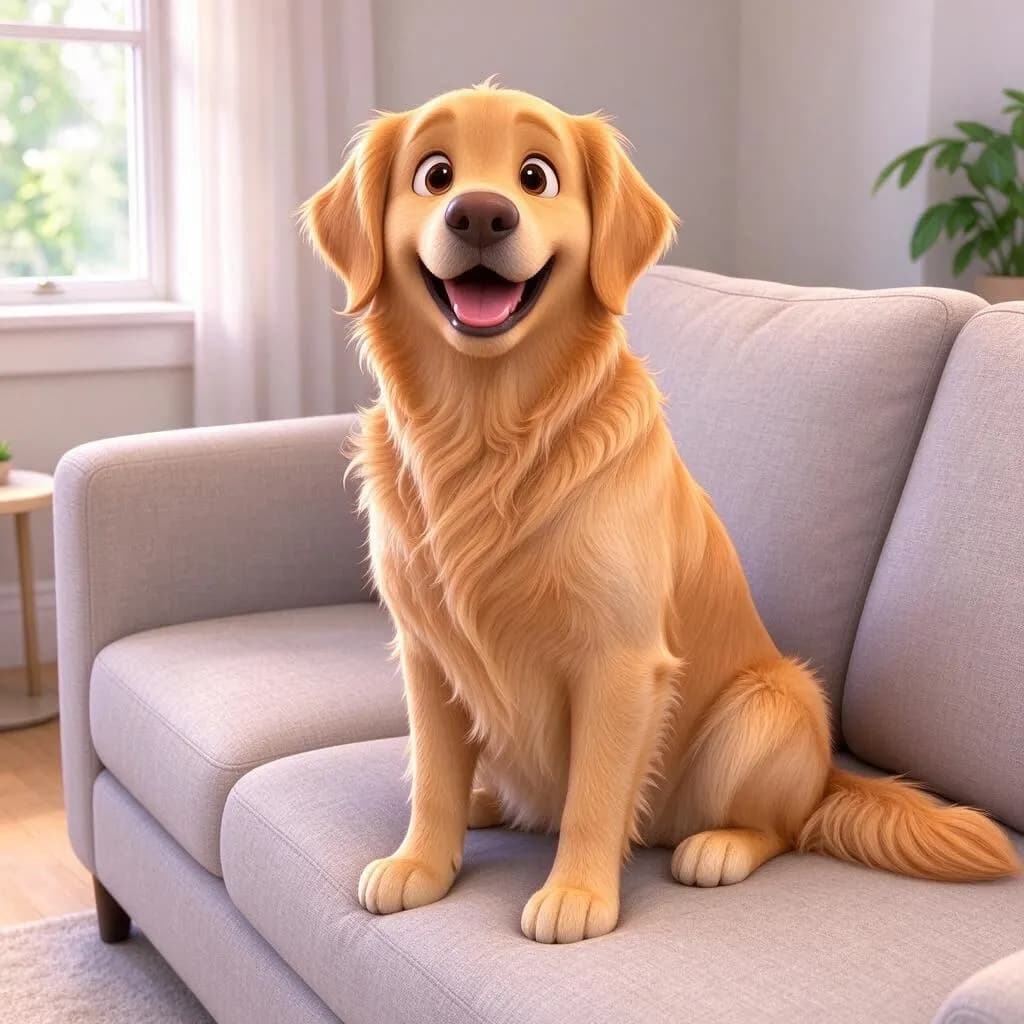
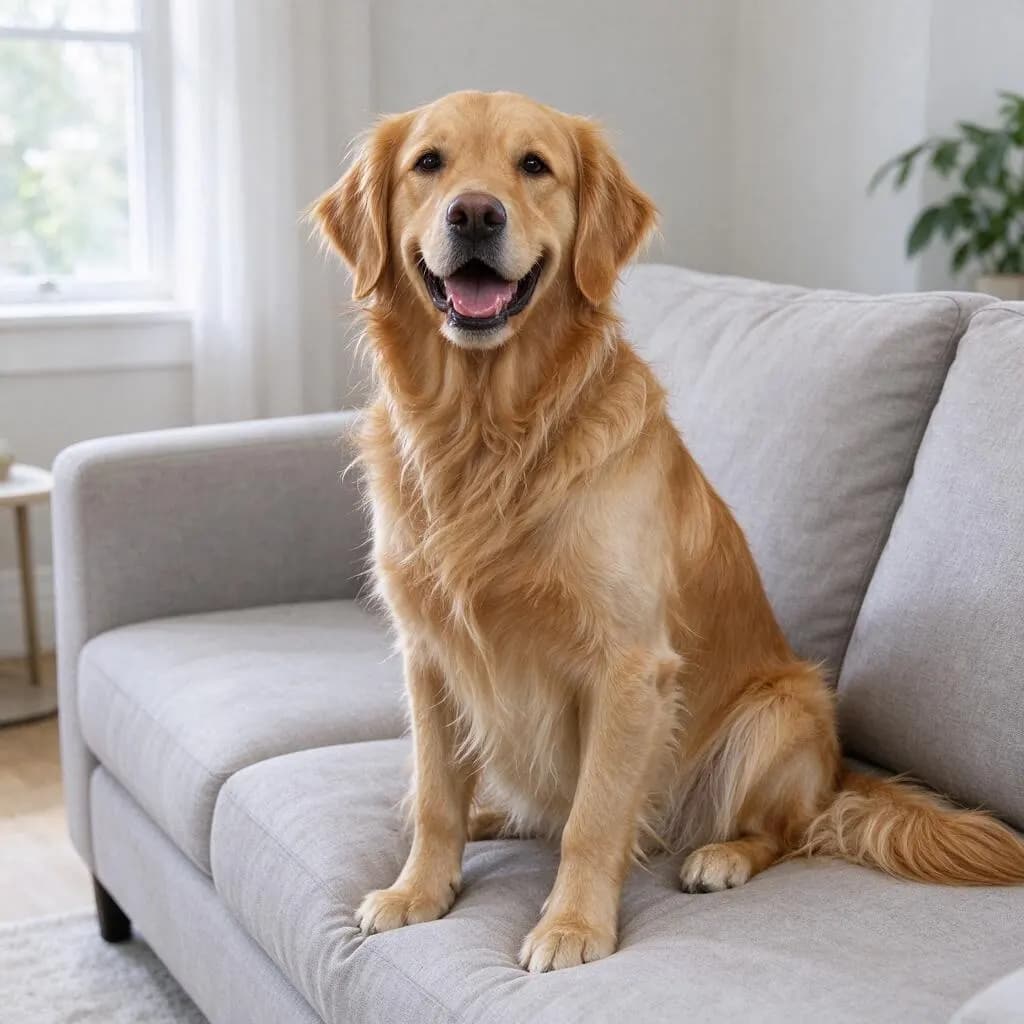 OriginalCharacters & 3D
Turn this photo into a 3D animated movie scene with soft rounded shapes, big expressive eyes and warm lighting. Keep the dog's breed, colors and pose and the sofa

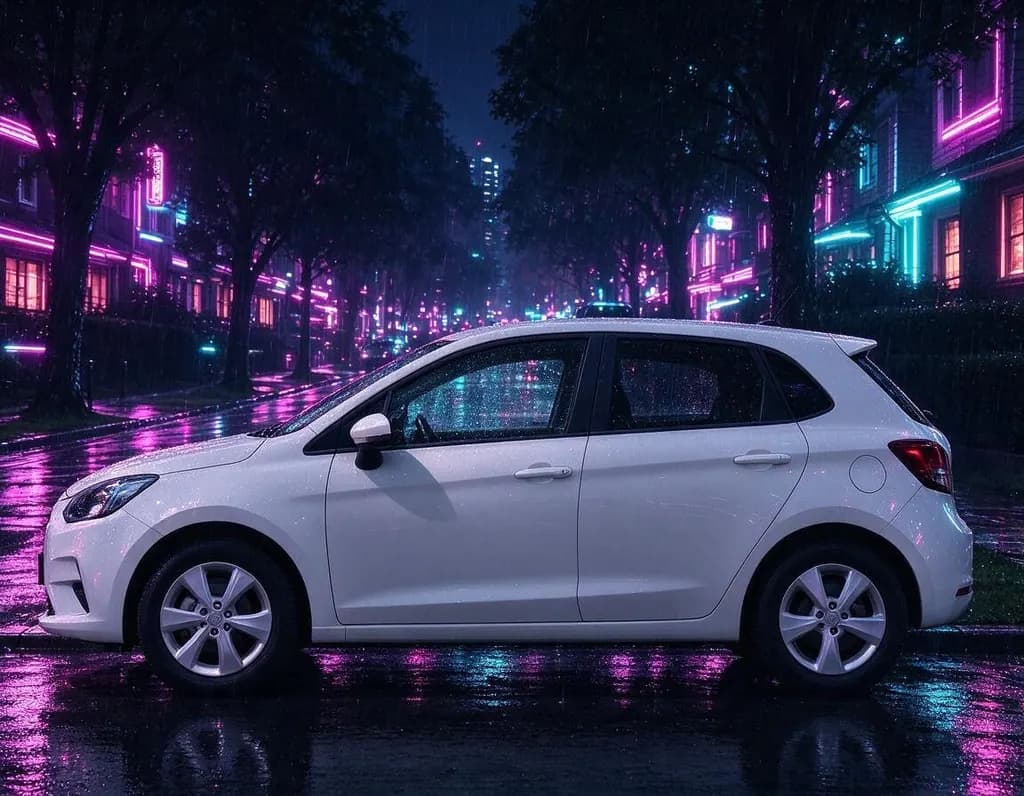
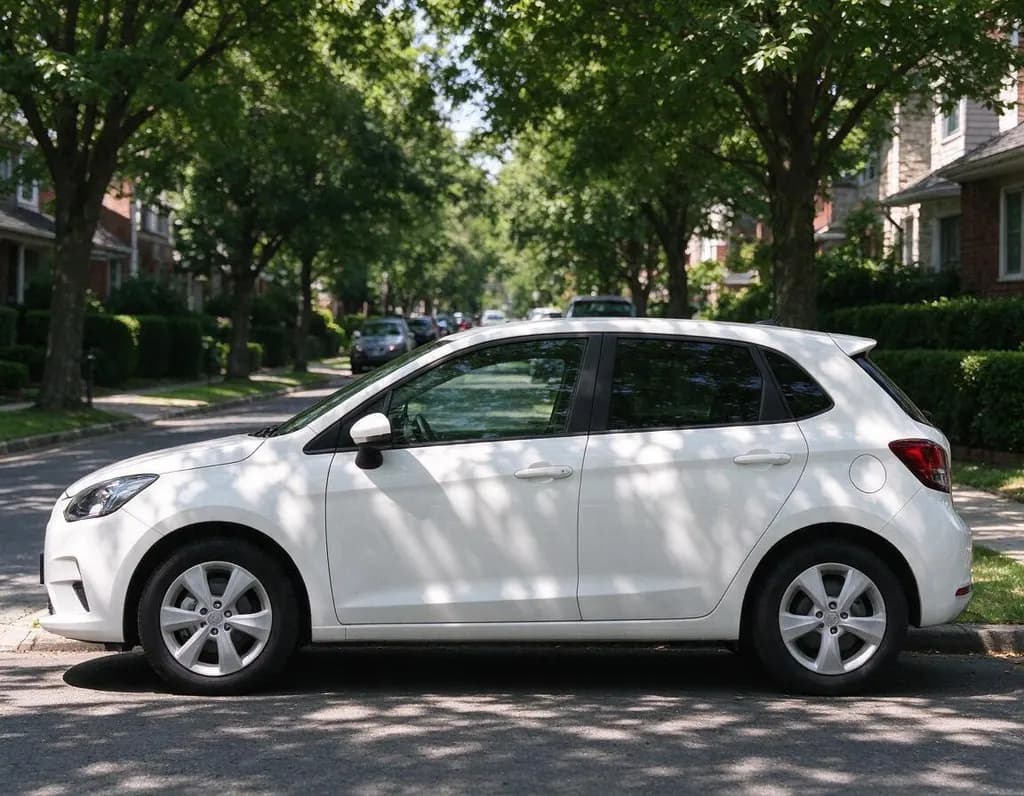 OriginalLight & season
Turn this scene into a cyberpunk city at night: neon signs in pink and cyan, wet reflective road, light rain and glowing windows. Keep the car's shape and position

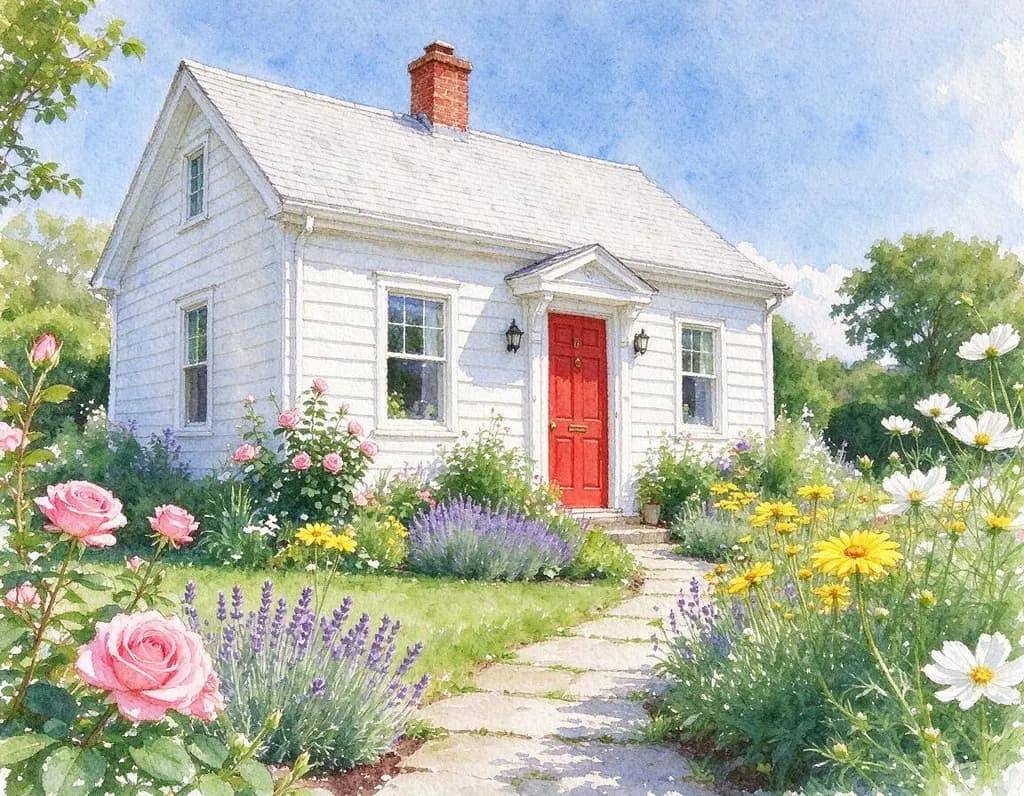
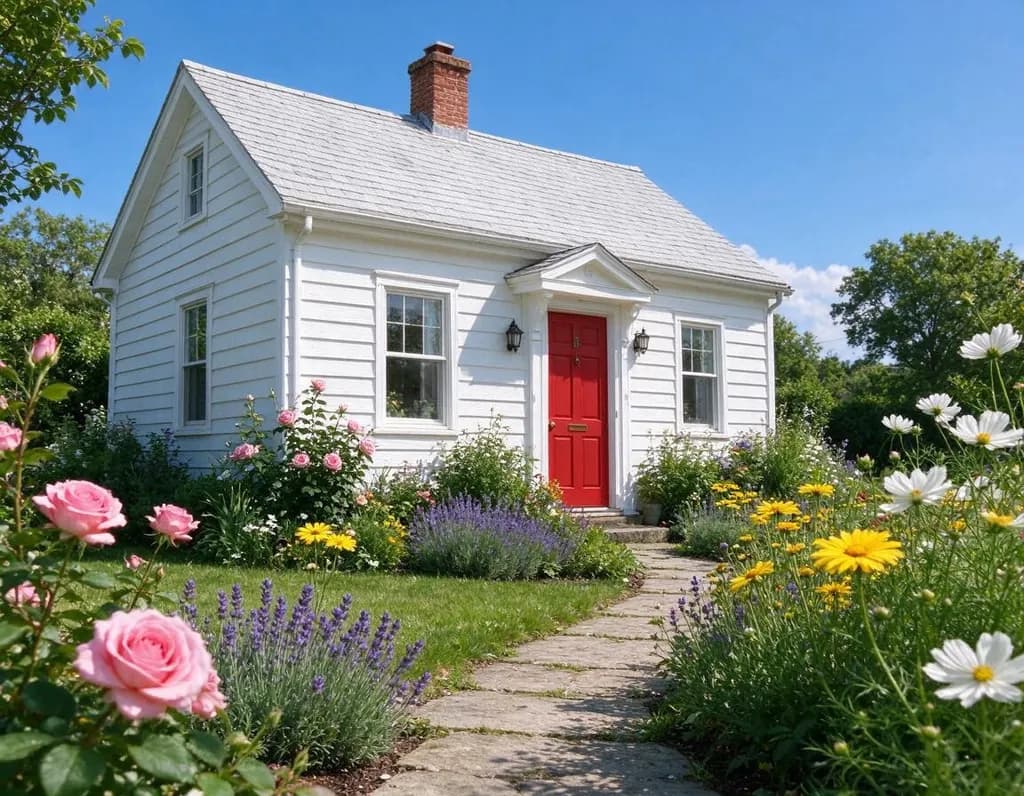 OriginalArt style
Turn this photo into a loose watercolor painting on textured paper with soft bleeding colors and white edges. Keep the cottage, the red door and the garden
 OriginalArt style
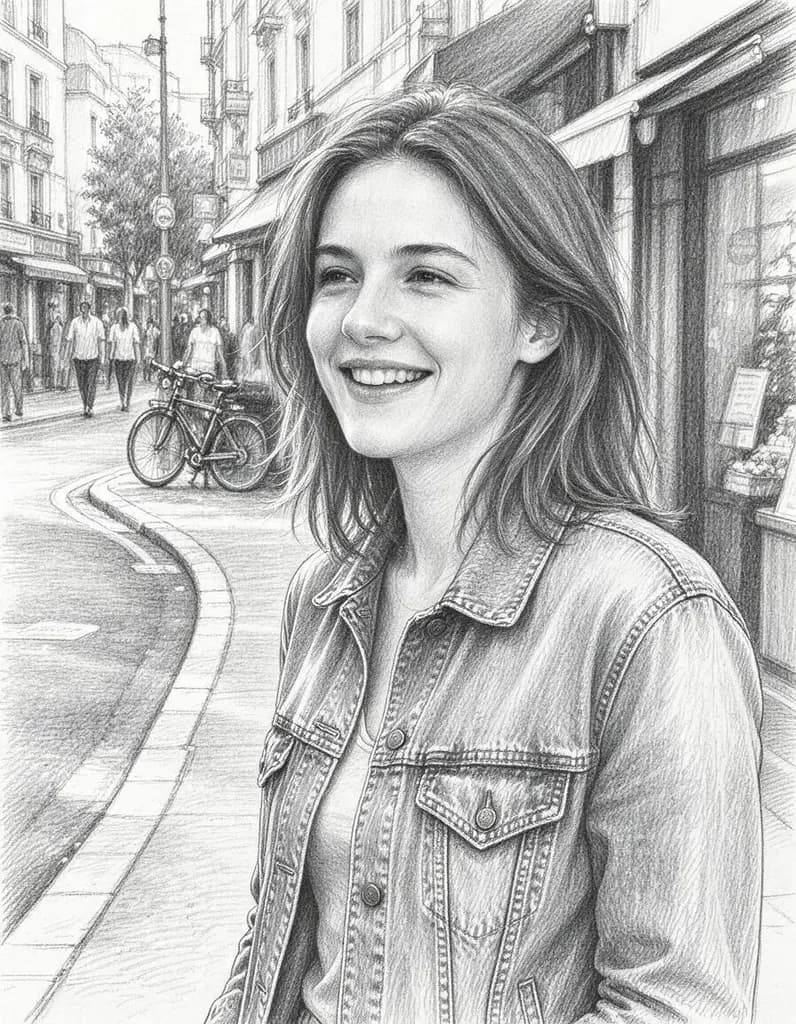
Redraw this photo as a detailed graphite pencil drawing on white paper with fine hatching and soft shading, no color. Keep her face, hair, pose and the street
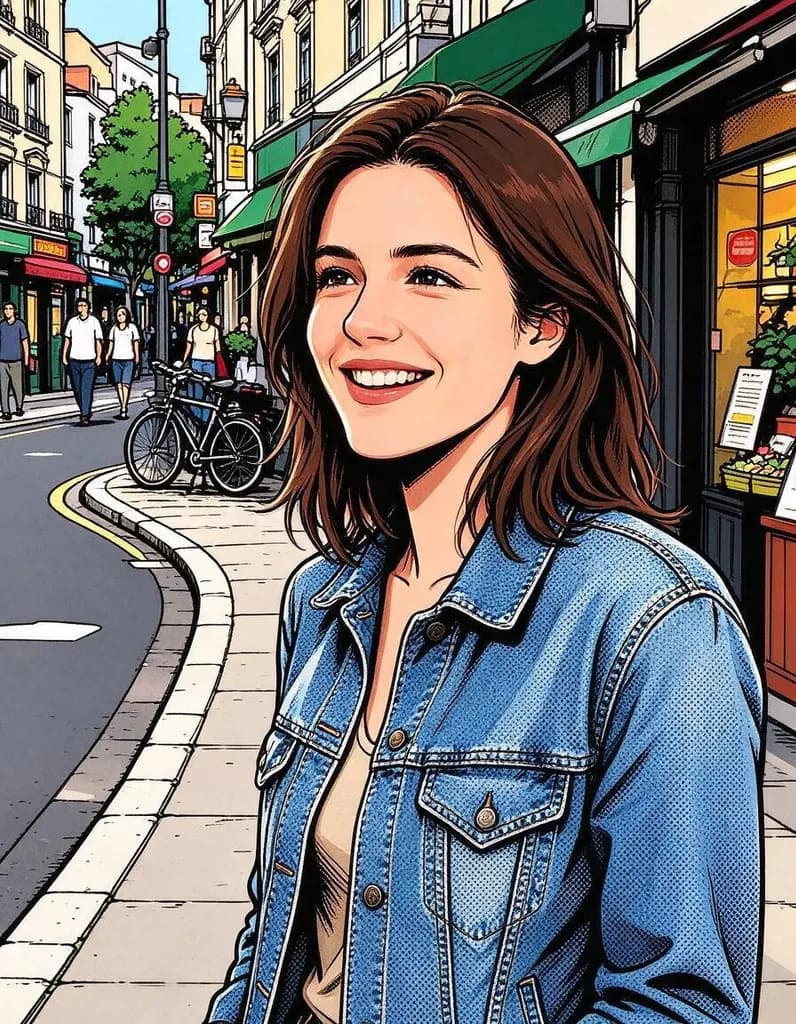
OriginalArt styleRedraw this photo as a comic book panel with bold ink outlines, halftone dots and bright flat colors. Keep her face, hair, pose, denim jacket and the street
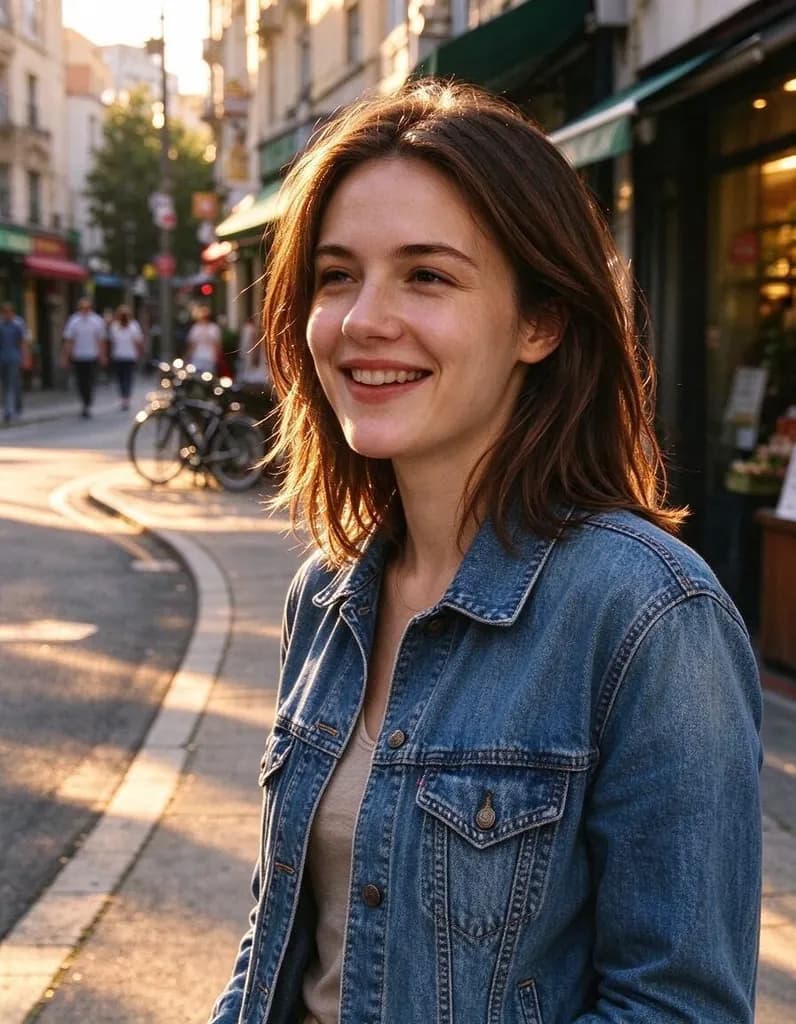
OriginalLight & seasonChange the lighting to golden hour: low warm sunlight from the side, long soft shadows and a golden glow on her hair. Keep her face, pose, clothes and the street
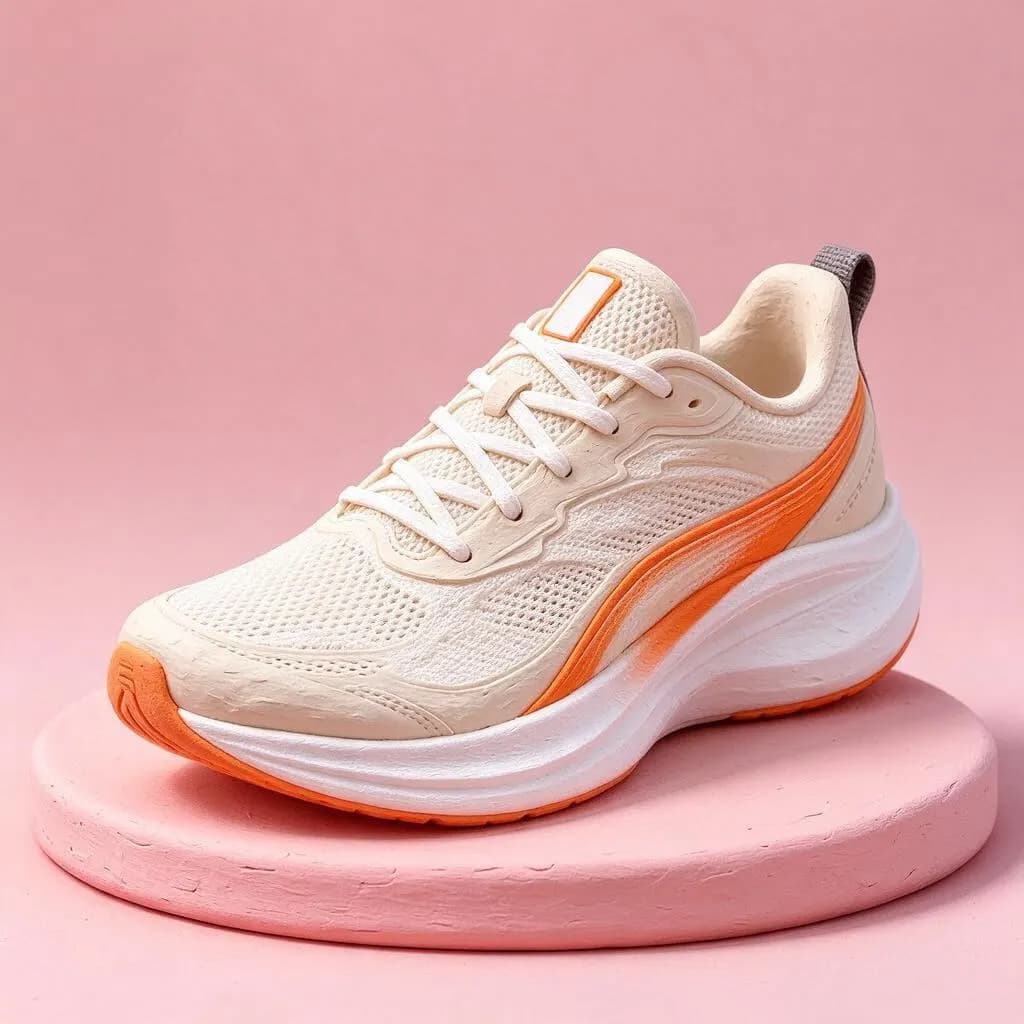
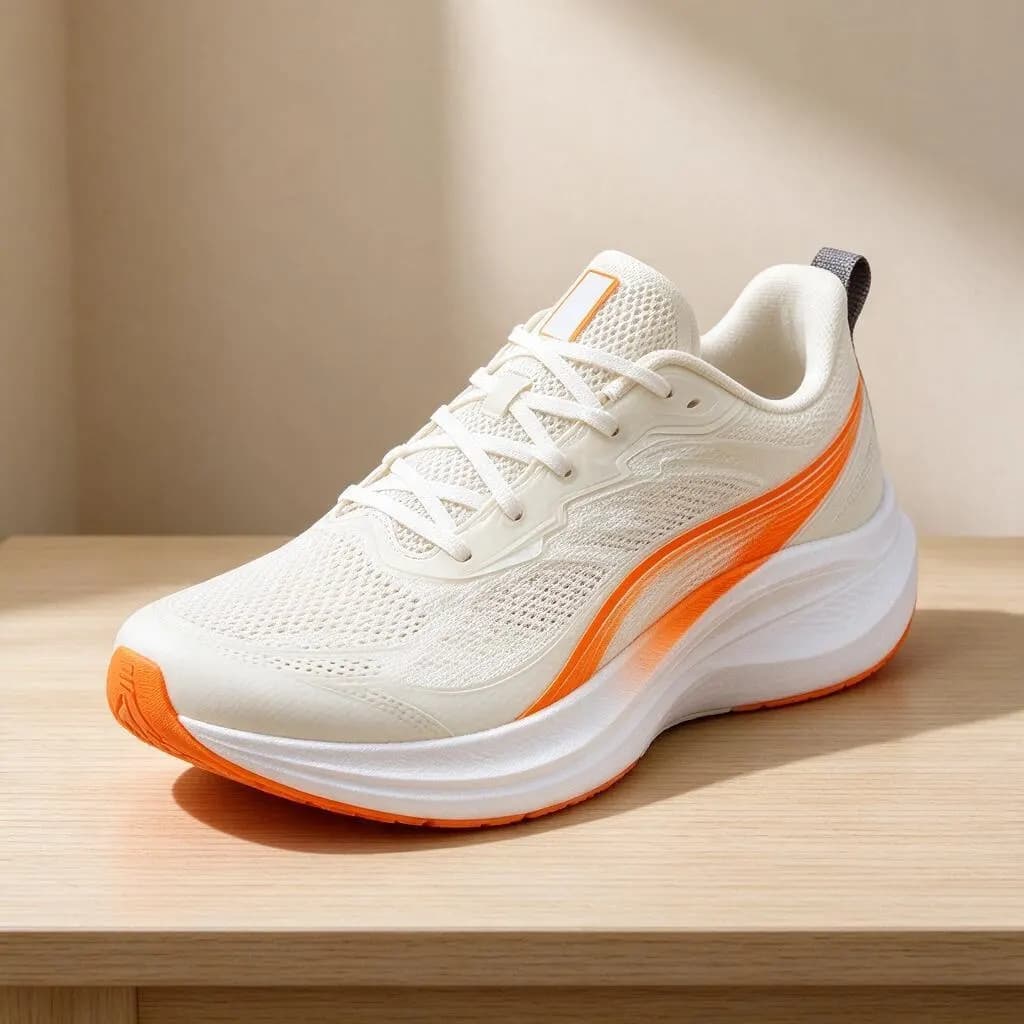 OriginalProduct & food
Turn this photo into a soft clay 3D render on a pastel pink podium with a matching pastel background, studio lighting. Keep the sneaker's shape and colors

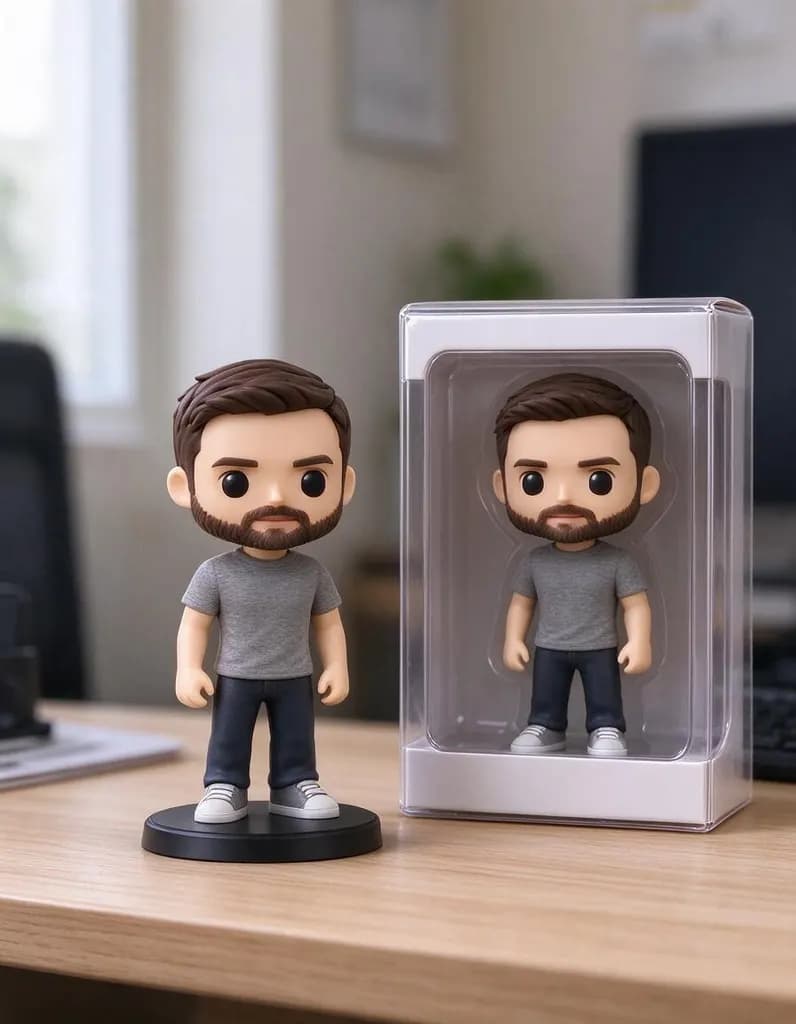 OriginalCharacters & 3D
Turn him into a small collectible vinyl figure standing on a desk next to its display box, product photo. Keep his face, hair, beard and grey t-shirt recognizable

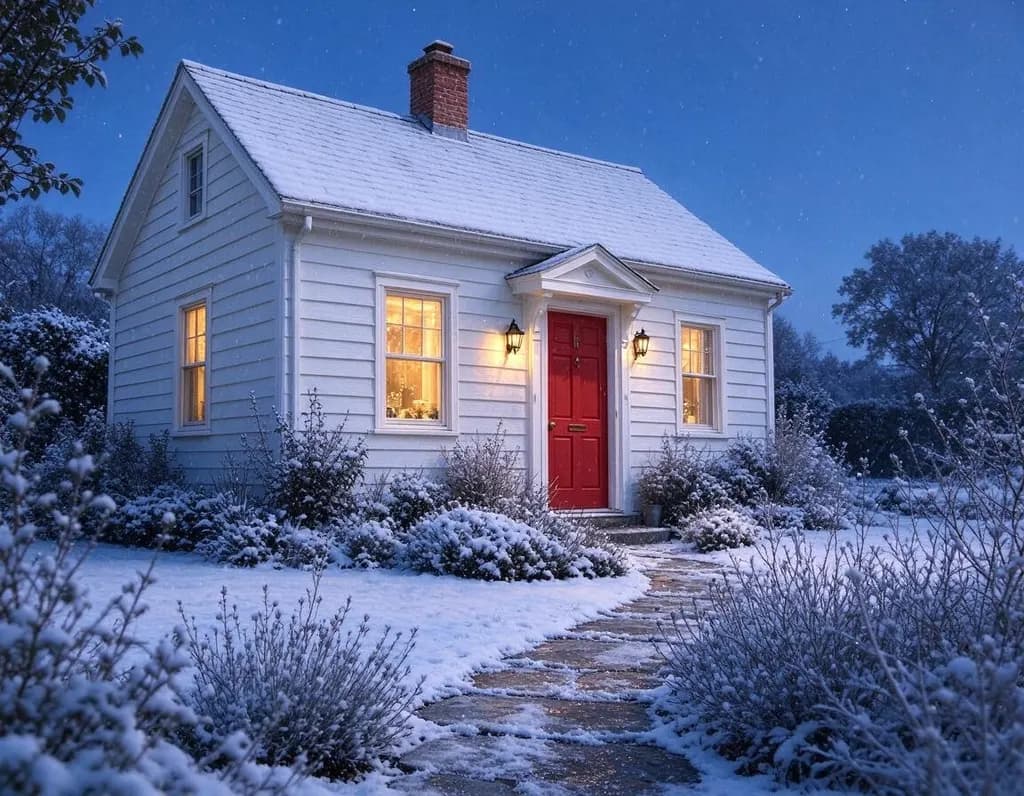 OriginalLight & season
Make it a snowy winter evening: snow on the roof and the garden, falling snow, warm light glowing in the windows

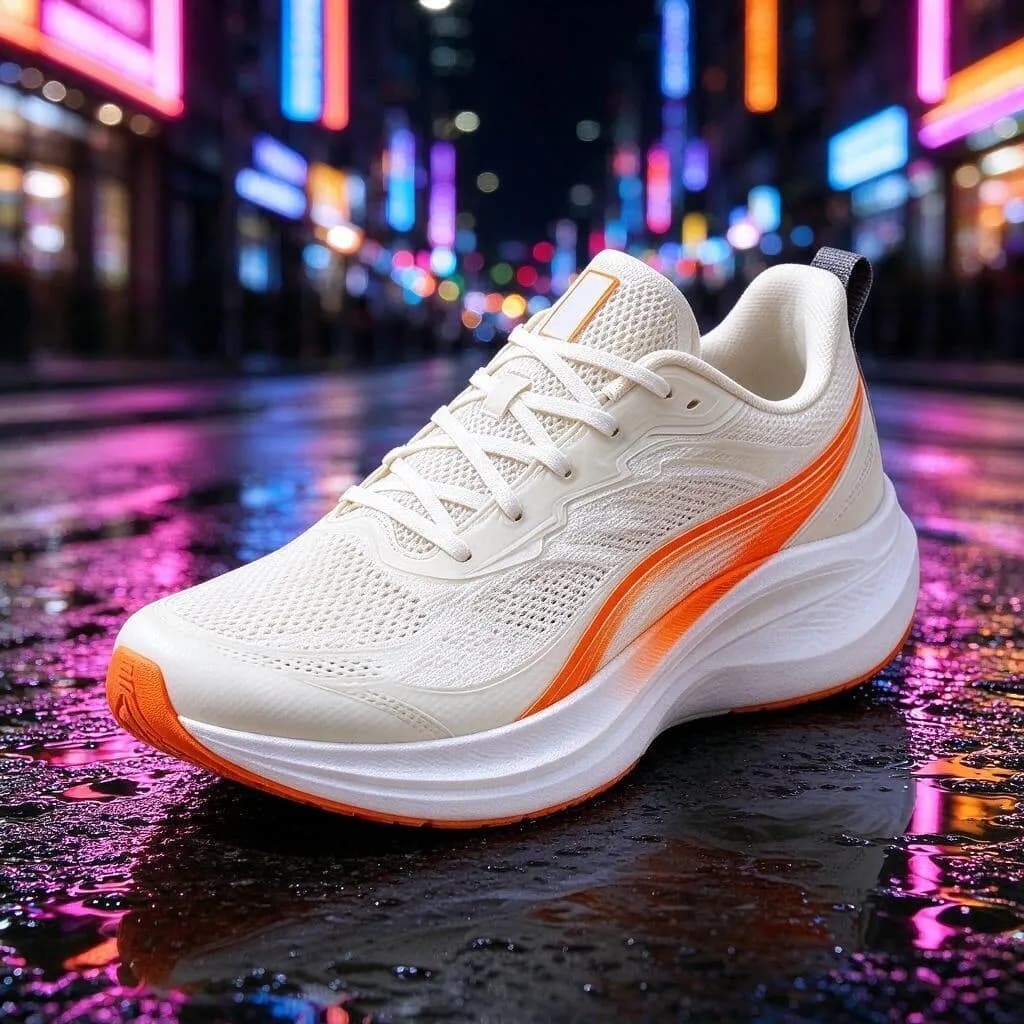 OriginalProduct & food
Place the sneaker on a wet city street at night with colorful neon reflections in puddles, professional advertising photo. Keep the sneaker exactly the same

Add a second photo
Show the AI what you mean: a jacket to try on, a product to place, a style to copy.
Your photo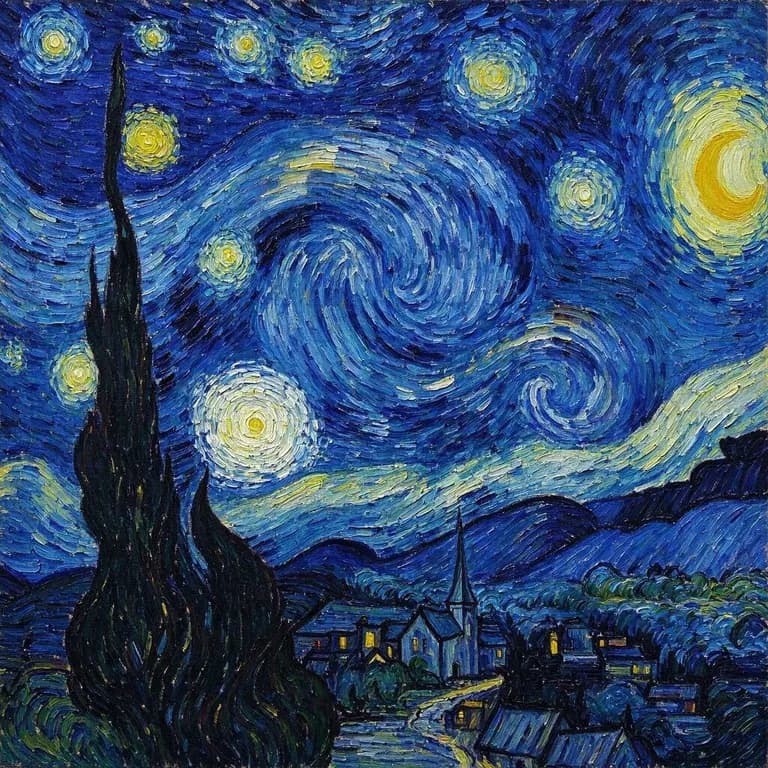 Reference“Repaint the first photo in the painting style of the second image: thick swirling brush strokes and deep blue and yellow colors”
Made for a specific job
Pages built around one kind of edit, plus the tools that do one thing best.
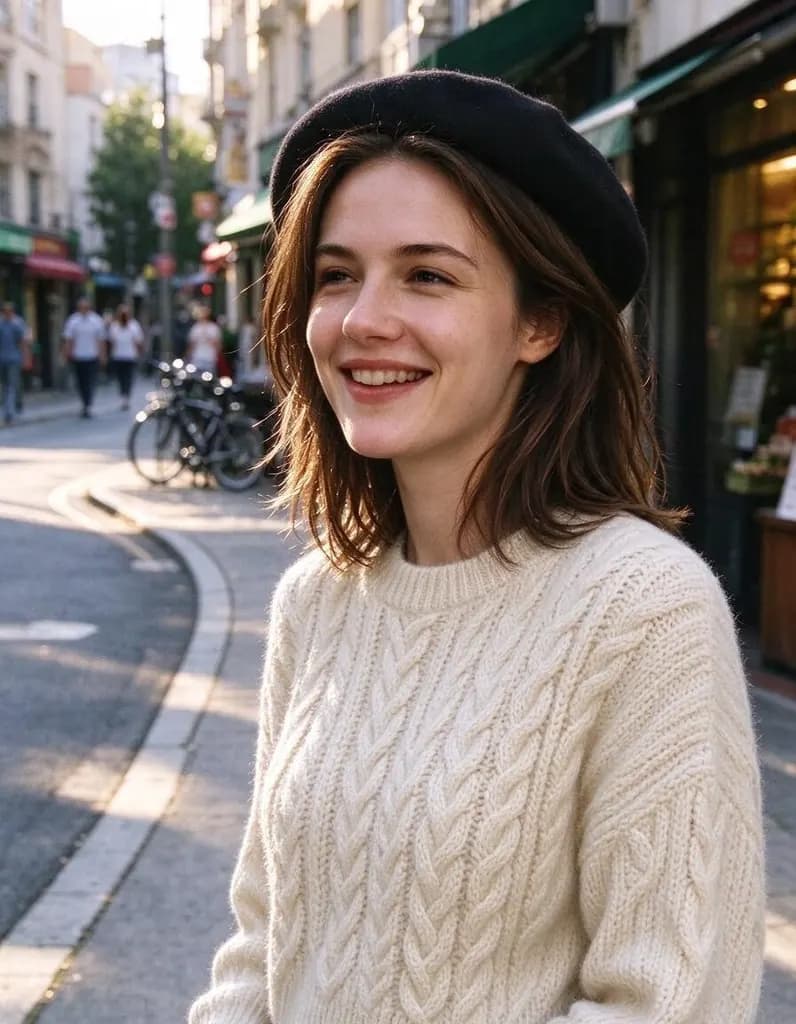 AI Photo EditorUpload a photo and say what to change. Swap an outfit, move it to a new place, add or remove things, change the season. The rest of the photo stays the same.AI Clothes ChangerUpload a photo and describe a new outfit, or add a photo of the piece you want to try on. Your face, hair and pose stay the same.
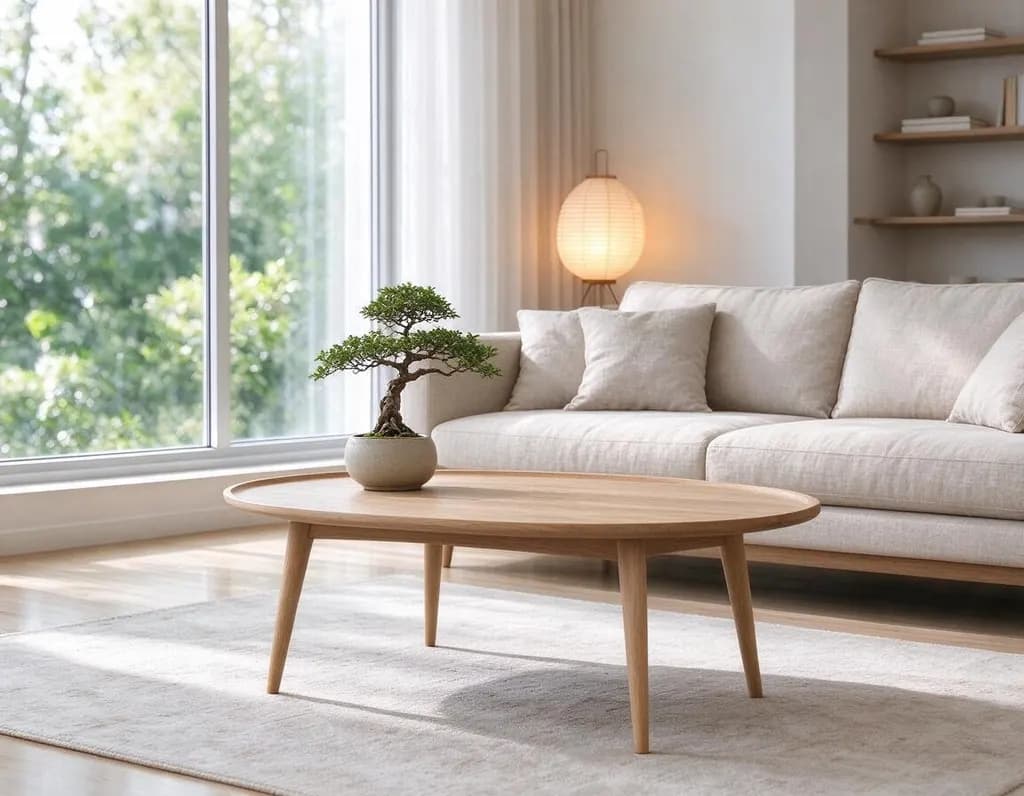 AI Room DesignUpload a photo of a room and pick a style, or describe your own. The windows, walls and camera angle stay, the furniture and decor change.
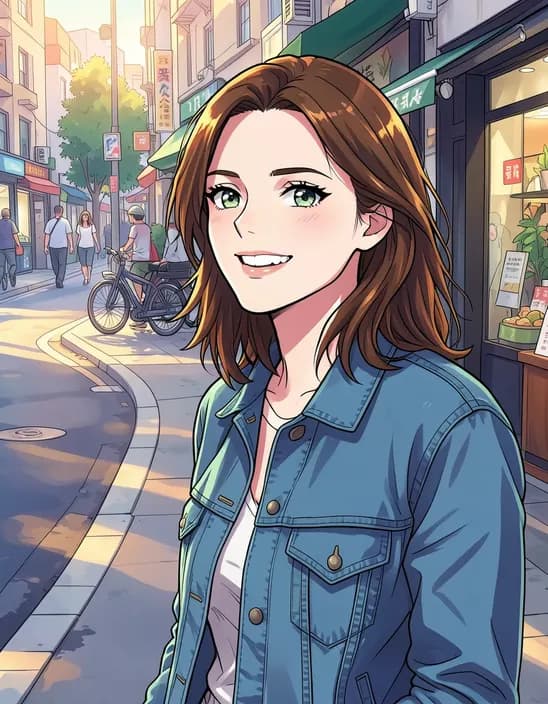 AI Photo FilterTurn a photo into anime, a 3D cartoon, a sketch, a painting or a collectible toy. Pick a style and tap once. Works on selfies, couples, group shots and pets.
 AI Image GeneratorTurn one sentence into a photo, a poster, a character or a wallpaper. Start from an idea below or write your own.
Write an edit that works
Say three things: what to change, what it should become, and what to keep.
Turn this photo into a loose watercolor painting on textured paper with soft bleeding colors and white edges. Keep the cottage, the red door and the garden.
- What to change: the jacket, the sky, the dog
- What it becomes: be specific about color and material
- What to keep: face, pose, background
One change per edit works best. When it looks right, press Keep editing and make the next change.
How it works
Why people use it
Any style from one image
Oil painting, watercolor, anime, 3D animation, clay, cyberpunk. Describe the look in your own words, there are no preset limits.
Keeps your composition
The AI redraws the image but keeps what you name: faces, poses, the layout, the product's shape.
Copy the style of another image
Add a painting or a photo you like as a second image and ask for your picture in that style.
Sketch to photo
Draw a rough pencil sketch and turn it into a realistic photo or a finished illustration with the same layout.
One price per image
Each image costs 8 credits, whatever you ask for. New accounts start with free credits.
Start from an image, not a blank page
Image to image AI turns a picture you already have into a new one. Text-to-image tools invent everything from your words, so the result rarely matches what you had in mind. Starting from an image fixes the layout, the people and the objects, and your words only describe what should change: the style, the light, the season or the medium.
What people use it for
- Art from photos. Turn a portrait into an oil painting, a pet into a 3D animated character, a holiday photo into a watercolor.
- Sketch to image. Draw the layout with a pencil and get a realistic photo or a finished illustration with the same composition.
- Copy a style. Add a painting or a photo you love as a second image and get your picture in that style.
- New light and mood. Golden hour, a rainy night, snow, neon. The scene stays, the atmosphere changes.
- Product images. Put a product on a pastel podium, in a clay render or in a neon street ad without a photo shoot.
How to write a good prompt
Start with what the image should become, then add the details, then say what to keep. "Turn this photo into a loose watercolor painting on textured paper. Keep the cottage, the red door and the garden." The keep part matters most: without it the AI feels free to change everything. For one change at a time, press Keep editing and continue on the result.
Related tools
For one-tap styles like anime, Ghibli-like or pencil sketch at a lower price, use the AI Photo Filter. To make a new image from words only, use the AI Image Generator. To change one thing in a photo, such as an outfit or a background, the AI Photo Editor works the same way.
Limitations
The AI redraws the whole image, so small details like text, jewelry or patterns can change, and strong styles change faces more than lighting changes do. Results made with free credits carry a small watermark; purchased credits remove it.
Frequently asked questions
Try next
 Image Upscalerfrom 2 creditsMake small images bigger and sharper in one click. Choose 2x or 4x, with no watermark on the result.
 Image to Videofrom 45 creditsTurn a photo into a short video with sound. Say what should move, tap a suggestion, or leave it empty and let the AI choose.AI Photo Editor8 creditsUpload a photo and say what to change. Swap an outfit, move it to a new place, add or remove things, change the season. The rest of the photo stays the same.AI Photo Filter2 creditsTurn a photo into anime, a 3D cartoon, a sketch, a painting or a collectible toy. Pick a style and tap once. Works on selfies, couples, group shots and pets.