AI Photo Editor
Upload a photo and say what to change. Swap an outfit, move it to a new place, add or remove things, change the season. The rest of the photo stays the same.
- 8credits per edit
- 100%refund if it fails
- +2reference photos
Only edit photos of yourself or people who said yes.
Needs an account. Credits come as a one-time pack or with a plan.
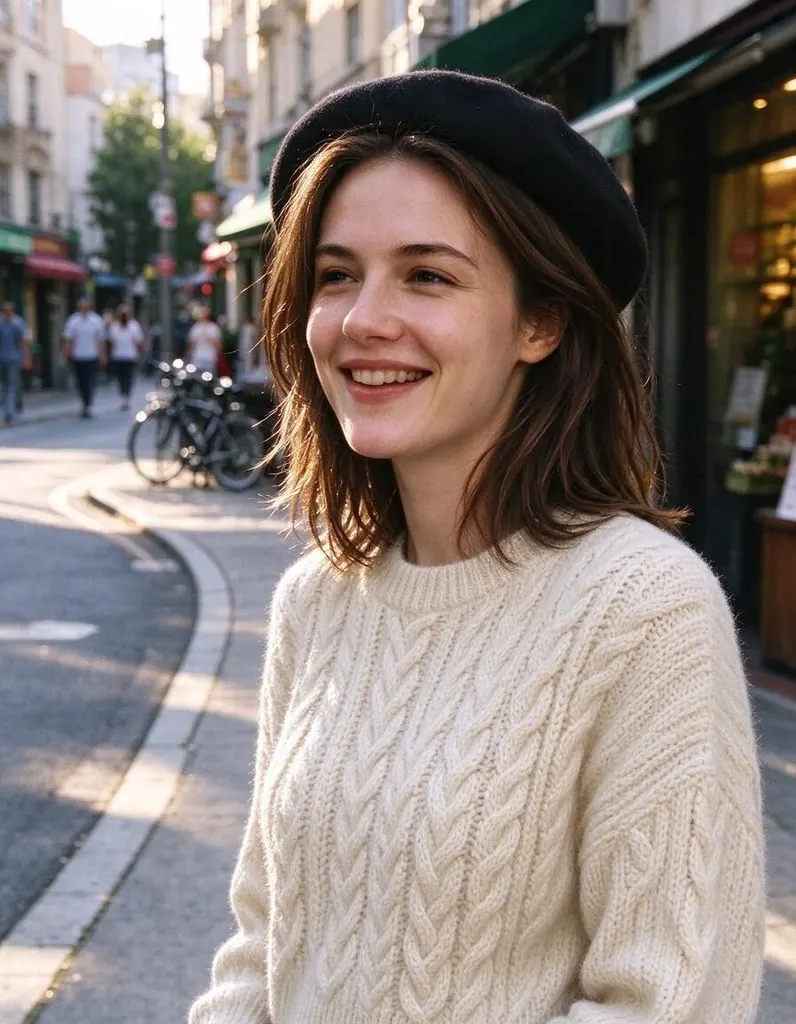
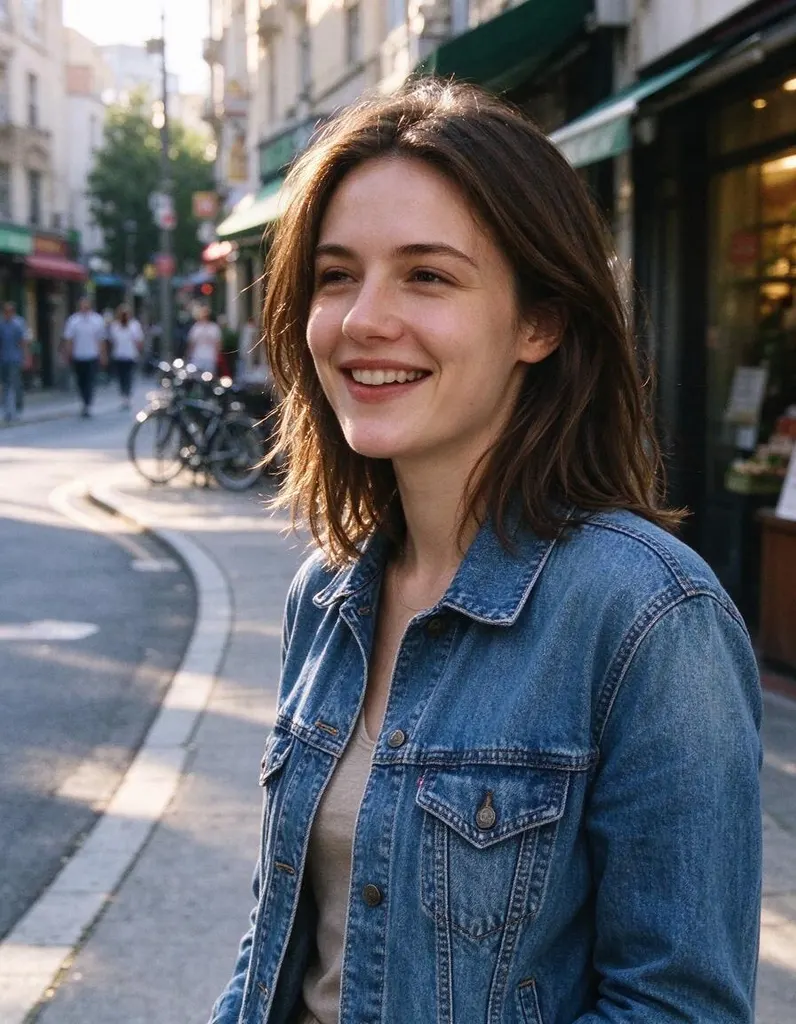
One photo, four edits
Same photo, four sentences. Everything you didn’t ask to change stays the same.
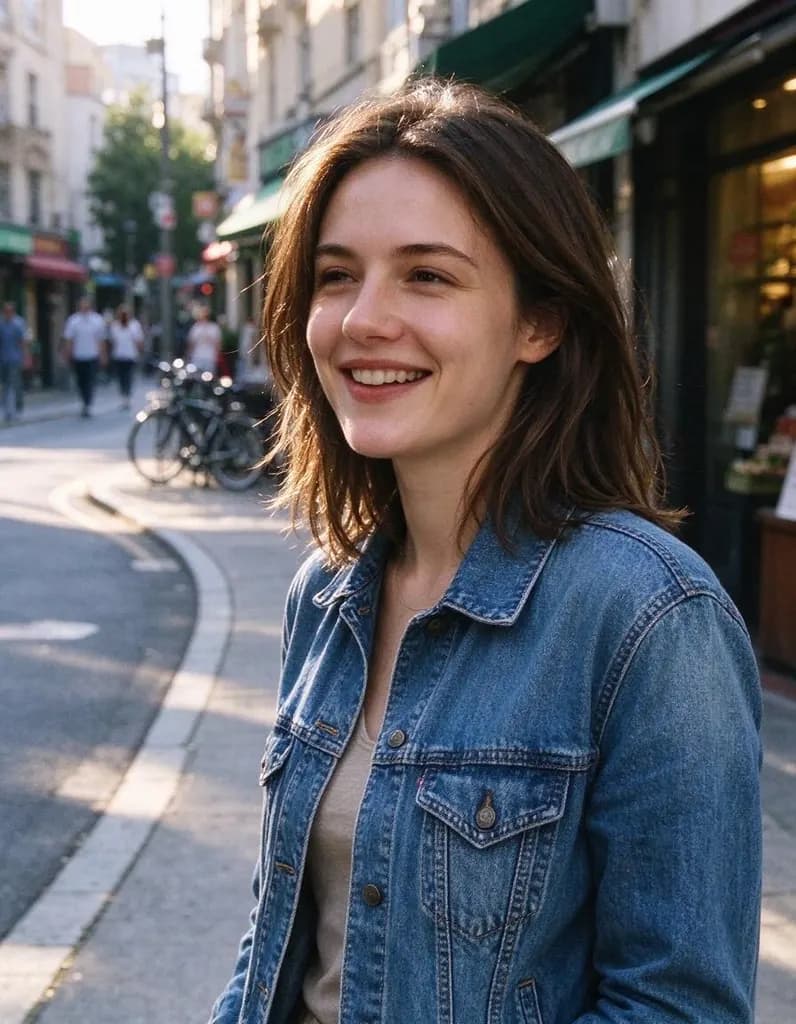 Original
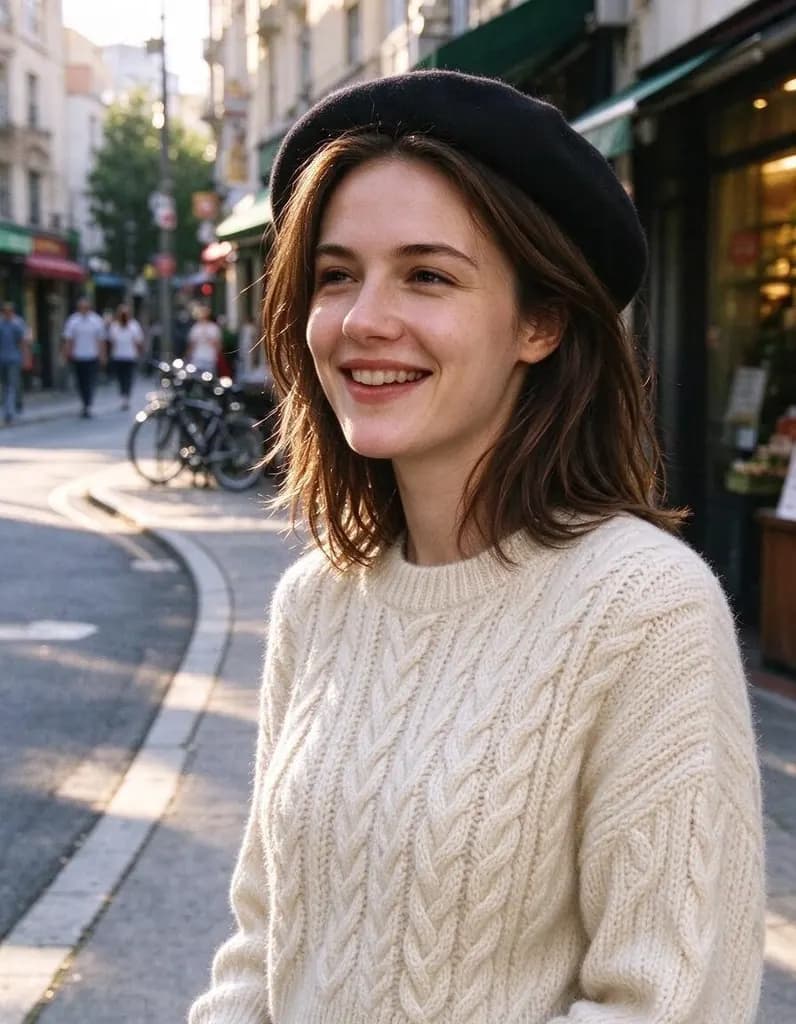 Outfit

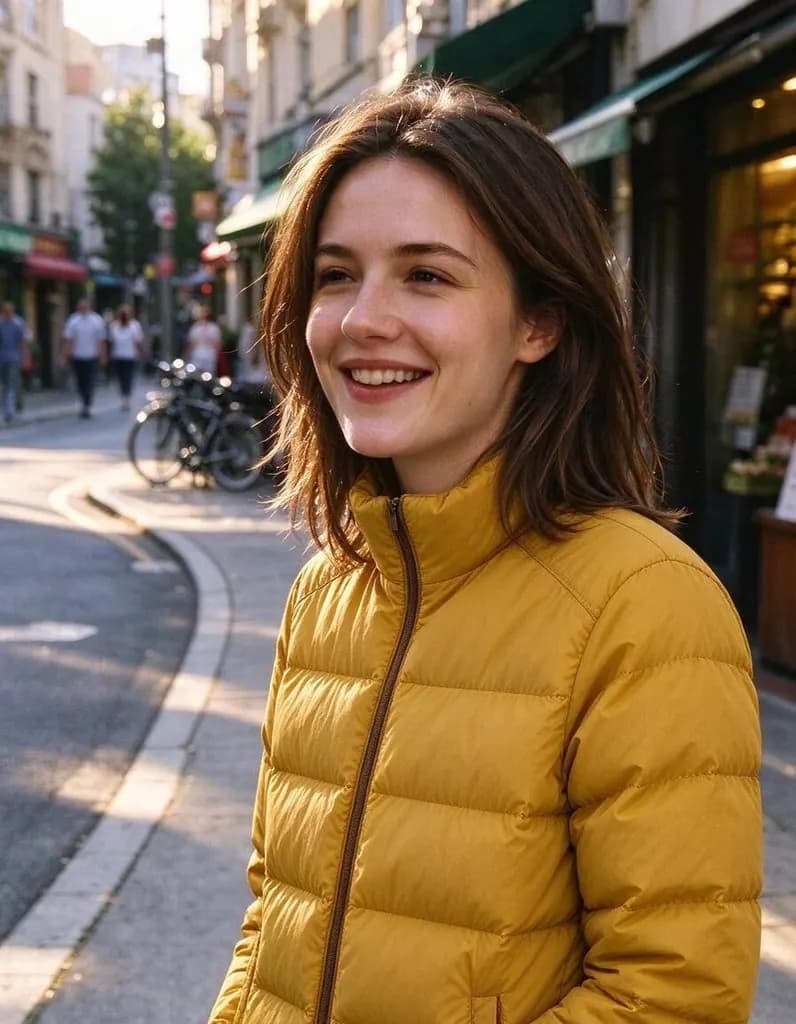 + reference

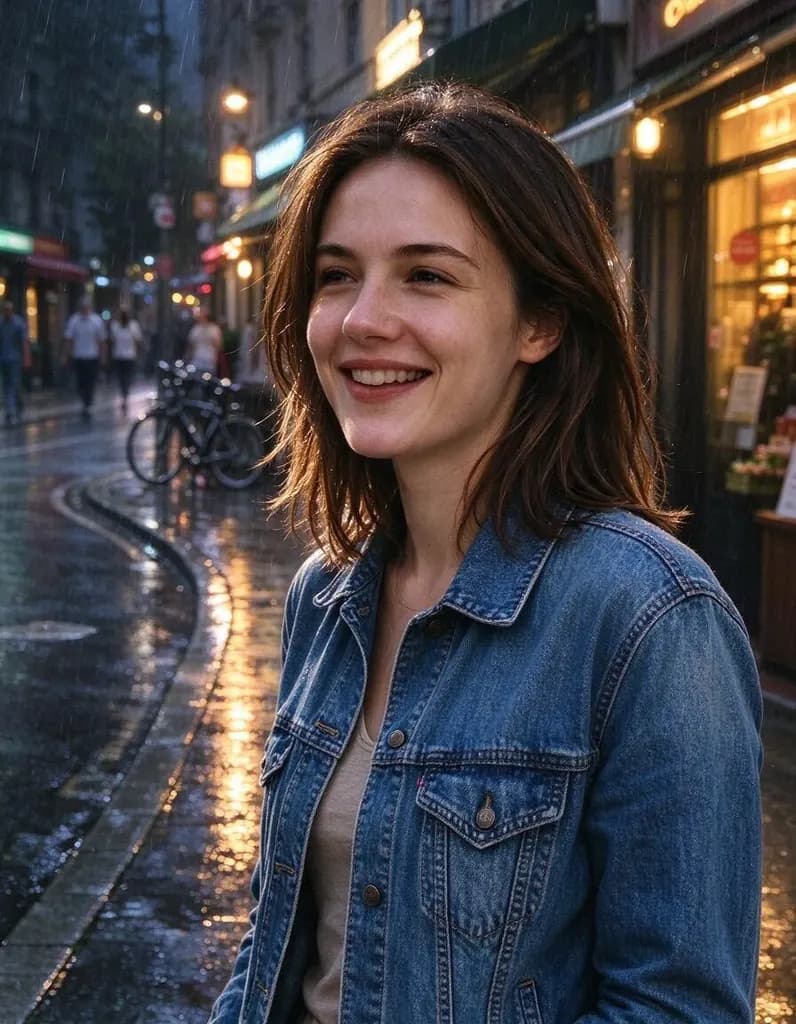 Light & season

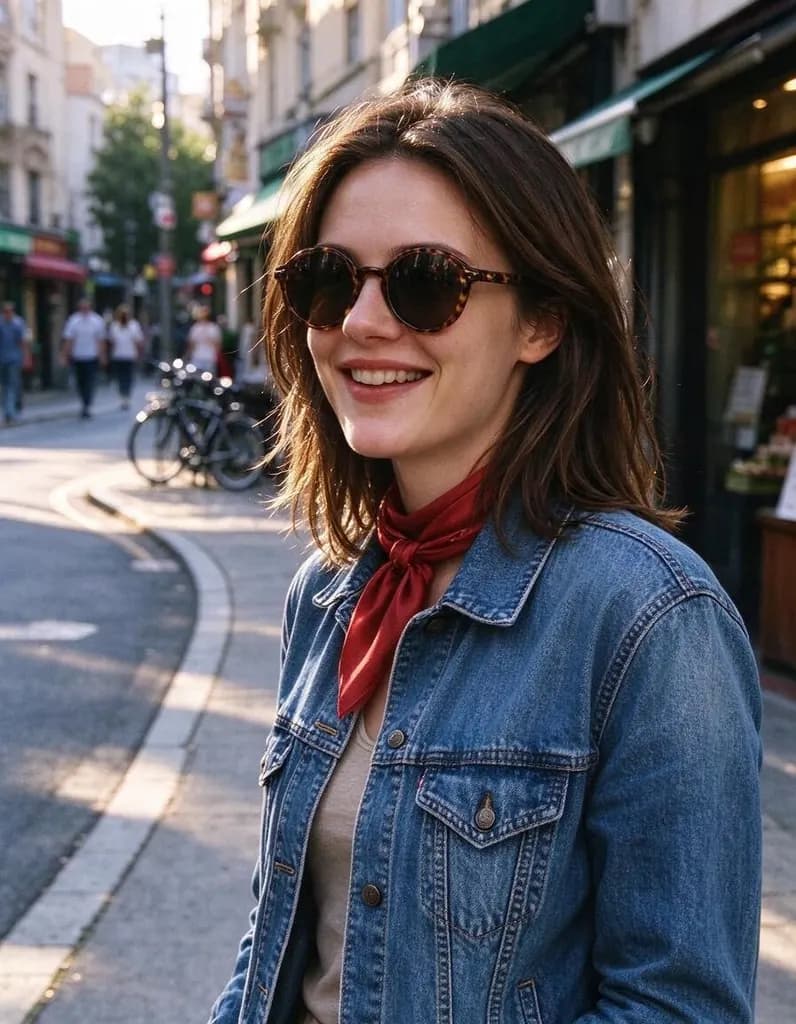 Outfit

Edits people make
Hover a photo to see the original. Every edit comes with the sentence that made it.
OriginalOutfitChange her denim jacket to a cream cable-knit sweater and add a black beret. Keep her face, hair, pose and the street unchanged
OriginalOutfitMake the woman wear the yellow puffer jacket from the second photo. Keep her face, hair, pose and the street unchanged
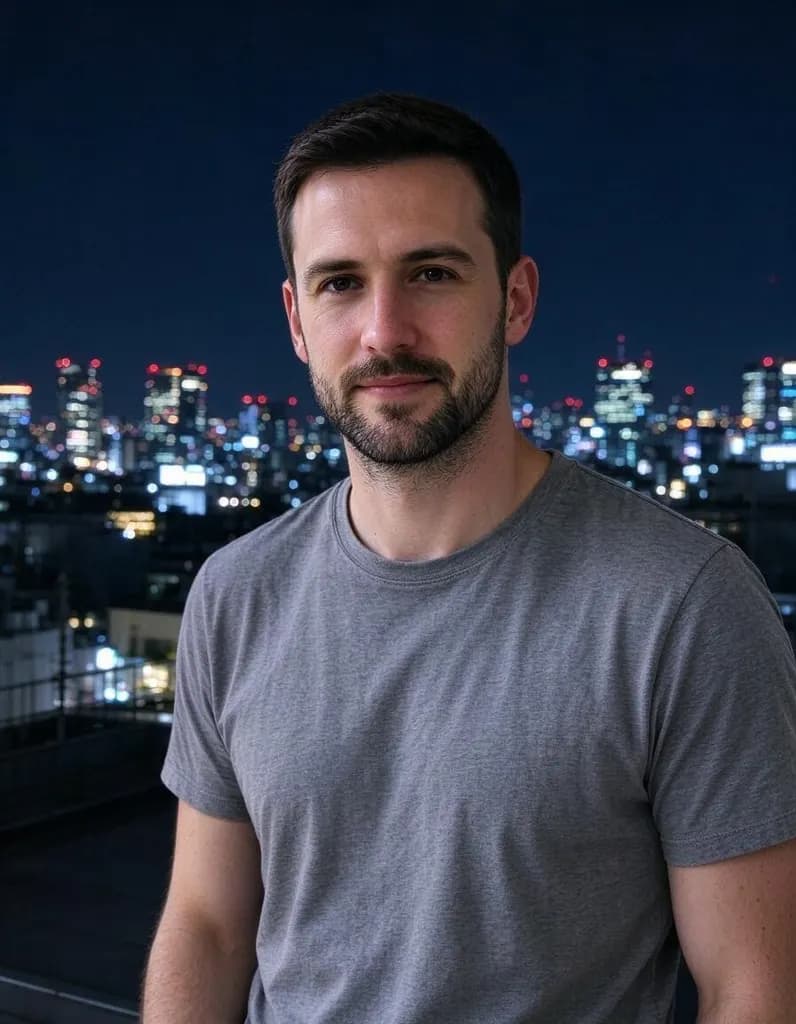
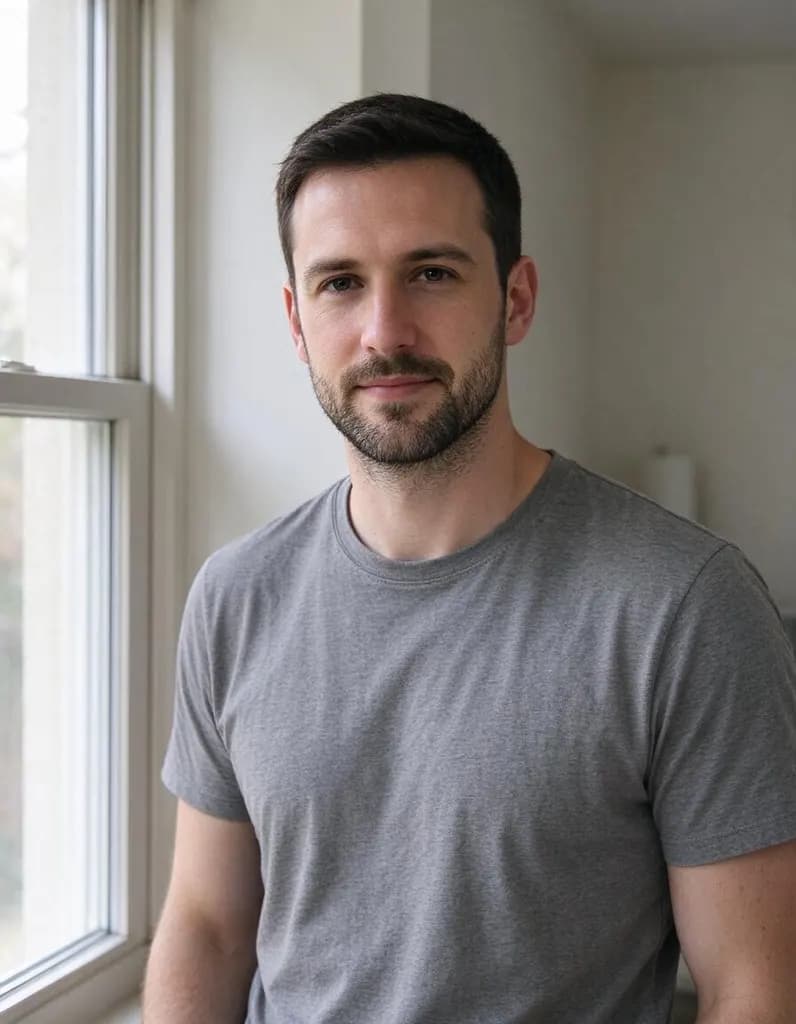 OriginalNew place
Put him on a rooftop in Tokyo at night with glowing city lights behind him. Keep his face, pose and t-shirt unchanged

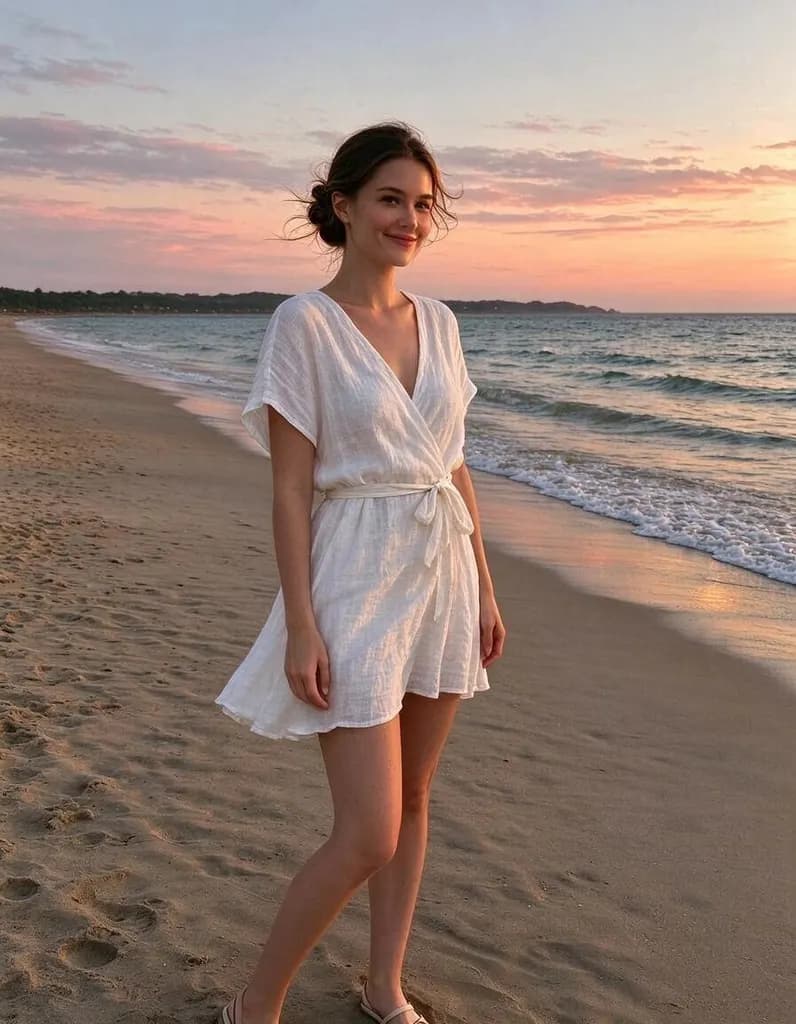
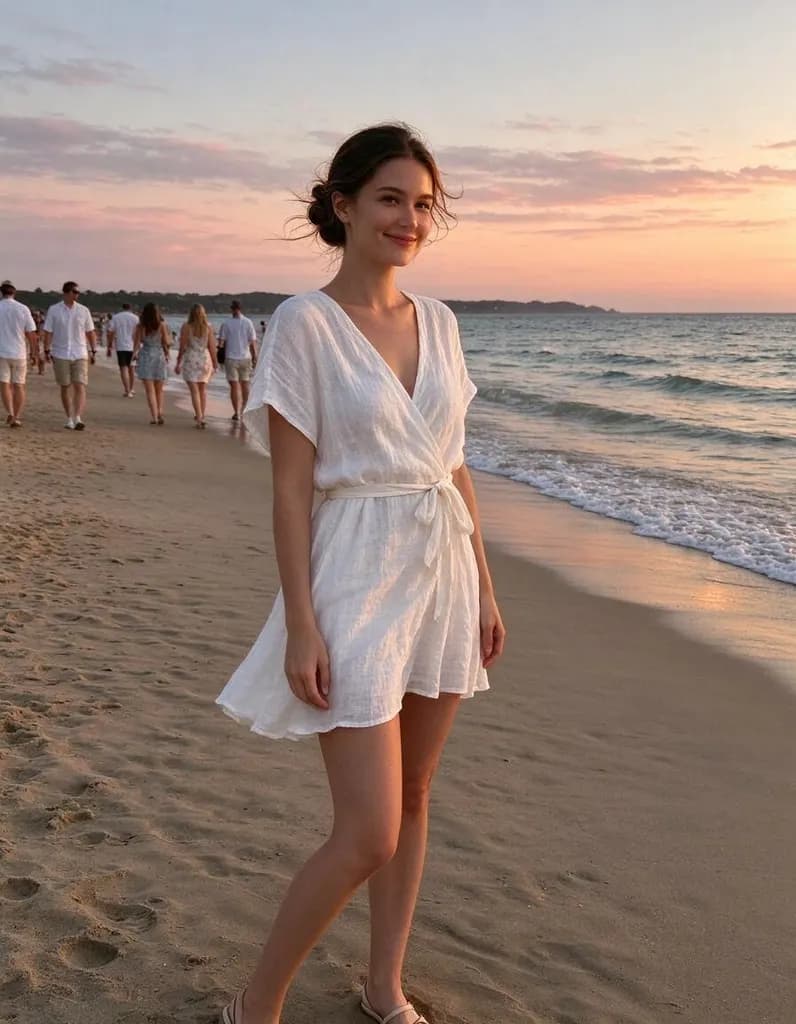 OriginalRemove
Remove all the people in the background. Keep the woman and the beach exactly as they are

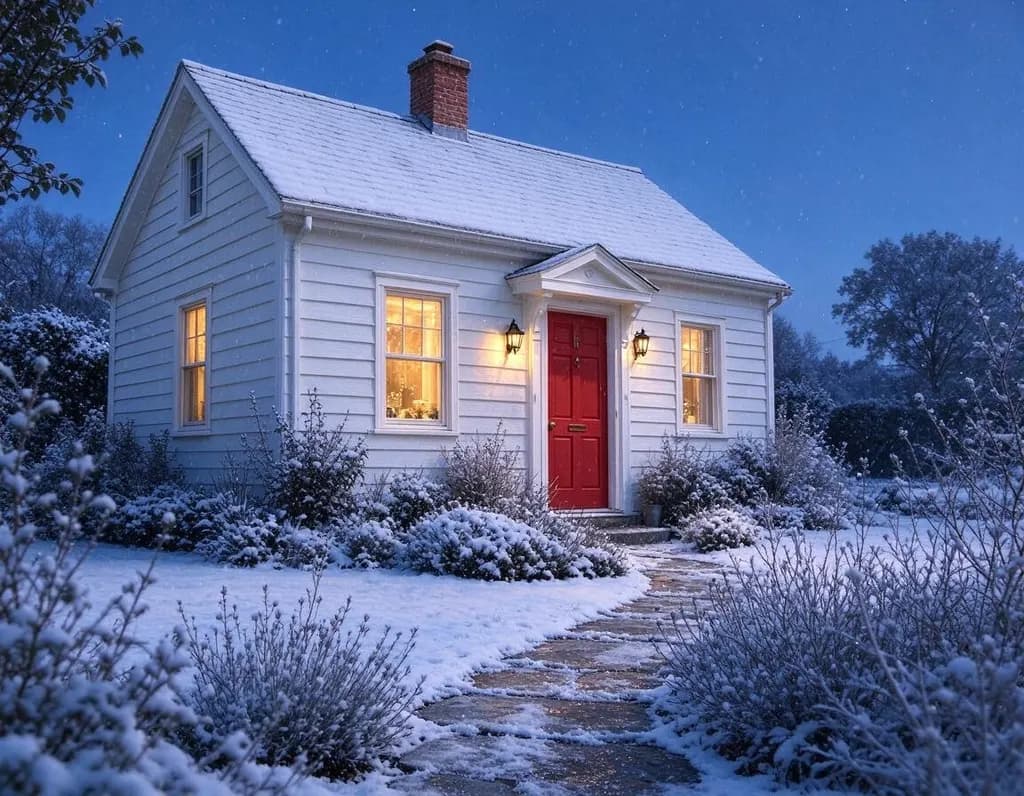
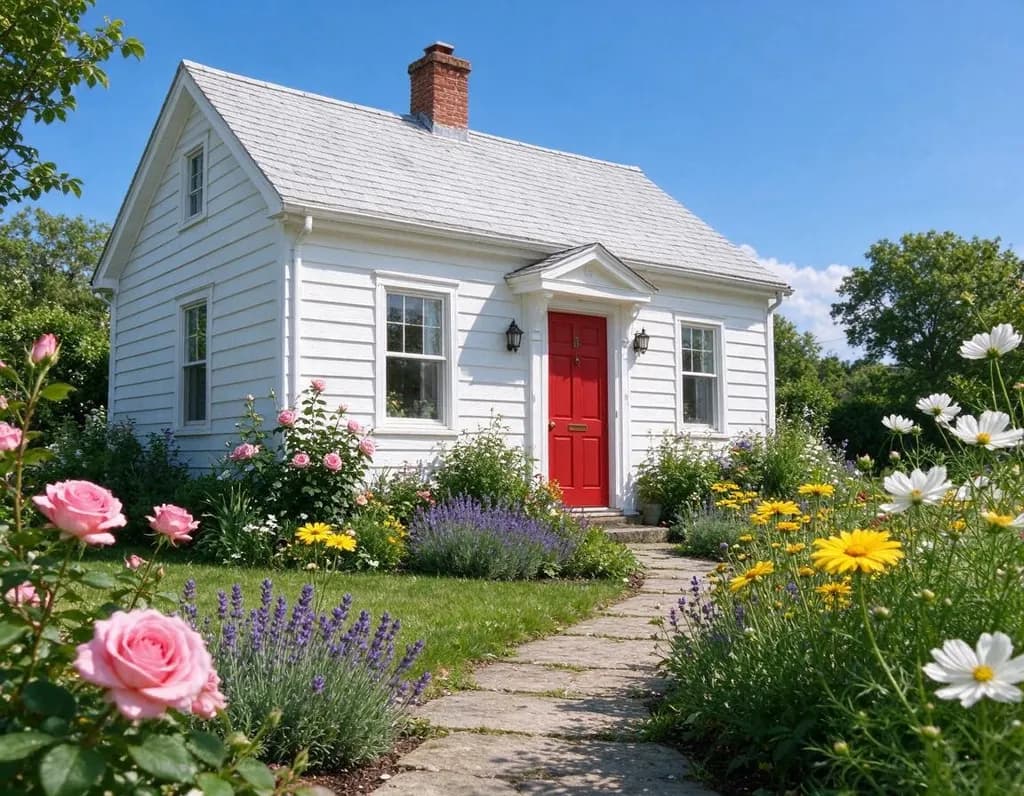 OriginalLight & season
Make it a snowy winter evening: snow on the roof and the garden, falling snow, warm light glowing in the windows

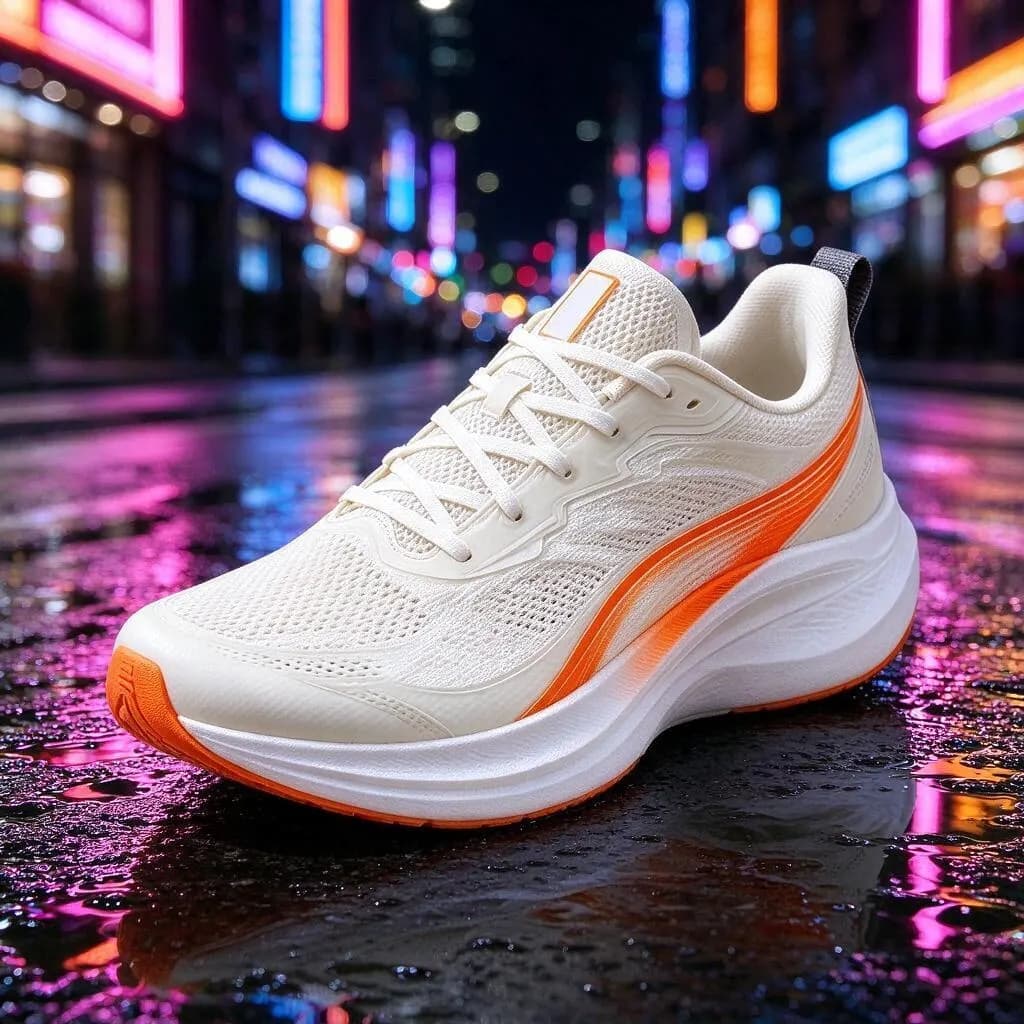
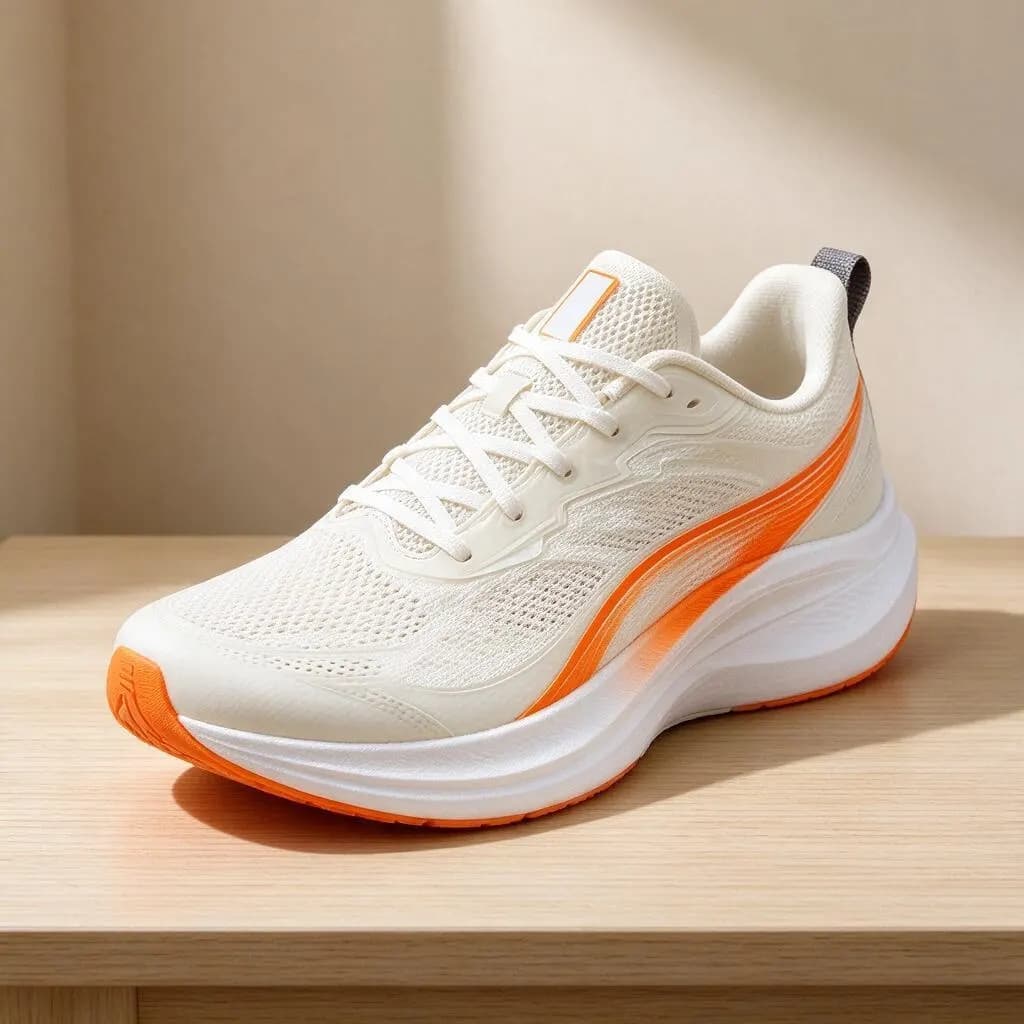 OriginalProduct & food
Place the sneaker on a wet city street at night with colorful neon reflections in puddles, professional advertising photo. Keep the sneaker exactly the same

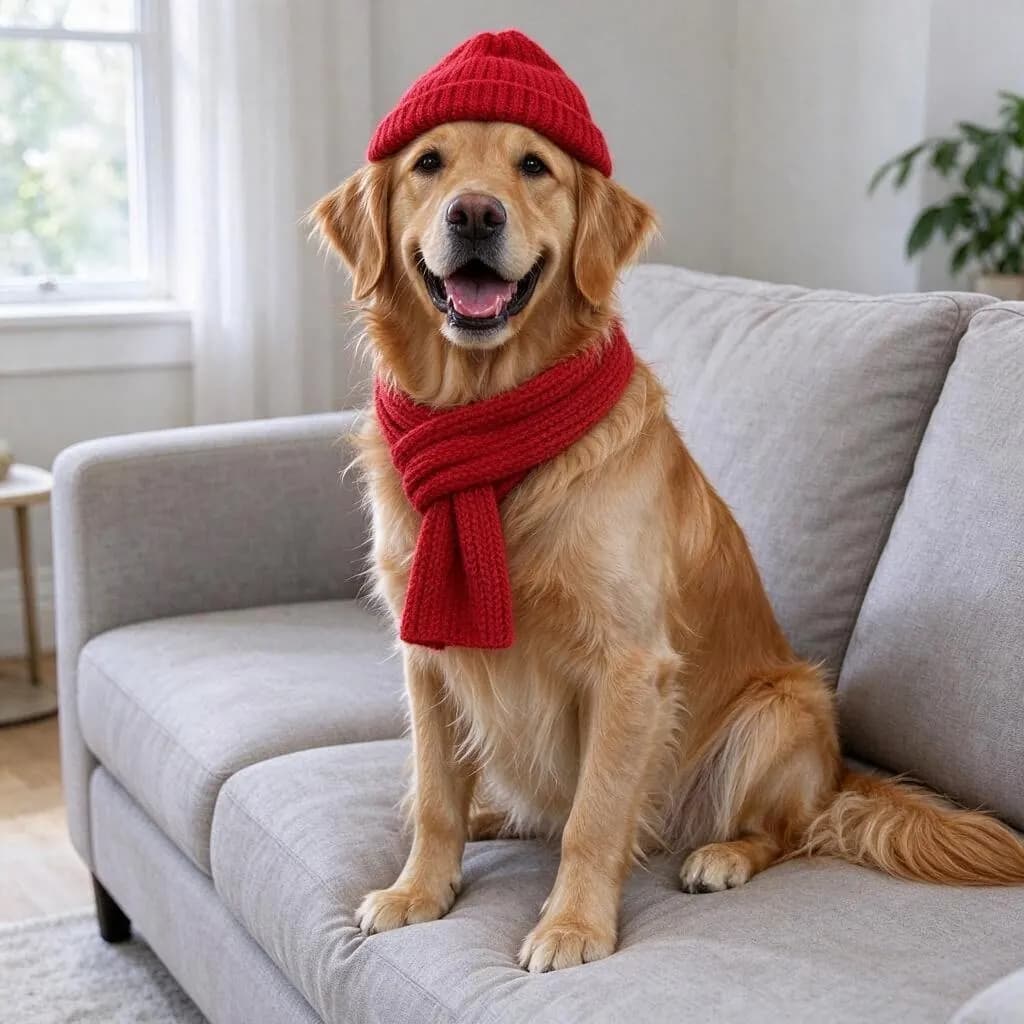
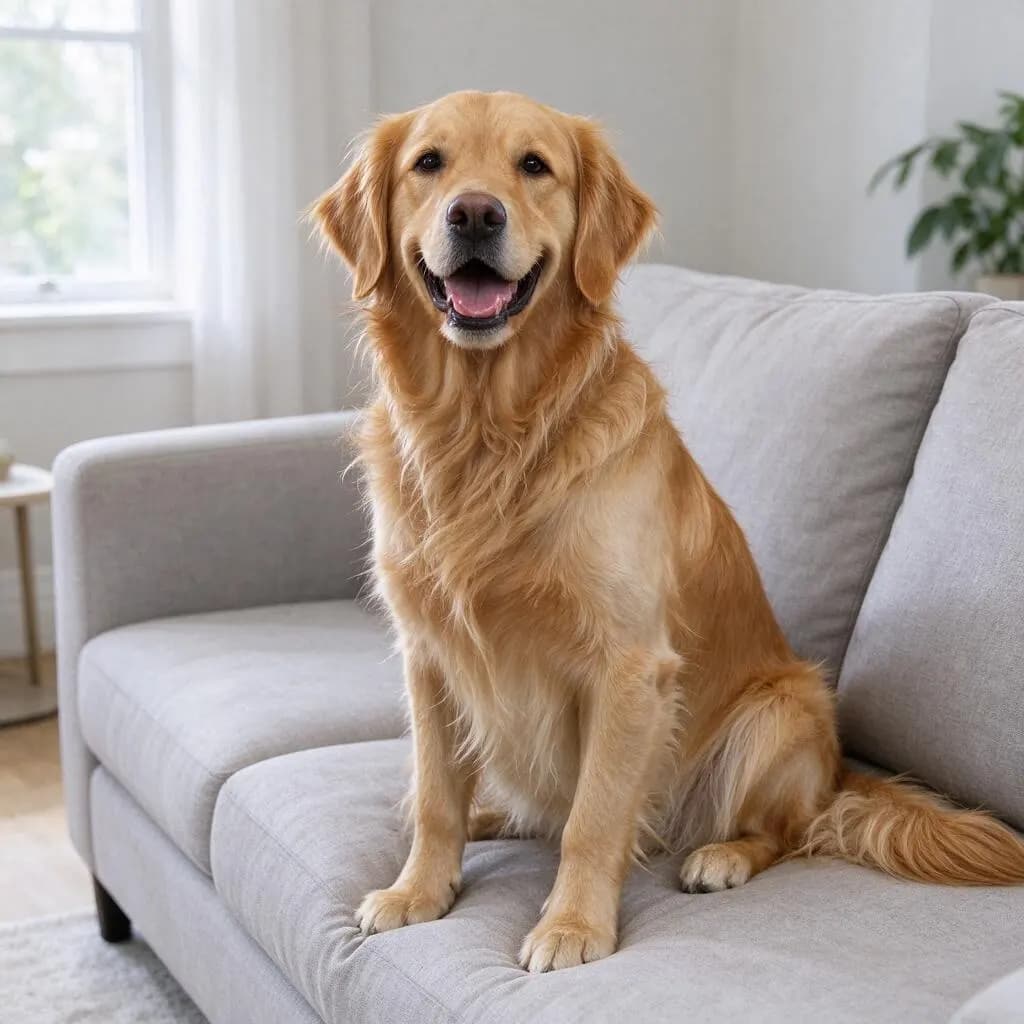 OriginalPets
Give the dog a small red knitted beanie and a matching scarf. Keep everything else the same

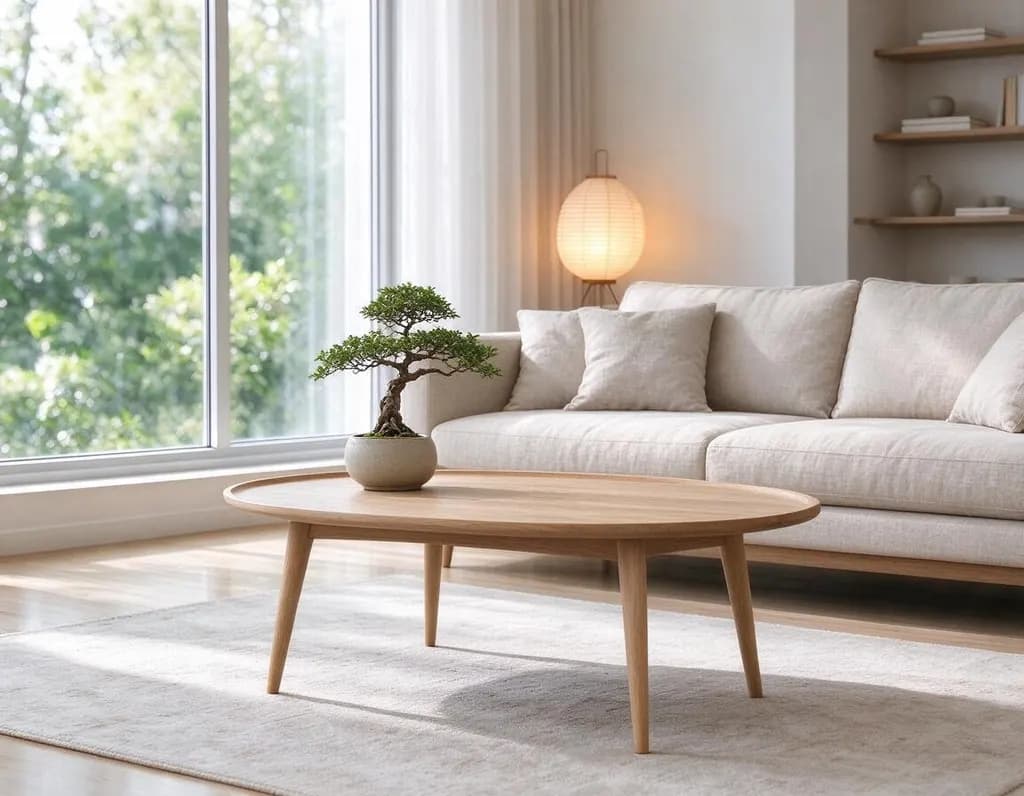
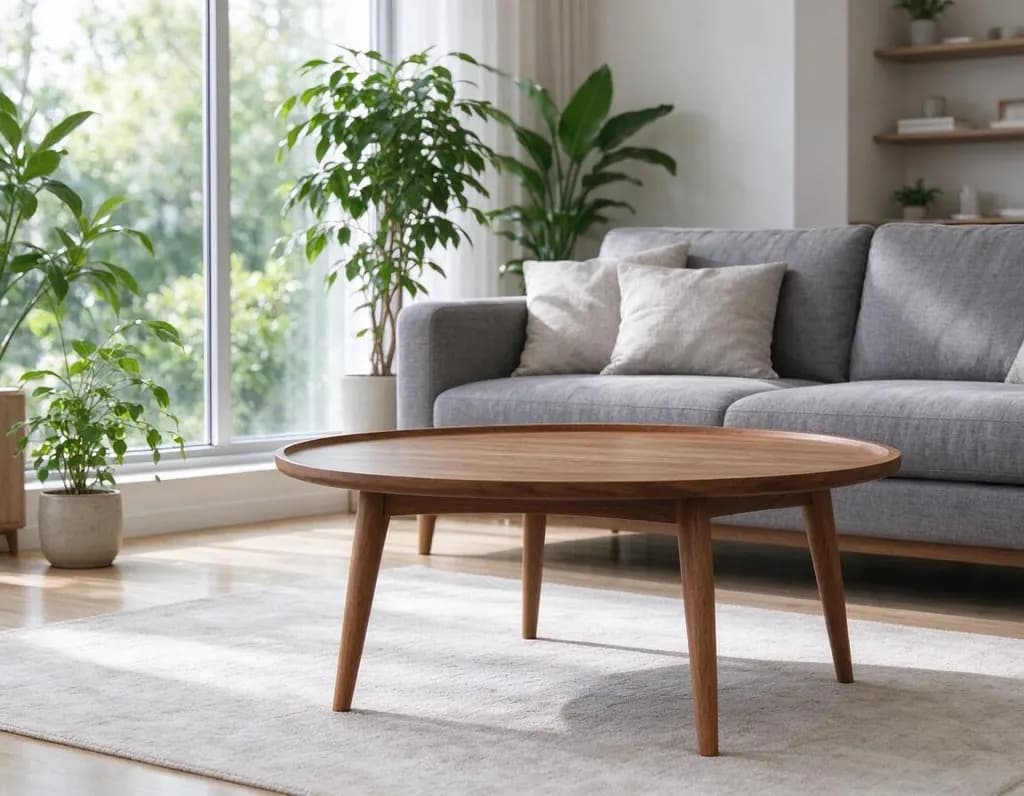 OriginalHome
Redesign the living room in a warm Japandi style: low linen sofa, light oak furniture, paper lamp and a bonsai. Keep the window, walls and camera angle

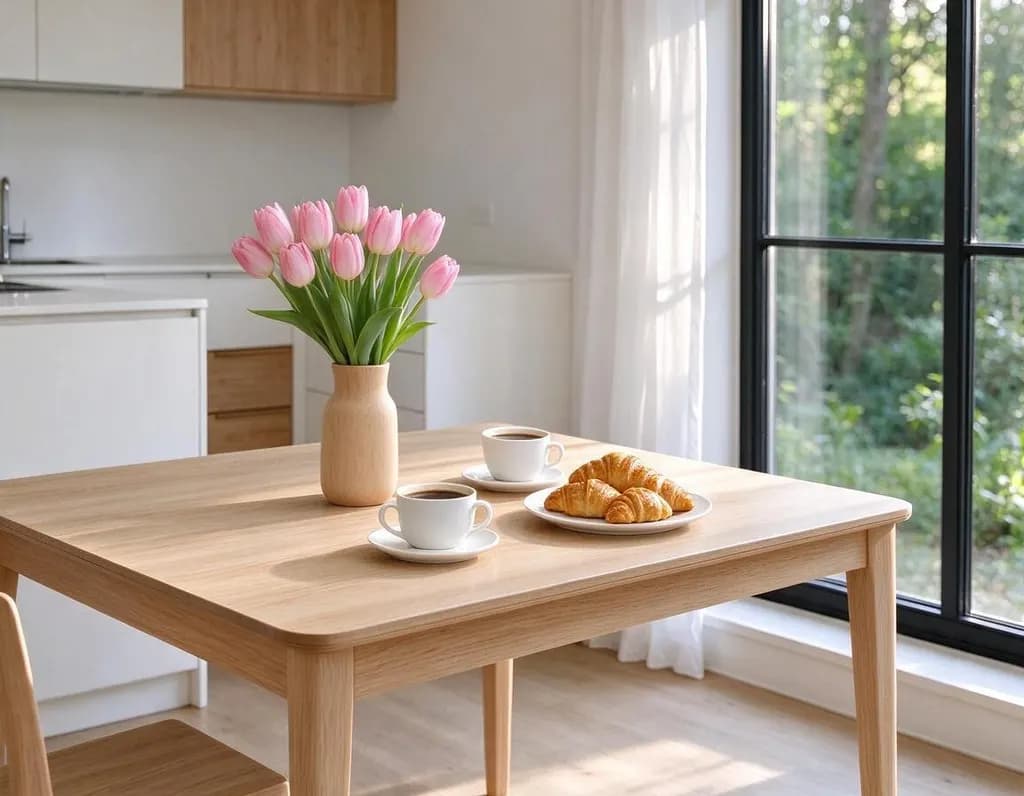
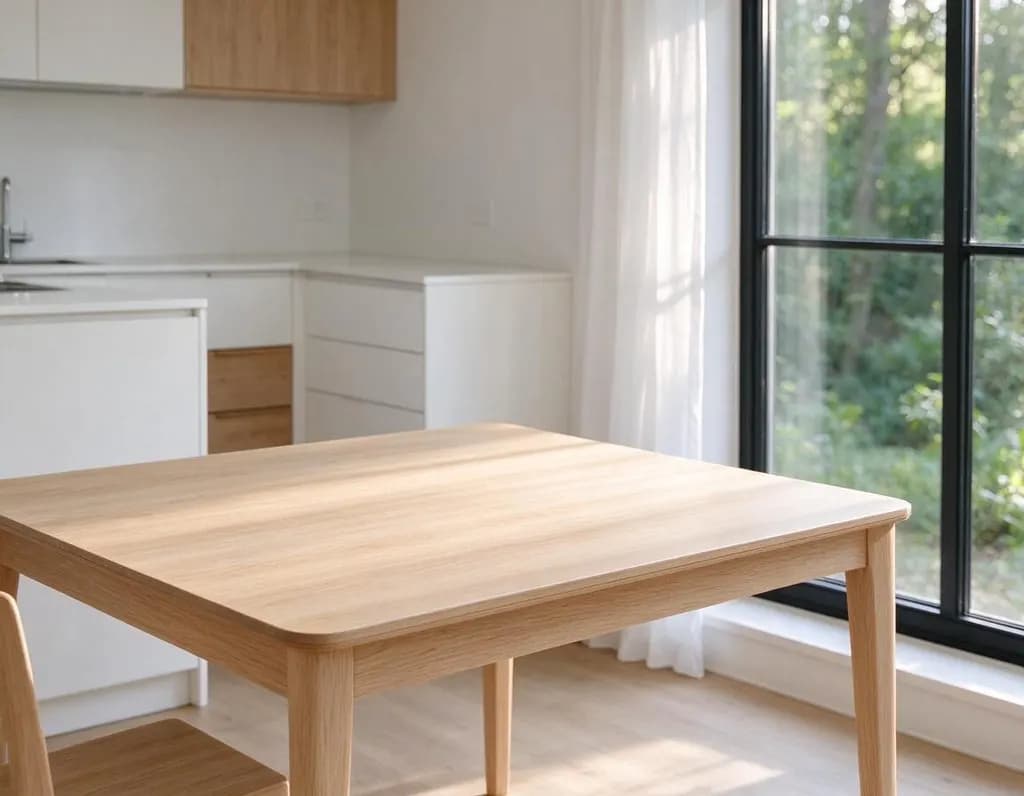 OriginalAdd
Add a vase of pink tulips, two cups of coffee and a plate of croissants on the table. Keep the rest of the kitchen unchanged
 OriginalLight & season
Make it a rainy night in the same street, glowing shop signs and reflections on the wet road. Keep her face, hair, pose and clothes unchanged
OriginalOutfitAdd round tortoiseshell sunglasses and a red silk scarf around her neck. Keep everything else unchanged
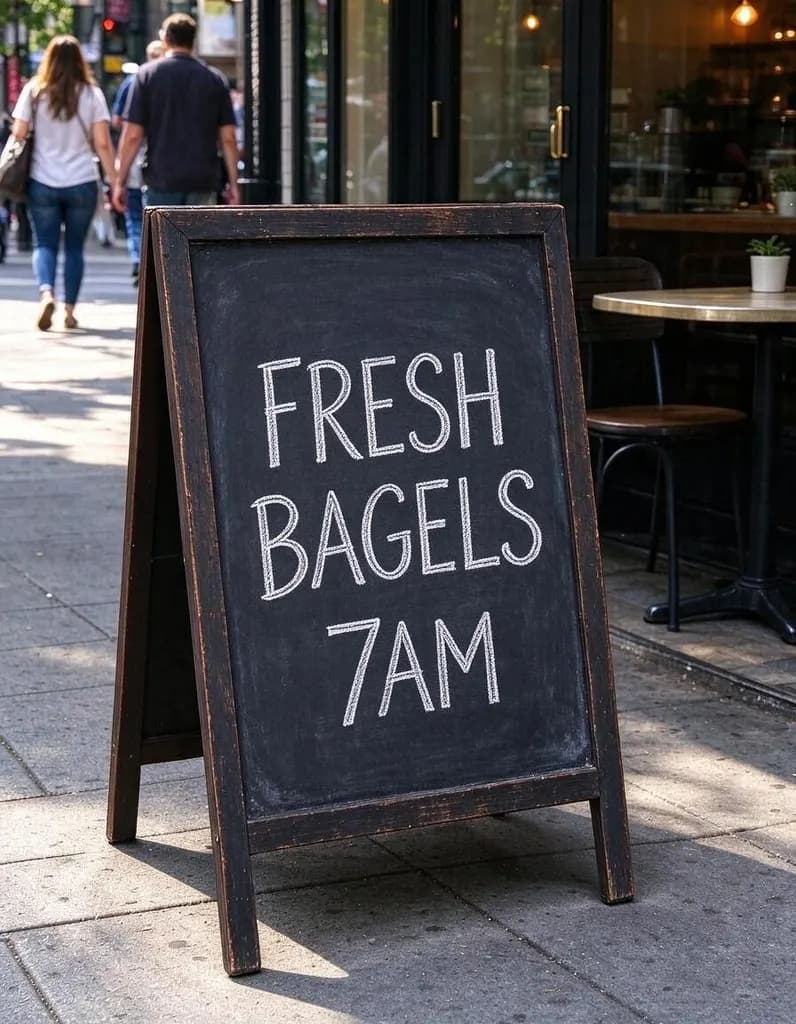
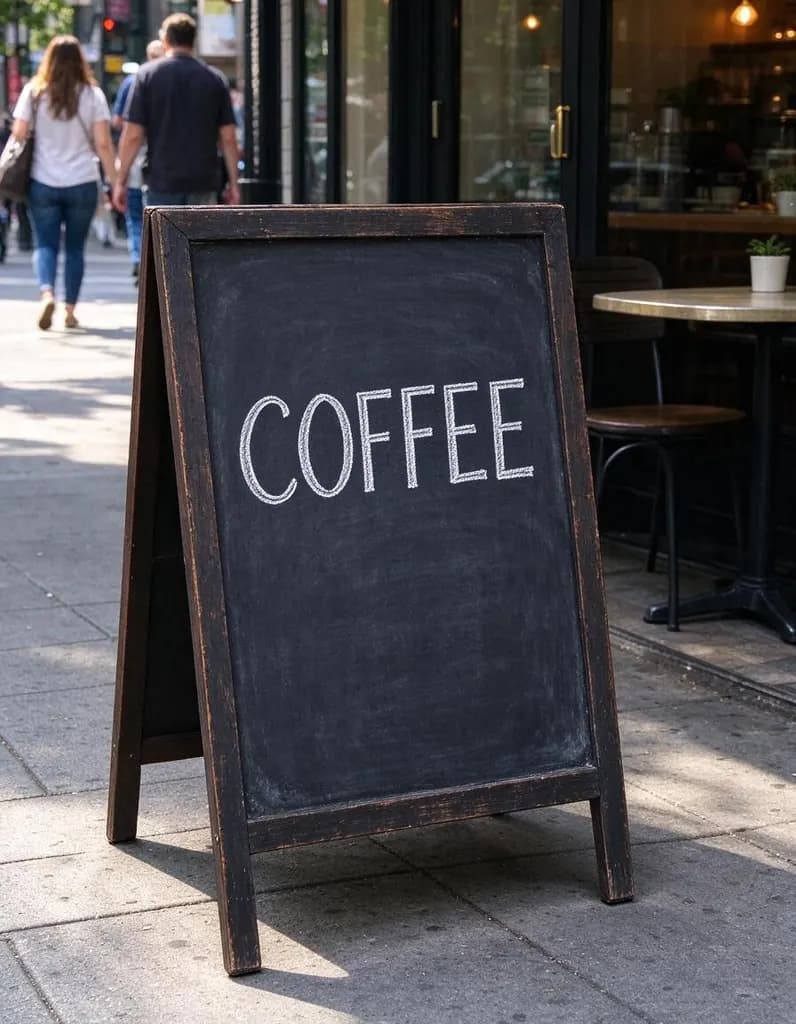 OriginalText & color
Change the text on the chalkboard to "FRESH BAGELS 7AM" in the same white chalk style

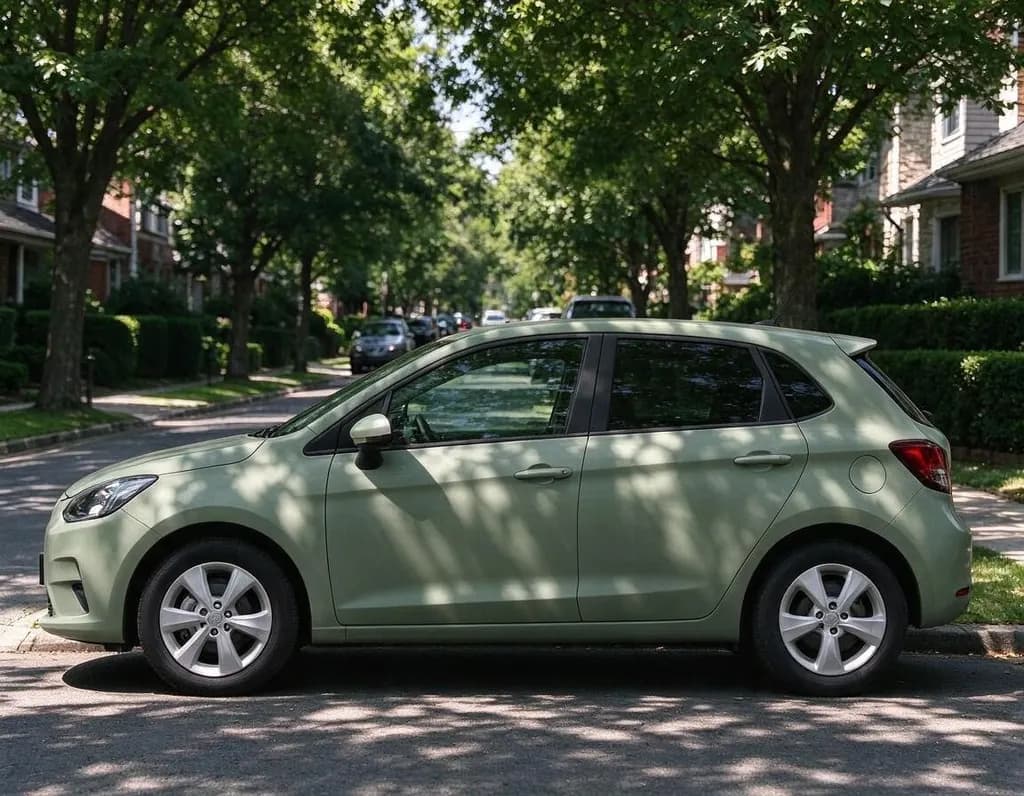
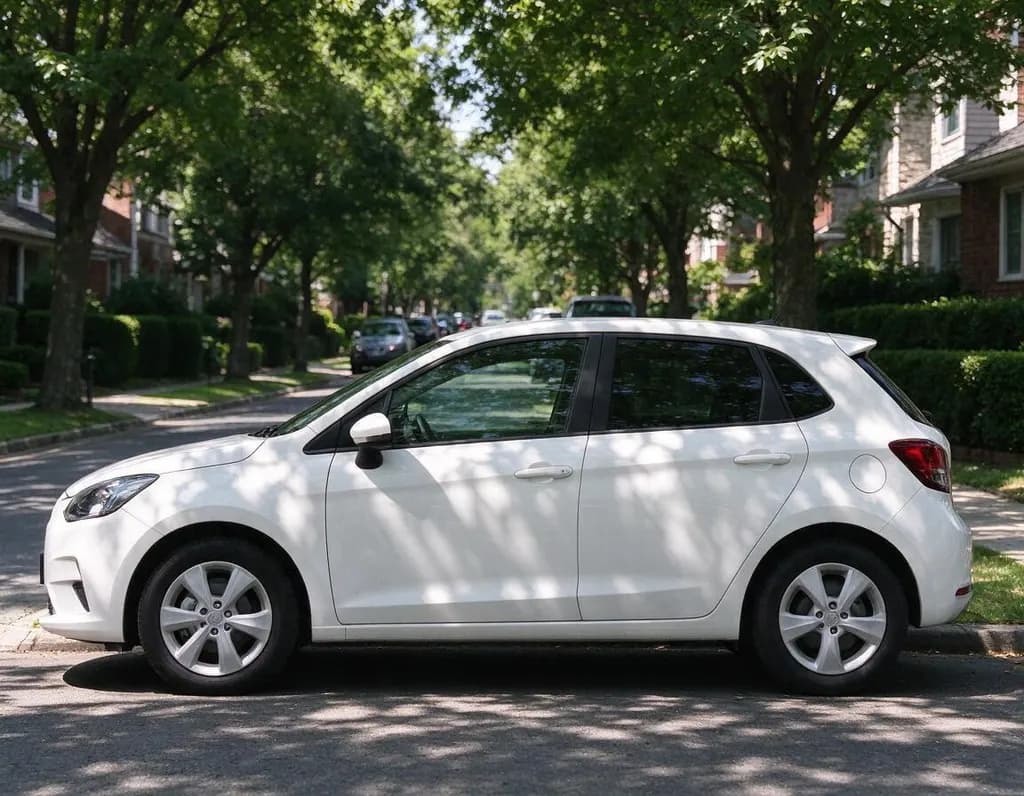 OriginalText & color
Change the car color to matte sage green. Keep the street, the light and the car's shape unchanged

Add a second photo
Show the AI what you mean: a jacket to try on, a product to place, a style to copy.
Your photo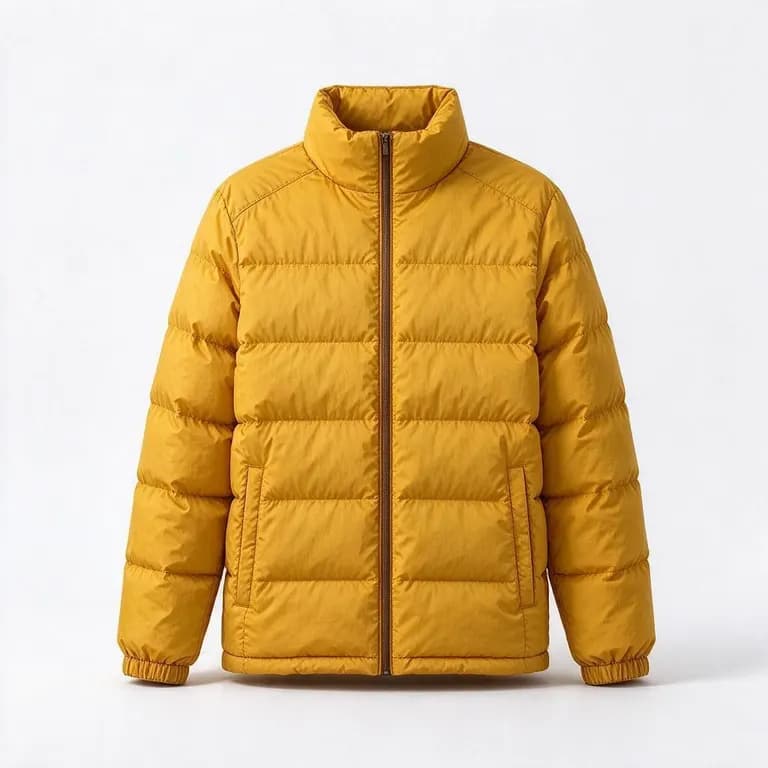 Reference“Make the woman wear the yellow puffer jacket from the second photo”
Made for a specific job
Pages built around one kind of edit, plus the tools that do one thing best.
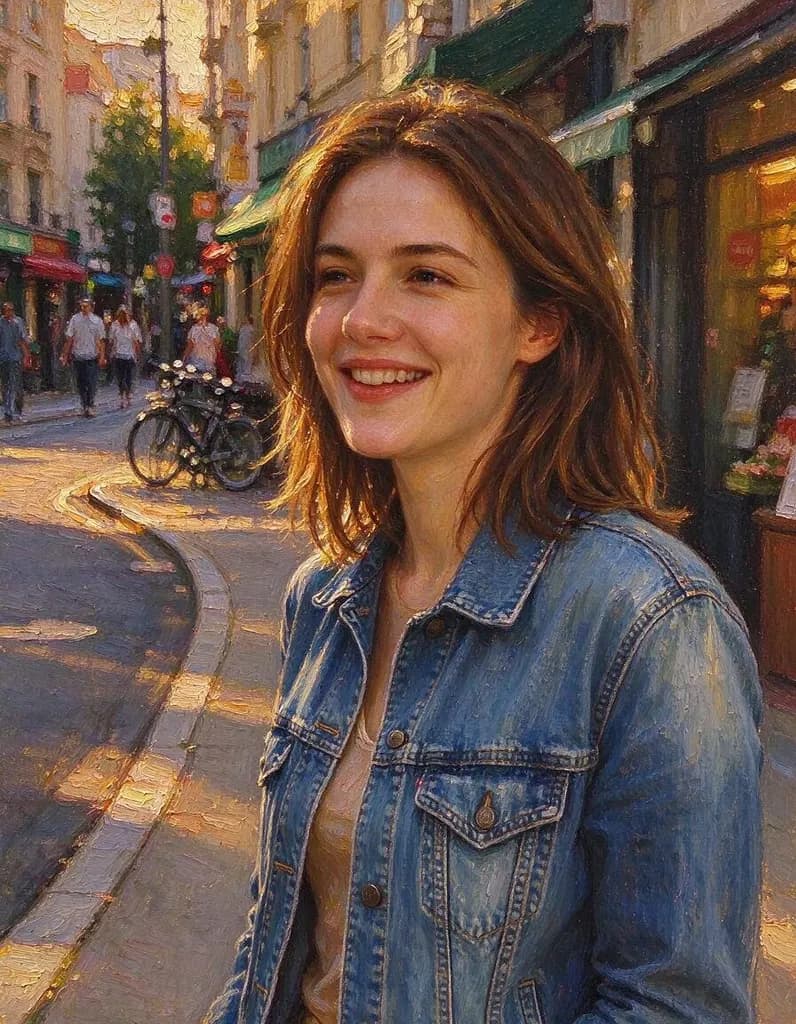 Image to Image AIUpload an image and say what it should become: an oil painting, an anime drawing, a 3D scene, a photo from your sketch, or the style of another picture. The layout of your image stays.AI Clothes ChangerUpload a photo and describe a new outfit, or add a photo of the piece you want to try on. Your face, hair and pose stay the same.
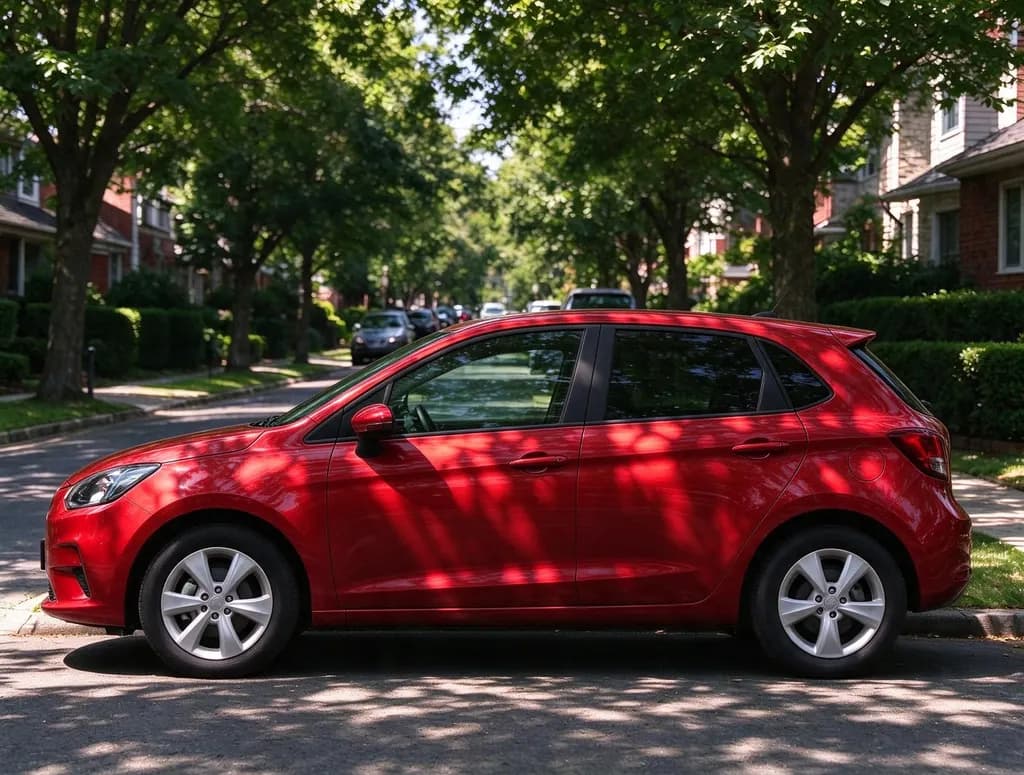 Image Color ChangerSay what to recolor and the new color, like 'make the car cherry red' or 'paint the walls sage green'. Everything else in the photo stays the same.
 Change BackgroundPick a new scene for a product, a portrait or a pet, or describe your own. Need plain white or a blur? Those are free.
 AI Object RemoverErase large objects and busy scenes with a cleaner, more natural fill. No watermark on the result.
 Hairstyle ChangerUpload a photo of yourself, describe the hairstyle you're thinking about and see it on you – no scissors, no dye.
 Generative FillBrush an area, type what you want there, and the AI paints it in to match the rest of the photo.
Write an edit that works
Say three things: what to change, what it should become, and what to keep.
Give the dog a small red knitted beanie and a matching scarf. Keep everything else the same.
- What to change: the jacket, the sky, the dog
- What it becomes: be specific about color and material
- What to keep: face, pose, background
One change per edit works best. When it looks right, press Keep editing and make the next change.
AI Photo Editor in 3 steps
Why people use it
Edit with plain words
Describe the change the way you'd explain it to a friend. The AI works out which part of the photo to edit, no brushes or masks needed.
Add a reference photo
Add up to two extra photos: a jacket to try on, a product to place in the scene, a room style to copy. Mention it in your edit.
Keep editing the result
One change at a time works best. Press Keep editing and the result becomes the photo for your next change, no re-uploading.
One price per edit
Each edit costs 8 credits, whatever you ask for. Credits come in packs or with a plan, and failed jobs are refunded.
Private uploads
Location and other private metadata are stripped from your photo, and uploads are deleted after 7 days.
What people use it for
An AI photo editor lets you change a picture by describing the edit instead of doing it by hand. Try on a different outfit before buying it, take tourists out of a holiday photo, add flowers and coffee to an empty table, turn a summer house into a snowy evening, put a product into an ad-style scene or dress up your dog. For outfits there is a dedicated AI Clothes Changer, and for rooms an AI Room Design page with style ideas.
How to write a good edit prompt
- Say what to change. "The denim jacket", "the sky", "the text on the sign". Point at one thing.
- Say what it should become. Be specific about color, material and style: "a cream cable-knit sweater", "matte sage green".
- Say what to keep. End with "keep her face and pose unchanged" or "keep everything else the same". This is the single most useful sentence.
- One change at a time. Big edits work best in steps. Change the outfit, press Keep editing, then change the place.
- Use a second photo. If words aren't enough, add a reference photo of the jacket, product or style and mention "the second photo".
AI Photo Editor vs. other tools
Use the editor when you want a specific change written in your own words. For a new background behind a person or product, Change Background is built for exactly that; to take things out with a brush, use the AI Object Remover. If you just want your whole photo turned into a style, like anime or watercolor, the AI Photo Filter does it in one click. And if you don't have a photo to start from, the AI Photo Generator creates a realistic one from a text description.
Limitations
Like any AI editor, it can sometimes change more or less than you asked for, or get small details such as long text, hands or logos slightly wrong. Running the edit again or making the prompt more specific usually fixes it. Edits made with purchased or plan credits have no watermark.
AI Photo Editor FAQ
Try next
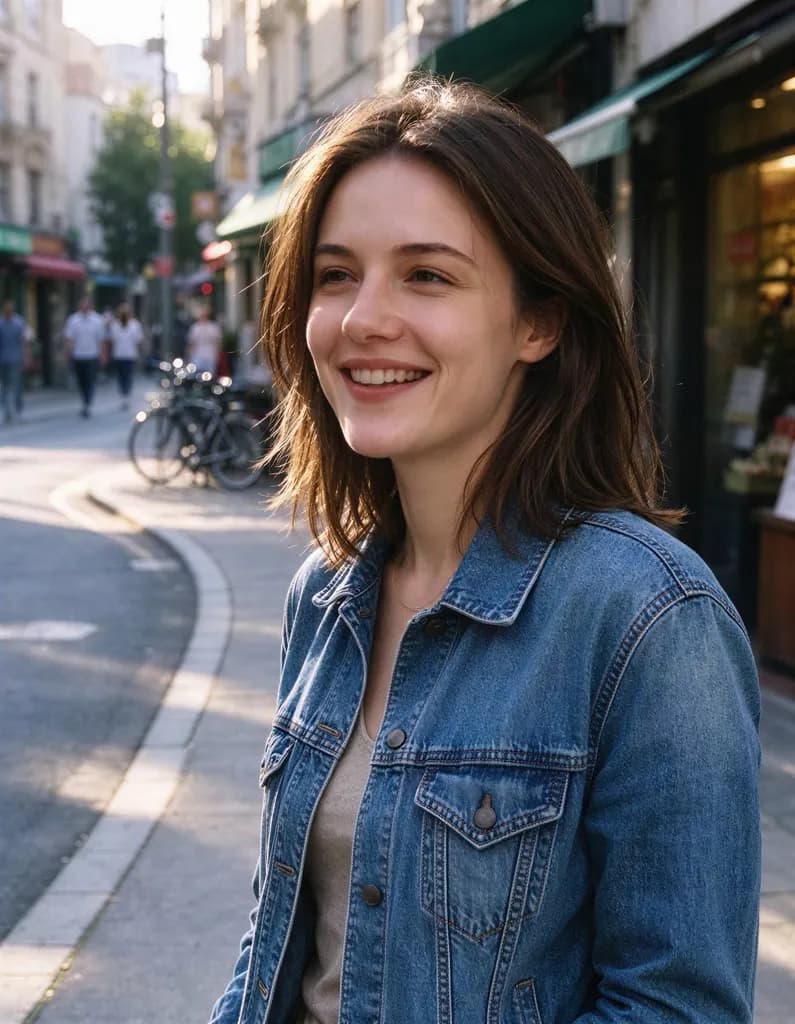 Image Upscalerfrom 2 creditsMake small images bigger and sharper in one click. Choose 2x or 4x, with no watermark on the result.
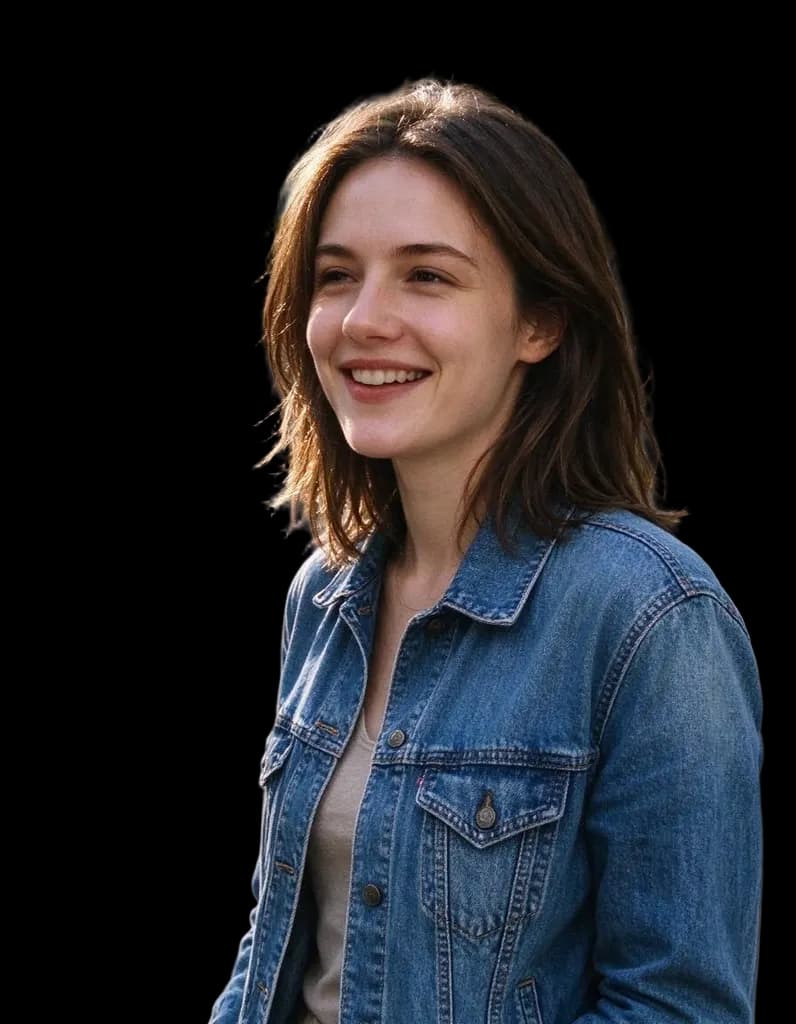 HD Background Remover1 creditClean cutouts for hair, fur and fine edges. Transparent PNG, no watermark.
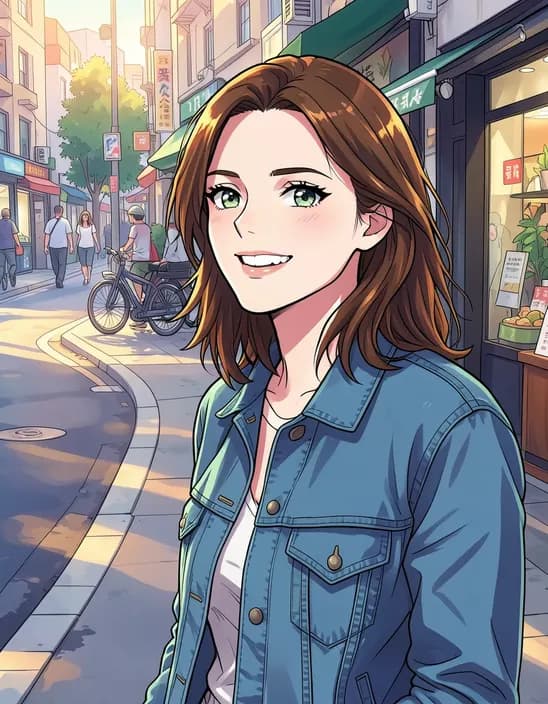 AI Photo Filter2 creditsTurn a photo into anime, a 3D cartoon, a sketch, a painting or a collectible toy. Pick a style and tap once. Works on selfies, couples, group shots and pets.
 AI Headshot Generator8 creditsUpload one selfie, pick a look and get a polished portrait headshot. No photographer, no studio booking.