Photo to Sketch: Turn Any Picture into a Pencil Drawing
Upload a photo and get it redrawn as a hand-drawn pencil sketch, with lines and shading like an artist's sketchbook.
- 2 credits
- Try without signing up
- No watermark with purchased credits
No sign-up needed to try. Guests get 3 free credits a day.
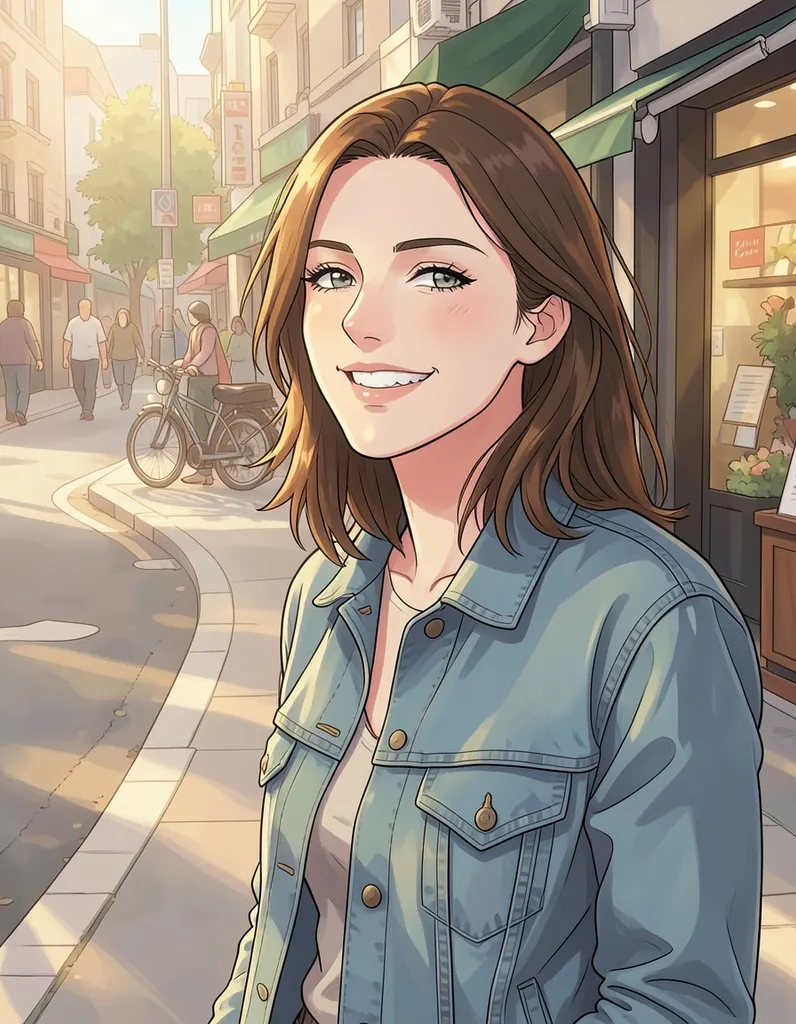
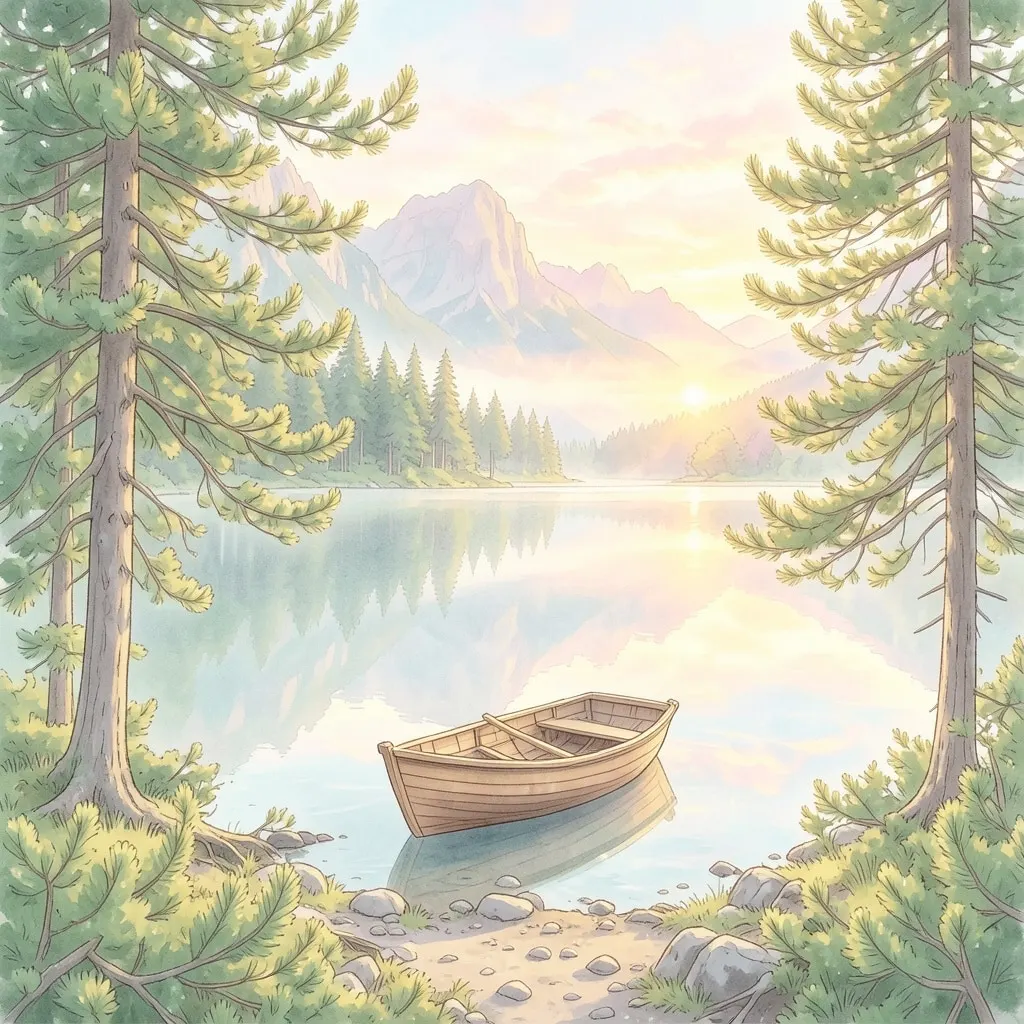
Pick a style
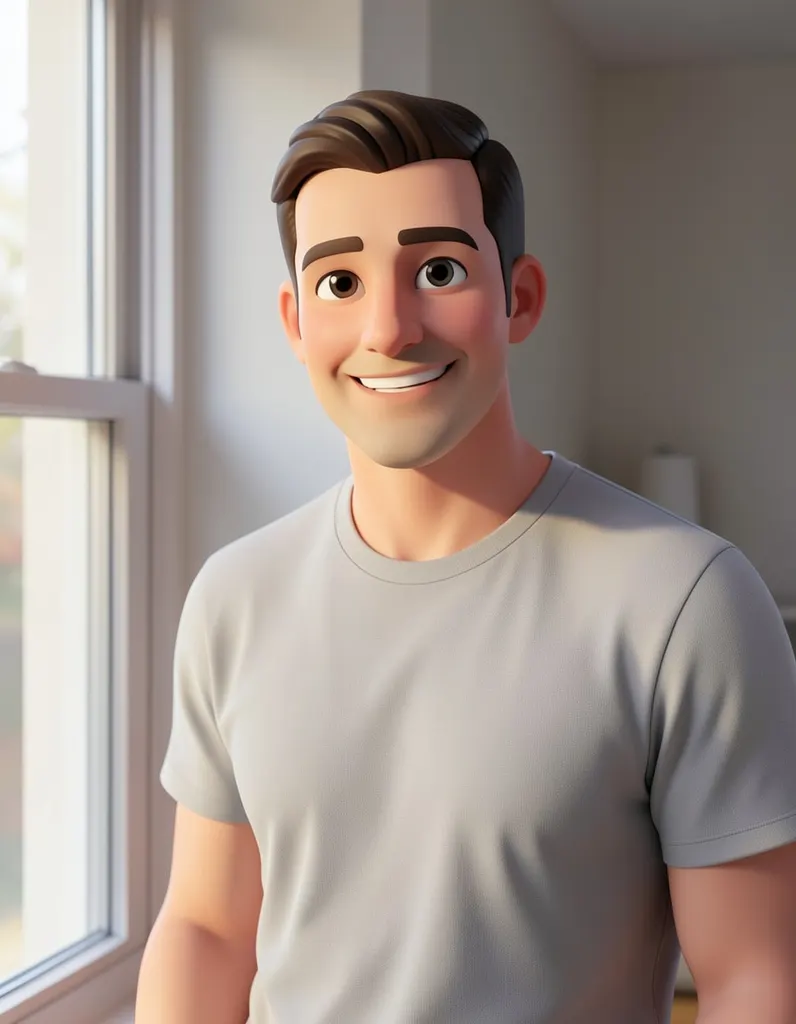
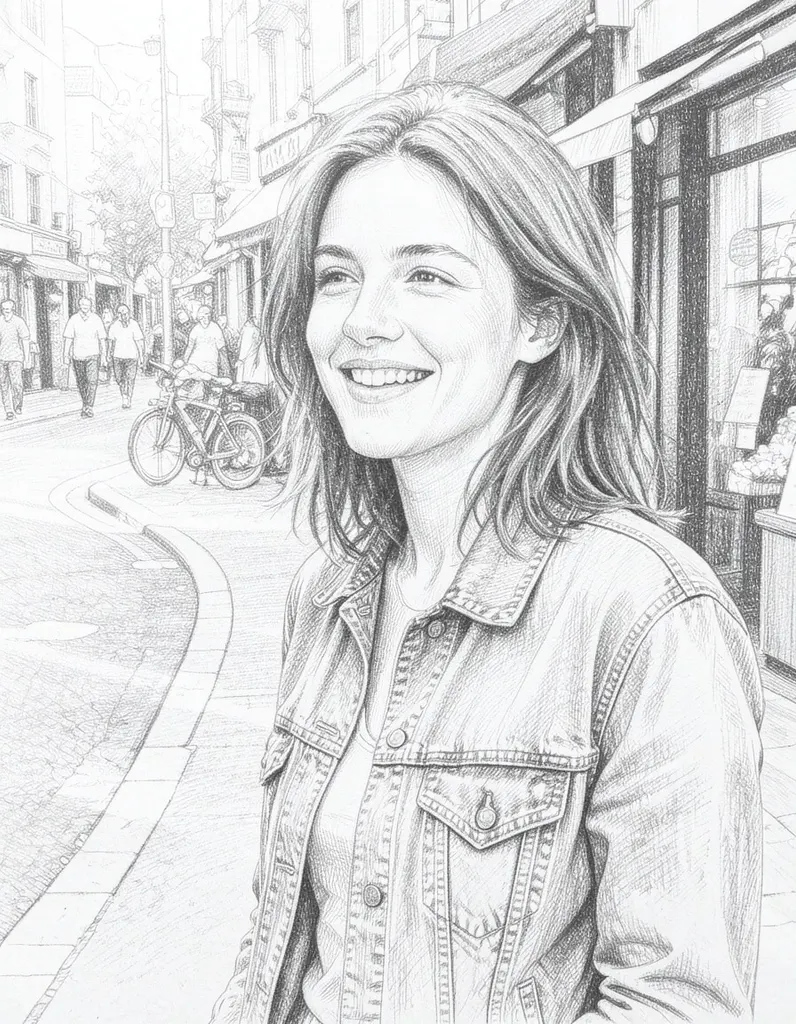
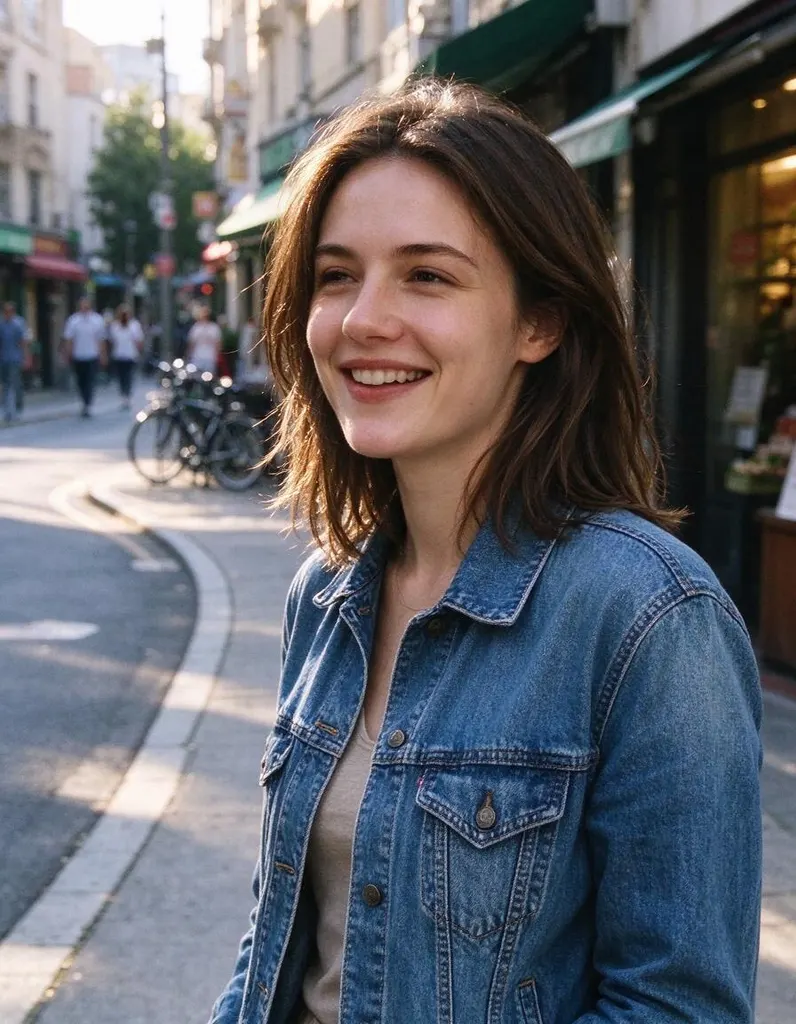
See what it does
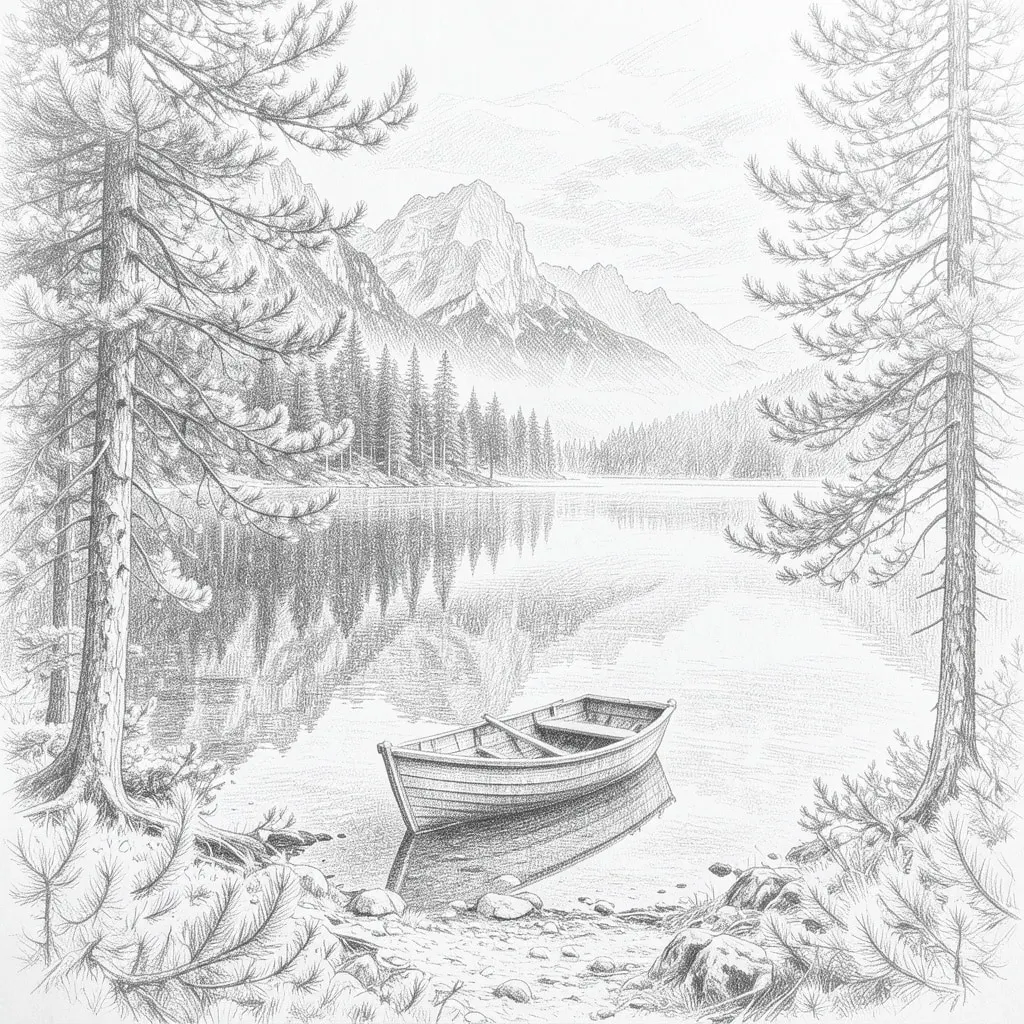
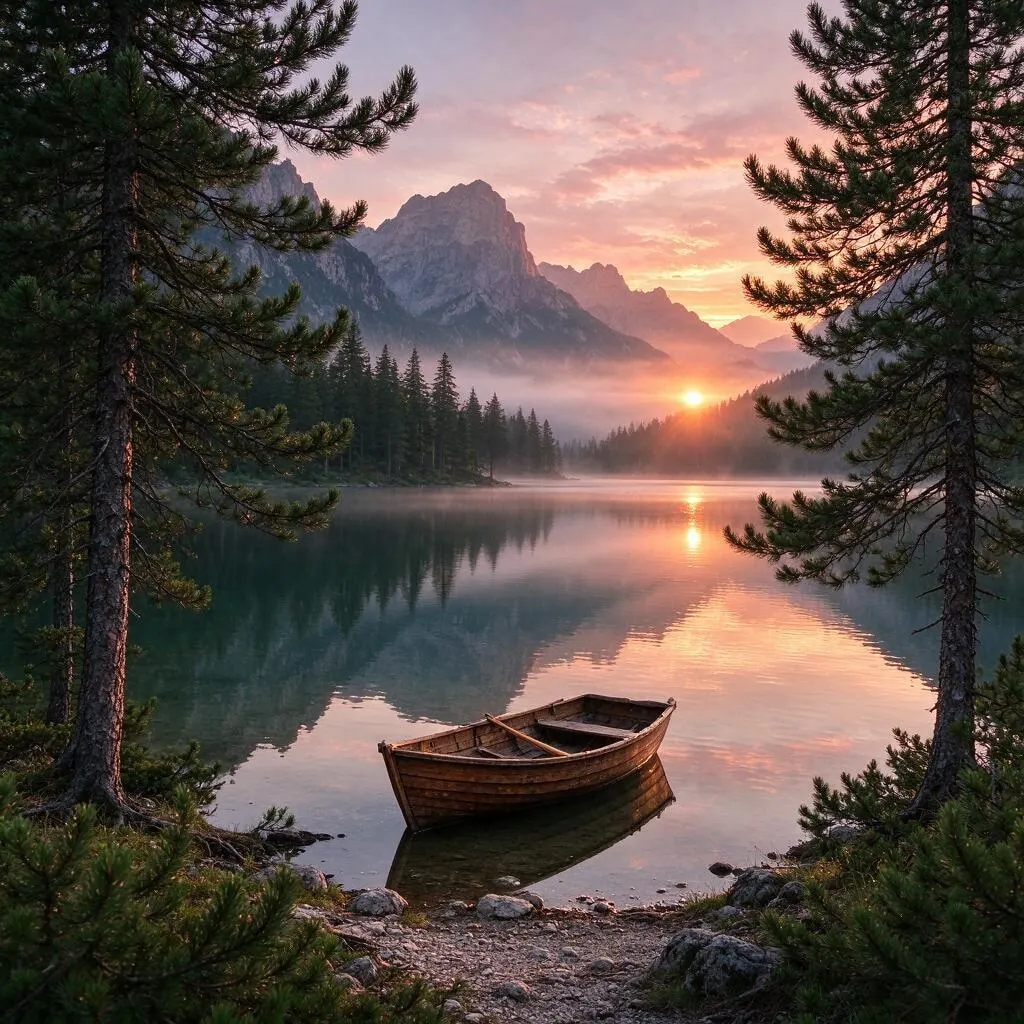
How it works
Why people use it
Real pencil look
Drawn outlines and soft graphite-style shading, not just a traced edge effect.
Portraits and pets
Faces, hair and fur become detailed, sketchbook-style portraits.
Buildings and places
Houses, streets and landmarks turn into architectural sketches, like pages from a travel journal.
Simple pricing
Each photo costs 2 credits. Try it without an account using free daily credits.
Print-ready with one more step
Send the sketch to the Image Upscaler to get a larger file for framing or cards.
From photo to sketch in one click
Turning a photo to sketch art used to mean hours with a pencil or a lot of fiddling with layers. This tool redraws your picture as a pencil drawing in one step: outlines where the edges are, hatching and smudged graphite where the shadows fall. The result looks like a page from an artist's sketchbook, not a photo with an edge filter on top.
What people sketch
- Portraits. A sketch of a partner, parent or child makes a thoughtful framed gift or card.
- Pets. Fur and whiskers look great in pencil, and a pet sketch is a popular keepsake.
- Houses and places. Turn a photo of your home, a wedding venue or a favorite travel spot into an architectural sketch.
- Reference and inspiration. Artists use sketches as a starting point for their own drawings or paintings.
- Cards and invitations. A sketched venue or couple portrait gives wedding stationery and holiday cards a handmade feel.
If you want color, try the watercolor or oil painting styles in the AI Photo Filter instead – they keep the hand-made feel but add paint.
Tips for a better sketch
- Choose good light. Side light that creates clear shadows gives the most depth and shading.
- Keep the subject large. A face that fills most of the frame gives more detail than a tiny figure in a wide shot.
- Simplify the background. Busy backgrounds become busy sketches. A plain wall or open sky keeps attention on the subject.
- Run it again for a different hand. Each run is drawn fresh, so a second try can give lighter or bolder strokes.
Limitations
Because the photo is redrawn as a drawing, very small details, text and logos may be simplified or left out. Very dark or low-resolution photos give weaker sketches. Results made with free credits carry a small watermark; results made with purchased credits don't.
Frequently asked questions
Try next
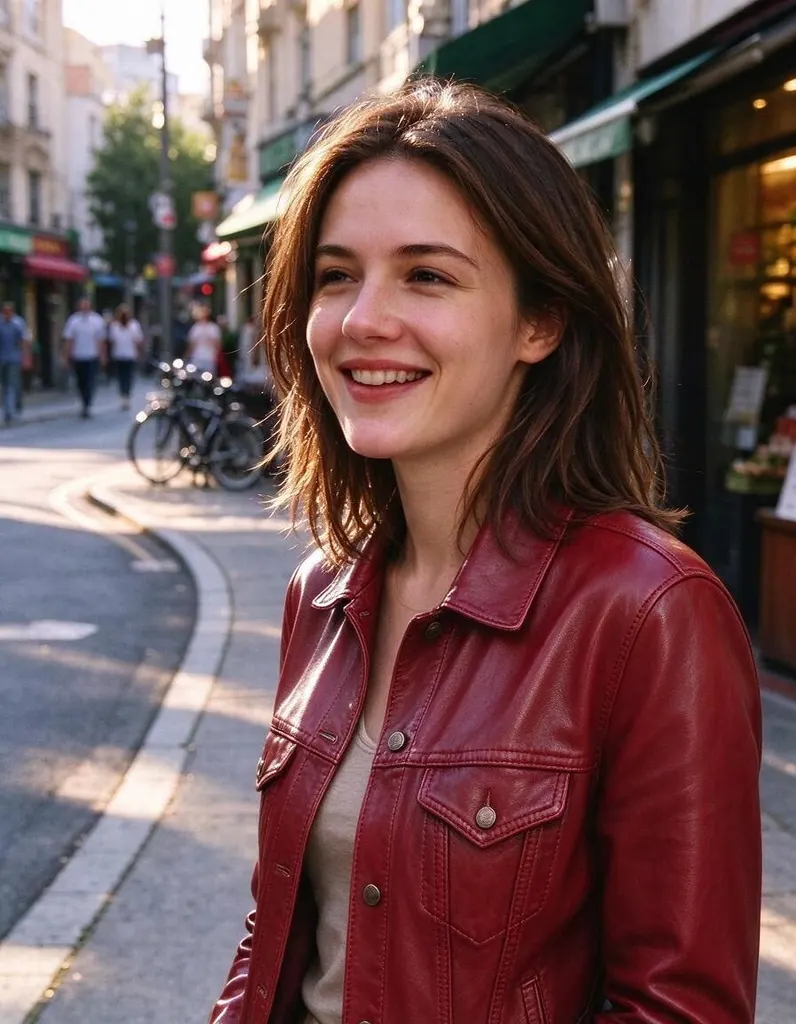 AI Photo Editor8 creditsUpload a photo, describe the edit in plain English and get the new version. No layers, no brushes, no editing skills needed.
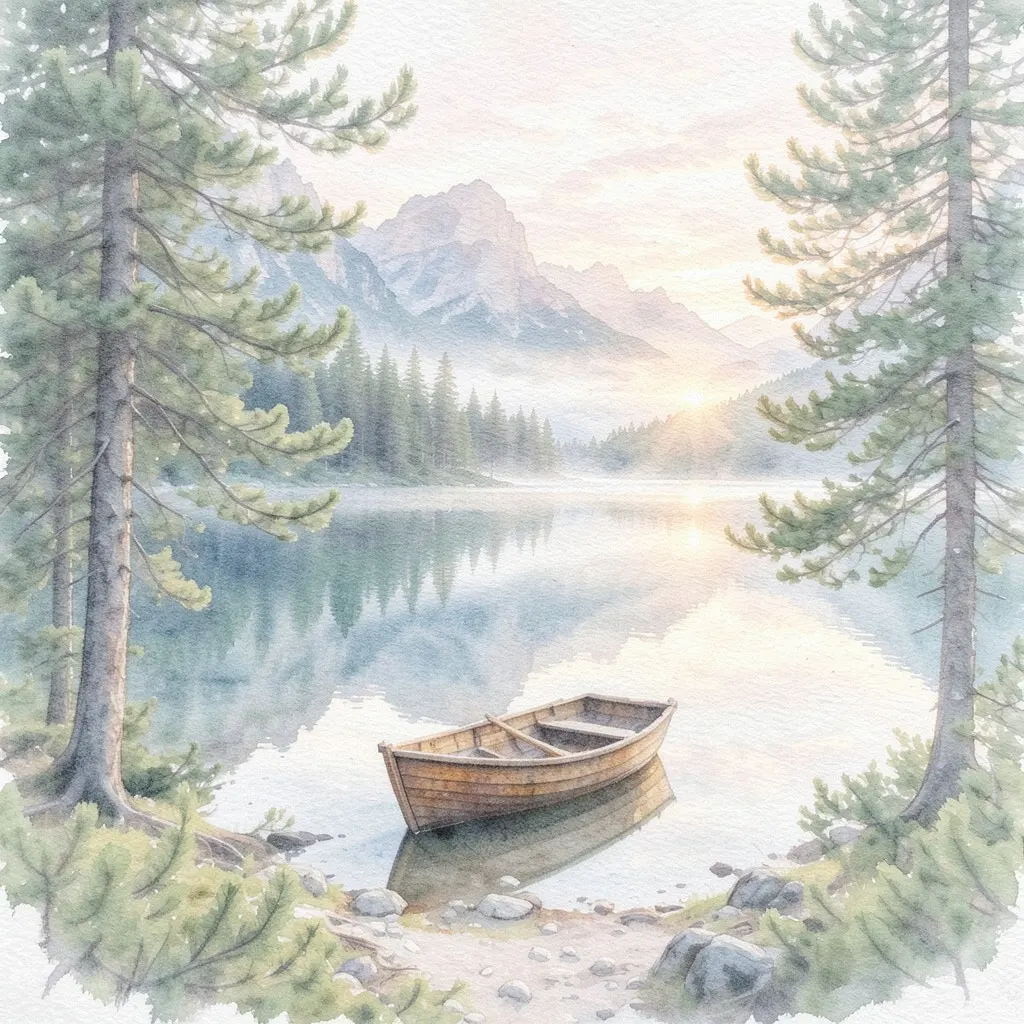 AI Photo Filter2 creditsPick a style, upload a photo and get it redrawn as art. No prompt to write and no sign-up needed to try it.
 AI Headshot Generator8 creditsUpload one selfie, pick a look and get a polished portrait headshot. No photographer, no studio booking.
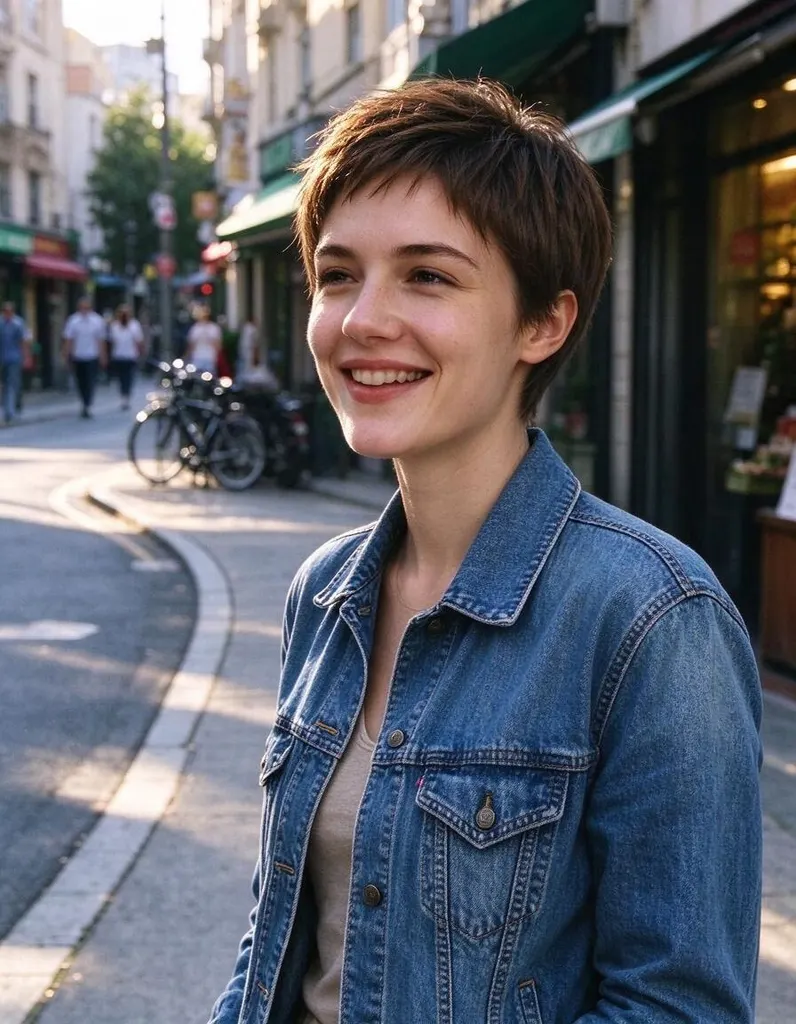 Hairstyle Changer8 creditsUpload a photo of yourself, describe the hairstyle you're thinking about and see it on you – no scissors, no dye.