Cartoon Filter: Turn Yourself into a 3D Cartoon Character
Upload a photo and get a rounded, animated-movie style 3D cartoon version of it in one click.
- 2 credits
- Try without signing up
- No watermark with purchased credits
No sign-up needed to try. Guests get 3 free credits a day.
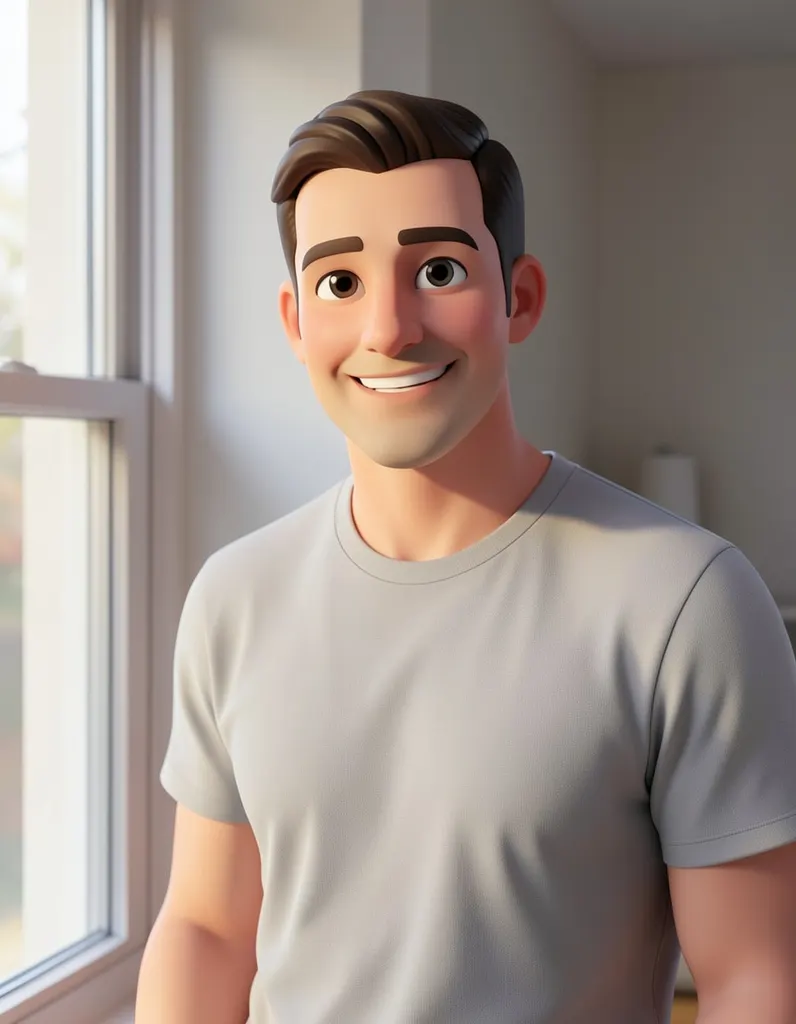
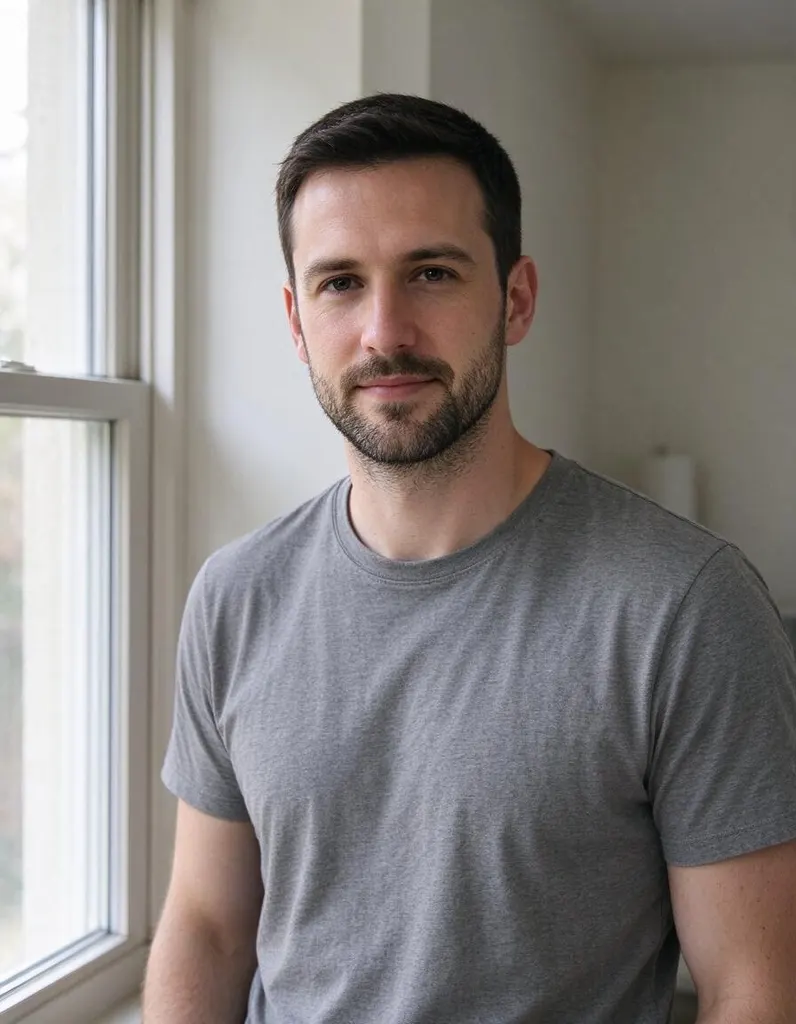
Pick a style
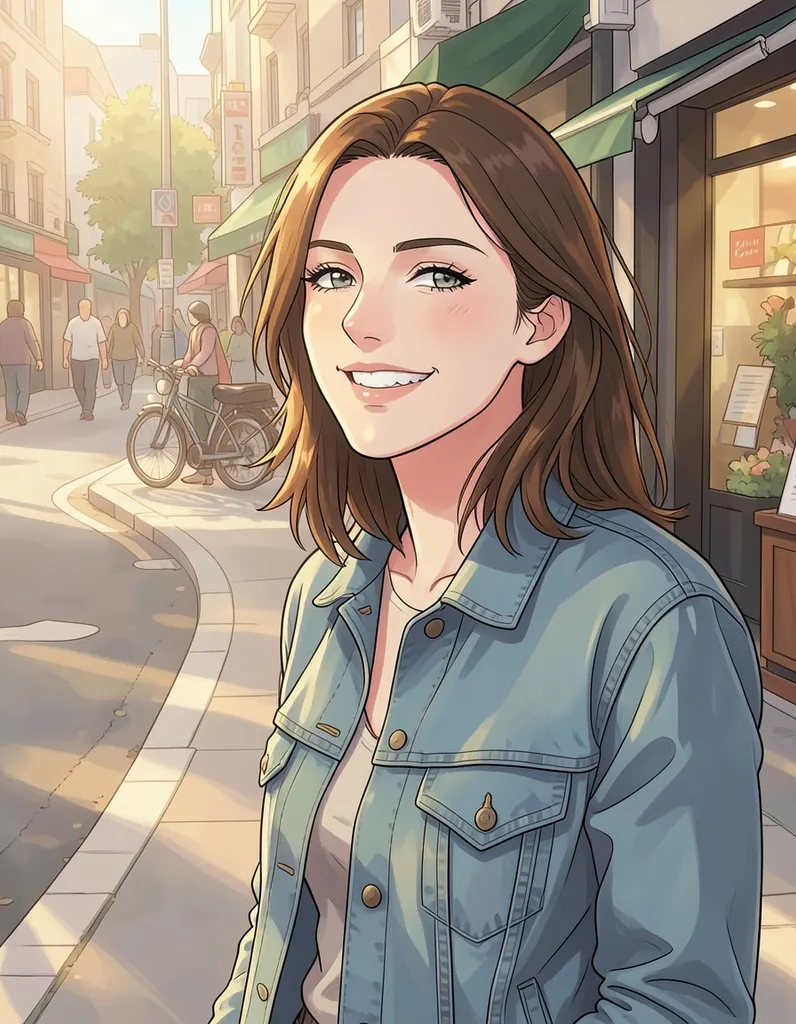
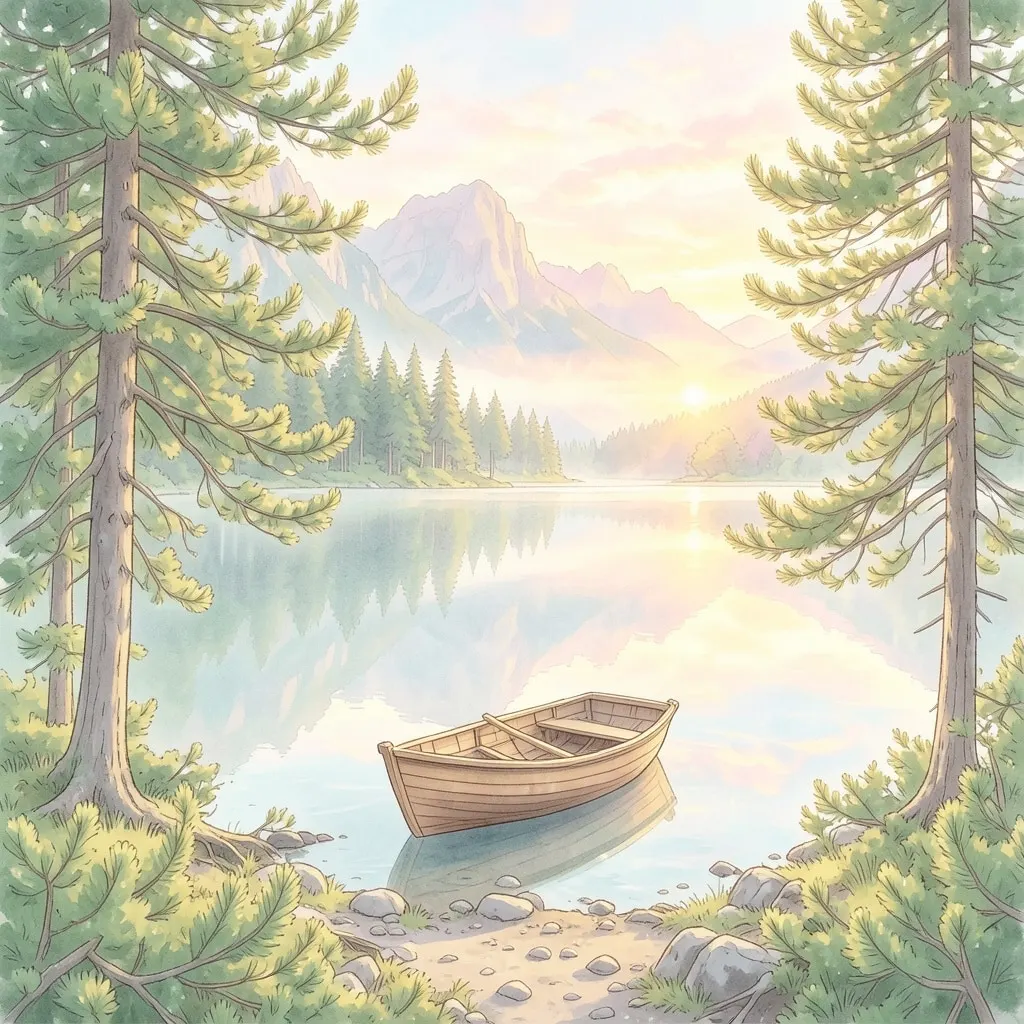
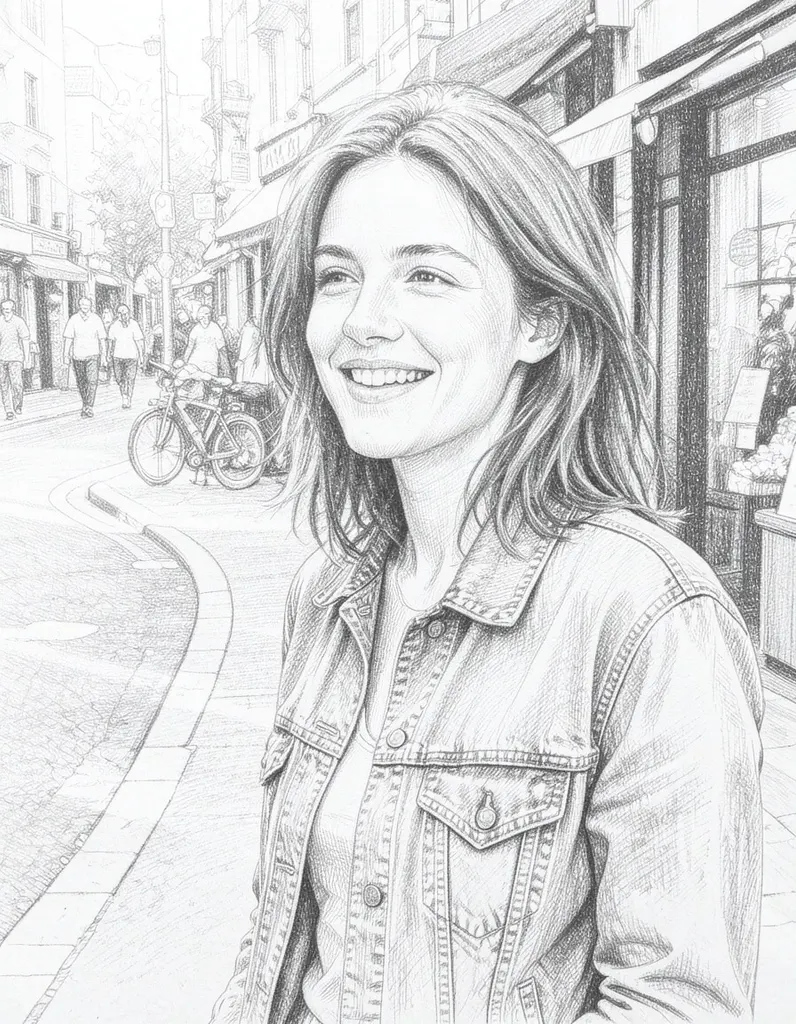
See what it does
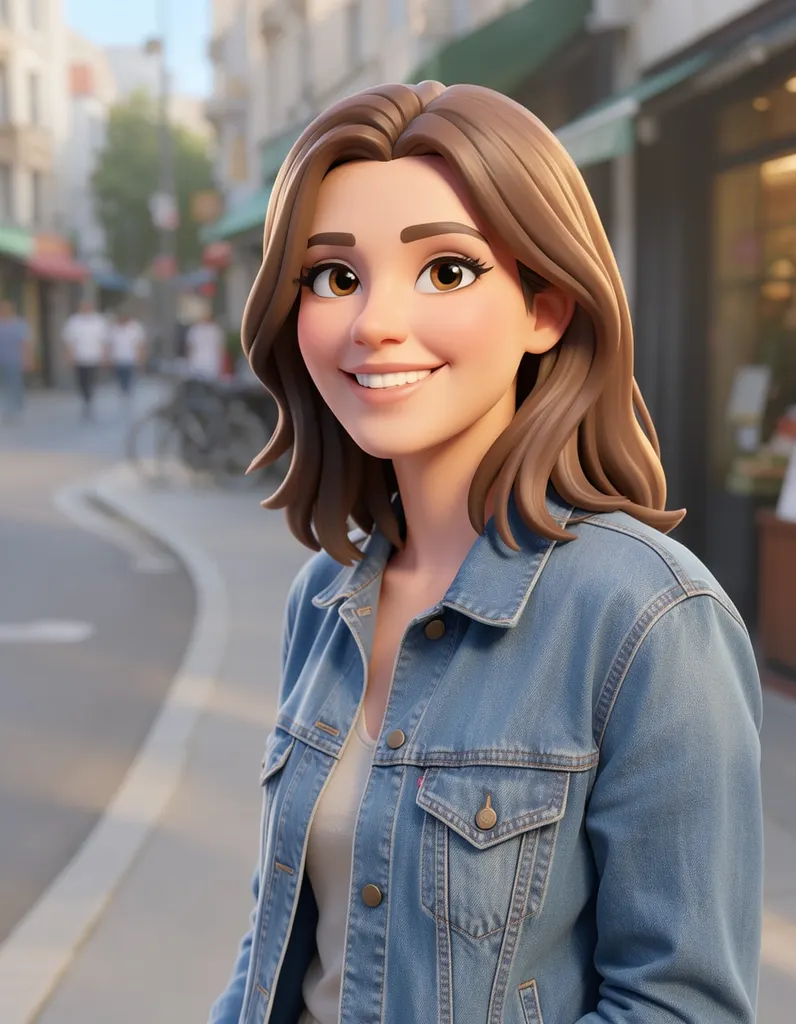
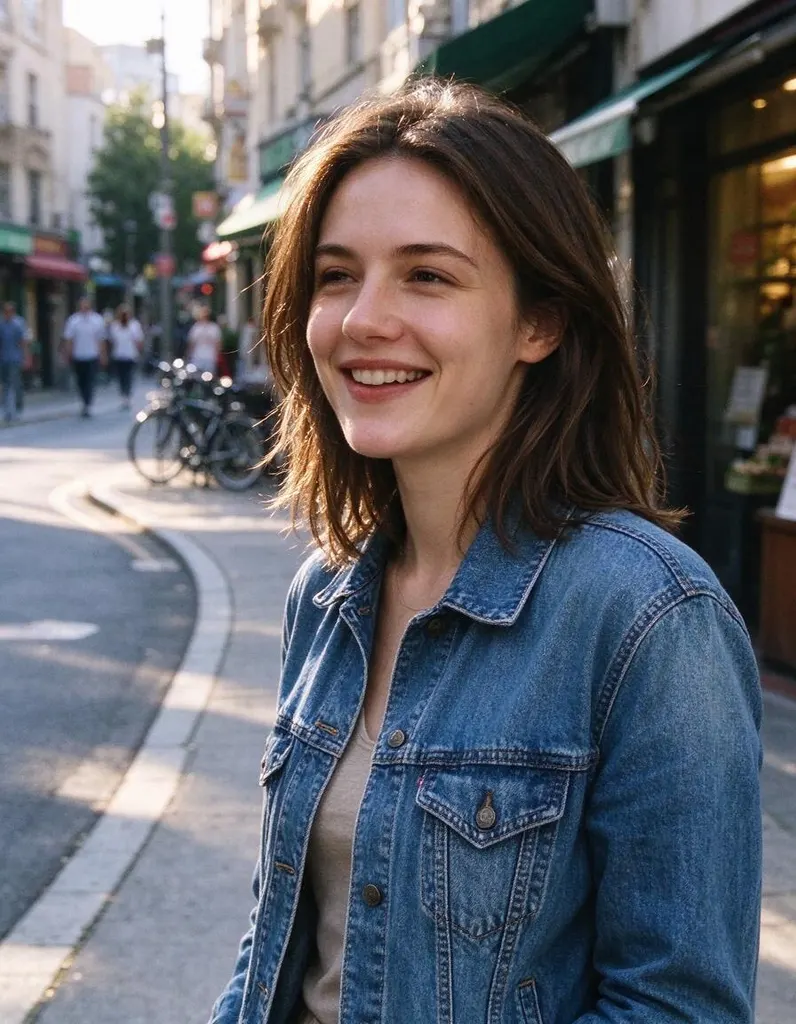
How it works
Why people use it
3D animated-movie look
Soft, rounded shapes, big friendly eyes and smooth, glossy shading, like a character from a 3D animated film.
Great for families and kids
Turn the whole family, a birthday child or grandparents into a cheerful cartoon cast.
Pets become characters
Dogs, cats and other pets get a playful, toy-like 3D version of themselves.
Simple pricing
Each photo costs 2 credits. Try it without an account using free daily credits.
Ready for avatars and cards
Use your cartoon as a profile picture, on a party invitation or in a personalized greeting card.
A 3D cartoon version of you
The cartoon filter turns a normal photo into a 3D cartoon character, the kind you would expect to see in an animated family movie. Faces get rounder, eyes bigger and expressions friendlier, while hair, clothes and colors keep the feel of the original photo. It is a quick way to make a fun avatar, surprise a friend, or create a cartoon cast of your whole family.
Ideas for your cartoon
- Profile pictures. A cartoon avatar stands out in a list of ordinary headshots and still looks like you.
- Birthday and party invitations. Put the birthday child, as a cartoon, right on the card.
- Gifts. Cartoon portraits of couples, grandparents or pets make a personal print, mug or phone wallpaper.
- Family portraits. One group photo can turn into a cartoon movie poster of the whole family.
Tips for the best cartoon
Use a photo with good, even light and a sharp subject. Faces that look toward the camera give the most expressive results. Big smiles and fun poses carry over well, since cartoon characters are meant to be expressive. Simple backgrounds keep the focus on the character, while a busy background is turned into a cartoon set as well. If you don't love the first version, run the filter again – each run is drawn fresh.
Good to know
The cartoon filter is about 3D characters. For a flat, illustrated look try comic book or pop art, and for Japanese animation try the Anime Filter. All styles live in the AI Photo Filter if you want to compare them on the same picture.
Cartoon styles simplify on purpose, so fine details like text, patterns and small accessories may change or disappear. Results made with free credits carry a small watermark; results made with purchased credits don't.
Frequently asked questions
Try next
 AI Photo Editor8 creditsUpload a photo, describe the edit in plain English and get the new version. No layers, no brushes, no editing skills needed.
 AI Photo Filter2 creditsPick a style, upload a photo and get it redrawn as art. No prompt to write and no sign-up needed to try it.
 AI Headshot Generator8 creditsUpload one selfie, pick a look and get a polished portrait headshot. No photographer, no studio booking.
 Hairstyle Changer8 creditsUpload a photo of yourself, describe the hairstyle you're thinking about and see it on you – no scissors, no dye.