Anime Filter: See Yourself as an Anime Character
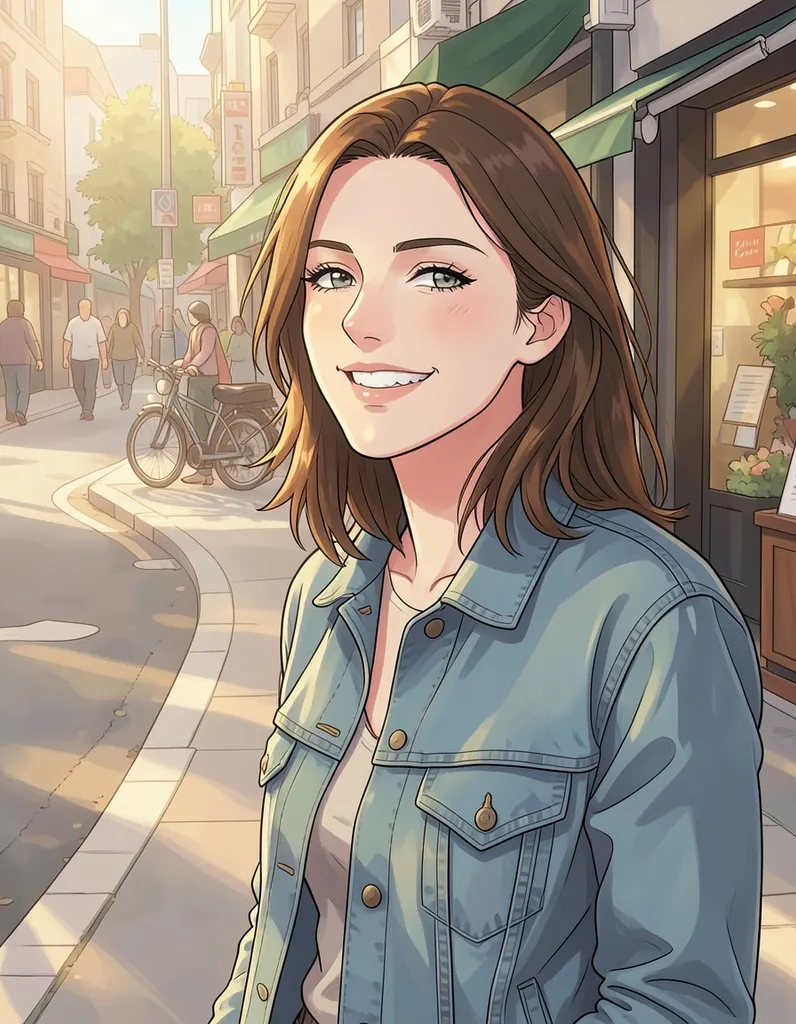
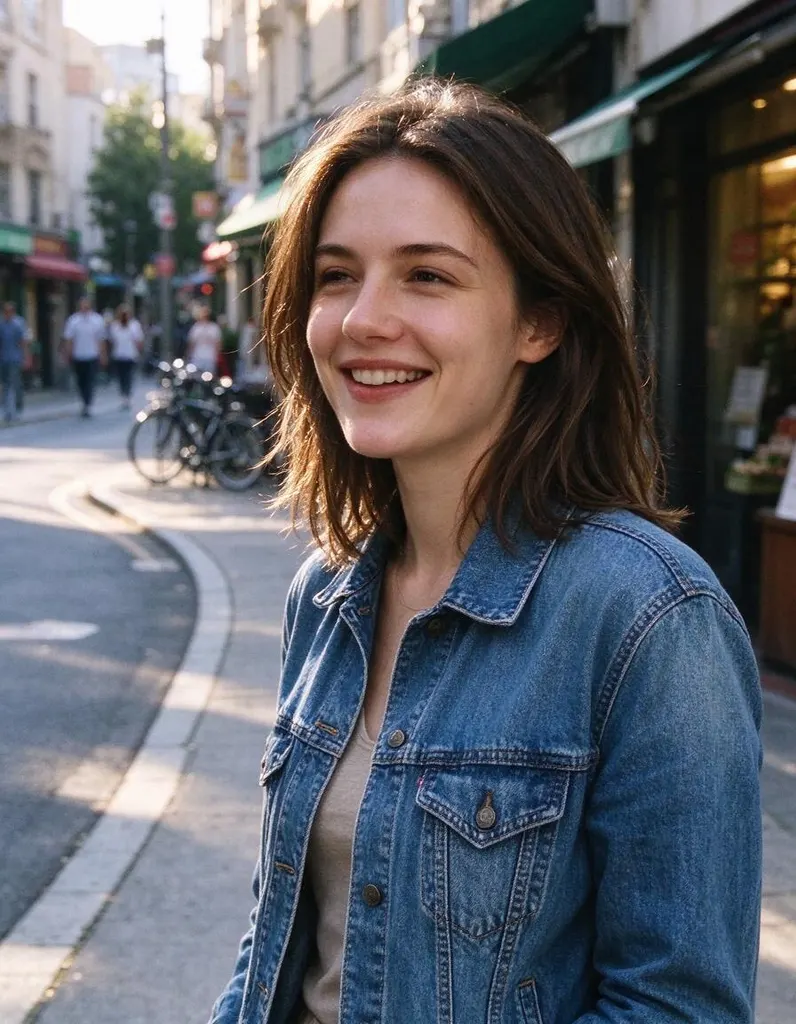
Upload a selfie and get it redrawn in a Japanese anime style – big expressive eyes, clean lines and bright colors.
- 2 credits
- Try without signing up
- No watermark with purchased credits
No sign-up needed to try. Guests get 3 free credits a day.
Pick a style
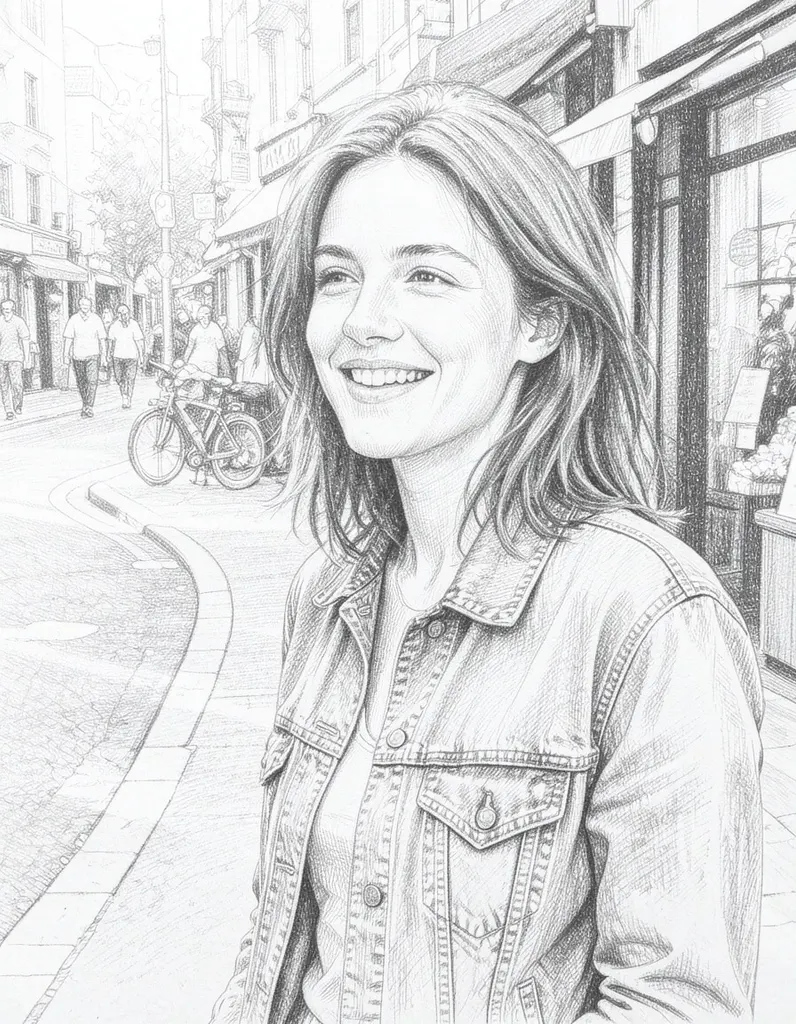
See what it does
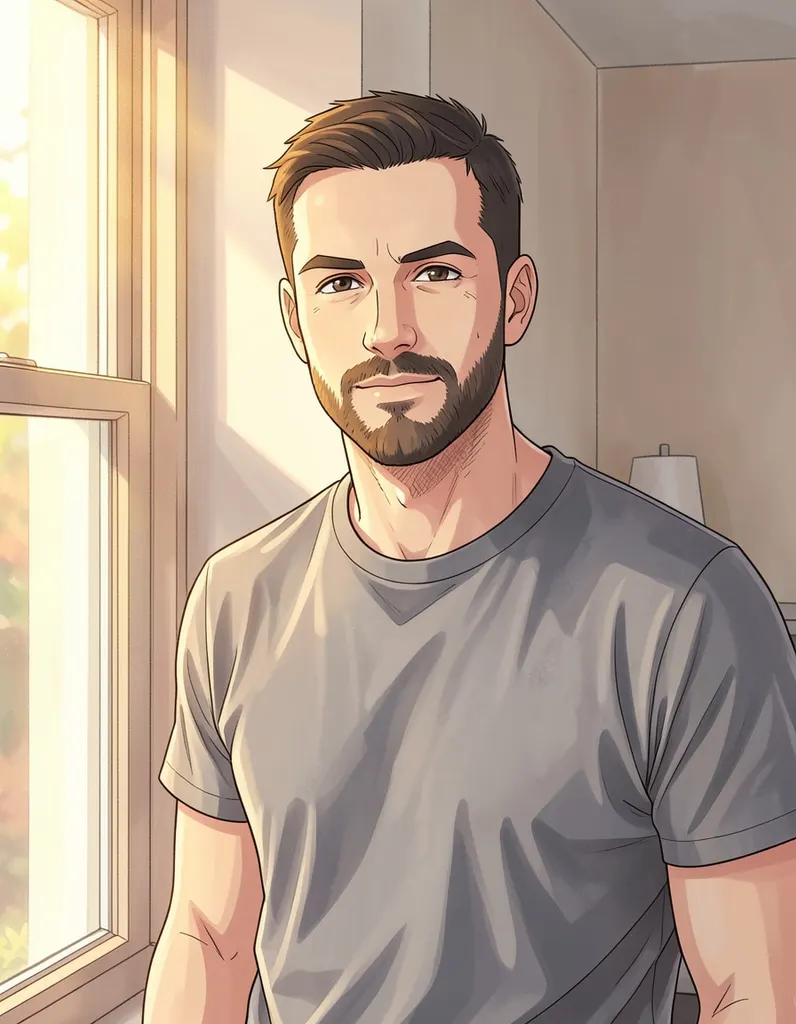
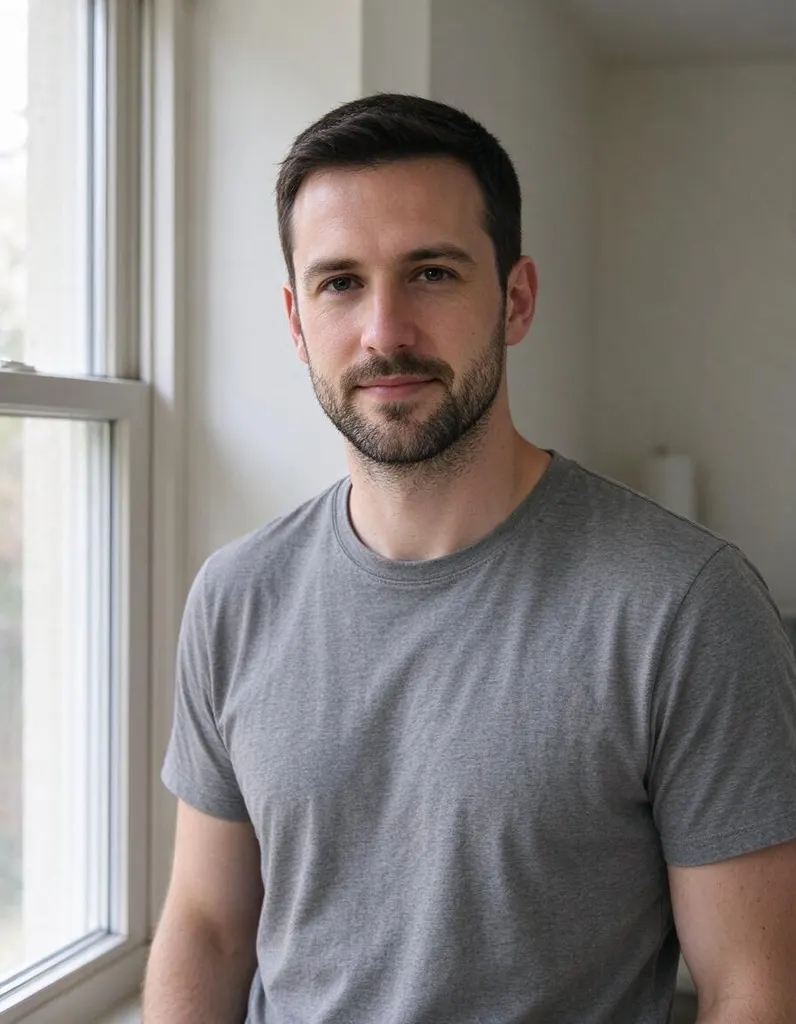
How it works
Why people use it
Anime style in one click
No prompt to write and no settings to tweak. Upload, click and get your anime version.
Made for avatars
A clean, character-like portrait that works well as a profile picture for social media, gaming or chat apps.
People and pets
Works on solo selfies, couples, groups and animals, so your cat or dog can join the anime cast too.
Simple pricing
Each photo costs 2 credits. Try it without an account using free daily credits.
Bring it to life
Send your anime picture to Image to Video and make the character blink, smile or wave.
Become an anime character
The anime filter turns a normal photo into a picture that looks like a frame from a Japanese anime series. Faces get large, expressive eyes and smooth skin, hair turns into bold, defined shapes, and colors become bright and clean. People use it for profile pictures, couple avatars, gifts for friends who love anime, and to see what their pets would look like as sidekicks.
Tips for a great anime portrait
- Use a clear face. Front-facing or slightly turned faces in good light give the most natural anime features. Sunglasses and heavy shadows hide the details the AI needs.
- Crop close for avatars. A head-and-shoulders crop puts the focus on the face and fills a round profile frame nicely.
- Keep the background simple. A busy street behind you is redrawn too. A plain wall or open sky keeps the attention on you.
- Try outfits and props. Hats, scarves, school uniforms and costumes translate well into anime and make the result feel more like a character design.
- Run it twice. The AI draws each image fresh, so a second run on the same photo can give a slightly different expression or line style.
Anime vs. other styles
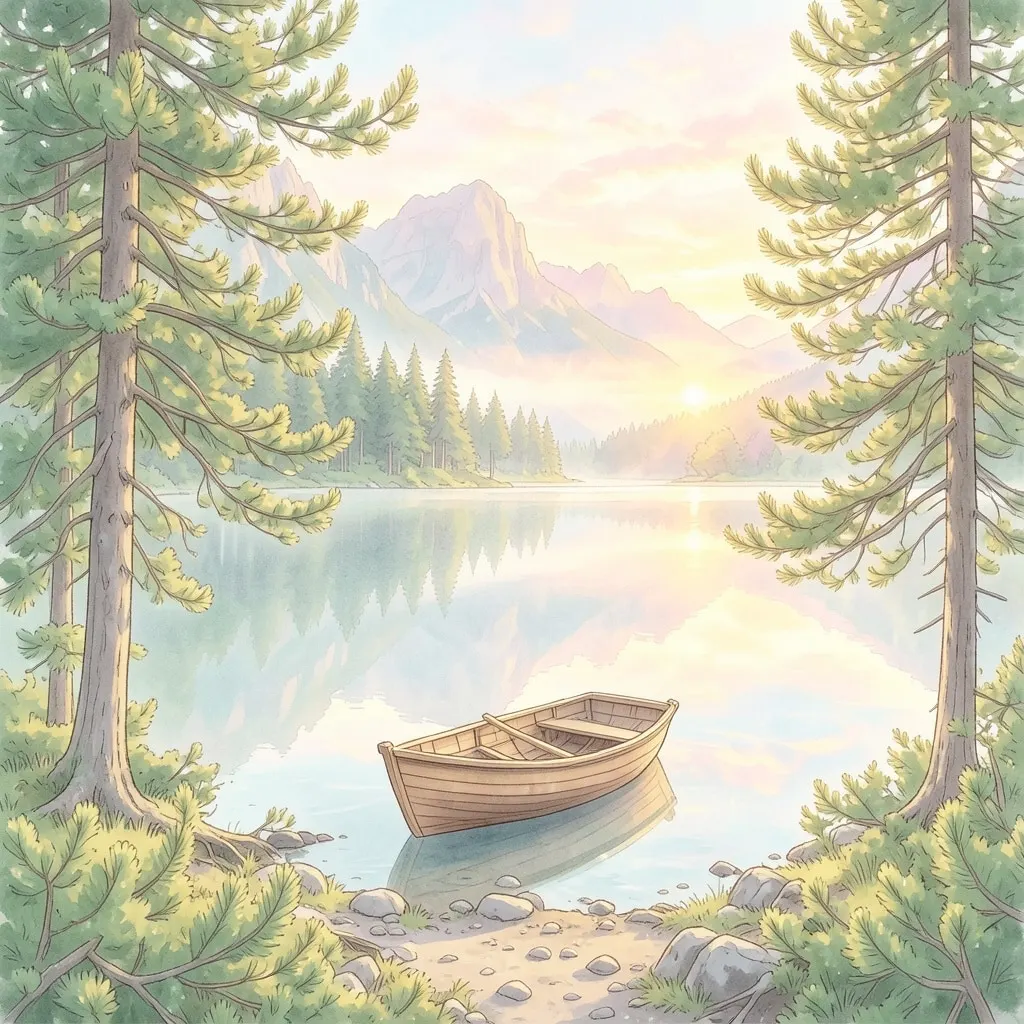
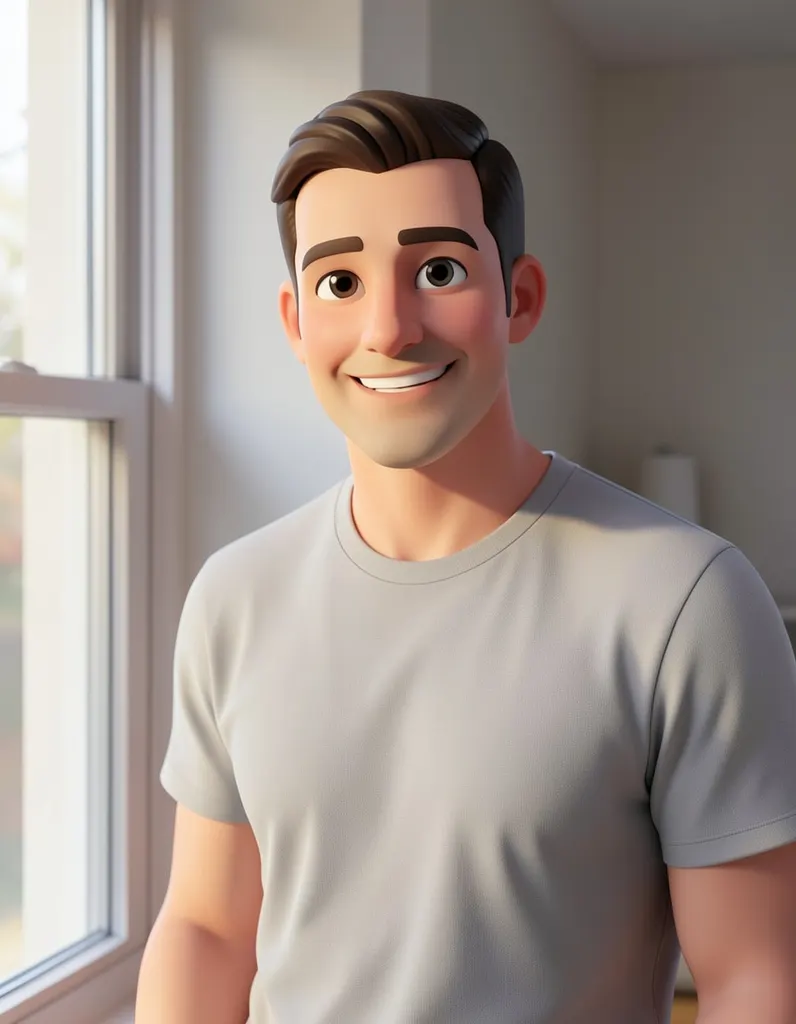
Anime gives a crisp, modern TV-series look with sharp lines. If you prefer soft, painted backgrounds and a warm storybook feel, try the Ghibli Filter. For a rounded, animated-movie character, try the Cartoon Filter. All styles are in the AI Photo Filter if you want to compare them on the same photo.
Limitations
The anime filter needs a photo to work from; to create an anime character from a text description alone, use the AI Image Generator instead. Anime art simplifies on purpose: small accessories, text on clothing and background details may change or disappear. Results made with free credits carry a small watermark; results made with purchased credits don't.
Frequently asked questions
Try next
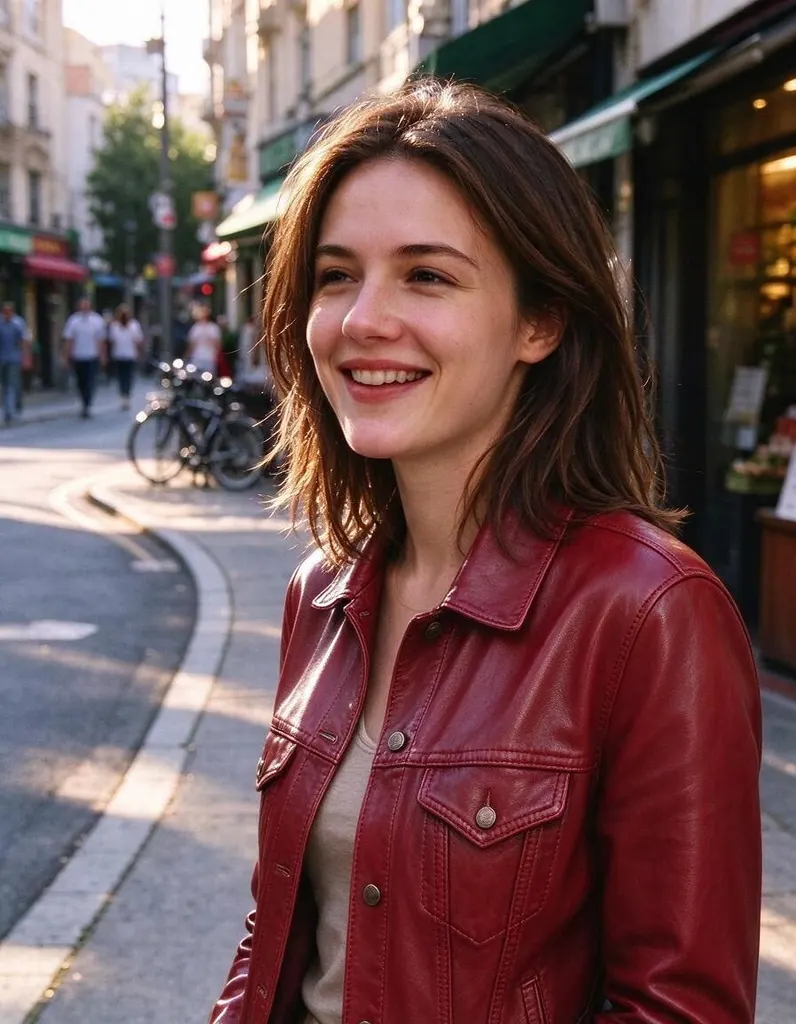 AI Photo Editor8 creditsUpload a photo, describe the edit in plain English and get the new version. No layers, no brushes, no editing skills needed.
 AI Photo Filter2 creditsPick a style, upload a photo and get it redrawn as art. No prompt to write and no sign-up needed to try it.
 AI Headshot Generator8 creditsUpload one selfie, pick a look and get a polished portrait headshot. No photographer, no studio booking.
 Hairstyle Changer8 creditsUpload a photo of yourself, describe the hairstyle you're thinking about and see it on you – no scissors, no dye.