Photo to Painting: Turn Any Photo into a Painting
Pick oil painting, watercolor, Van Gogh or ukiyo-e and the AI repaints your photo with real brush strokes. Portraits, couples, pets and places all work.
- 2credits per photo
- 22styles
- 20free credits to start
No sign-up needed to try. Guests get 3 free credits a day.
✓ Pets and group photos✓ Uploads deleted after 7 days
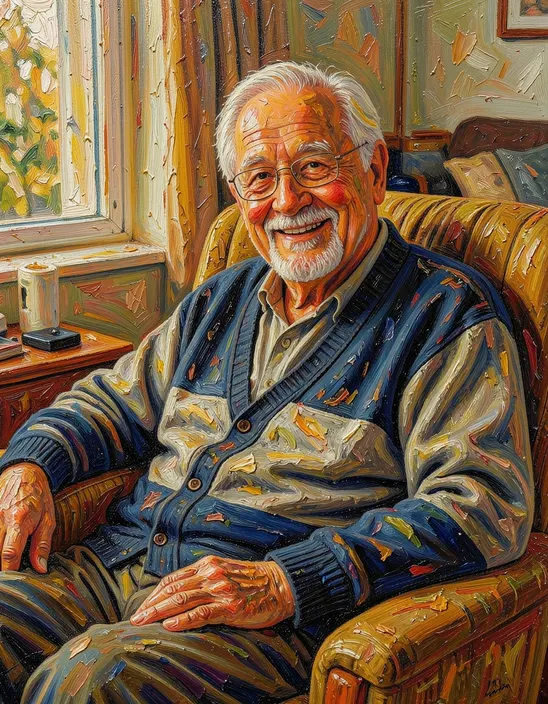
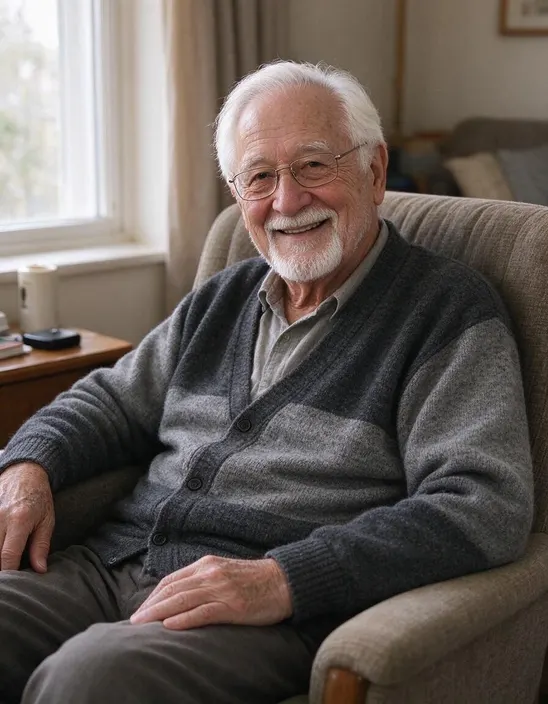
One photo, 22 styles
The same photo in every style, so you can compare at a glance. Tap one to preview it above.

Works on people, pets and places
Hover to see the original. Couples and friends stay together, and pets keep their markings.
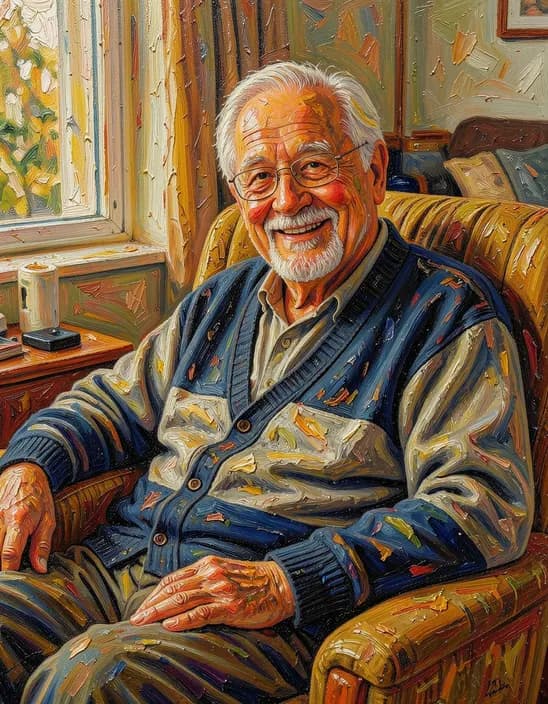
 Oil paintingOriginal
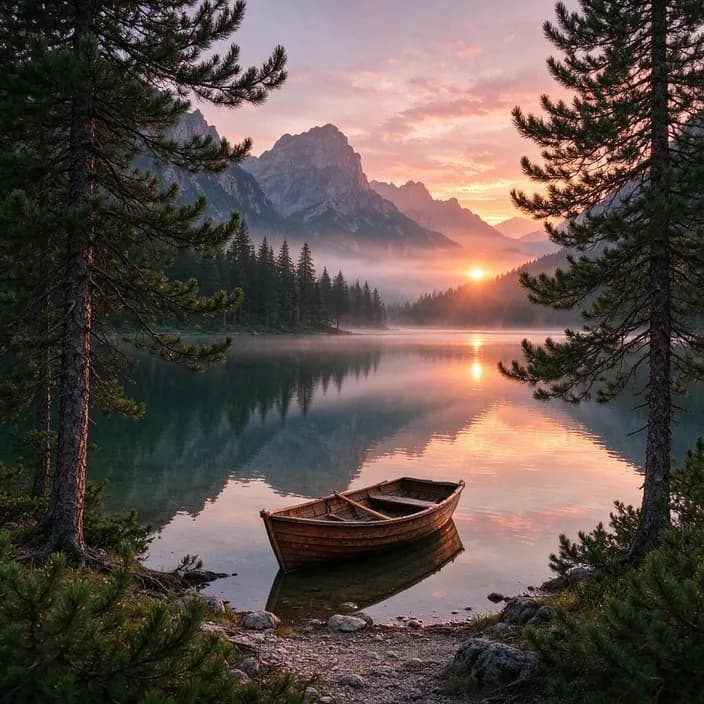 Van GoghOriginal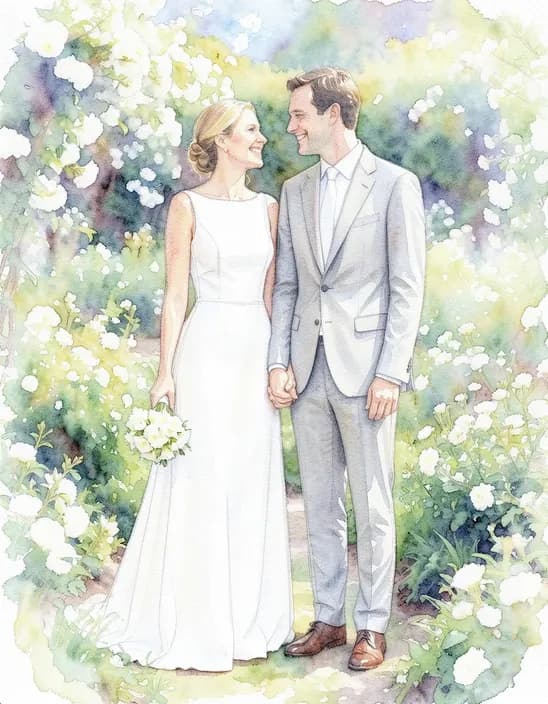
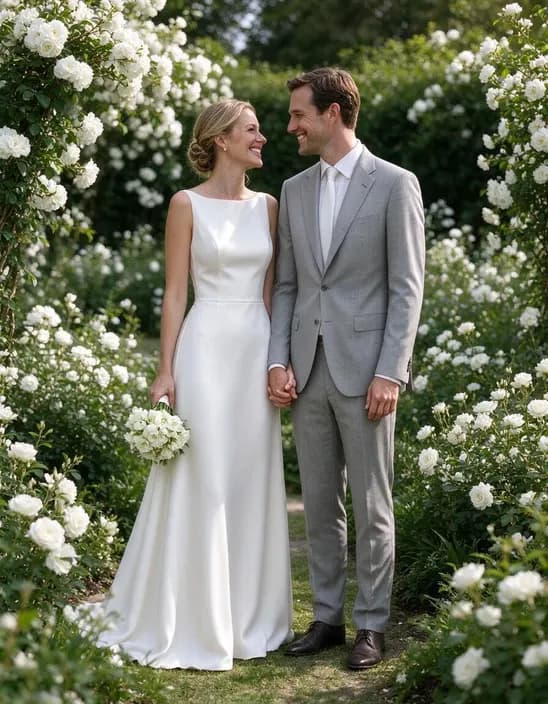 WatercolorOriginal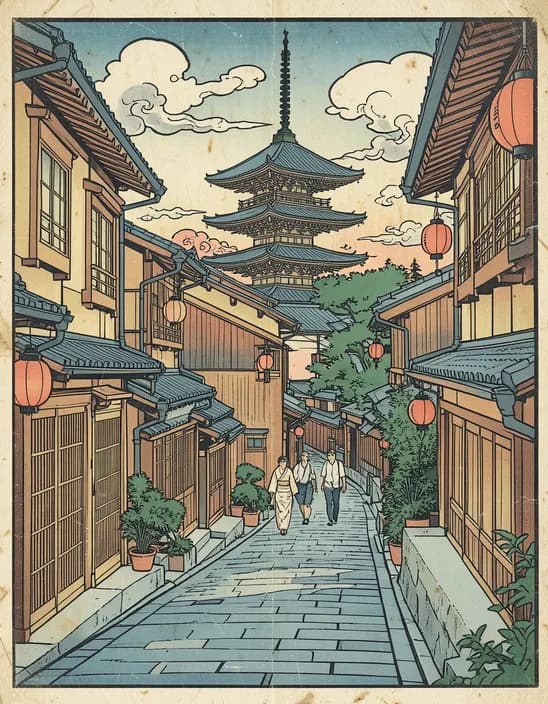
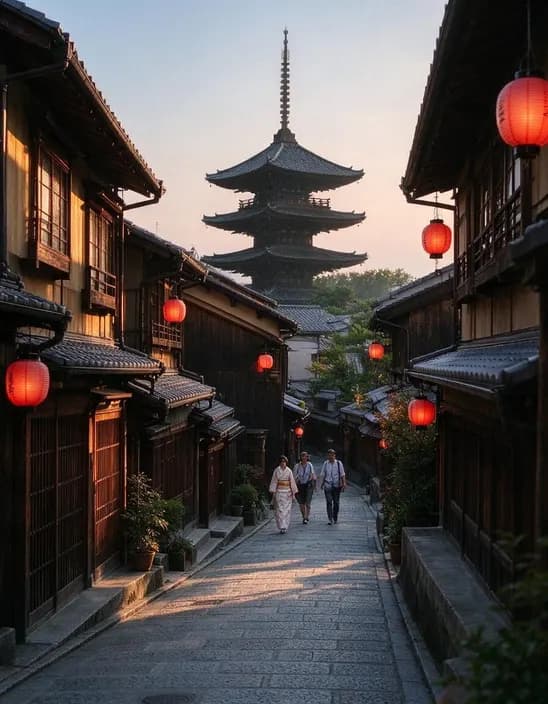 Ukiyo-eOriginal
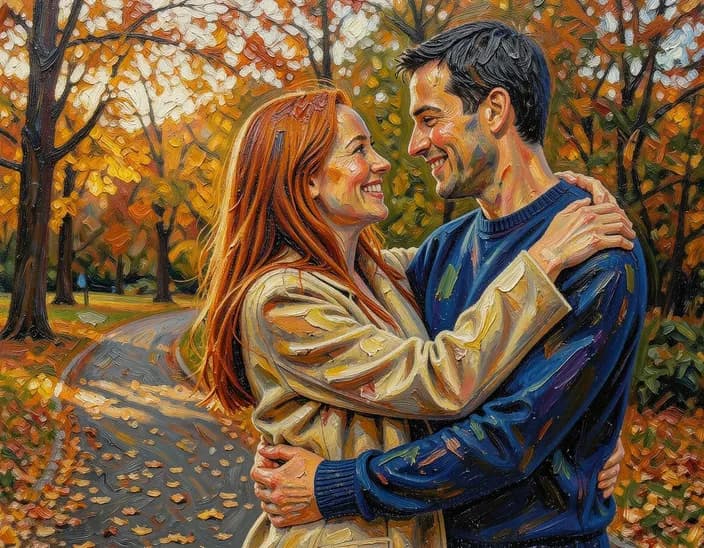 Oil paintingOriginal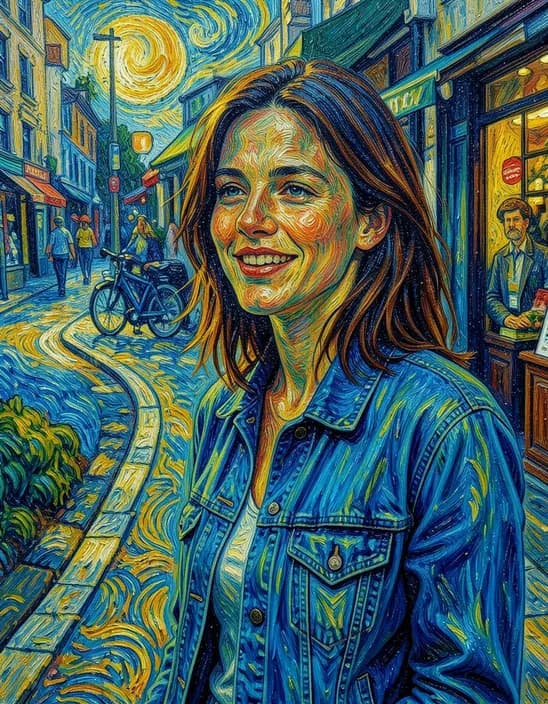
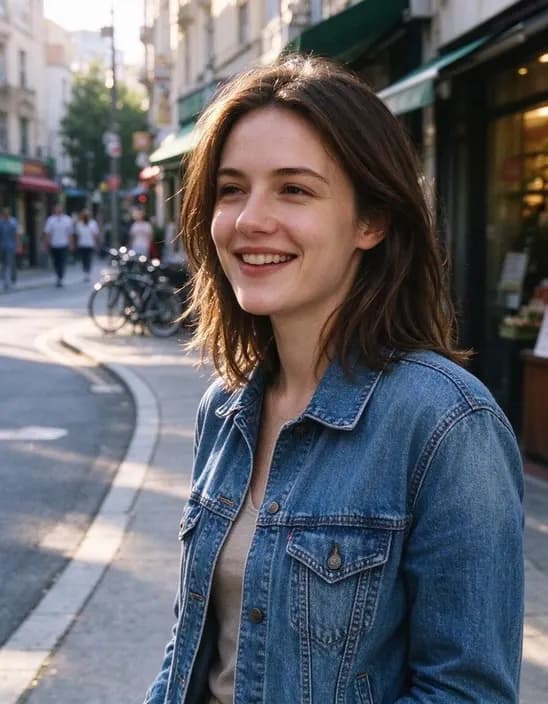 Van GoghOriginal
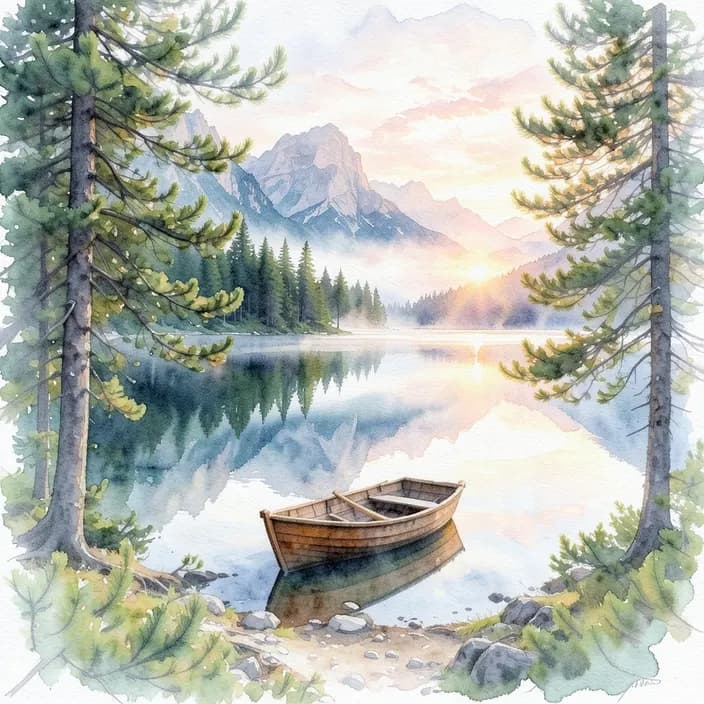 WatercolorOriginal
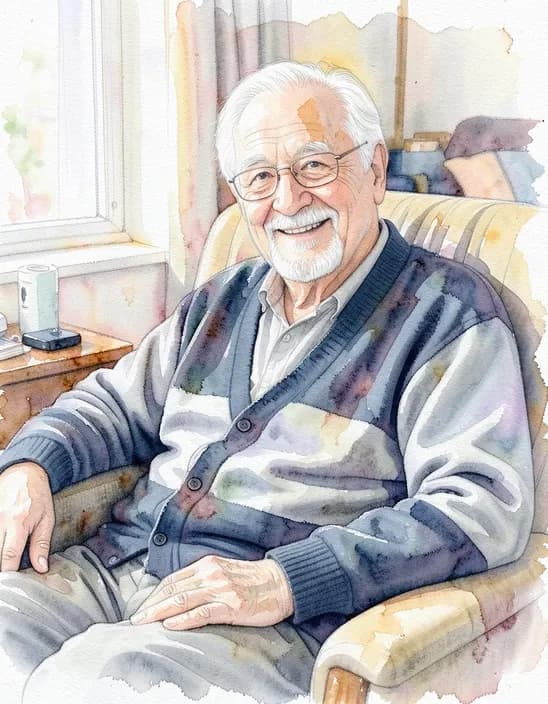 WatercolorOriginal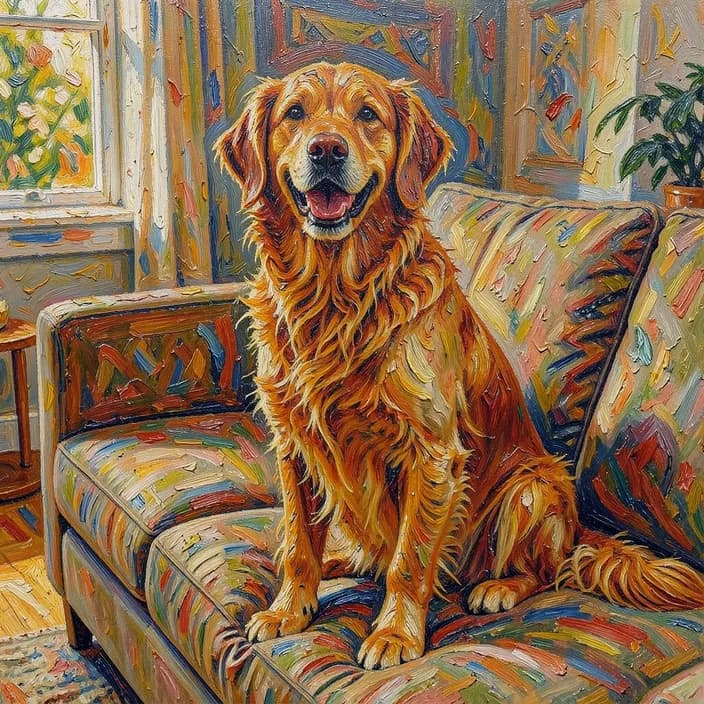
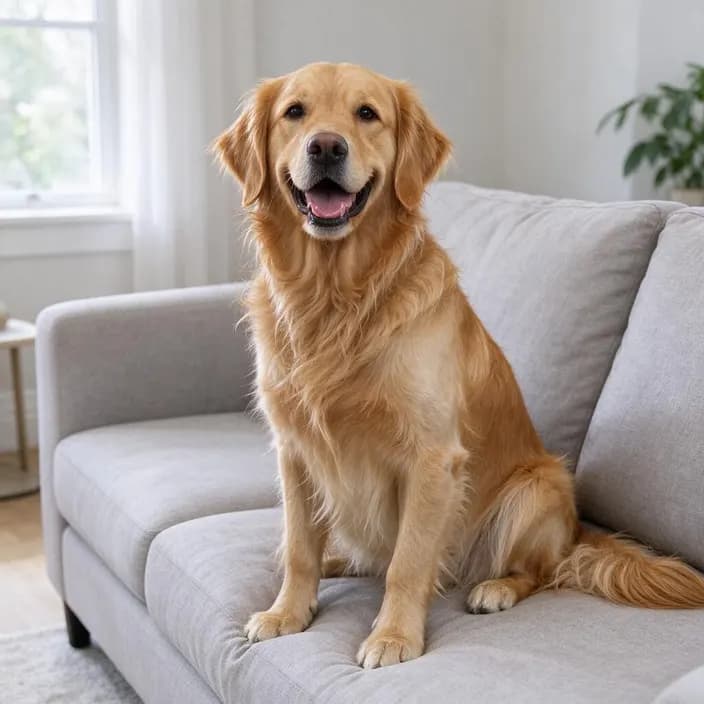 Oil paintingOriginal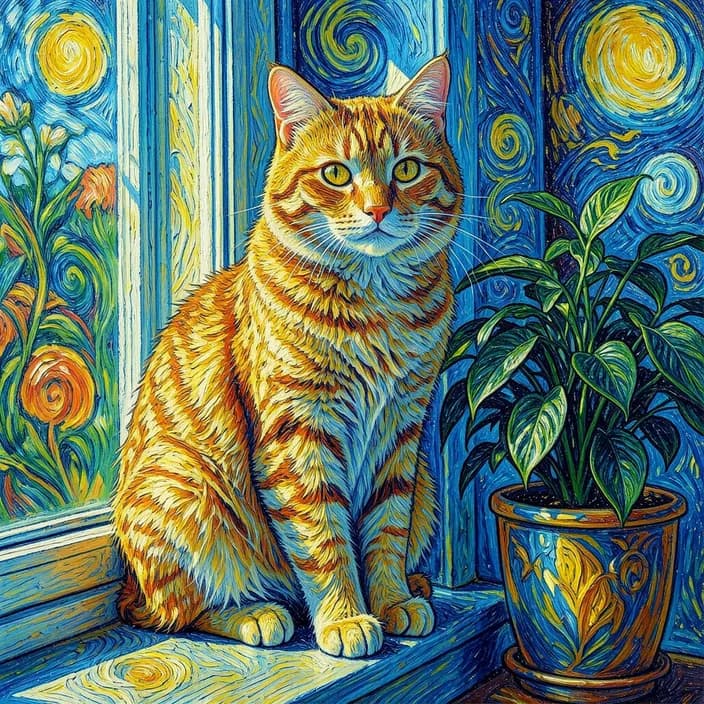
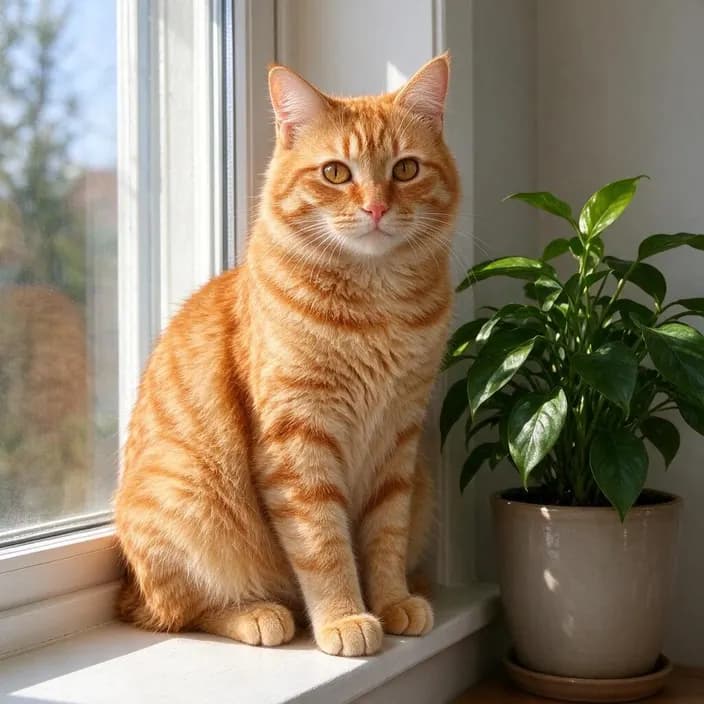 Van GoghOriginal
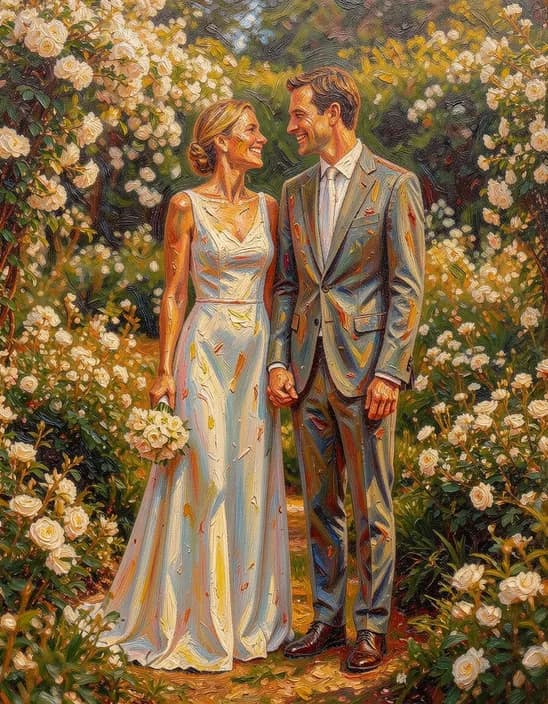 Oil paintingOriginal
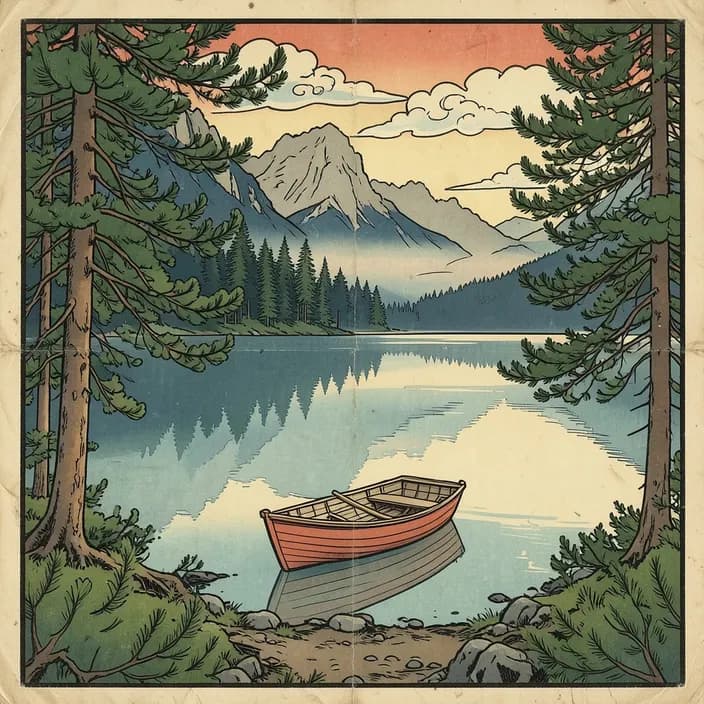 Ukiyo-eOriginal
Popular uses
Pages built around one look, each with its own examples and tips.
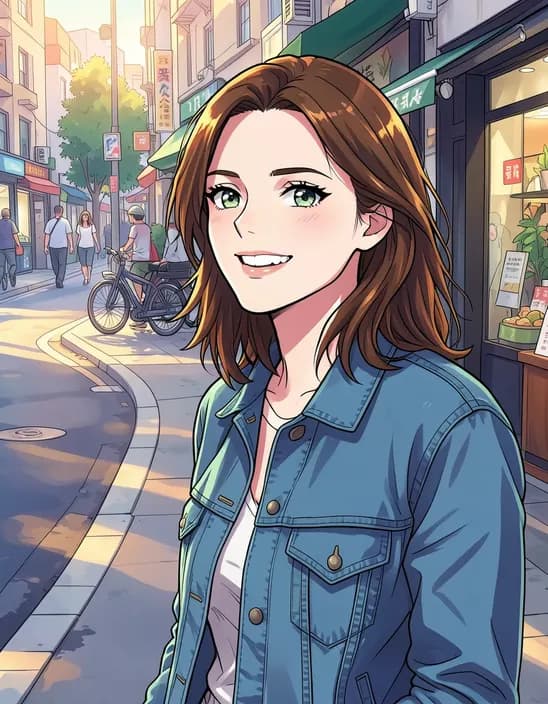 AI Photo FilterTurn a photo into anime, a 3D cartoon, a sketch, a painting or a collectible toy. Pick a style and tap once. Works on selfies, couples, group shots and pets.
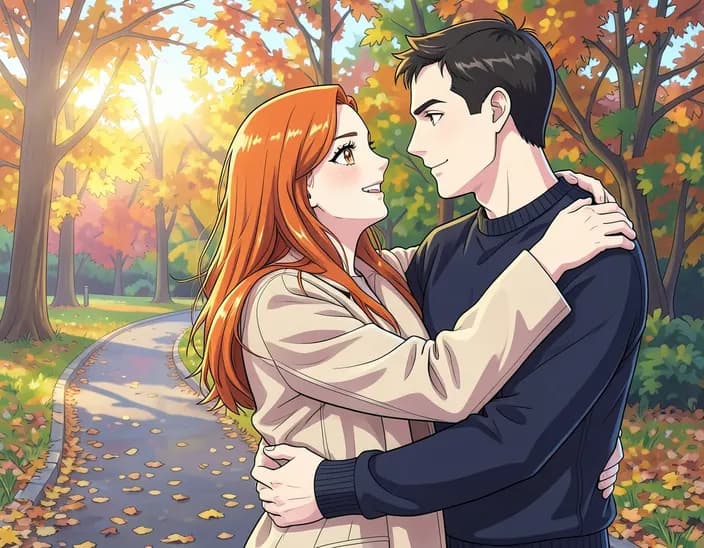 Photo to AnimeUpload a selfie and get it redrawn in a Japanese anime style – big expressive eyes, clean lines and bright colors.
 Ghibli FilterRedraw your photo in a soft, hand-painted Japanese animation style inspired by Studio Ghibli films. One click, no prompt.
 Photo to CartoonUpload a photo and get a rounded, animated-movie style 3D cartoon version of it in one click.
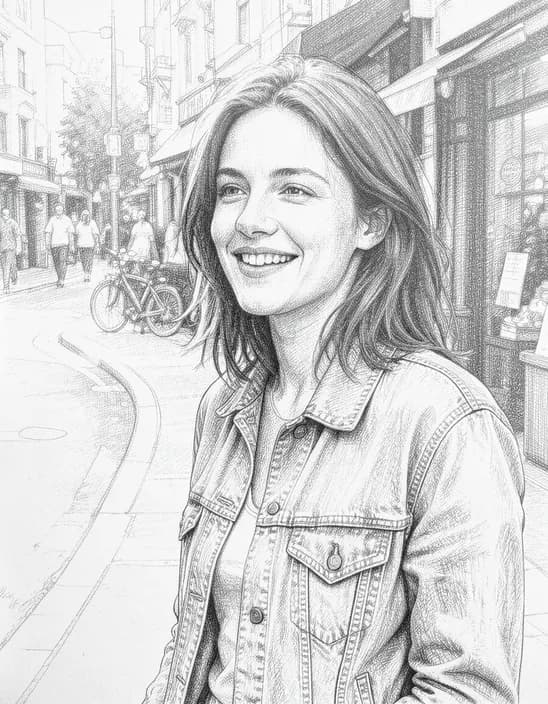 Photo to SketchUpload a photo and get it redrawn as a hand-drawn pencil sketch, with lines and shading like an artist's sketchbook.
 AI Action FigureUpload a photo, type a name for the box and get a boxed action figure with little accessories. Or pick Figurine for a collectible standing on your desk.
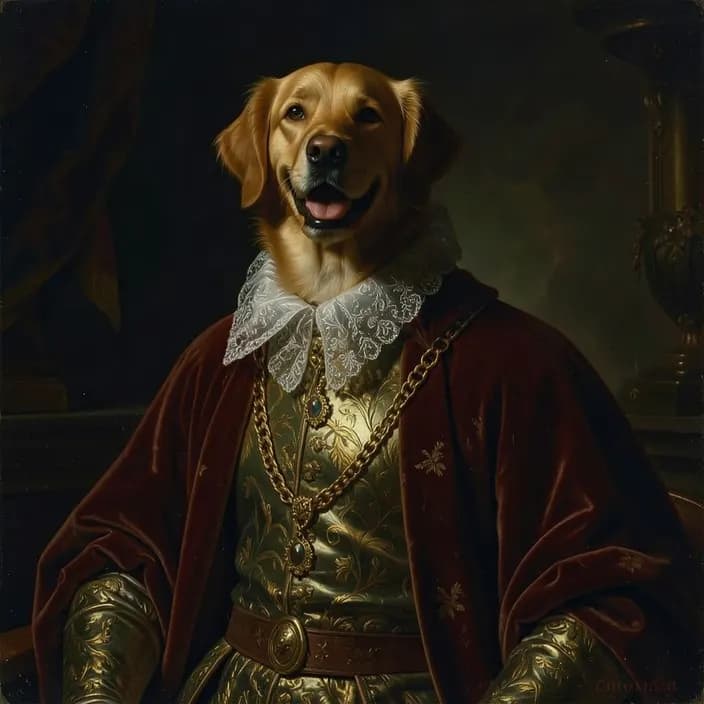 Pet PortraitUpload a photo of your dog or cat and dress them in a velvet cape for a royal portrait, or pick a cartoon, watercolor, Van Gogh or chibi look.
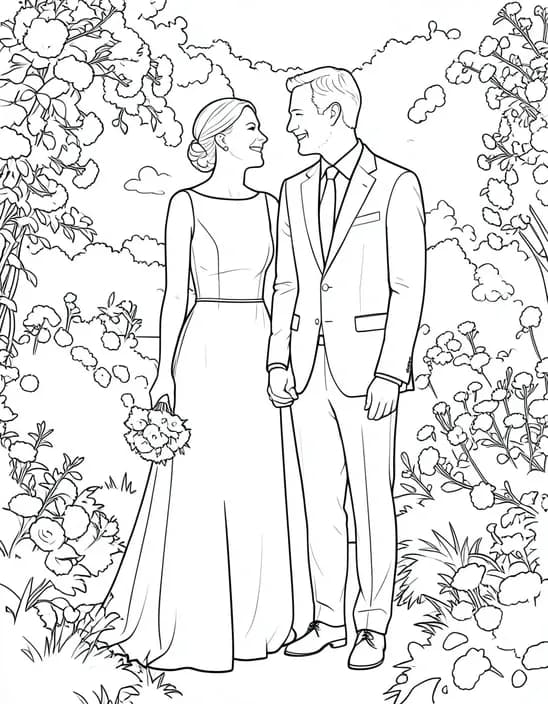 Photo to Coloring PageUpload a photo and get a clean black and white coloring page with bold outlines and no shading, ready to print.
How it works
Why people use it
Real brush strokes
Thick impasto for oil, soft washes and paper texture for watercolor, swirling strokes for Van Gogh.
Compare painting styles
Tick Compare styles to run oil, watercolor and Van Gogh on the same photo at once.
Made to hang on the wall
Upscale the result for a canvas, a poster or a framed gift.
People, pets and places
Portraits, couples, weddings, pets, landscapes and city streets all turn into paintings.
One price per painting
Each painting costs 2 credits. Try it without an account using free daily credits.
From photo to painting in seconds
Turning a photo into a painting used to mean commissioning an artist. Now you can pick a style and let the AI repaint your picture: an oil portrait of your grandparents, a watercolor of your wedding, a Van Gogh version of your favorite trip. It's a simple way to make a gift, decorate a wall or just see a familiar photo in a new light.
Which style suits your photo
- Oil painting for portraits and family photos: warm colors and thick, visible brush strokes.
- Watercolor for weddings, flowers and landscapes: soft washes with white paper showing through.
- Van Gogh for skies, fields and night scenes: bold swirls in blues and yellows.
- Ukiyo-e for travel and nature: a Japanese woodblock print with flat colors.
- Stained glass for something striking: glowing jewel tones inside black lead lines.
Tips
Choose a sharp photo with clear shapes and good light. Painting styles simplify small details, so a strong subject and a clean background work best. Use Compare styles to try three or four looks on the same photo, then keep your favorite. For a pencil drawing instead, try Photo to Sketch; for your pet, see Pet Portrait. All styles are in the AI Photo Filter.
Limitations
The AI paints in the style rather than copying the photo, so faces are stylized and small details like text or jewelry may change. Van Gogh refers to the painter's public-domain style; the result is a new image, not a copy of any painting. Results made with free credits carry a small watermark; results made with purchased credits don't.
Frequently asked questions
Try next
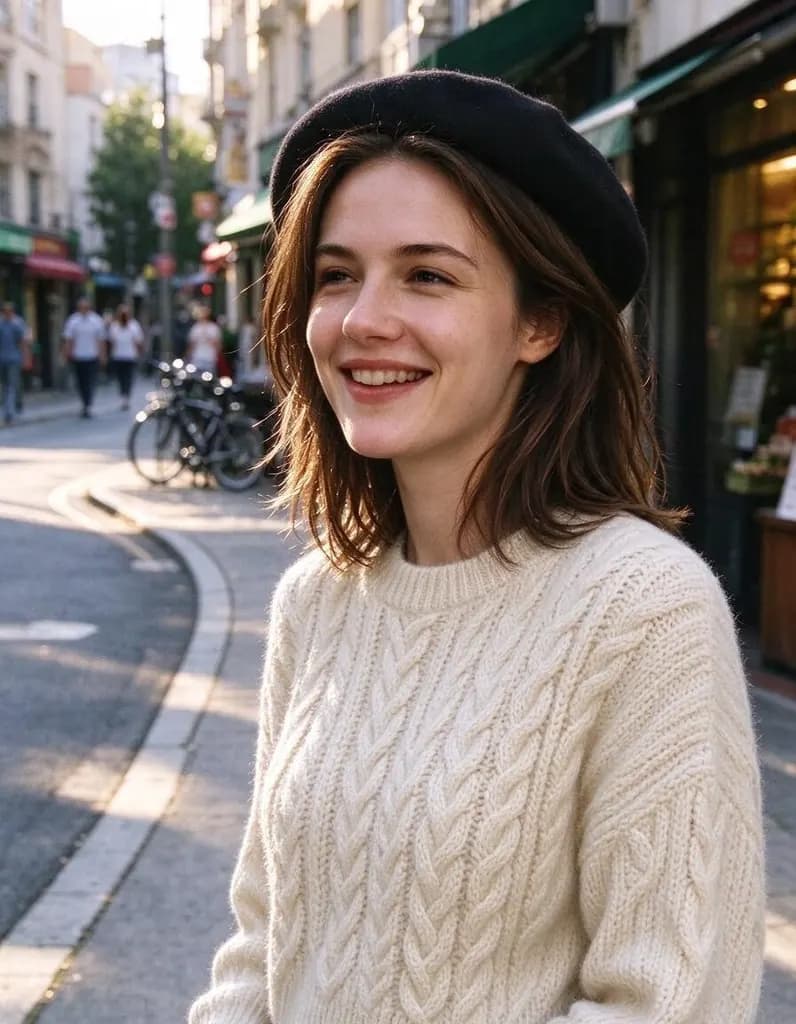 AI Photo Editor8 creditsUpload a photo and say what to change. Swap an outfit, move it to a new place, add or remove things, change the season. The rest of the photo stays the same.AI Photo Filter2 creditsTurn a photo into anime, a 3D cartoon, a sketch, a painting or a collectible toy. Pick a style and tap once. Works on selfies, couples, group shots and pets.
 AI Headshot Generator8 creditsUpload one selfie, pick a look and get a polished portrait headshot. No photographer, no studio booking.
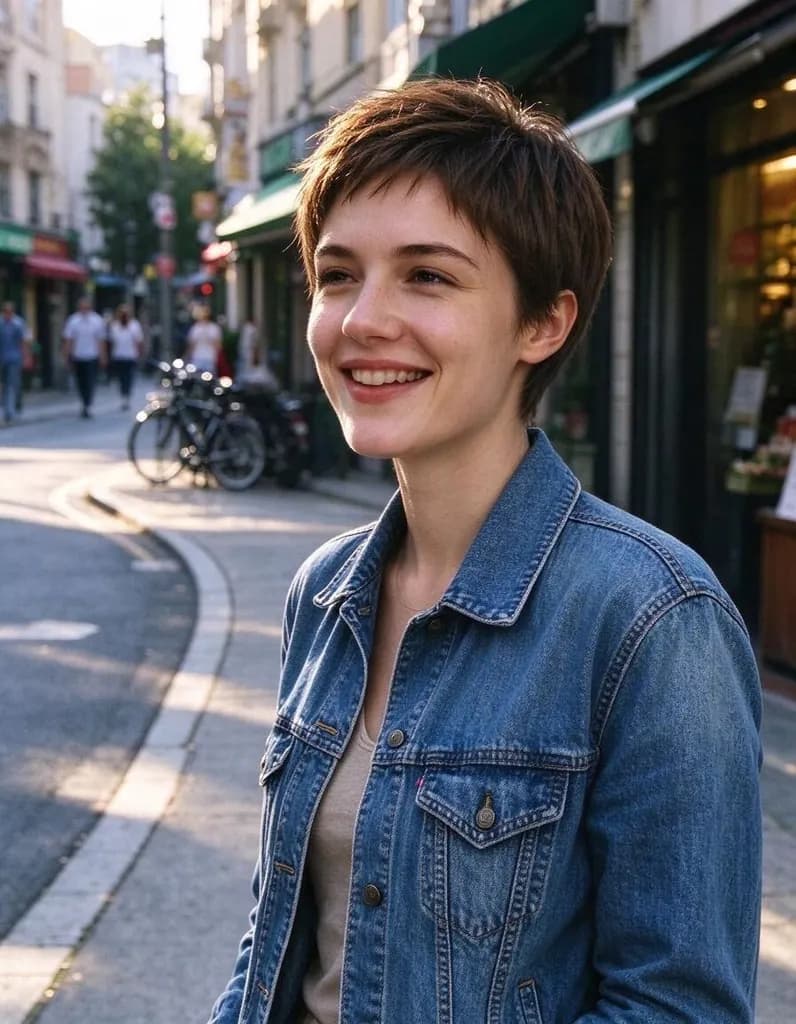 Hairstyle Changer8 creditsUpload a photo of yourself, describe the hairstyle you're thinking about and see it on you – no scissors, no dye.