Ghibli Filter: Your Photo as a Hand-Painted Anime Scene
Redraw your photo in a soft, hand-painted Japanese animation style inspired by Studio Ghibli films. One click, no prompt.
- 2 credits
- Try without signing up
- No watermark with purchased credits
No sign-up needed to try. Guests get 3 free credits a day.
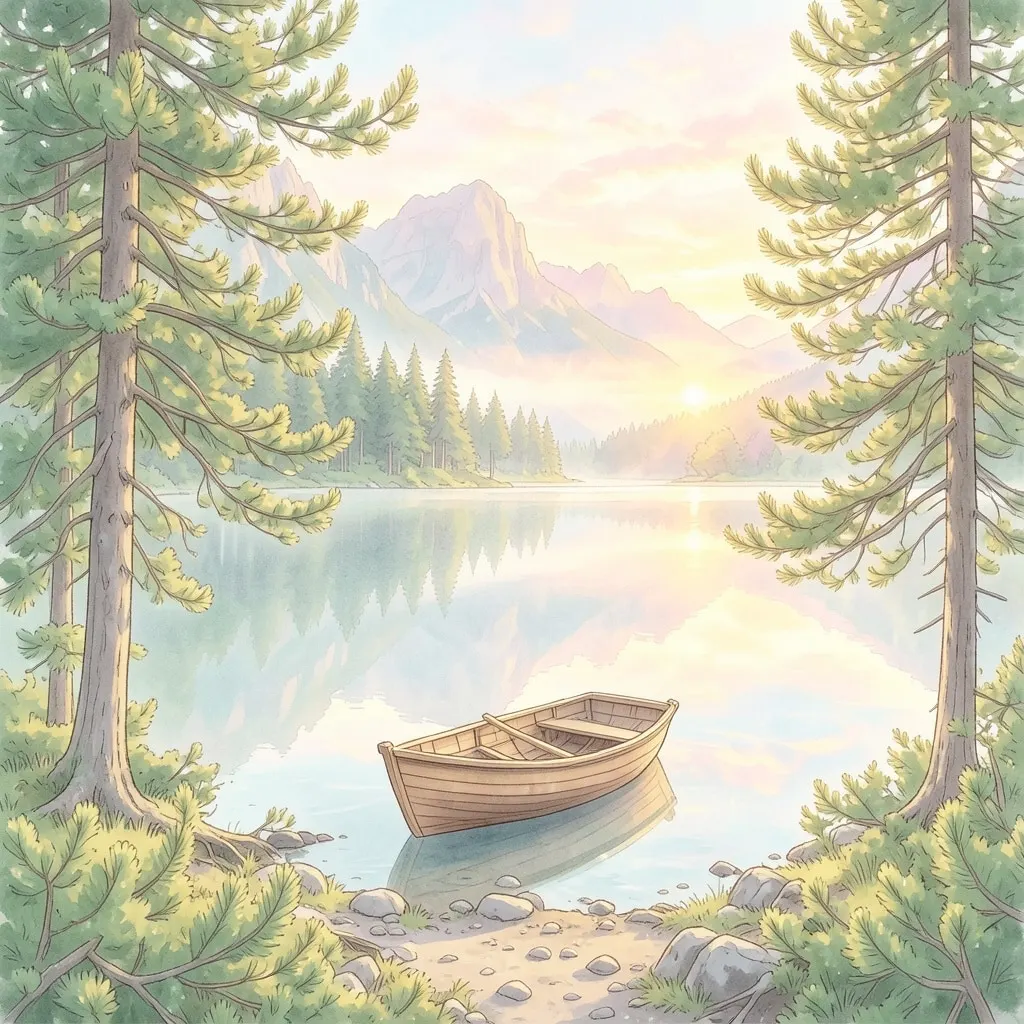
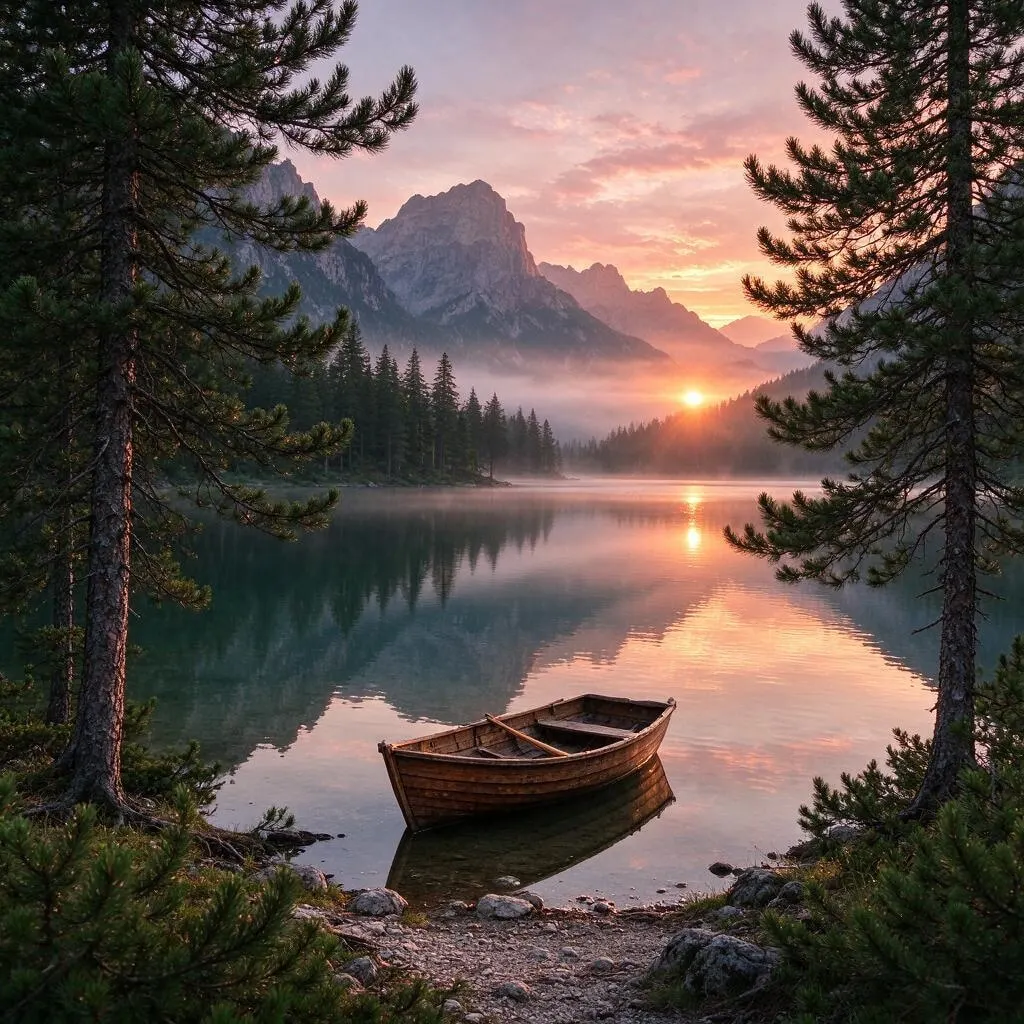
Pick a style
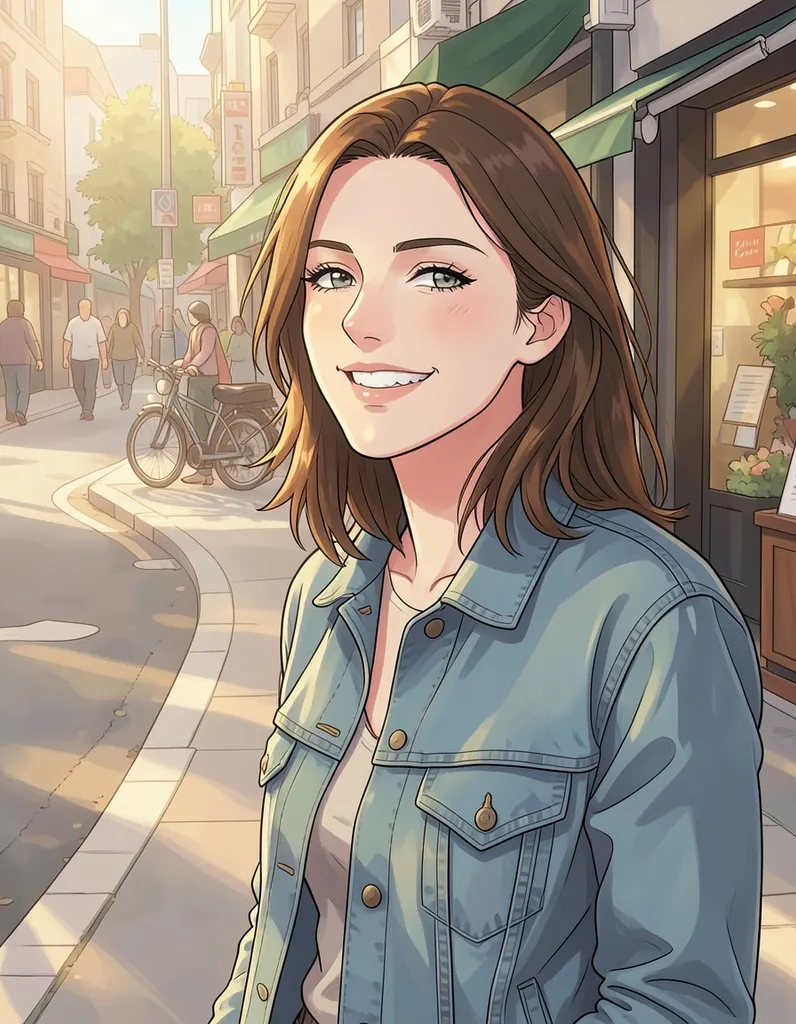
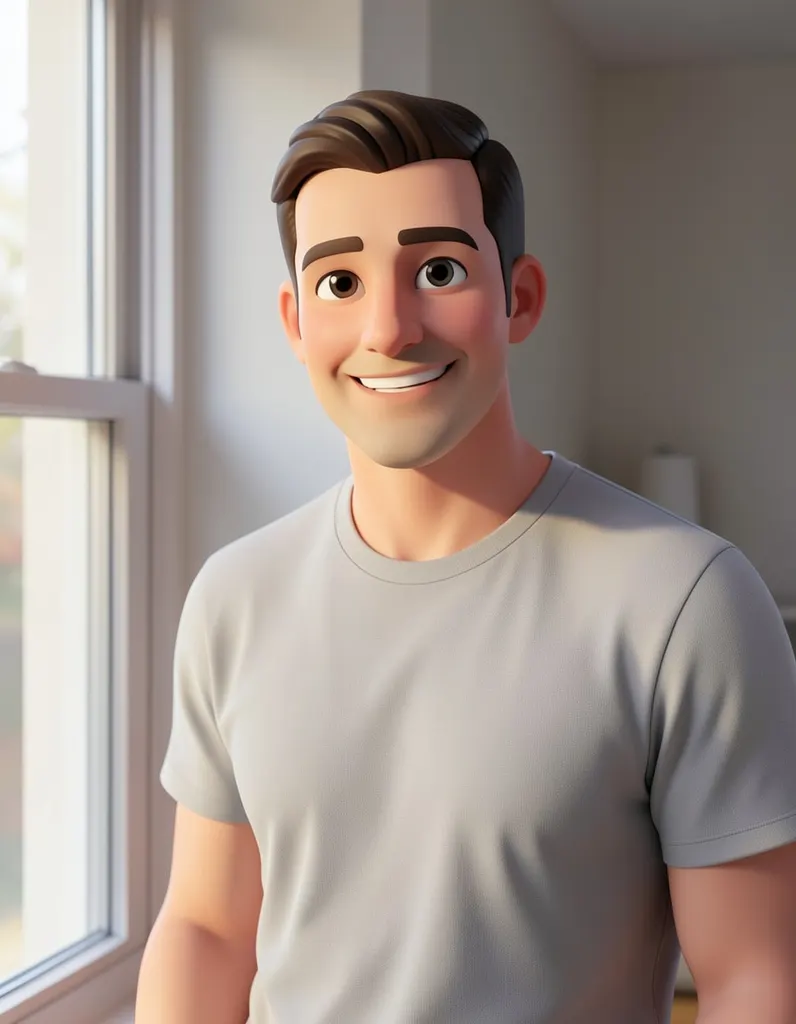
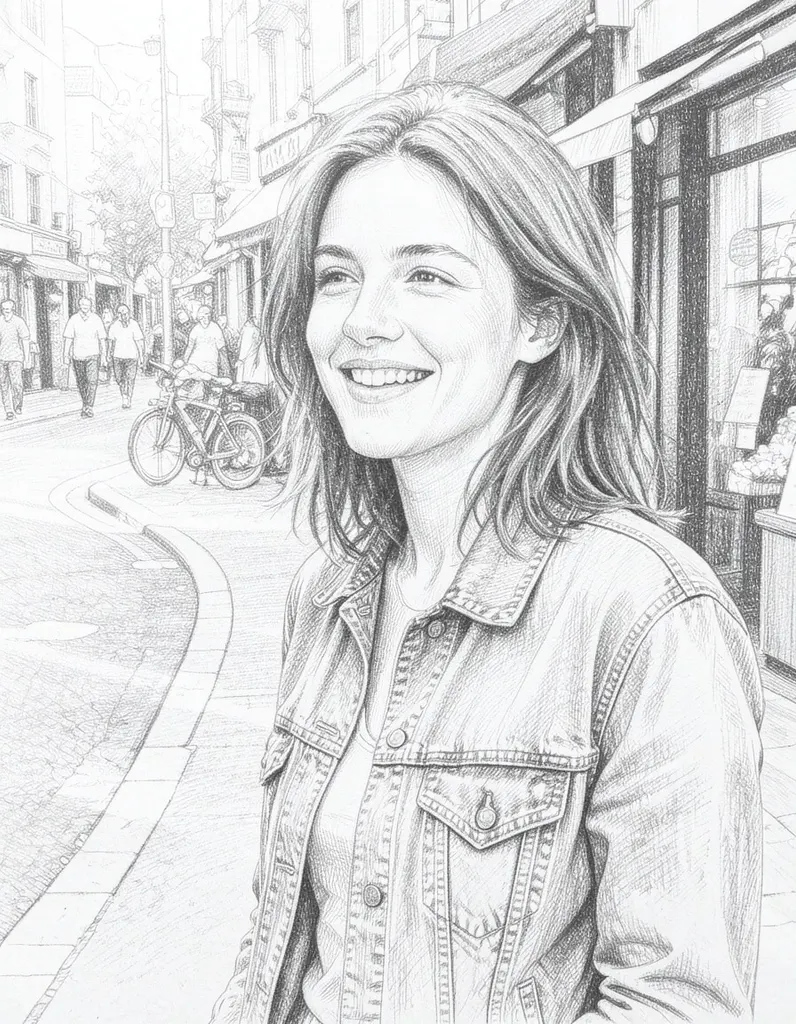
See what it does
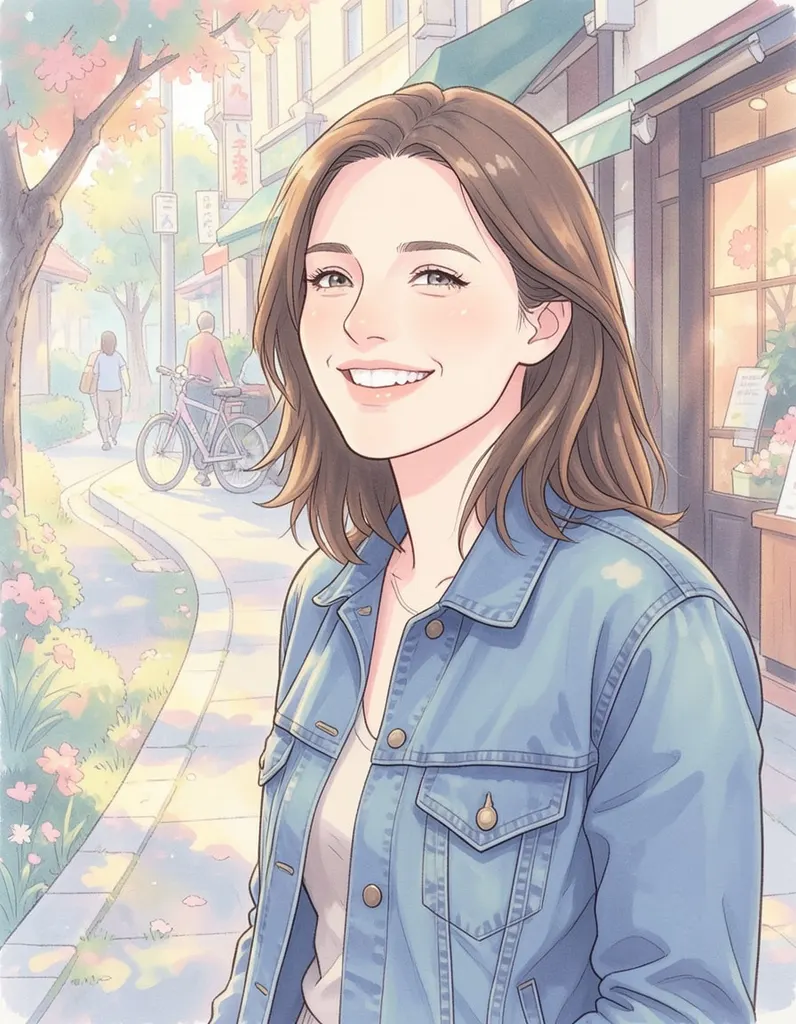
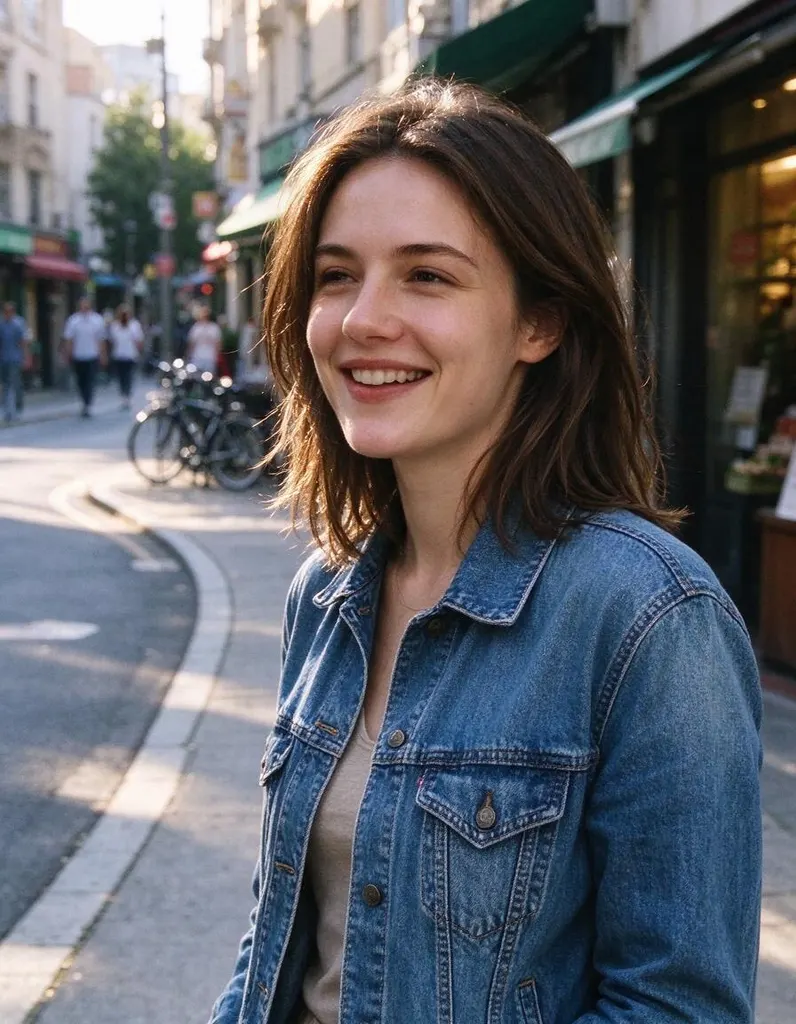
How it works
Why people use it
Hand-painted look
Soft brushwork, watercolor-like skies and warm, gentle colors in the style of classic Japanese animated films.
Great for scenery
Gardens, mountain trails, seaside towns and quiet streets turn into calm, storybook-like backgrounds.
People and pets too
Portraits and pets become gentle, characterful figures that fit right into the painted world.
Simple pricing
Each photo costs 2 credits. Try it without an account using free daily credits.
Bring the scene to life
Send the result to Image to Video to make leaves rustle, clouds move or a character turn around.
Your photo, painted like an animated film
The Ghibli filter repaints an ordinary photo in a hand-painted Japanese animation style inspired by Studio Ghibli films. Skies get soft, layered clouds, greenery turns lush and painterly, and light feels warm and calm. It is a lovely way to turn a holiday snapshot, a walk in the countryside or a quiet afternoon at home into something that looks like a still from an animated movie.
Photos that suit this style
- Landscapes and travel shots. Rolling hills, forests, coastlines, small towns and train stations are where this style feels most at home.
- Everyday moments. A kitchen table, a bike leaning against a fence or a window with plants can become a cozy, storybook scene.
- Family and pets. People and animals in natural settings look like characters walking through a painted world.
- Golden-hour light. Photos taken in soft morning or evening light give the warmest, most atmospheric results.
Tips for a painterly result
Shoot or choose photos with plenty of sky and natural textures, since those are what the painted style transforms most. Keep the horizon level and the subject not too small. If a portrait feels too plain, try a wider shot with more of the surroundings in frame – this style is as much about the setting as the person. You can run the same photo again for a slightly different painting.
A note on the name
"Ghibli filter" is a popular way to describe this look. This page is an independent tool and is not connected with Studio Ghibli; the style is our own AI preset inspired by hand-painted animation. Fine details such as text, logos and small objects may change or simplify. Results made with free credits carry a small watermark; results made with purchased credits don't.
Frequently asked questions
Try next
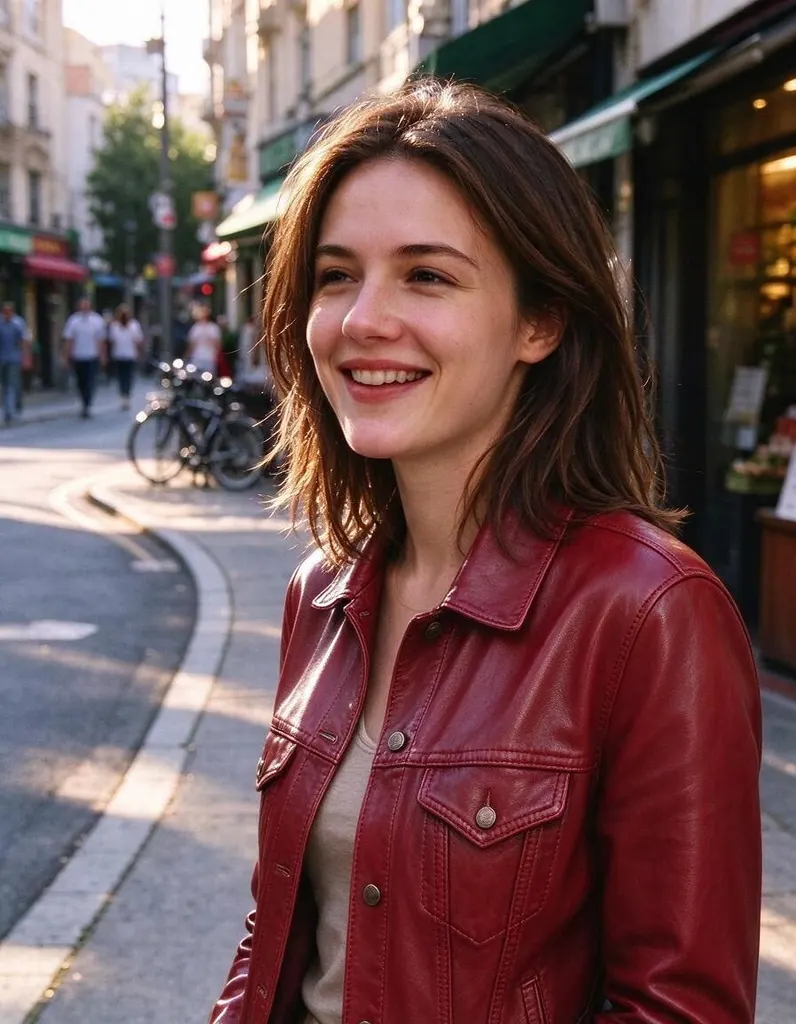 AI Photo Editor8 creditsUpload a photo, describe the edit in plain English and get the new version. No layers, no brushes, no editing skills needed.
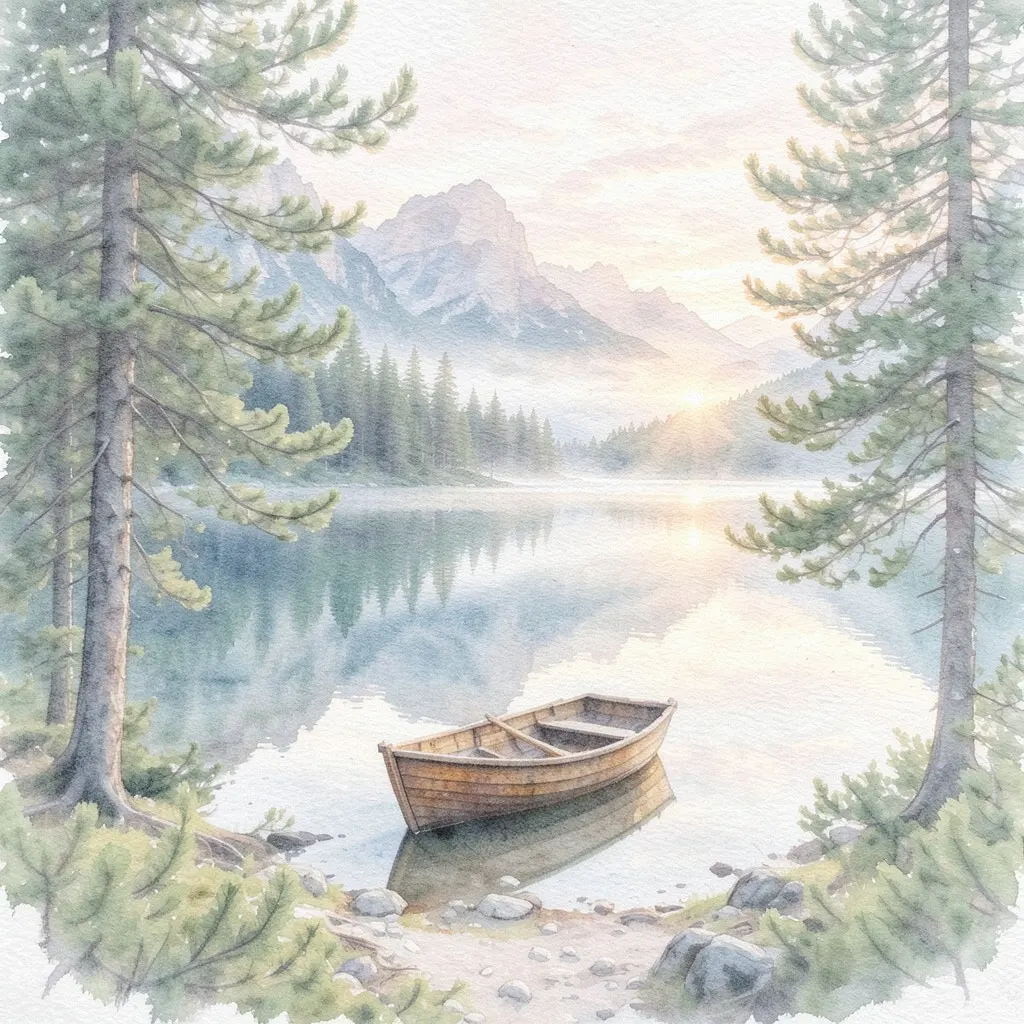 AI Photo Filter2 creditsPick a style, upload a photo and get it redrawn as art. No prompt to write and no sign-up needed to try it.
 AI Headshot Generator8 creditsUpload one selfie, pick a look and get a polished portrait headshot. No photographer, no studio booking.
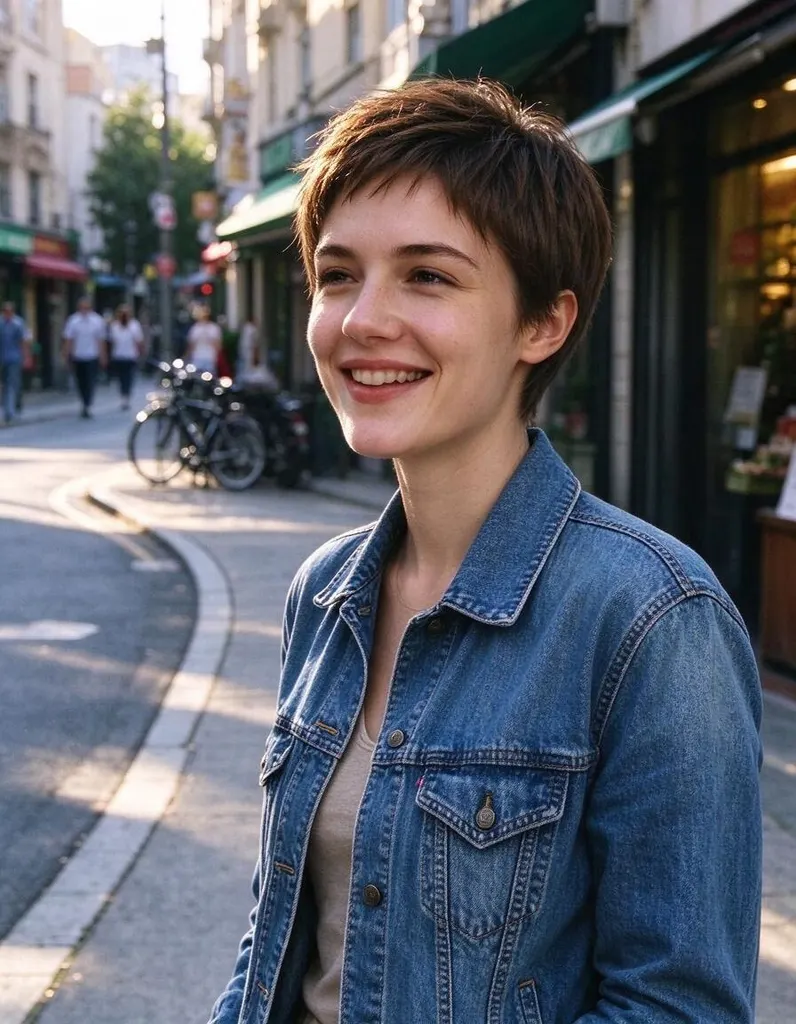 Hairstyle Changer8 creditsUpload a photo of yourself, describe the hairstyle you're thinking about and see it on you – no scissors, no dye.
Not affiliated with or endorsed by Studio Ghibli. Style names are used for descriptive purposes only.